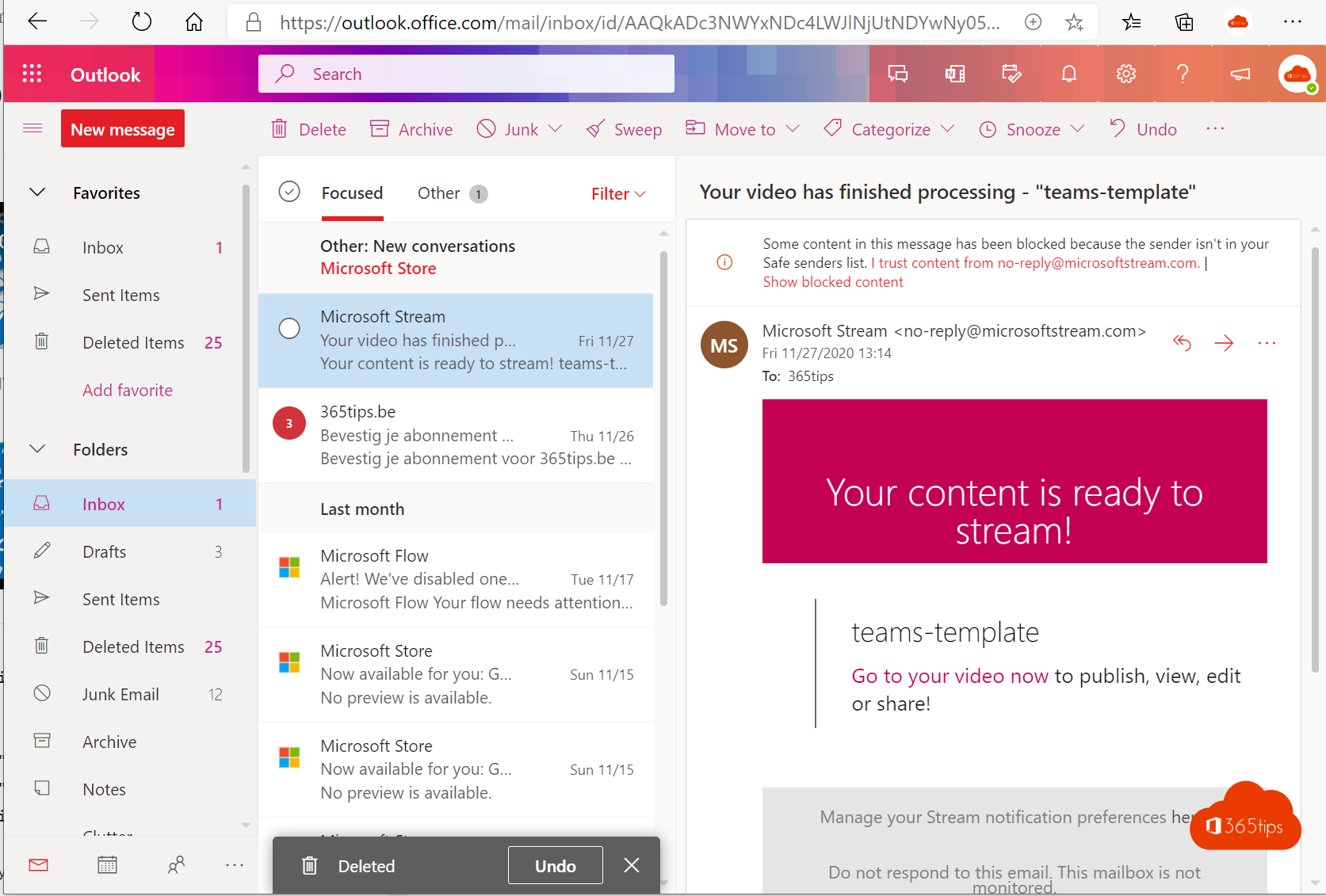
We all use Outlook every day, but it has plenty of features that save time. Here are the most useful tips for email in Outlook, with links to the full guides.
Keep your inbox under control
- Rules: move newsletters and alerts to a folder automatically.
- Pin and flag: pin important emails to the top or flag them for follow-up.
- Snooze: make an email pop back to the top later.
- Focused Inbox: turn it on or off. Read how.
- Search: use
from:,subject:orhasattachments:yesin the search box.

Write smarter
- Delay send: schedule an email for later. Read how.
- Recall a message if you hit send too soon. Read how.
- Signature with your details and a Teams link. Read how.
- BCC for a large group of recipients. Read how.
- An @mention in the body adds someone as a recipient and stands out.
Collaborate
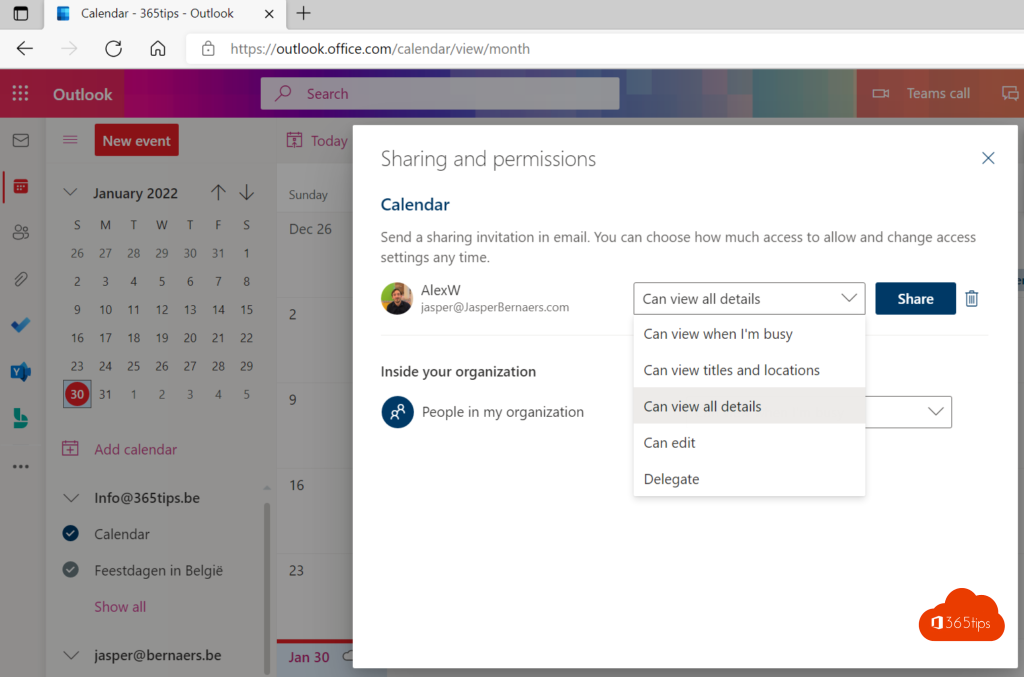
- Share to Teams: send an email to a chat or channel. Read how.
- Files as links instead of attachments, so everyone edits the same version.
- Automatic replies for your holiday. Read how.

Read also
Schedule, delay or undo sending an email in Outlook
Recall an email in Outlook with Exchange Online
Turn off Focused Inbox in Outlook, per user or for everyone
Nederlandstalige versie: De handigste tips voor e-mail in Microsoft Outlook
More in English
▸Set up or change your email signature in OutlookCreate or change your email signature in the new Outlook, on the web, in classic Outlook and on mobile.…
▸Show and use the BCC field in OutlookShow the BCC field in the new Outlook, on the web, in classic Outlook and on mobile. When to use To, CC or…
▸Set an automatic reply (Out of Office) in OutlookSet an out-of-office reply in the new Outlook, on the web, in classic Outlook or on your phone. Separate…
▸The new Outlook for Windows: switching and what changesSwitch to the new Outlook for Windows, see what's new and what to watch out for with add-ins and PST…