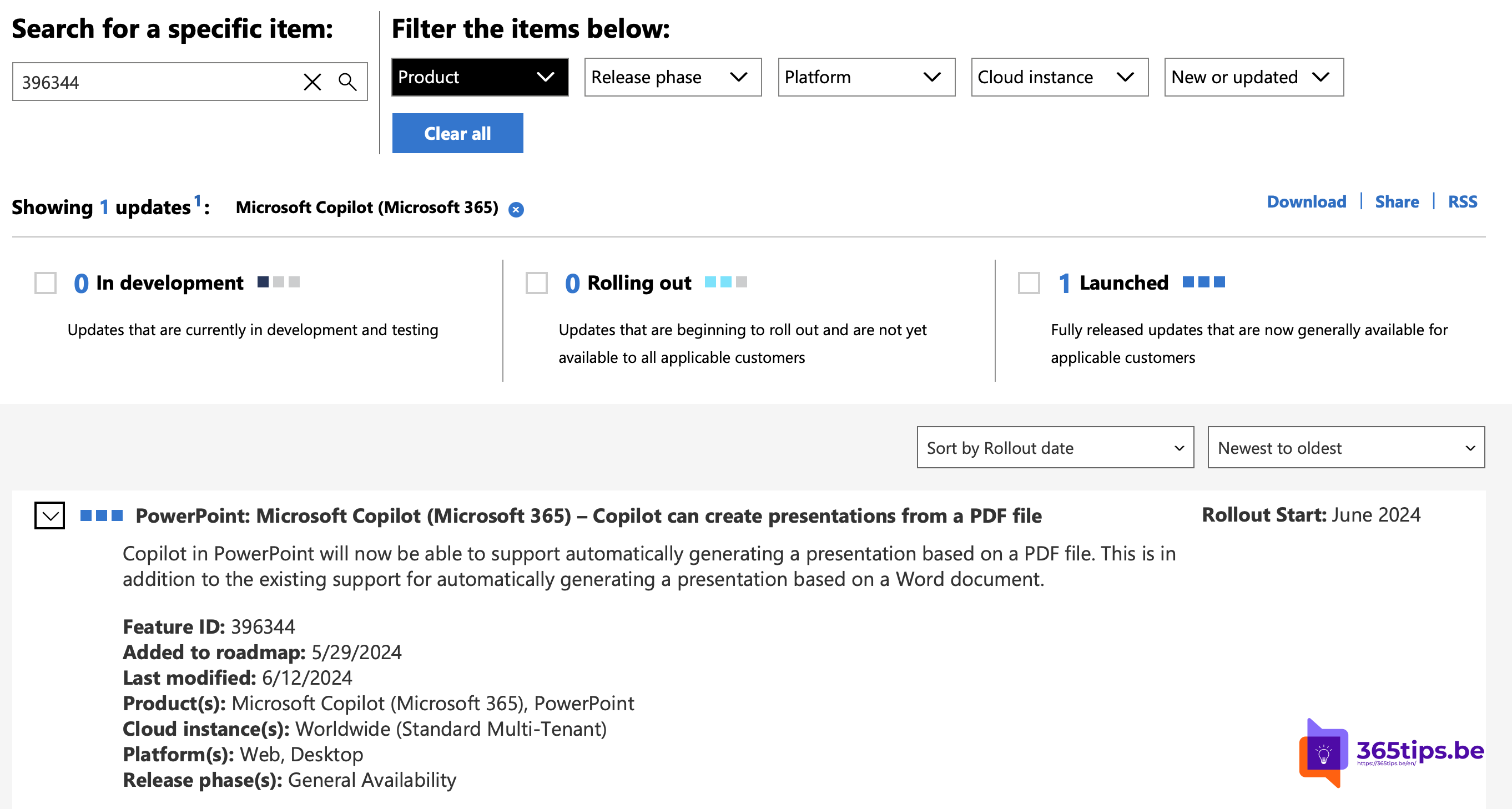
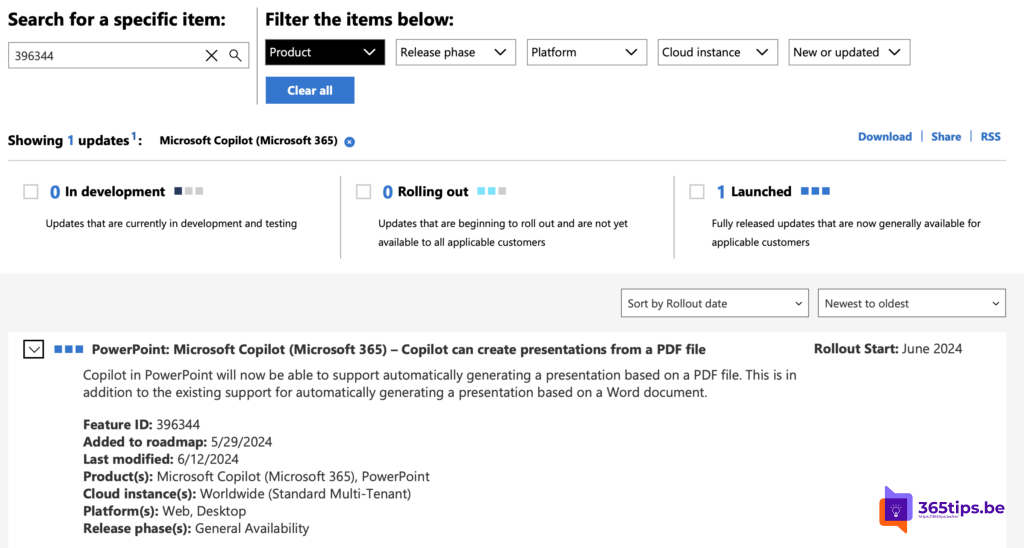
Got a report, a proposal or a study as a PDF or Word document, and need to turn it into a presentation? With Copilot in PowerPoint you can create a first version from that file in a few minutes, then finish it yourself.
Creating a presentation from a file is no longer a new feature but a standard part of Copilot in PowerPoint. You need a Microsoft 365 Copilot license (or a personal plan that includes Copilot). Buttons and labels can differ per version.
What do you need?
- PowerPoint for Windows, Mac or the web, kept up to date.
- Access to Copilot in PowerPoint through your license.
- The source file (PDF or Word) stored in OneDrive or SharePoint, so Copilot can find it.
Create a presentation from a file
- Open PowerPoint and start a new, blank presentation.
- Click Copilot on the Home tab or in the prompt that appears.
- Choose an option such as Create presentation from file, or type "Create a presentation from" and pick the file (the exact label can differ).
- Select your PDF or Word file from the list or search for it.
- Copilot may first suggest an outline of topics. Adjust it and click Generate.
- Copilot builds the slides with titles, bullet points, images and often speaker notes.
After generating
- Check the content: make sure figures, names and conclusions match the original.
- Adjust the design: apply your organization's theme or template and use Designer for better layouts.
- Ask Copilot for changes: for example "Add a slide with next steps" or "Make slide 3 shorter".
- Share the presentation via OneDrive, Teams or a link.
Tips for a better result
- A well-structured source file with clear headings gives a better presentation.
- Very large documents can be too long; split them if needed.
- Scanned PDFs without real text work less well.
- Copilot is a starting point. You remain responsible for the content.
Also see what is Microsoft 365 Copilot and present PowerPoint in Microsoft Teams.
Nederlandstalige versie: Een PowerPoint-presentatie maken vanuit een PDF of Word-bestand met Copilot
Related articles
▸Save a Word document as PDF on Windows, Mac and the webSave a Word document as PDF in Word for Windows, Mac or the web. Options for bookmarks, PDF/A, smaller files…
▸Present better with Speaker Coach in PowerPoint and TeamsRehearse your presentation with Speaker Coach (formerly Presenter Coach) in PowerPoint and get private tips…
▸Brainstorm with Copilot in Microsoft WhiteboardLet Copilot in Whiteboard suggest ideas, group notes and summarize a board. What you need and how it works.
▸Present Live in PowerPoint is gone: use PowerPoint LivePresent Live in PowerPoint for the web no longer exists. Here's how to present interactively with PowerPoint…
▸What is Microsoft 365 Copilot and which versions exist?Microsoft 365 Copilot is the AI assistant in Word, Excel, PowerPoint, Outlook and Teams. What it can do…