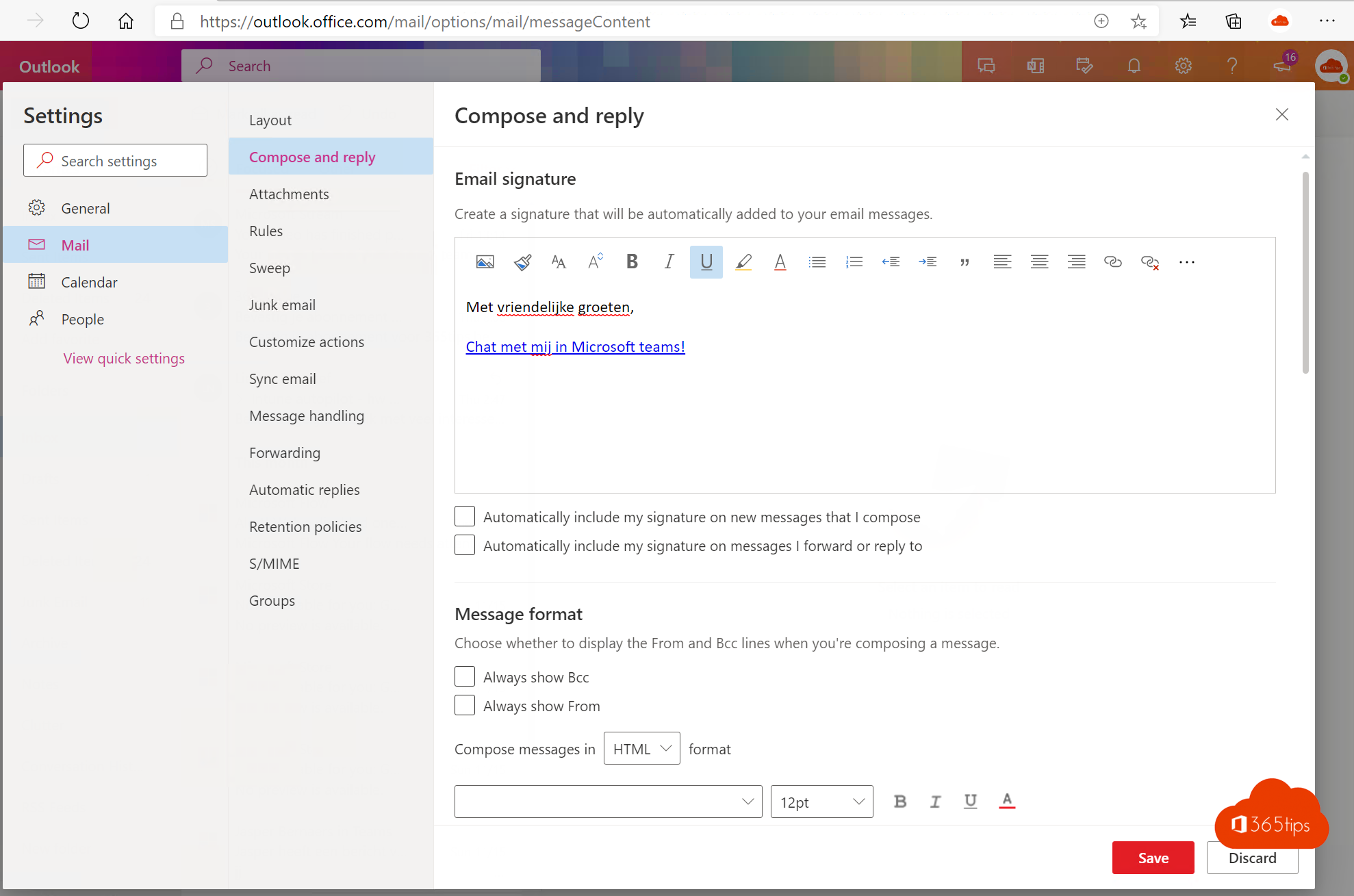
Want colleagues or partners to reach you faster in Teams instead of by email? Add a Chat with me in Teams link to your email signature. Anyone who clicks it opens a chat with you straight away.
1. Build the link
The link looks like this. Replace the email address with your own:
https://teams.microsoft.com/l/chat/0/0?users=jan@yourdomain.comPaste the link into your browser to test it: Teams opens a chat with that address.
2. Add the link to your signature
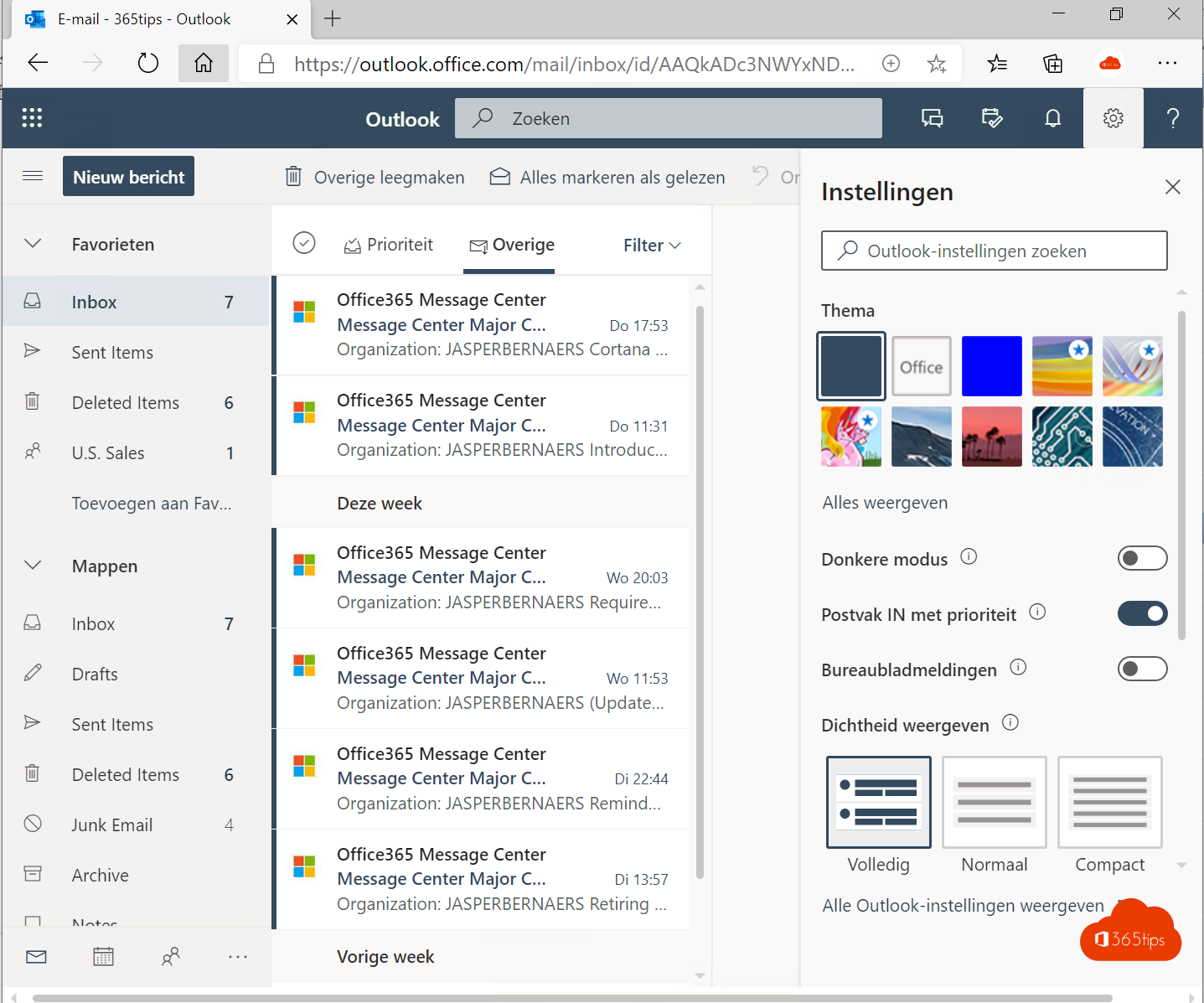
- In the new Outlook or Outlook on the web, go to Settings > Accounts > Signatures. In classic Outlook: File > Options > Mail > Signatures.
- Type a text, such as Chat with me in Teams, or add a small Teams icon.
- Select the text or icon, choose Insert link and paste the link.
- Select Save.
New to signatures? Read create an email signature in Outlook.


3. The result
The recipient clicks the link and chooses the Teams app or the web version. People outside your organization can only chat with you when external access is on in both organizations.


Read also
Set up or change your email signature in Outlook
How to chat with yourself in Microsoft Teams
Set up external access in Microsoft Teams
Nederlandstalige versie: Een Chat met mij in Teams-link in je e-mailhandtekening zetten