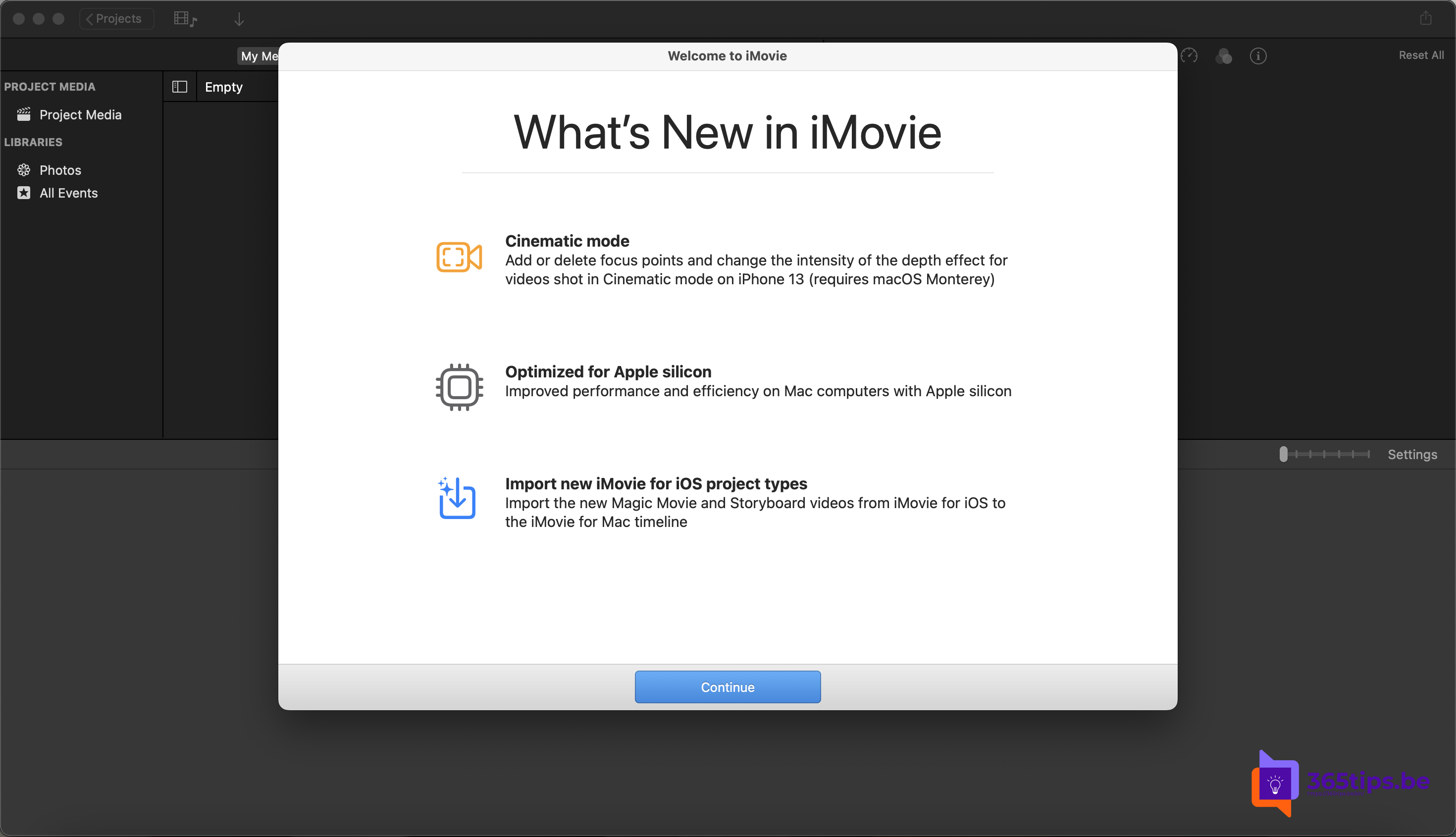
Something different from Microsoft 365: iMovie. With this free Apple app you quickly edit a good-looking video on your Mac, iPhone or iPad, even if you've never edited a video before. Here are the handiest features and tips. Features and menu names can differ slightly per device and version.
10 handy iMovie features
- Free: downloading iMovie from the App Store costs nothing.
- Easy: drag clips to the timeline and trim them to the right length.
- Themes and trailers: make a movie trailer in minutes with ready-made templates.
- Transitions: add a transition between two clips, such as a cross dissolve.
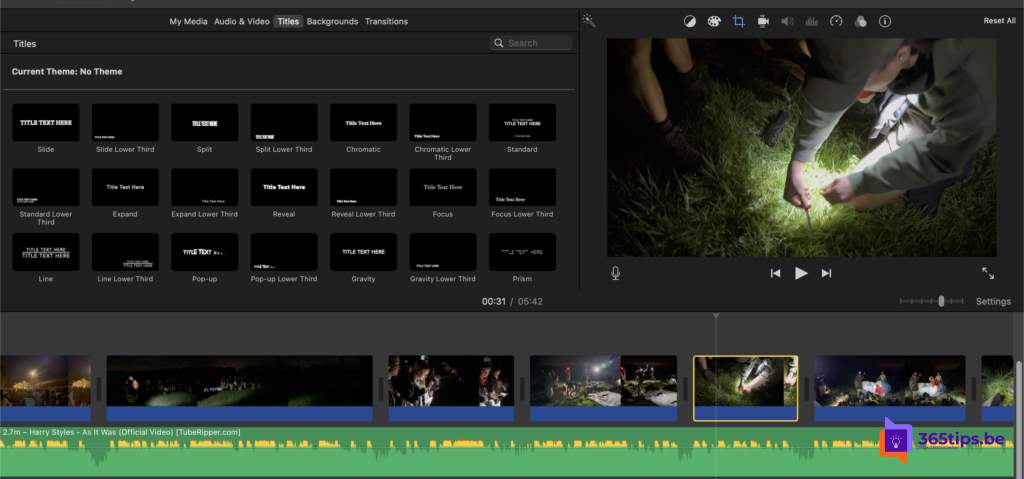
- Titles and text: put a title or caption on screen.
- Music and sound: add music, sound effects or a voiceover.
- Filters and color: give your video a different mood.
- Speed: create slow motion or speed up a clip.
- Green screen: replace a green or blue background with another image.
- Share and export: save your movie in high quality, up to 4K if your source footage supports it.
Tips for better videos
- Keep clips short: a few seconds per shot holds attention.
- Film in landscape if your video will be watched on a computer or TV.
- Lower the music when someone is speaking.
- Working on several devices? You can finish an iMovie project from iPhone or iPad on the Mac.
Videos for work
Need to make a video for colleagues in a Microsoft 365 environment? Also look at Microsoft Clipchamp, or make a screen recording with PowerPoint or the Windows Snipping Tool.
Also see take a screenshot or recording on Mac, iPhone or iPad and screen recording with PowerPoint.
Read also
Take a screenshot or screen recording on a Mac, iPhone or iPad
Make a screen recording with PowerPoint
How to use an iPad as a second screen for your Mac with Sidecar
Nederlandstalige versie: iMovie op Mac, iPhone en iPad: 10 handige functies en tips