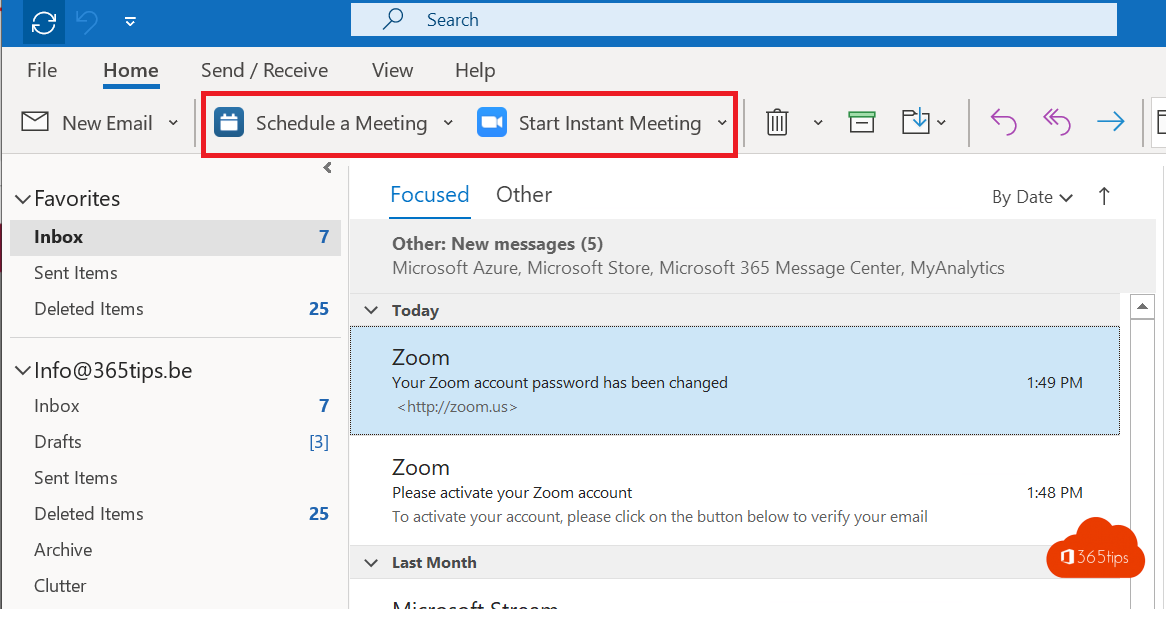
Does your organization use Zoom but plan meetings in Outlook? With the Zoom add-in for Outlook you create a Zoom meeting straight from your calendar. As an admin, you deploy that add-in to all users at once from the Microsoft 365 admin center.
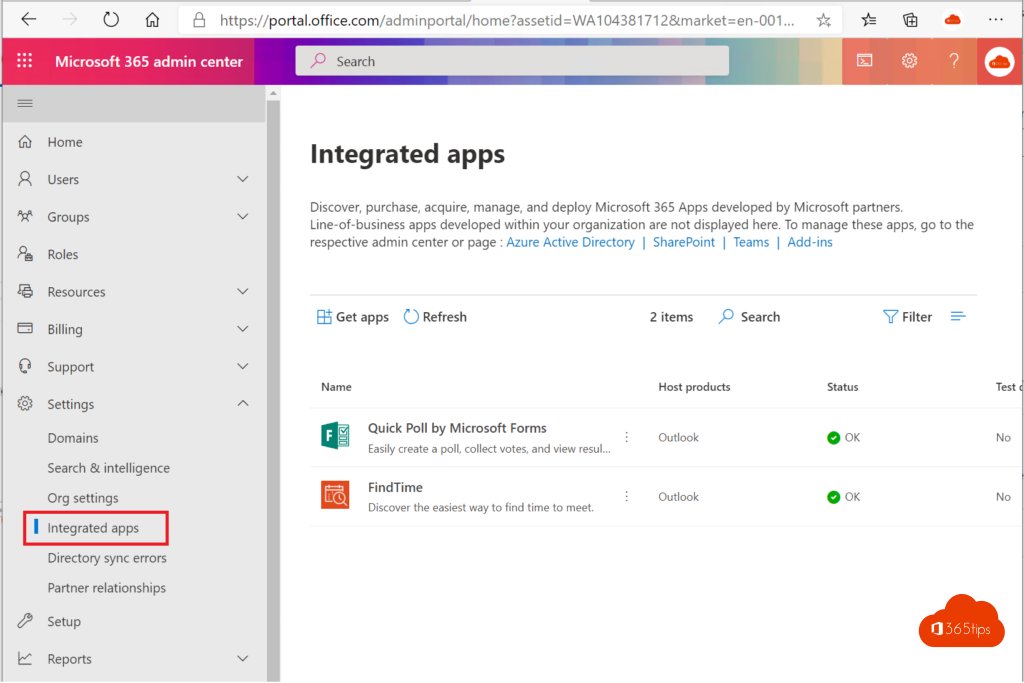
Zoom now recommends the web-based Zoom for Outlook add-in; the older Outlook plugin for Windows is no longer being developed. In the Microsoft 365 admin center, deployment is now under Integrated apps. Names and screens may differ from the images.
Deploy Zoom for Outlook as an admin
- Go to admin.microsoft.com and sign in as a Global Administrator or an admin with rights to integrated apps.
- Go to Settings > Integrated apps.
- Select Get apps and search for Zoom for Outlook.
- Choose who gets the app: just yourself, specific users or groups, or the entire organization. Feel free to start with a test group.
- Accept the permissions and finish the deployment.

It can take a few hours (sometimes up to a day) before the add-in appears in Outlook for everyone.

Schedule a Zoom meeting in Outlook
- Open your calendar in the new Outlook, Outlook on the web or classic Outlook.
- Create a new appointment or meeting.
- In the ribbon, select Add a Zoom Meeting (or open the Zoom icon via Apps). The first time, sign in with your Zoom account.
- The meeting link and dial-in details are added to the invitation automatically.
- Add attendees and select Send.
In the add-in settings you can choose defaults, such as a waiting room or a passcode.
Schedule from the Zoom app
You can also select Schedule in the Zoom app. Enter a topic, date and time and choose Outlook or another calendar. Or simply copy the meeting link and share it by email or chat.


Tips
- Want every new Outlook meeting to be a Teams meeting by default, or not? Set that in Outlook's calendar options.
- Using both Teams and Zoom? Agree in your organization which platform is used for which meetings, so attendees don't get confused.
Also see Microsoft Teams vs Zoom and make every Outlook meeting a Teams meeting.
Read also
Microsoft Teams vs Zoom: the differences side by side
Give every Outlook meeting a Teams link automatically
Schedule a Microsoft Teams meeting in your calendar
Nederlandstalige versie: Zoom-vergaderingen plannen in Outlook met Zoom for Outlook