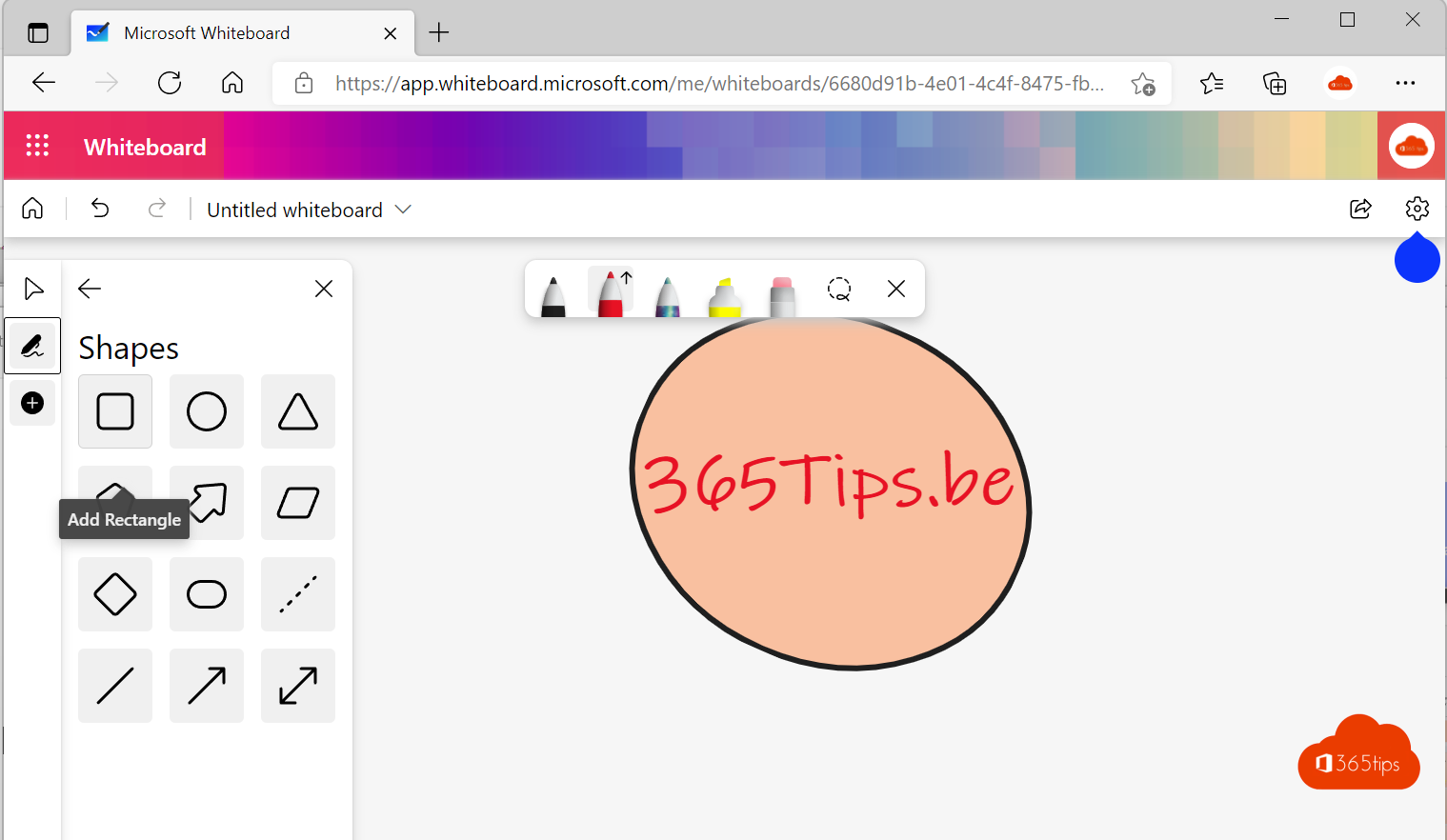
Microsoft Whiteboard is an infinite digital canvas where you brainstorm, plan and sketch together with colleagues, customers or students. You use it as an app on Windows, in the browser and directly in a Teams meeting. Everyone works on the same board, in real time.
What is Microsoft Whiteboard?
Whiteboard is a shared canvas without edges. You add text, sticky notes, shapes, images and drawings. It's useful for:
- brainstorming sessions and workshops;
- sketching a plan or process flow;
- explaining something during a class or meeting;
- team retrospectives.
Install Whiteboard on Windows
- Open the Microsoft Store on your Windows 10 or Windows 11 PC.
- Search for Microsoft Whiteboard and select Get.
- Start the app and sign in with your work or school account.

Use Whiteboard in the browser
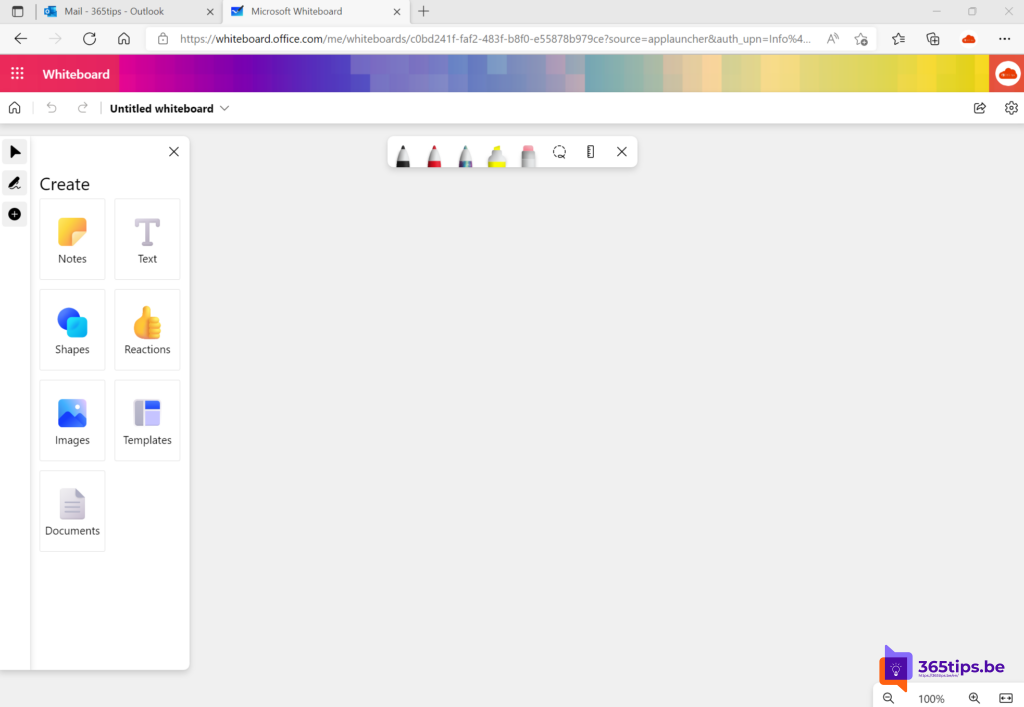
No installation needed. Go to whiteboard.office.com or open the app launcher in the Microsoft 365 app (formerly office.com) and choose Whiteboard. You see all your existing boards there and can start a new one.

Working on the canvas
Use the toolbar to add elements to your board:
- Sticky notes and text for ideas;
- Shapes and lines for diagrams;
- Templates for brainstorms, plans, SWOT analyses and more;
- Images and documents;
- Pens for freehand drawing, also with a touchscreen or stylus;
- Reactions to vote on an idea quickly.
Done? From the board menu you can share the board with a link or export it as an image.
Whiteboard in a Teams meeting
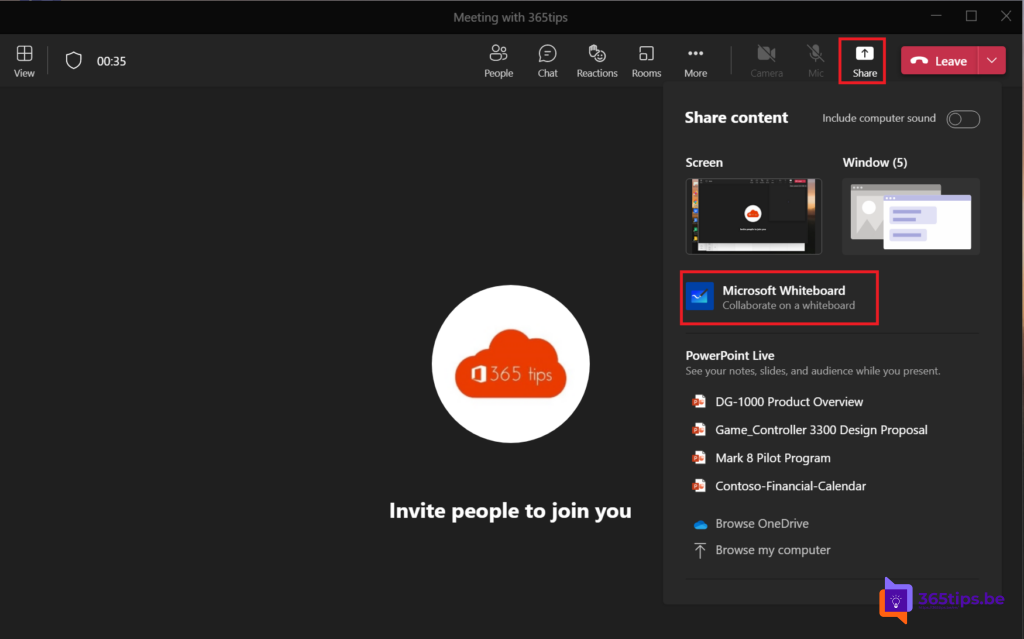
- Start or join a Teams meeting.
- Select Share in the meeting controls.
- Choose Microsoft Whiteboard.
- All participants from your organization can draw and add notes right away.

After the meeting you find the board in the meeting chat and in your OneDrive, so you can keep working on it later. Want a board that's always available to your team? Add it as a tab in a channel.
Handy tips
- Start from a template: it saves time and gives your session structure right away.
- Use sticky note colors per theme or per person.
- Give your board a clear name right away, so you find it quickly in OneDrive later.
- Have a Copilot license? Copilot in Whiteboard can suggest ideas and group notes.

Also see add a whiteboard to a Teams channel and share your screen in Microsoft Teams.
Read also
Use Microsoft Whiteboard in Teams channels and meetings
Share your screen, a window or a whiteboard in Teams
Present a PowerPoint in Teams with PowerPoint Live
Nederlandstalige versie: Microsoft Whiteboard: tips om samen te tekenen en brainstormen