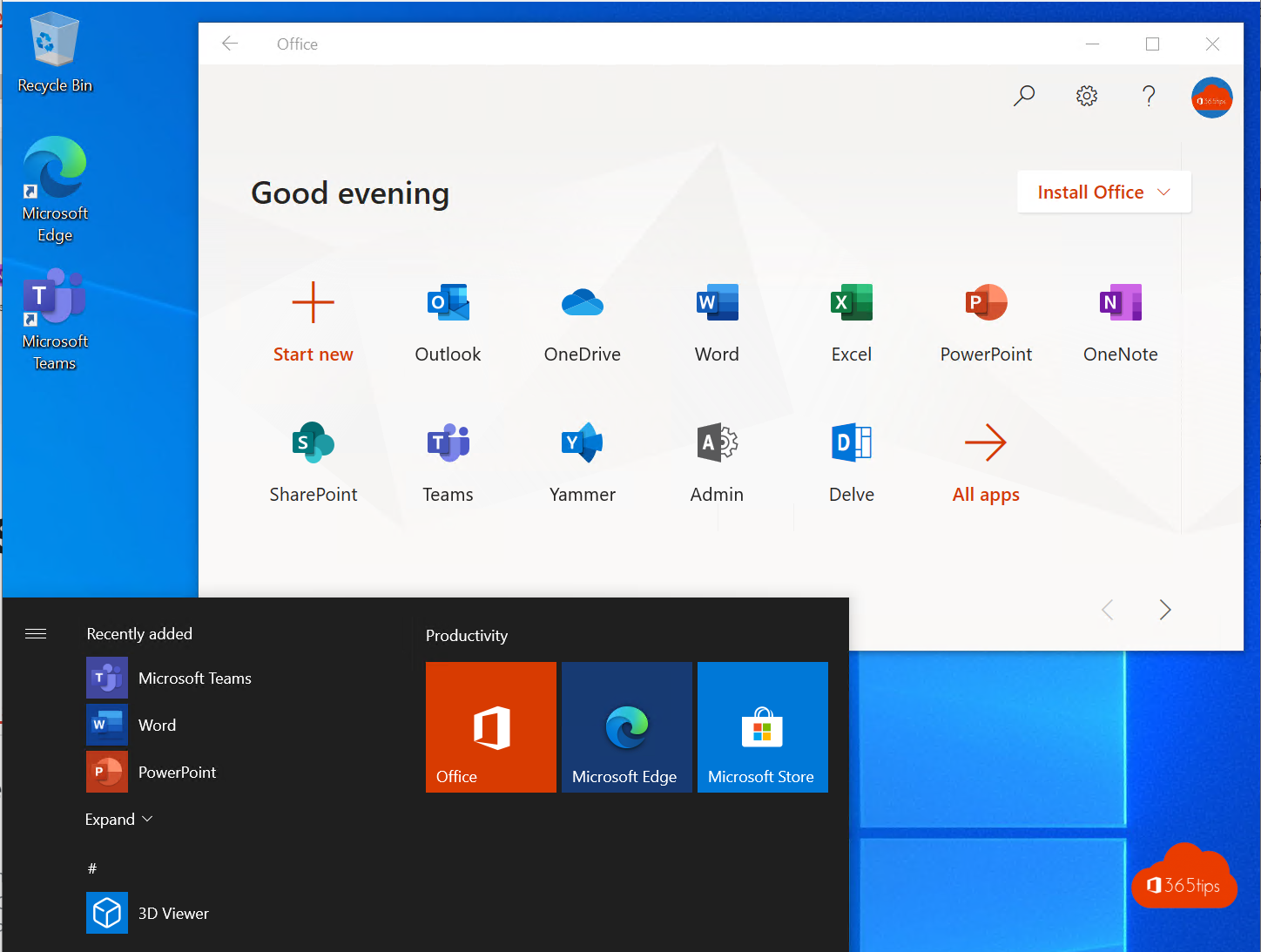
Microsoft 365 does not have one admin portal but a whole set: for users, mail, Teams, identity, devices, security, compliance and Azure. And the addresses change regularly. This article lists all the important Microsoft 365 and Azure portals with their current URL, what you use them for, and which old links from earlier guides no longer exist.
cloud.microsoft domain.In this article:
- The 10 portals you need most
- Microsoft 365 apps for users
- Your own account and security
- Microsoft 365 admin center, Exchange, SharePoint and Teams
- Identity: Microsoft Entra
- Devices: Microsoft Intune
- Security: Microsoft Defender
- Compliance: Microsoft Purview
- Microsoft Azure and Power Platform
- For partners and multi-tenant administrators
- Old portals: what moved or disappeared?
- What is cloud.microsoft?
- Tips to work faster and more securely
The 10 portals you need most
Administering a Microsoft 365 tenant? These ten addresses get you a long way. Put them together in a bookmarks folder.
| Portal | URL | Used for |
|---|---|---|
| Microsoft 365 admin center | admin.cloud.microsoft | Users, licences, groups, domains, billing, service health |
| Microsoft Entra admin center | entra.microsoft.com | Identity, sign-ins, Conditional Access, roles, app registrations |
| Microsoft Intune admin center | intune.microsoft.com | Laptops, phones, apps, updates, Autopilot |
| Microsoft Defender | security.microsoft.com | Incidents, alerts, Secure Score, e-mail security, endpoint security |
| Microsoft Purview | purview.microsoft.com | Sensitivity labels, DLP, retention, eDiscovery, audit |
| Exchange admin center | admin.cloud.microsoft/exchange | Mailboxes, shared mailboxes, mail flow rules |
| SharePoint admin center | https://yourtenant-admin.sharepoint.com | Sites, external sharing, OneDrive settings |
| Teams admin center | admin.teams.microsoft.com | Teams policies, meetings, phone system, devices |
| Azure portal | portal.azure.com | Subscriptions, virtual machines, networking, costs |
| Power Platform admin center | admin.powerplatform.microsoft.com | Environments for Power Apps, Power Automate and Copilot Studio |
Microsoft 365 apps for users
These are the web addresses of the everyday apps. They are moving one by one to cloud.microsoft. The old addresses keep working, and for most apps Microsoft already redirects you automatically, so existing bookmarks don't break.
| App | New URL | Previously |
|---|---|---|
| Microsoft Copilot app (Microsoft 365 home page) | copilot.cloud.microsoft | portal.office.com, office.com, microsoft365.com, m365.cloud.microsoft |
| Outlook on the web | outlook.cloud.microsoft | outlook.office.com, outlook.office365.com |
| Microsoft Teams | teams.cloud.microsoft | teams.microsoft.com |
| OneDrive | onedrive.cloud.microsoft | yourtenant-my.sharepoint.com |
| Word, Excel, PowerPoint | word, excel, powerpoint.cloud.microsoft | via office.com |
| Microsoft Forms | forms.cloud.microsoft | forms.office.com |
| Planner | planner.cloud.microsoft | tasks.office.com |
| To Do | todo.cloud.microsoft | to-do.office.com |
| Loop | loop.cloud.microsoft | loop.microsoft.com |
| Bookings | bookings.cloud.microsoft | outlook.office.com/bookings |
Your own account and security
These portals are for every user, not just administrators. Handy to send to colleagues who replace their phone or lost their password.
| Portal | URL | Used for |
|---|---|---|
| My Account | myaccount.microsoft.com | Your profile, devices, change password, organizations |
| Security info (MFA) | mysignins.microsoft.com/security-info | Add or replace the Authenticator app, a passkey or phone number. The old shortcut aka.ms/mfasetup still works. |
| Recent sign-ins | mysignins.microsoft.com | See where and when you signed in |
| My Apps | myapps.microsoft.com | All apps your organization makes available to you, including non-Microsoft apps |
| My Access | myaccess.microsoft.com | Request access to groups, apps and sites (if your organization uses it) |
| Forgot password | passwordreset.microsoftonline.com | Reset your own password, if your administrator enabled it |
Microsoft 365 admin center, Exchange, SharePoint and Teams
The Microsoft 365 admin center is the starting point for every administrator. Here you manage users, licences and groups, and under Health you find service health and the Message center with announced changes. Open the other admin centers through All admin centers in the menu, or directly:
| Portal | URL | Used for |
|---|---|---|
| Microsoft 365 admin center | admin.cloud.microsoft (or aka.ms/admincenter) | Users, licences, groups, domains, billing, Copilot settings |
| Exchange admin center | admin.cloud.microsoft/exchange | Mailboxes, shared mailboxes, distribution lists, mail flow, connectors |
| SharePoint admin center | https://yourtenant-admin.sharepoint.com | Sites, storage, external sharing, and since the OneDrive admin portal disappeared, all OneDrive settings |
| Teams admin center | admin.teams.microsoft.com | Teams policies, meetings, guest access, phone system, Teams devices |
| Teams Call Quality Dashboard | cqd.teams.microsoft.com | Analyse call and meeting quality |
| Teams Rooms Pro Management | portal.rooms.microsoft.com | Monitor meeting rooms with Teams Rooms |
| Microsoft 365 Apps admin center | config.office.com | Installation, update channels and cloud policy for Word, Excel, Outlook and the rest |
| Service status (fallback page) | status.cloud.microsoft | Public status page, only updated when the admin center itself is unreachable |
The SharePoint URL depends on your tenant name. If your tenant is contoso.onmicrosoft.com, it is https://contoso-admin.sharepoint.com. Don't know the name? Open the SharePoint admin center from the Microsoft 365 admin center menu.
Identity: Microsoft Entra
Azure Active Directory has been called Microsoft Entra ID since 2023. Its own admin portal is the Microsoft Entra admin center at entra.microsoft.com. Here you manage users and groups, sign-in logs, Conditional Access, authentication methods, admin roles, app registrations and enterprise apps. The same settings are still in the Azure portal under Microsoft Entra ID, but new features appear in the Entra admin center first. The old address aad.portal.azure.com redirects. Want baseline protection without Conditional Access? Read about security defaults in Microsoft Entra ID.
Devices: Microsoft Intune
You manage laptops, phones and tablets in the Microsoft Intune admin center at intune.microsoft.com. That is where you set compliance policies, configuration profiles, apps, Windows updates, Windows Autopilot and Windows 365 Cloud PCs. The former addresses endpoint.microsoft.com and devicemanagement.microsoft.com (from the Microsoft Endpoint Manager days) redirect to Intune.
Users with a Windows 365 Cloud PC open it at windows365.microsoft.com.
Security: Microsoft Defender
All the former security portals are now combined in the Microsoft Defender portal at security.microsoft.com. There you find incidents and alerts from Defender for Endpoint, Defender for Office 365, Defender for Identity and Defender for Cloud Apps, plus advanced hunting with KQL, Threat Analytics reports and your Secure Score. Microsoft Sentinel, Microsoft's SIEM, is also increasingly used from this portal rather than from the Azure portal.
securitycenter.windows.com (Defender for Endpoint), portal.cloudappsecurity.com (Cloud App Security), portal.atp.azure.com (Azure ATP, now Defender for Identity) and securescore.microsoft.com no longer exist as separate portals. Everything is in security.microsoft.com.Want to practise KQL queries for Defender or Sentinel? Try the free KQL example generator.
Compliance: Microsoft Purview
The former compliance center at compliance.microsoft.com was retired at the end of 2024. Everything is now in the Microsoft Purview portal at purview.microsoft.com: sensitivity labels (Information Protection), Data Loss Prevention, retention policies, eDiscovery, the audit log, Communication Compliance and Insider Risk Management. The Purview data governance features, such as the data catalog, are in the same portal.
Microsoft Azure and Power Platform
| Portal | URL | Used for |
|---|---|---|
| Azure portal | portal.azure.com | Subscriptions, resources, networking, costs, Defender for Cloud |
| Azure Cloud Shell | shell.azure.com | PowerShell or Bash with the Azure CLI in your browser, no install |
| Azure DevOps | dev.azure.com | Repositories, pipelines, boards |
| Power Platform admin center | admin.powerplatform.microsoft.com | Environments, connector DLP policies, capacity |
| Power Apps | make.powerapps.com | Building apps |
| Power Automate | make.powerautomate.com | Flows and automation |
| Power BI / Fabric | app.powerbi.com | Reports; the admin portal is under Settings > Admin portal |
For partners and multi-tenant administrators
| Portal | URL | Used for |
|---|---|---|
| Microsoft 365 Lighthouse | lighthouse.microsoft.com | Monitor and secure several customer tenants at once |
| Partner Center | partner.microsoft.com | Customers, licences, GDAP admin relationships |
| Graph Explorer | aka.ms/ge | Try Microsoft Graph API calls |
| Microsoft 365 network connectivity test | connectivity.m365.cloud.microsoft | Test whether your network reaches Microsoft 365 well |
Old portals: what moved or disappeared?
Come across one of these links in an older guide? This is today's address:
| Old address | Now |
|---|---|
| portal.office.com, office.com | copilot.cloud.microsoft (the Microsoft Copilot app, formerly the Microsoft 365 app) |
| admin.microsoft.com | admin.cloud.microsoft (redirects automatically) |
| aad.portal.azure.com (Azure AD) | entra.microsoft.com |
| outlook.office.com/ecp (classic Exchange admin center) | Gone since June 2024. Use admin.cloud.microsoft/exchange. |
| admin.exchange.microsoft.com | admin.cloud.microsoft/exchange (redirects) |
| admin.onedrive.com (OneDrive admin center) | Gone. The settings are in the SharePoint admin center. |
| businessstore.microsoft.com (Store for Business) | Retired on 31 March 2023. Distribute Microsoft Store apps with Intune now. |
| endpoint.microsoft.com, devicemanagement.microsoft.com | intune.microsoft.com |
| securitycenter.windows.com, portal.cloudappsecurity.com, portal.atp.azure.com, securescore.microsoft.com | security.microsoft.com |
| compliance.microsoft.com | purview.microsoft.com (the classic portal was retired at the end of 2024) |
What is cloud.microsoft?
cloud.microsoft is Microsoft's own top-level domain, announced in 2023. Microsoft is moving all its Microsoft 365 apps for signed-in users there, so they are no longer spread across office.com, microsoft.com, office365.com and sharepoint.com. Because only Microsoft can create addresses on that domain, a real Microsoft page is also easier to recognize.
For users little changes: old addresses redirect automatically. For administrators there is one point of attention: allow *.cloud.microsoft completely in your firewall, proxy and web filter. Microsoft does not support allowing only part of that domain.
Tips to work faster and more securely
- Make a bookmarks folder with the ten portals from the first table. That is faster than clicking through the admin center.
- Use aka.ms shortcuts maintained by Microsoft, such as aka.ms/admincenter and aka.ms/mfasetup. They keep working even when the address behind them changes.
- Working for several customers? Use a separate browser profile per tenant, or Microsoft 365 Lighthouse, so you don't change something in the wrong tenant.
- Protect the admin portals themselves. In Conditional Access you can target Microsoft Admin Portals and require phishing-resistant MFA, such as a passkey, for administrators. Preferably grant admin rights only temporarily, with Privileged Identity Management.
- Follow the Message center in the Microsoft 365 admin center. Microsoft announces portal moves there months in advance.
Can't find a portal?
This list focuses on the portals you need most often. Missing one you use every day? Send me a message on LinkedIn and I'll add it. Another handy community list with hundreds of portals is msportals.io.
Read also
Security defaults in Microsoft Entra ID: what they do and how to enable them
How to set out of office on a shared mailbox in Microsoft 365
Turn Windows features on or off in Windows 11 and 10: 4 ways
Nederlandstalige versie: Alle Microsoft 365 admin portalen op een rij: de juiste URL's in 2026