
Generative AI is artificial intelligence that creates new content: text, images, code, music or video. You give an instruction in plain language (a prompt) and the model makes something that didn't exist before. Well-known examples are ChatGPT, Microsoft Copilot and Designer. This article explains in plain terms how it works, what you can do with it in Microsoft 365, where its limits are and how to use it safely at work.
How does it work?
A generative model is trained on enormous amounts of text, images or code. It learns patterns: which word usually comes next, what a cat looks like, how a Python function works. Given a prompt, it predicts step by step what fits best. For text, such a model is called a large language model (LLM). So the model doesn't know things the way a person does; it produces a likely answer.
Two terms help you understand the results:
- Hallucination: the model invents something that sounds convincing but isn't true, such as a source or a figure that doesn't exist.
- Grounding: the model is given extra information, such as web search results or your documents, and bases its answer on that. That makes answers more current and easier to check.
What can you do with it?
- Text: emails, summaries, translations and first drafts of documents. See write texts faster with ChatGPT or Copilot.
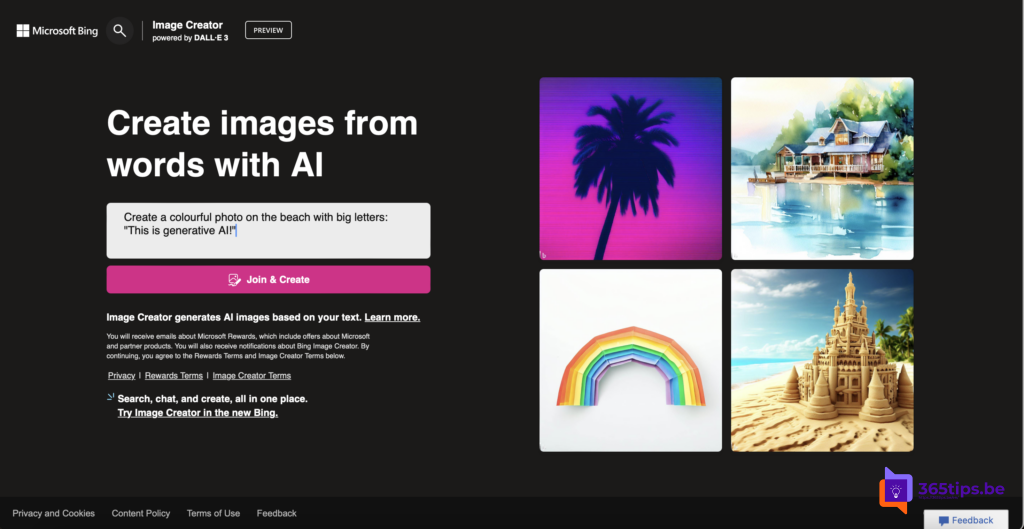
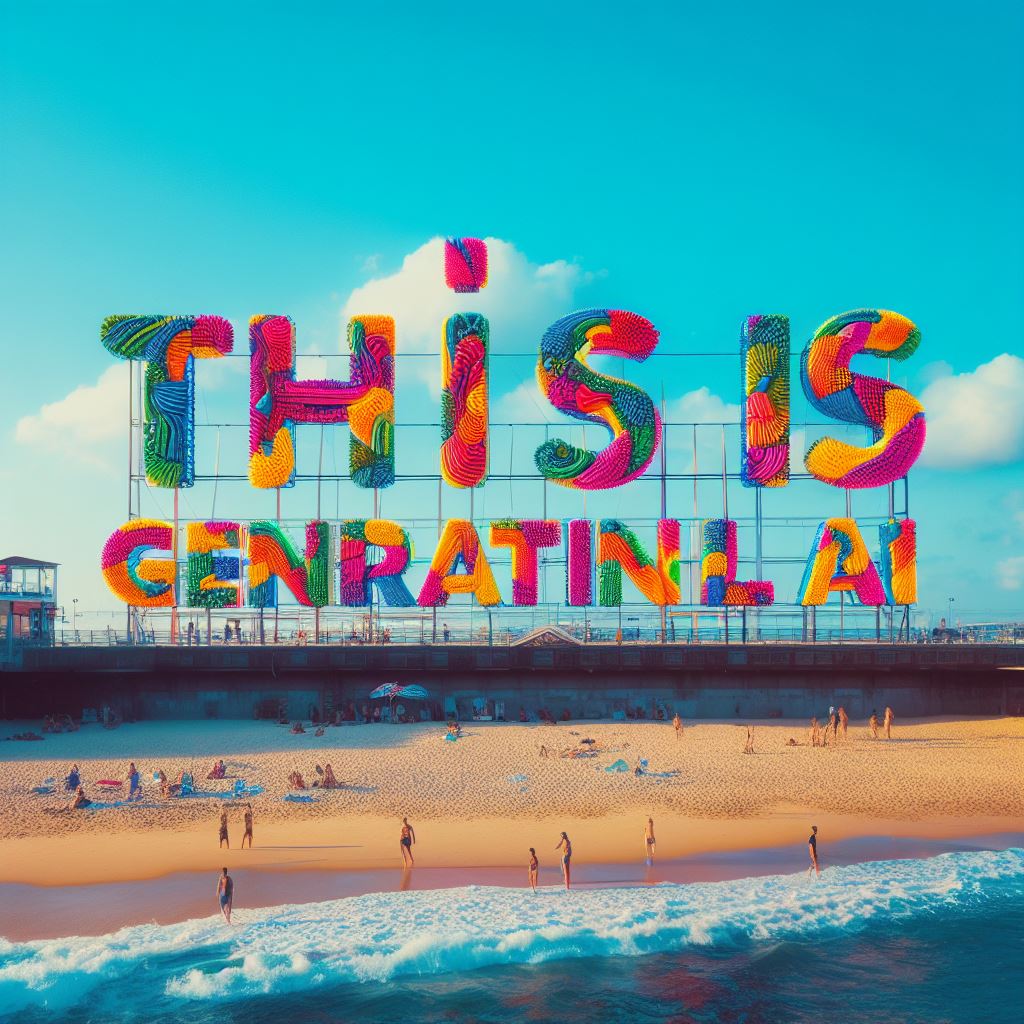
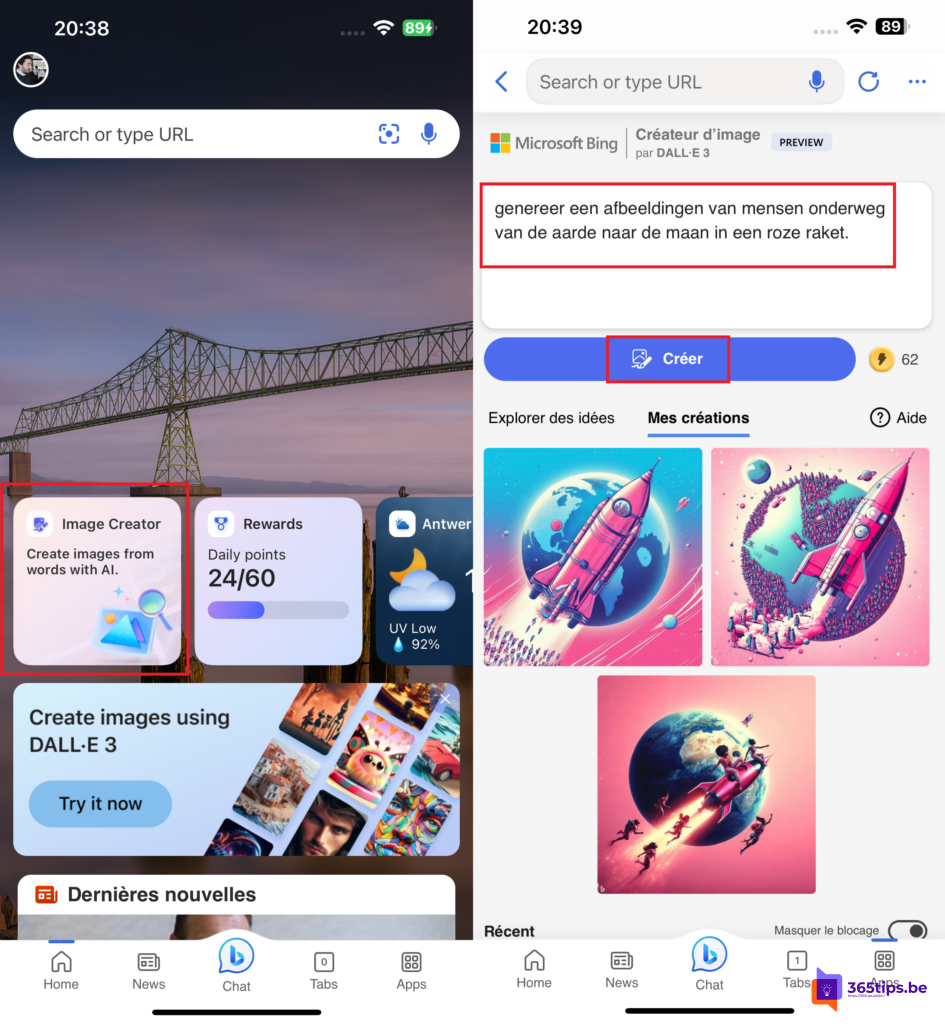
- Images: illustrations and designs from a description, for example with Microsoft Designer.
- Code: write, explain and improve code with GitHub Copilot.
- Analysis: spot patterns in an Excel table or compare two versions of a document.
- Work: summarize meetings, answer emails and build presentations from your own files.
Generative AI in Microsoft 365
Microsoft uses the Copilot name for several products. The main difference is which data the model can use:
- Microsoft Copilot (personal): the app and website for personal use with a Microsoft account.
- Microsoft 365 Copilot Chat: an AI chat with your work or school account, at no extra license cost. Your prompts and responses are covered by Microsoft's enterprise data protection and aren't used to train the models.
- Microsoft 365 Copilot: the paid license that also works inside Word, Excel, PowerPoint, Outlook and Teams and can use your own emails, files, chats and meetings, always within the permissions you already have.
Write a good prompt
A handy formula: state your goal, give context, name the source the model should use and describe your expectations for format and tone. For example: "Write a short email to the team (goal) about the move to the new office (context), based on the Moving plan document (source), friendly and no more than five sentences (expectations)." More examples are in 15 useful prompts for ChatGPT and Copilot.
What to watch out for
- Check the content. AI can make mistakes or invent facts. You remain responsible for what you send.
- Don't share confidential data with a free consumer service. At work, use the tools your organization provides, such as Copilot with your work account.
- Copyright and honesty: say when something was made by AI, and check that you're allowed to use it.
- For admins: Microsoft 365 Copilot only shows what a user can already open, so overshared sites and files surface more easily. Tidy up permissions before you roll it out.
- Regulation: the EU AI Act requires organizations to ensure staff who use AI have sufficient AI literacy. A short training and clear guidelines are a good start.
FAQ
Is generative AI the same as ChatGPT?
No. ChatGPT is one application. Generative AI is the whole family of models that create text, images, audio or code.
Does Copilot learn from my company data?
With a work account, Microsoft doesn't use your prompts or organizational data to train its foundation models.
Will AI replace my job?
It mostly takes over repetitive tasks such as first drafts and summaries. People who learn to use it well save time.
Nederlandstalige versie: Wat is generatieve AI? Uitleg met Microsoft 365 Copilot