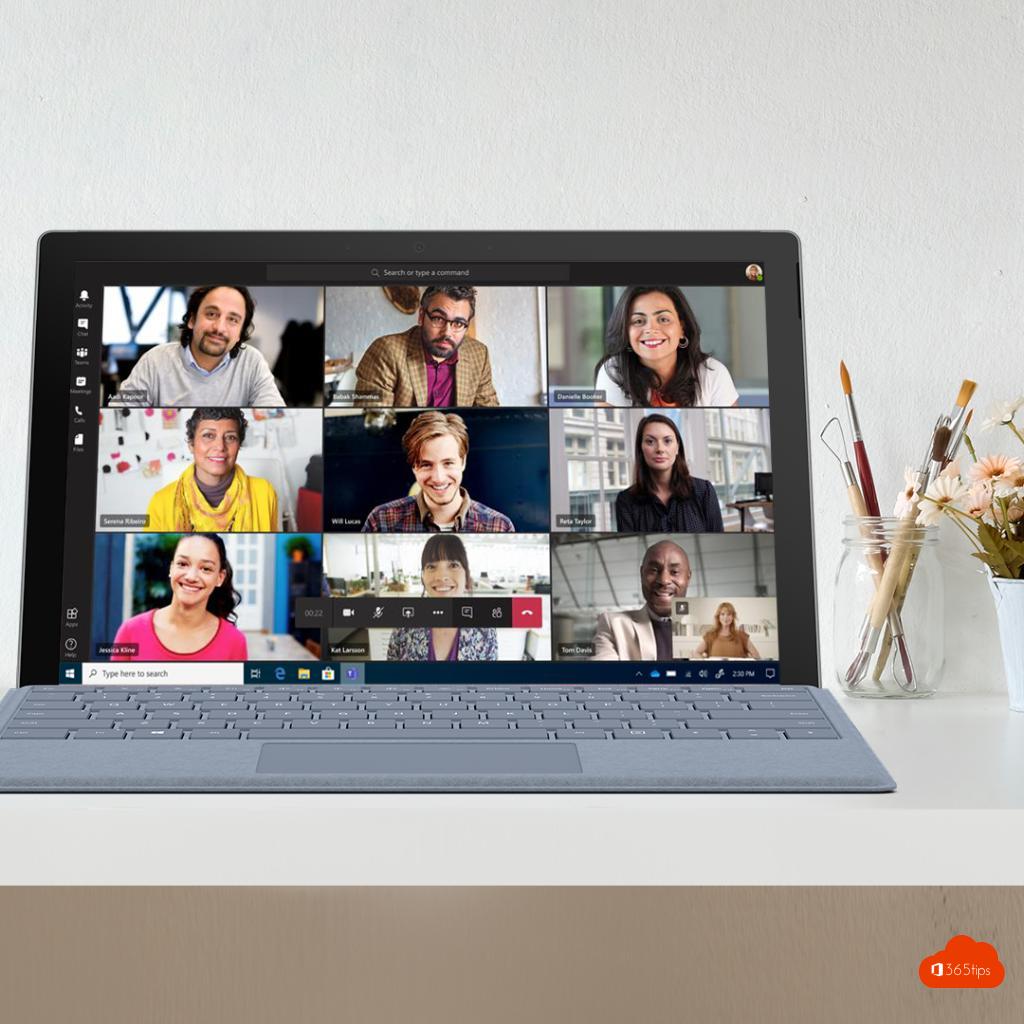
How many people can you see at once in a Teams meeting? It used to be just four, then nine. Today you see many more, and you choose how to view participants. This article explains the available views and how to set them.
Views in a meeting
In the meeting, select View at the top. Among others you'll see:
- Gallery: all participants in a grid. Depending on your device and screen you see up to 49 videos. In the new Teams you can often also choose the maximum number of videos.
- Speaker: the person talking is shown large.
- Together mode: everyone sits together in a virtual space, such as an auditorium.
- Focus on content: only the shared screen, without videos.
The exact menu names may vary slightly depending on your version.
Does it work automatically?
Yes. You don't need to turn anything on. As more people join with their camera on, the grid adjusts automatically. On older or slower computers Teams sometimes shows fewer videos to keep things smooth.
Pin or spotlight someone
- Pin: select the three dots next to a participant and choose Pin for me. Only you will always see that person.
- Spotlight: organizers and presenters can spotlight someone for everyone.
An idea for Teams?
Microsoft retired UserVoice. Ideas and votes now go through the Microsoft Feedback portal (feedbackportal.microsoft.com) or via Help > Give feedback in Teams.
Also see Together mode in Microsoft Teams and full screen view in Teams meetings.
Read also
Together mode in Microsoft Teams: one shared virtual space
View a Microsoft Teams meeting in full screen
Dynamic view in Microsoft Teams meetings
Nederlandstalige versie: Hoeveel mensen zie je in een Teams-vergadering? Alle weergaven uitgelegd