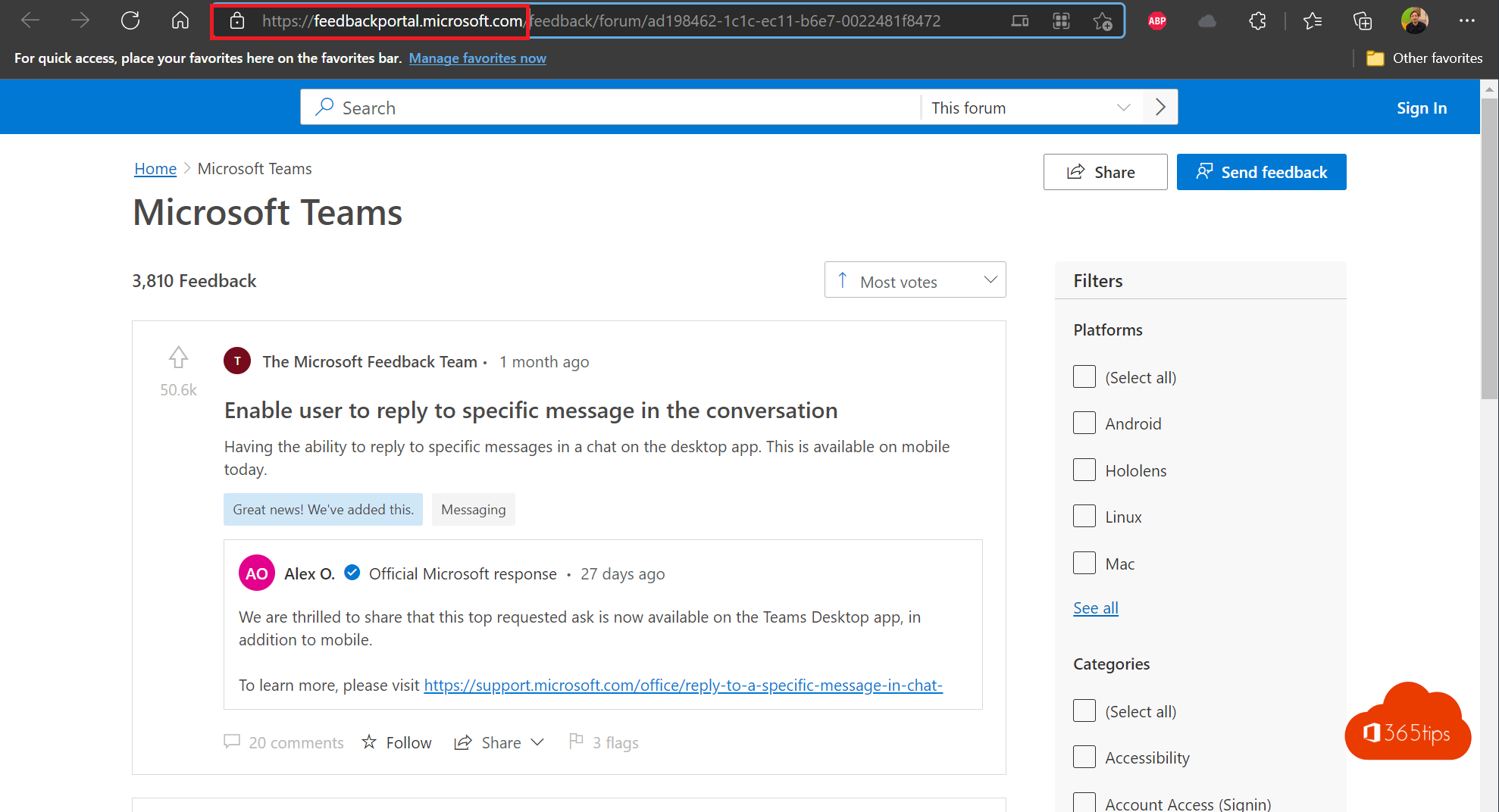
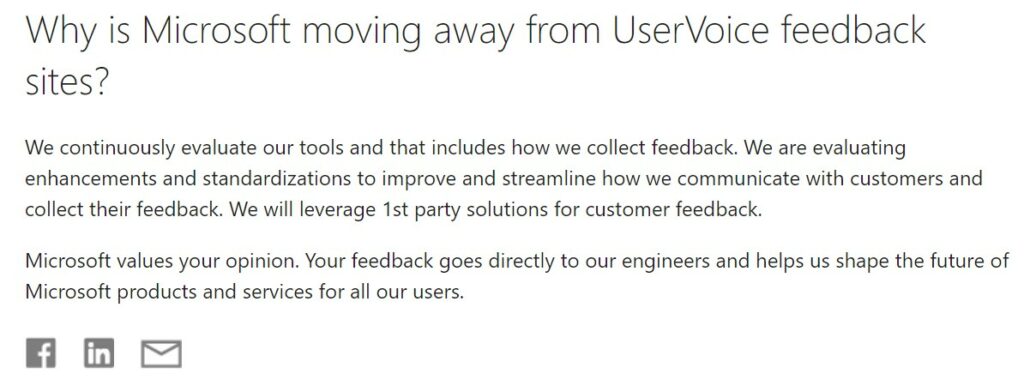
Have an idea to improve a Microsoft product, or missing a feature? You used to submit it through UserVoice. Microsoft stopped using UserVoice at the end of 2021 and now uses its own channels, such as the Feedback portal. Which channels are available can differ per product. Here's how to make your voice heard today.
Where to give feedback
| Channel | What for |
|---|---|
| In the app | In Teams, Outlook, Word and other apps via Help > Feedback or the three-dots menu. The fastest way. |
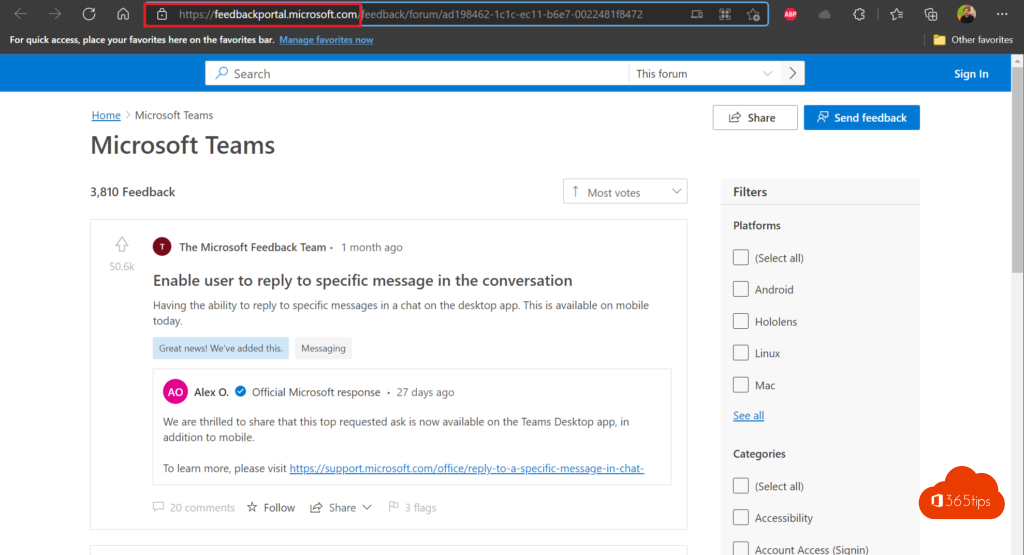
| Feedback portal (feedbackportal.microsoft.com) | Browse ideas, submit new ones and vote. |
| Feedback Hub | Built into Windows, for feedback about Windows itself. Press Windows + F. |
| Microsoft Tech Community | Ask questions and share experiences with other users and Microsoft staff. |
Tips for good feedback
- First search whether someone already submitted the same idea. Vote for it instead: that carries more weight.
- Describe the problem and why it matters, not just the solution.
- Add a screenshot, but without confidential data.
- Facing an outage or urgent problem? Don't use feedback; as an admin, open a support request in the Microsoft 365 admin center.
Also see what to do when Microsoft 365 is down and join the Windows Insider Program.
Read also
Microsoft 365 is down: what now, and how to keep working?
Use the Microsoft Teams help menu for training
Join the Windows Insider Program for Windows 11
Nederlandstalige versie: Van UserVoice naar het Feedbackportaal: zo geef je feedback
More in English
▸Enable Public preview in Microsoft Teams for new featuresTurn on Public preview with a Teams update policy or PowerShell and try new Teams features before they roll…
▸Is Microsoft Teams down? How to check service healthCheck the status of Microsoft Teams in admin center service health, the public status page or on X, and know…
▸How the Microsoft Teams update mechanism worksTeams updates itself. Here's how to check your version, look for updates and get new features earlier with…
▸A quick guide to the Microsoft 365 admin center for adminsUsers, groups, billing, settings, service health and reports: a tour of the Microsoft 365 admin…