A Windows device can be connected to Microsoft Entra ID in three ways: registered, Entra joined or hybrid joined. The choice determines how users sign in, whether you need on-premises Active Directory and how you manage the device. This article explains the differences and what to choose.
The difference
| Type | For | Sign in with | On-prem AD needed? |
|---|---|---|---|
| Entra registered | Personal devices (BYOD) | Own account; work account for apps | No |
| Entra joined | Company devices, cloud-native | Work account | No |
| Hybrid joined | Company devices that must also be in on-prem AD | AD account (synced) | Yes, with Entra Connect |
Entra joined
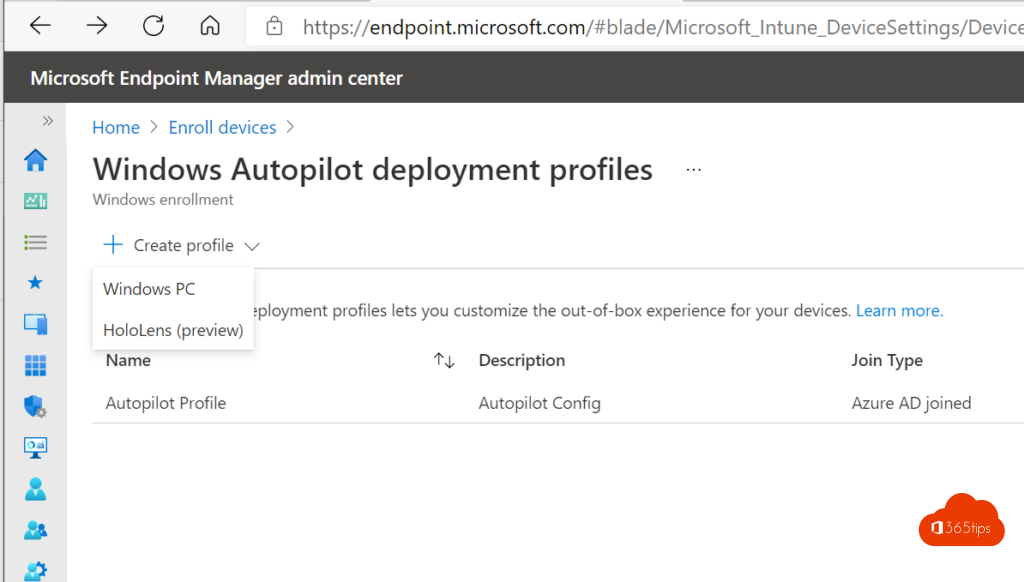
The device lives only in the cloud. Users sign in with their Microsoft 365 account, with Windows Hello for Business, and can still reach on-premises file servers. You manage everything with Intune and set up new PCs with Autopilot.
Hybrid joined
The device is in your on-premises Active Directory and is also added to Entra ID through Entra Connect. Needed if you still rely heavily on Group Policy or legacy apps that require domain membership. During setup the device needs contact with a domain controller, which complicates remote work and Autopilot.
Entra registered
For personal devices: the user adds their work account without bringing the whole device under management. Combine it with Intune app protection so work data in Outlook and Teams stays protected.
What should you choose?
- New company PCs: Entra joined, with Intune and Autopilot. That's Microsoft's recommendation too.
- Existing domain PCs: hybrid joined as an interim step, replaced by Entra joined devices at the next refresh.
- Personal devices: registered, with app protection.
Check on a device
Type dsregcmd /status in a terminal. AzureAdJoined and DomainJoined show which type the device is. Related: enrol a device manually.
Read also
Add a Windows device to Microsoft Entra and Intune manually
Windows Autopilot: what it is and how to set it up in 4 steps
The basic settings to start using Microsoft Intune
Nederlandstalige versie: Entra joined, hybrid joined of registered: welke koppeling kies je?