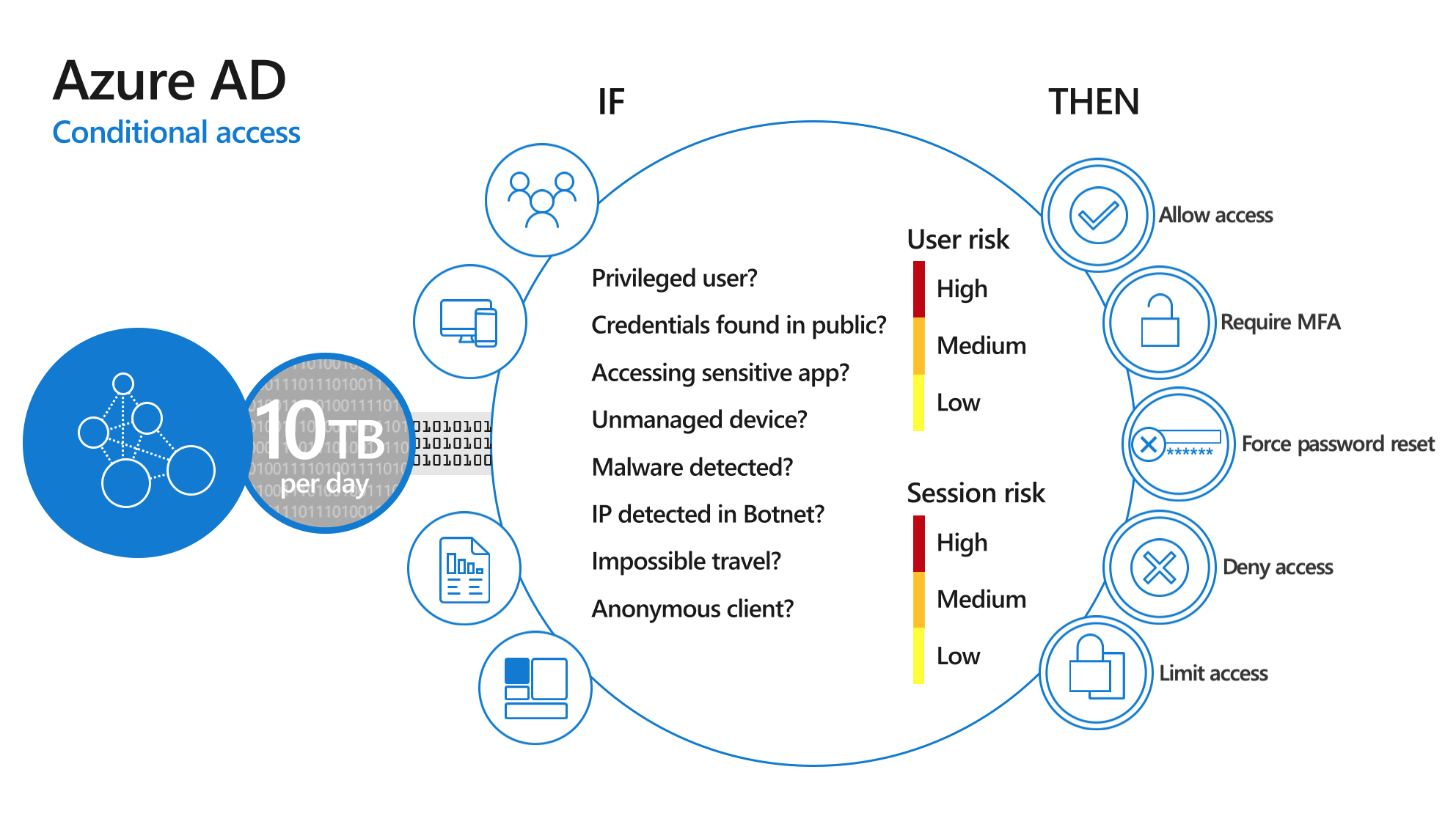
Still doubting whether to turn on MFA (multi-factor authentication) for your organization? Here are the three main reasons, and how to roll it out without much hassle.
Three reasons
- Passwords get stolen. Through phishing, leaked databases or simple guessing. With MFA, a stolen password alone isn't enough to get in. According to Microsoft, MFA blocks more than 99 percent of account attacks.
- One account opens everything. Your Microsoft 365 account gets you into email, files, Teams and often other apps. One hacked account can do a lot of damage, for example through fake invoices sent from your mailbox.
- It's expected. Insurers, customers and regulations such as NIS2 increasingly require MFA. Microsoft itself makes it mandatory for its admin portals.
How to roll it out
- Pick a method: Microsoft Authenticator with number matching, or passkeys and Windows Hello.
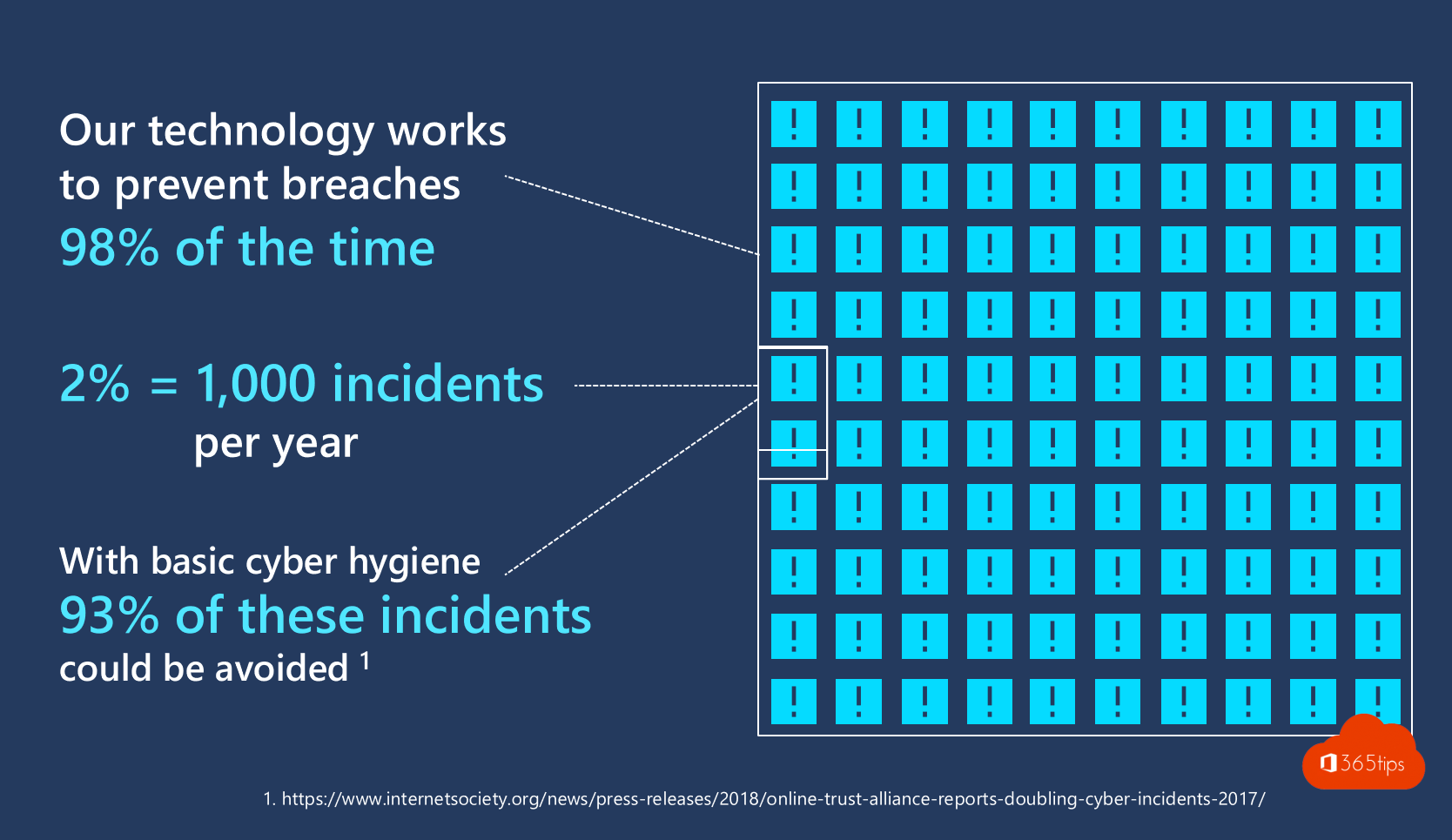
- Turn on MFA with security defaults (small organizations) or Conditional Access (Business Premium or E3).
- Have users register their method at mysignins.microsoft.com/security-info.
- Communicate beforehand and provide a short guide.
Also see what is MFA?, enable MFA in Microsoft 365 and passwordless sign-in.
Nederlandstalige versie: De drie belangrijkste redenen om MFA te activeren
Related articles
▸Enable multi-factor authentication (MFA) in Microsoft 365Turn on MFA in Microsoft 365 with security defaults or Conditional Access. Registering the Authenticator app…
▸What is Multi-Factor Authentication (MFA)?MFA explained: the three kinds of factors, which methods are safest, why it matters and how to turn it on.
▸Enable passwordless sign-in in Microsoft 365 in 3 stepsLet users sign in without a password using passkeys in Microsoft Authenticator, FIDO2 keys or Windows Hello…
▸Use your personal Microsoft account without a passwordRemove the password from your personal Microsoft account and sign in with Authenticator, Windows Hello or a…
▸Security defaults in Microsoft Entra ID: what they do and how to enable themWhat security defaults in Microsoft Entra ID (formerly Azure AD) do, who they are for, how to turn them on or…