In a Teams chat you see a small eye as soon as the other person has read your message. Handy, but not everyone wants colleagues to know exactly when a message was read. You can turn read receipts off. This article shows how, and what an admin can enforce.
How do read receipts work?
- A tick means: sent.
- An eye means: read.
- In group chats of up to 20 people you can see who has read it (Read by via More options).
- Channels have no read receipts.
Turn off read receipts
- Select the three dots next to your profile picture > Settings.
- Open Privacy.
- Turn off Read receipts.
On your phone: tap your profile picture > Settings > Messaging (or Privacy) > Read receipts.
Note: it works both ways
If you turn read receipts off, others no longer see when you read their messages, but you can't see theirs either.
For admins
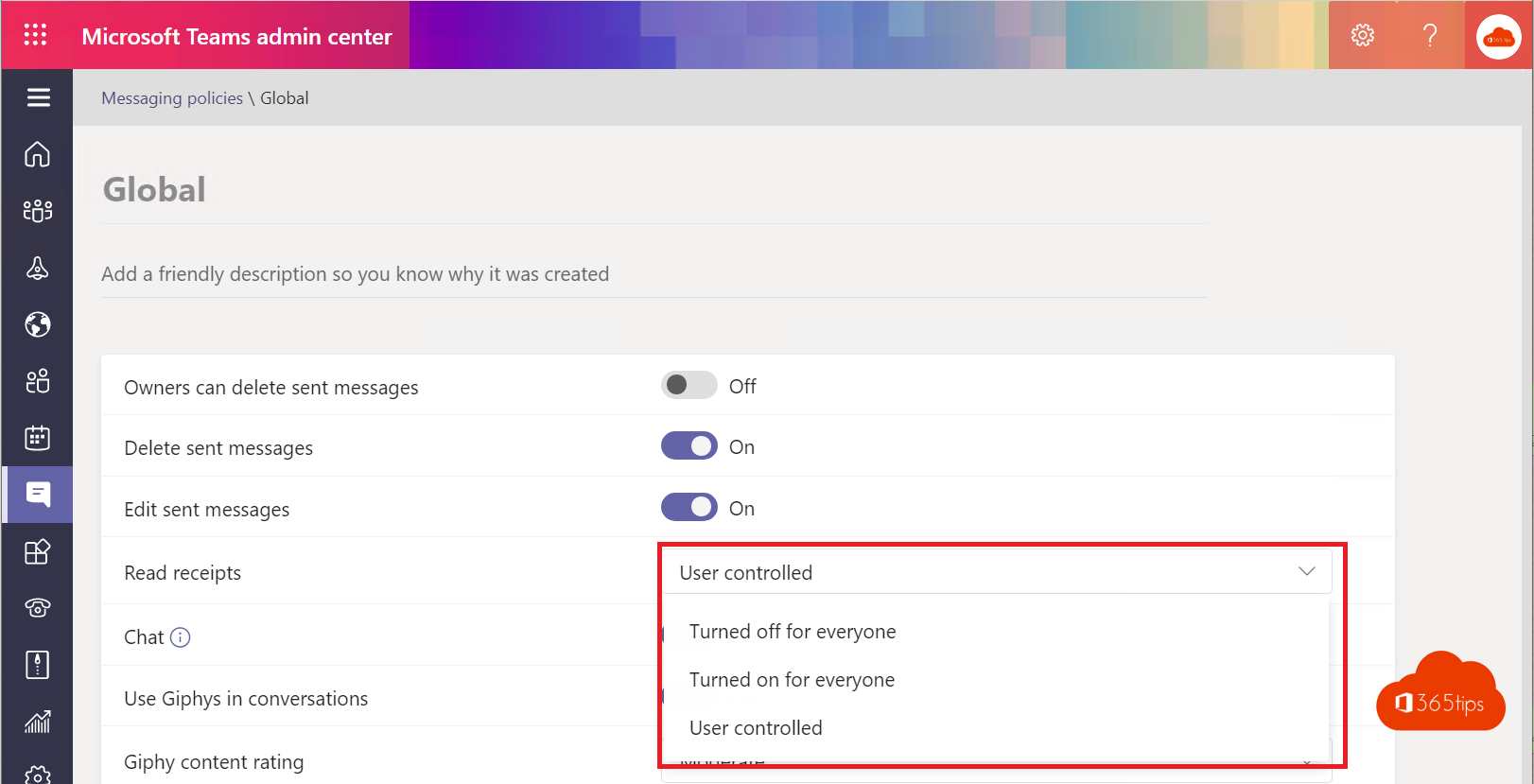
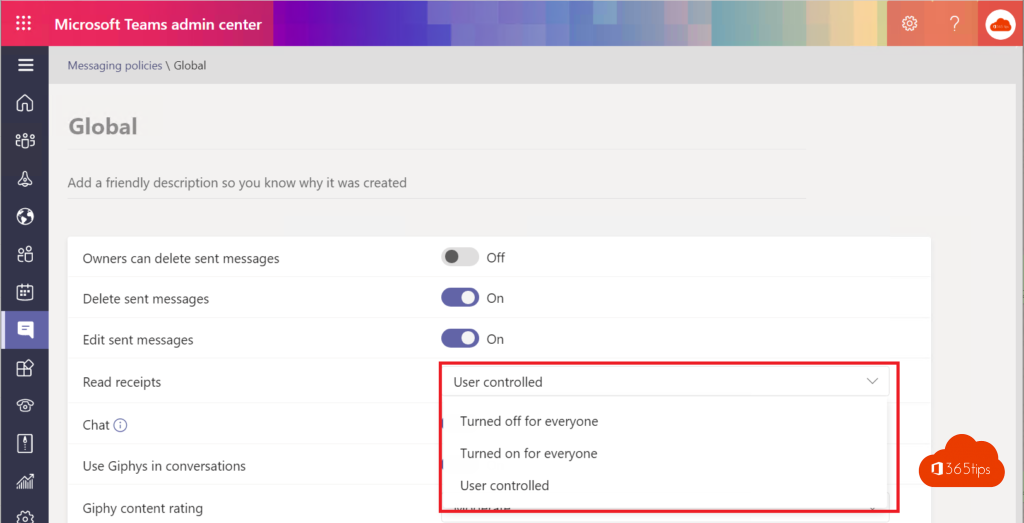
In the Teams admin center > Messaging > Messaging policies, choose under Read receipts:
- User controlled: everyone decides (the default).
- On for everyone: users can't turn it off.
- Off for everyone: nobody sees read receipts.
Tip
Want to follow up a message again after reading it? Mark it as unread. Don't want to be disturbed? Adjust your notifications.
Nederlandstalige versie: Leesbevestigingen in- of uitschakelen in Microsoft Teams