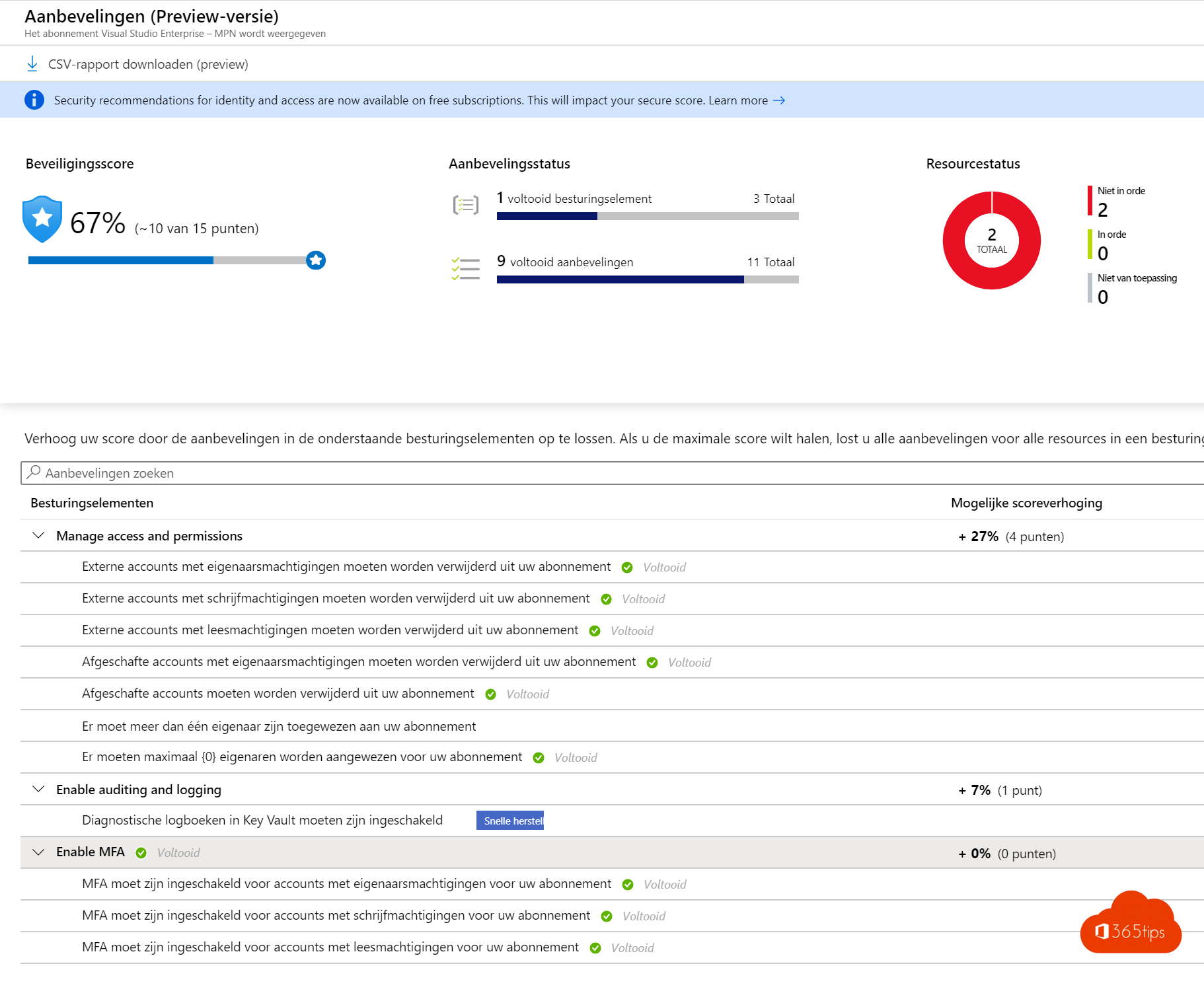
How secure is your Azure environment? Microsoft Defender for Cloud (formerly Azure Security Center) gives you a secure score: a percentage that rises as you act on recommendations, such as MFA for admins, encryption and closing open ports. This article shows where to find the score, how it's calculated, how to raise it and how it differs from Microsoft Secure Score for Microsoft 365.
Two different scores
| Score | Where | What it measures |
|---|---|---|
| Secure score in Defender for Cloud | Azure portal | Azure subscriptions, plus AWS and Google Cloud if you connect them: virtual machines, storage, networking, databases |
| Microsoft Secure Score | security.microsoft.com | Microsoft 365 and Entra ID: identities, email, apps, devices |
Open the score
- Sign in at portal.azure.com and search for Microsoft Defender for Cloud.
- The Overview shows the score per subscription. Select it for details.
- Under Recommendations you see what to improve, sorted by risk or by how many points it's worth.
The foundational features, including the score and recommendations (Foundational CSPM), are free and enabled automatically for every subscription. Paid plans, such as Defender for Servers, add threat protection.
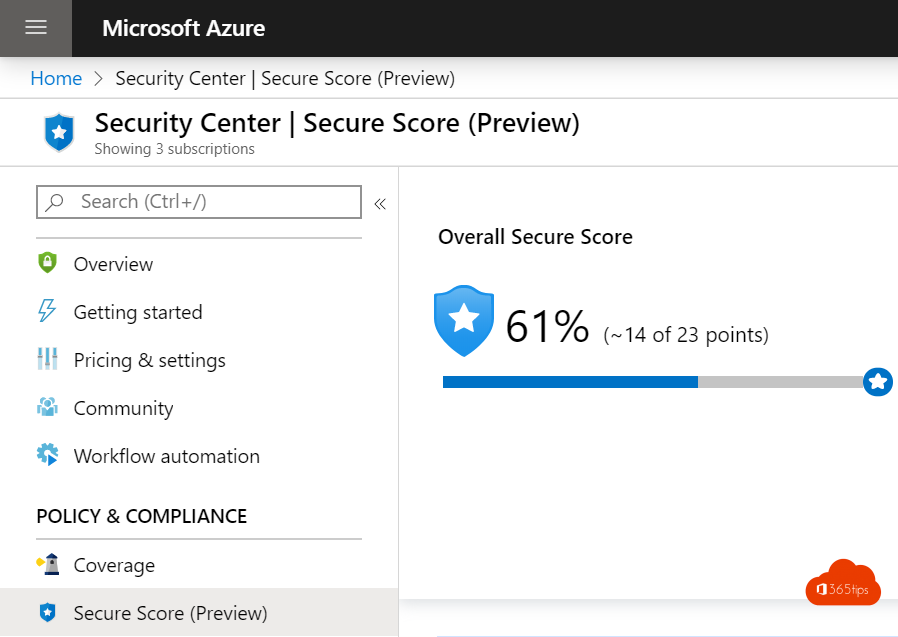
How is the score calculated?
Recommendations are grouped into security controls, such as Enable MFA, Encrypt data or Restrict management ports. Each control is worth a number of points. You only get the full points when all resources in that control are healthy; in between you get a share. The recommendations are based on the Microsoft cloud security benchmark. Newer versions of Defender for Cloud also weigh the risk of each resource into the score.
Raise the score
- Start with controls that are worth the most points for little effort, such as MFA for subscription owners.
- Open a recommendation: you see which resources fail and the steps to fix them. Many recommendations have a Fix button that does it straight away.
- Use Azure Policy to stop new resources being misconfigured again, for example by denying public storage accounts.
- If a recommendation doesn't fit your situation, create an exemption with a reason and expiry date. The resource then no longer counts.
Tips
- 100% isn't the goal; a rising score with exemptions you can explain is.
- Track the score monthly and discuss it in your IT meeting. Workbooks in Defender for Cloud give you a report over time.
- Don't forget identities: many attacks start with an account without MFA. Turn on security defaults or Conditional Access, and see how to manage subscription owners.
Read also
Change or transfer the owner of an Azure subscription
Security defaults in Microsoft Entra ID: what they do and how to enable them
Enable passwordless sign-in in Microsoft 365 in 3 steps
Nederlandstalige versie: De beveiligingsscore (secure score) in Microsoft Defender for Cloud