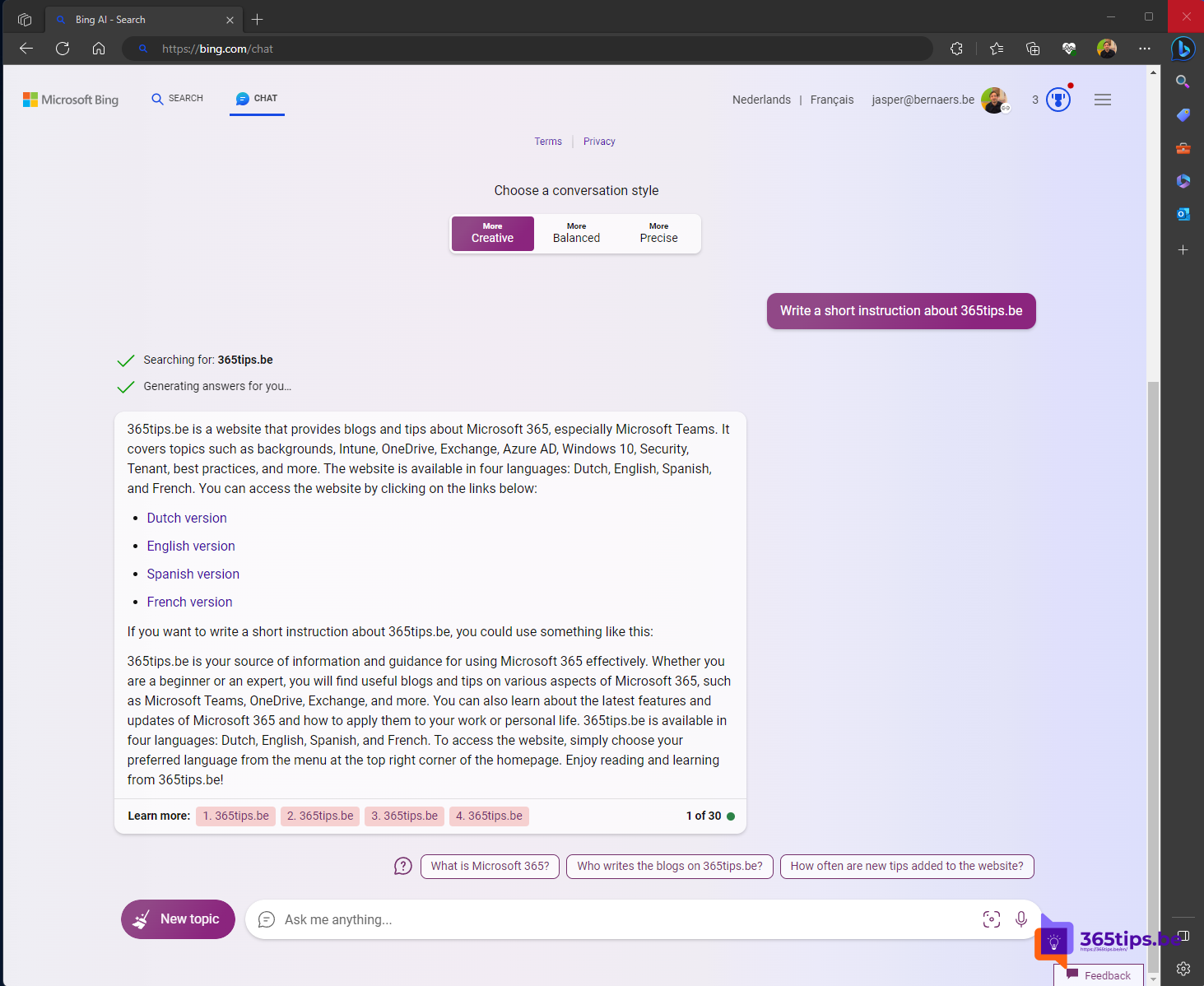
Want to use Copilot in Word, Excel, PowerPoint, Outlook and Teams with your own business data? Then you need a Microsoft 365 Copilot license. This article explains what the license is, what you get for free with Microsoft 365 Copilot Chat, and how to buy and assign licenses. At launch in 2023 the list price was USD 30 per user per month with a 300-seat minimum; the minimum is long gone and prices change, so always check the current price with Microsoft or your partner.
What is Microsoft 365 Copilot?
Microsoft 365 Copilot is an add-on to a business Microsoft 365 or Office 365 plan. Copilot then works inside the apps you already use and can draw on your email, chats, meetings and files to answer questions. It respects your existing permissions: you only see what you could already open without Copilot.
- Word: write a first draft, summarize or rewrite a document.
- Outlook: summarize long email threads and suggest replies.
- Teams: summaries and action items from meetings and chats.
- PowerPoint and Excel: build presentations, analyze data and explain formulas.
- Microsoft 365 Copilot Chat with access to your work data (mail, files and meetings).
Free Copilot Chat or a paid license?
| Copilot Chat (included) | Microsoft 365 Copilot (add-on) | |
|---|---|---|
| Cost | No extra cost with a work account | Paid license per user |
| Answers based on | The web and files you add yourself | The web and your work data in Microsoft 365 |
| In Word, Excel, PowerPoint | Limited (depends on the app) | Fully integrated |
| Data protection | Enterprise data protection | Enterprise data protection |
Start with Copilot Chat to find out what AI means for your team, then buy licenses for the people who benefit most.
Which plans are eligible?
You can add Microsoft 365 Copilot to most business plans, such as Microsoft 365 Business Basic, Business Standard and Business Premium, Microsoft 365 E3 and E5 and Office 365 E1, E3 and E5. Education variants exist too. The exact list can change; Microsoft keeps it on the Microsoft 365 Copilot product page.
Buy and assign a license
- Sign in to the Microsoft 365 admin center (admin.microsoft.com) as a global or billing administrator.
- Go to Billing > Purchase services and search for Microsoft 365 Copilot. You can also buy through a Microsoft partner (CSP).
- Choose the number of licenses and the term, and complete the purchase.
- Go to Users > Active users, open a user and turn on the Copilot license under Licenses and apps.
- It can take a while before Copilot shows up in the apps. Have users restart their apps and make sure they run a recent version of Microsoft 365 Apps.
Prepare your organization
- Clean up permissions: Copilot finds everything a user is allowed to see. Check old SharePoint sites and files shared with "everyone".
- Sensitivity labels in Microsoft Purview help protect confidential information.
- Adoption: give users sample prompts and short training. Microsoft offers free material on adoption.microsoft.com.
Also see getting started with Microsoft 365 Copilot Chat and the Copilot user onboarding toolkit.
Read also
Get started with Microsoft 365 Copilot Chat (formerly Bing Chat Enterprise)
What is Microsoft 365 Copilot and which versions exist?
Introduce Copilot with Microsoft's user onboarding toolkit
Nederlandstalige versie: De Microsoft 365 Copilot-licentie: wat je krijgt en hoe je ze koopt