Working with two Microsoft 365 organizations, for example after a merger or as a consultant at a customer? Then you want to open and sync files from both. There are a few ways to do that.
Two work accounts in OneDrive
Have your own account in both organizations? Add the second account to OneDrive:
- Select the OneDrive icon in the system tray > Settings (gear) > Settings > Account.
- Select Add an account and sign in.
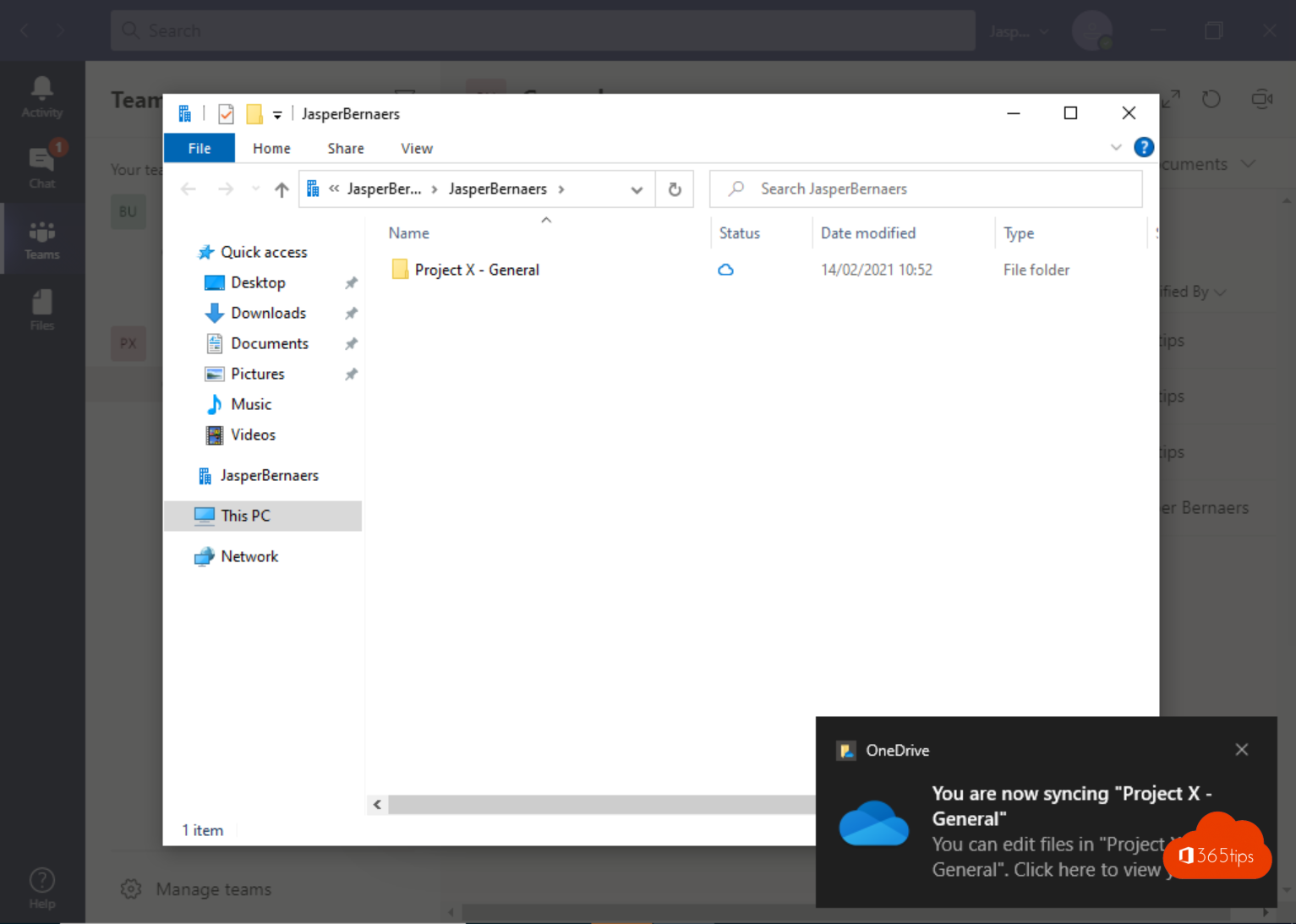
- You get a second folder in File Explorer, such as OneDrive - Organization B.


As a guest in another organization
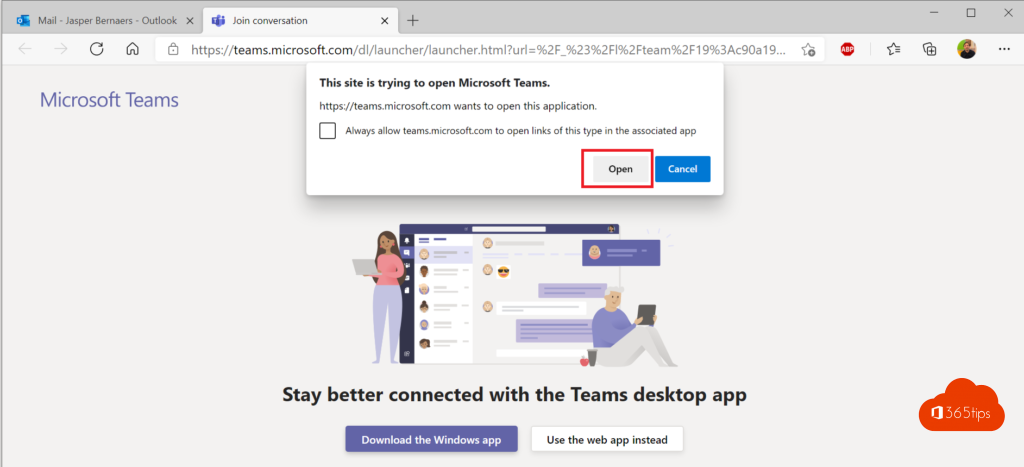
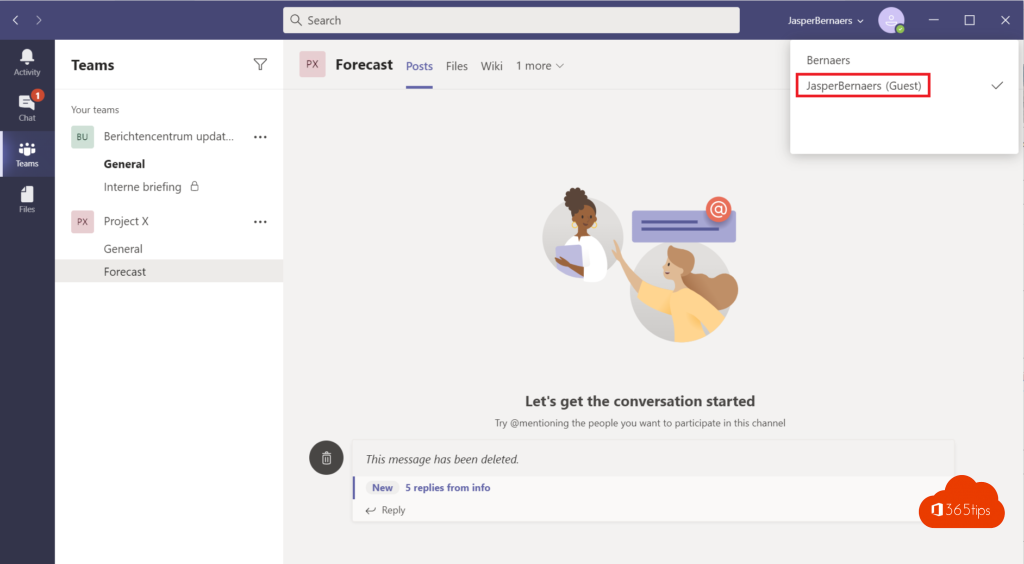
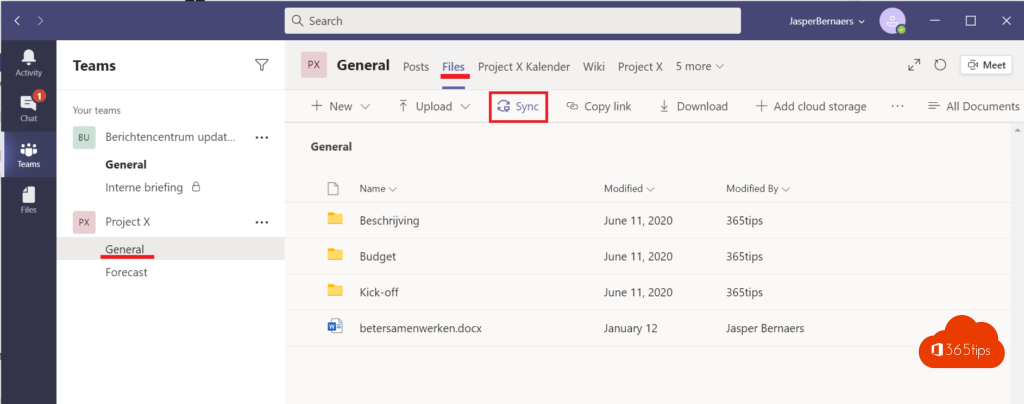
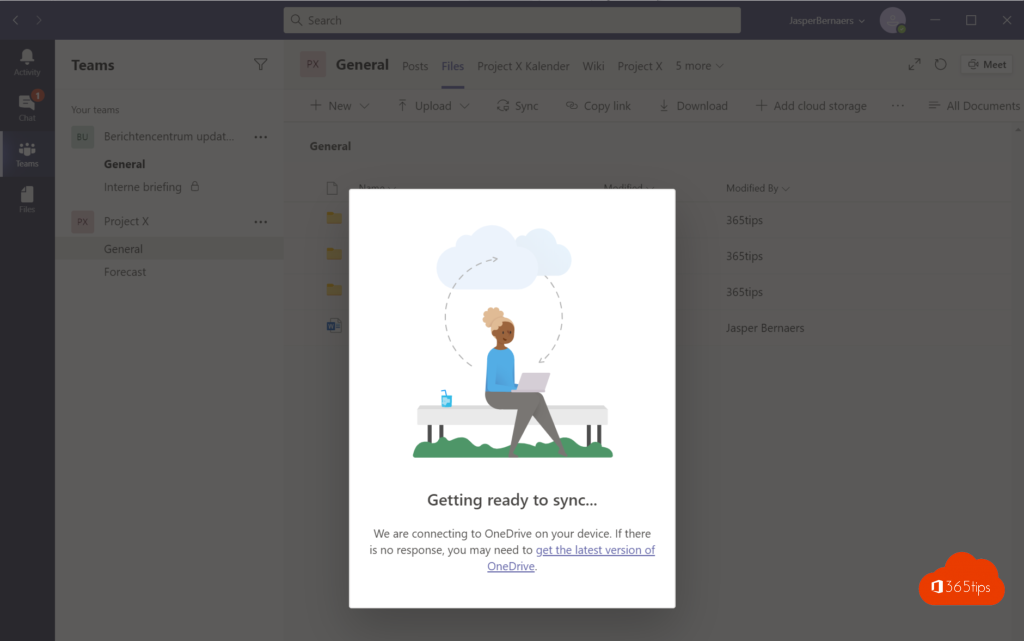
If you're a guest in another organization's team, you can open files through Teams or the SharePoint site. Syncing a library from that organization also works (B2B Sync), if they allow it: select Sync in the library and sign in with your own account.
Simply share
For a few files, sharing with a link is easiest. The recipient opens the file with their own account.
For admins
After a merger, admins can also link organizations with cross-tenant settings in Microsoft Entra or a multitenant organization, so users find each other and collaborate more easily. Also see multiple accounts in Teams and ways to share files.
Read also
Use multiple accounts at once in Microsoft Teams
Share files in Microsoft 365 and Teams: all the options
Open Microsoft Teams files in File Explorer with a shortcut or sync
Nederlandstalige versie: Bestanden delen en synchroniseren tussen meerdere Microsoft 365-organisaties