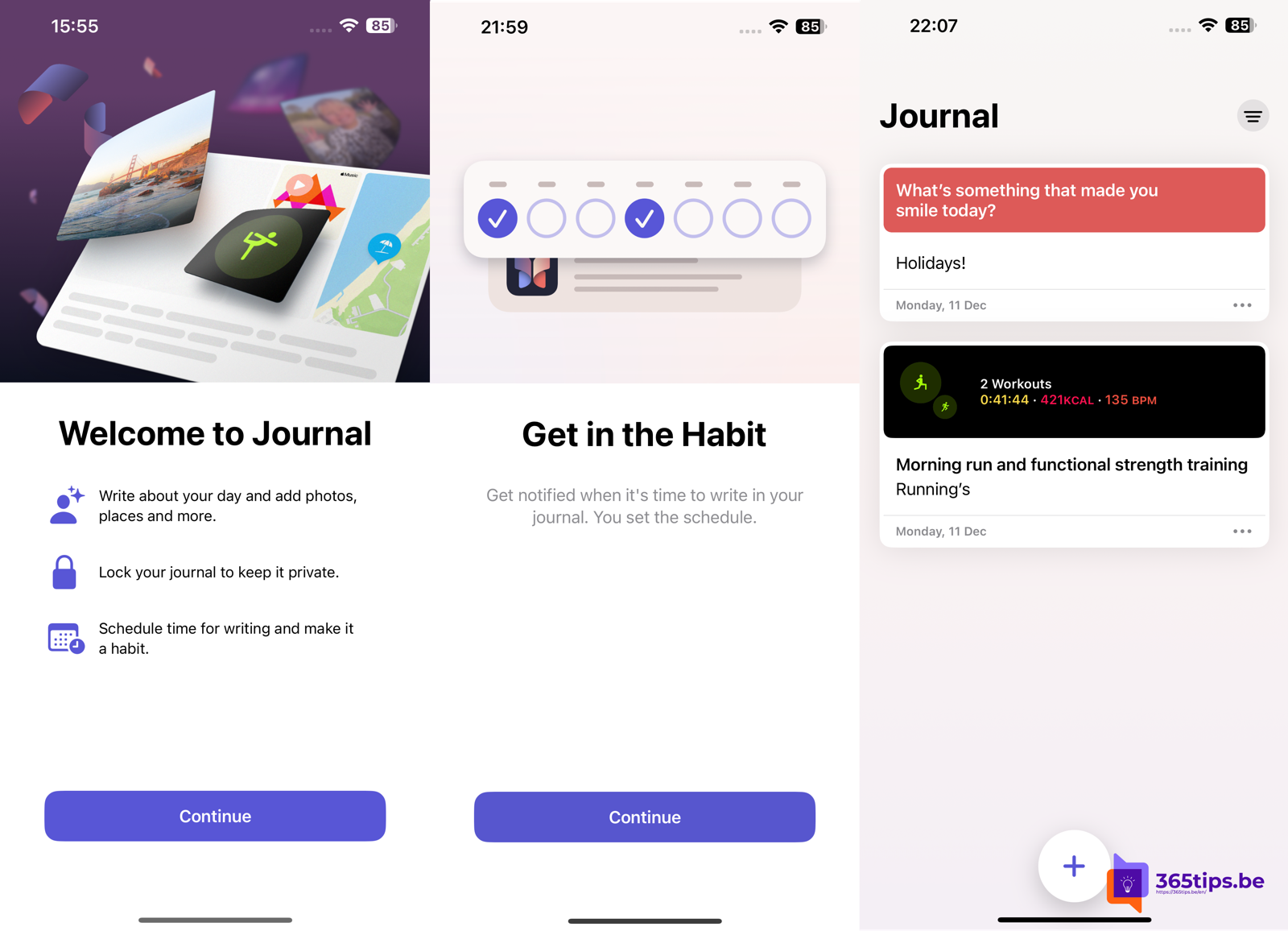
With Apple's Journal app you keep a personal diary on your iPhone. The app helps with suggestions based on your photos, places and workouts, making it easier to write something down. Journal arrived with iOS 17.2; later iOS versions added features such as search, and Apple has made the app available on more devices. Which features you see depends on your device and software version.
What can Journal do?
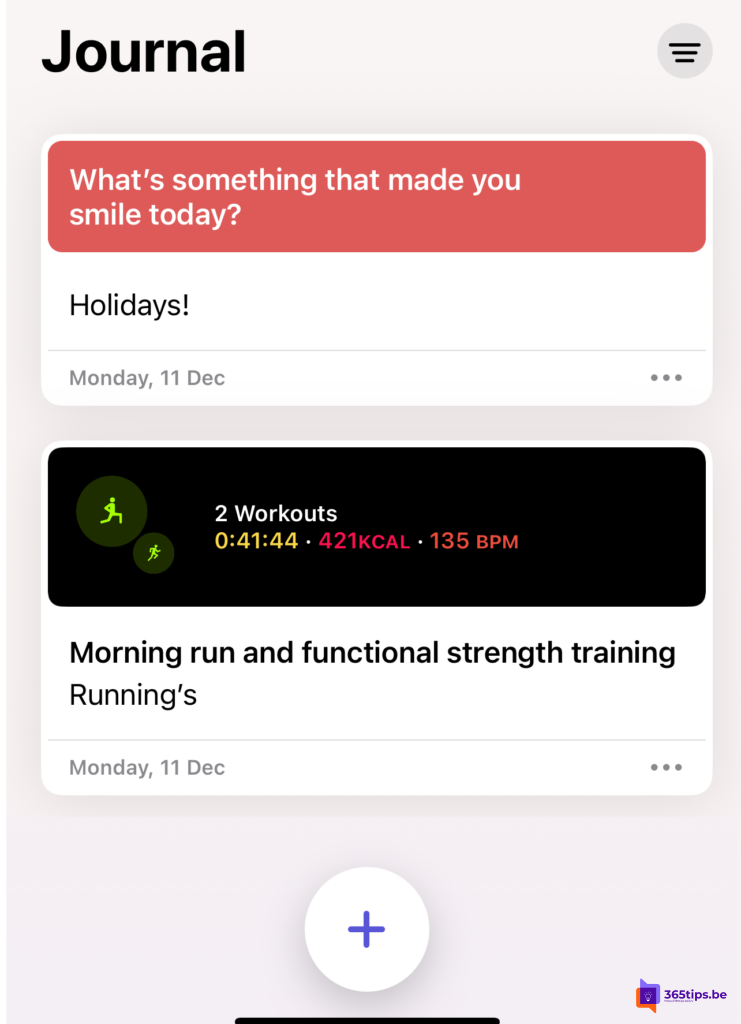
- Journal entries: write about small moments or big events.
- Suggestions: the app suggests moments based on photos, places visited, workouts and music.
- Writing prompts: questions for inspiration when you don't know what to write.
- Attachments: add photos, videos, audio recordings or a location.
- Bookmarks and filters: find old entries quickly.
- Lock with Face ID, Touch ID or your passcode.
Create an entry
- Open the Journal app. Don't see it? Download it free from the App Store.
- Tap +.
- Choose a suggestion or a prompt, or just start writing.
- Optionally add photos, a recording or a location.
- Tap Done.
Keep your journal private
- Lock: go to Settings > Apps > Journal (in older iOS versions directly Settings > Journal) and turn on Lock Journal (the exact name may vary).
- Limit suggestions: under Settings > Privacy & Security > Journaling Suggestions choose which data the app may use.
- iCloud: with iCloud sync your entries are backed up and available on all your devices.
Tips to keep it up
- Set a reminder at a fixed time of day.
- Keep it short: two or three sentences a day is enough.
- Use bookmarks for moments you want to reread later.
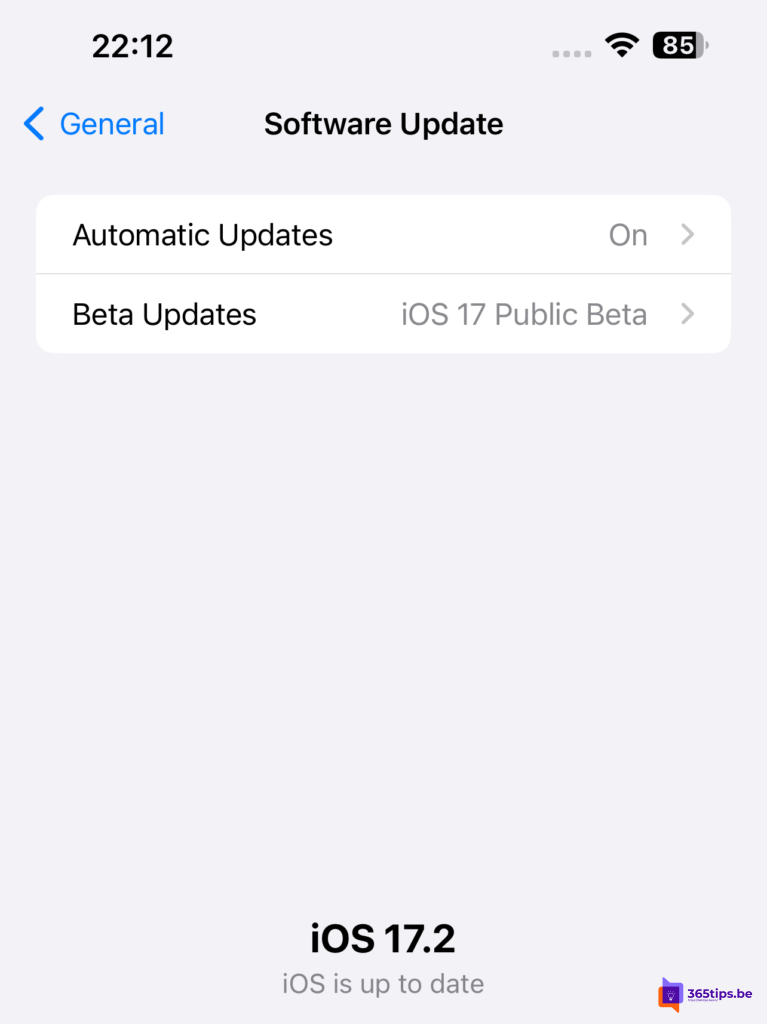
Update iOS
Go to Settings > General > Software Update and install the latest version your device supports. Make a backup via iCloud or your computer first.
Also see take a screenshot on Mac, iPhone or iPad and create an Apple Account.
Read also
Take a screenshot or screen recording on a Mac, iPhone or iPad
Create an Apple Account on iPhone, Mac, Windows or Android
Set up and use Emergency SOS on your iPhone
Nederlandstalige versie: De complete gids voor de Journal-app van Apple