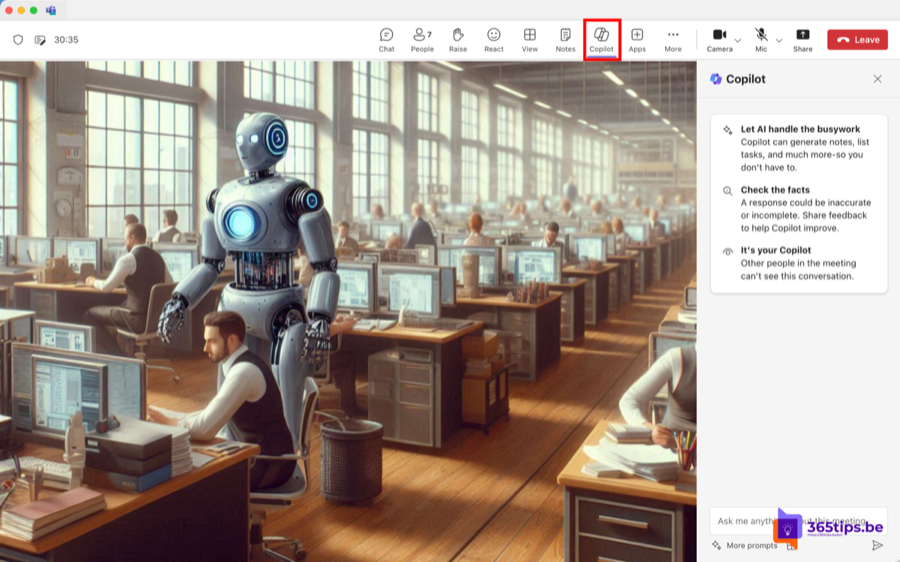
Taking notes while you're talking rarely works well. With Microsoft 365 Copilot in Teams, the AI follows along through the transcript. During the meeting you ask for a quick summary, and afterwards you have meeting minutes with decisions and action items in a few clicks. You need a Microsoft 365 Copilot license; Teams Premium gives you intelligent recap, but not open-ended questions to Copilot.
What do you need?
- A Microsoft 365 Copilot license. You don't have to install anything; Copilot appears in Teams once the license is assigned.
- A transcript of the meeting. The organizer can also choose to have Copilot work only during the meeting, without keeping the transcript.
- The admin has to allow transcription and Copilot in the meeting policy in the Teams admin center.
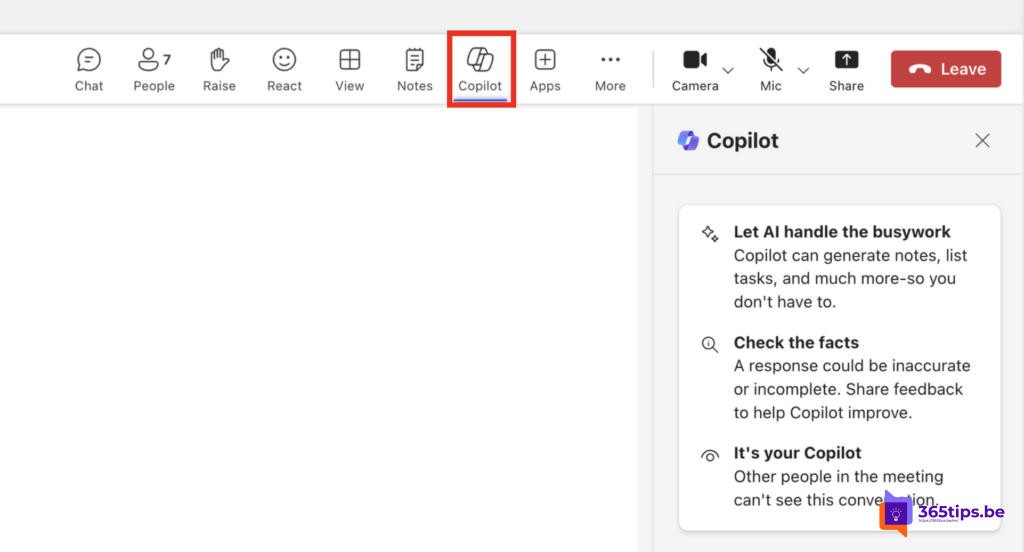
Use Copilot during the meeting
- In the meeting, click Copilot at the top.
- Start the transcript if Copilot asks you to.
- Pick a suggested prompt or type your own question. Your questions and answers are visible only to you.
Useful prompts:
- Summarize what has been discussed so far.
- Which questions are still unanswered?
- Create a table with the arguments for and against.
- What did Sarah say about the timeline?
Create meeting minutes afterwards
- Open the meeting chat or the calendar event and choose the Recap tab.
- Review the AI notes, the suggested tasks and the chapters.
- Open Copilot in that tab and ask, for example: Write meeting minutes with decisions, action items with owners and open questions.
- Copy the result into an email, a Loop page or a Word document, and review it.
Read more about the recap in intelligent recap in Teams.
Keep track of minutes
- Store minutes of recurring meetings in one place, for example in a channel or a shared OneNote.
- Turn action items into tasks in Planner.
- With Copilot Chat you can later ask questions about meetings you attended, as long as the transcript still exists.
Tips and caveats
- Tell participants a transcript is running. Teams shows a notice about it too.
- Copilot summarizes what was said. What wasn't said out loud won't be in it.
- Always check names, numbers and agreements yourself before you send the minutes.
Also see intelligent recap in Teams meetings and what generative AI is.
Read also
Intelligent recap for Microsoft Teams meetings
Record, find and share a Microsoft Teams meeting
What is generative AI and what can you do with it?
Nederlandstalige versie: Met Microsoft 365 Copilot een vergaderverslag maken in Teams