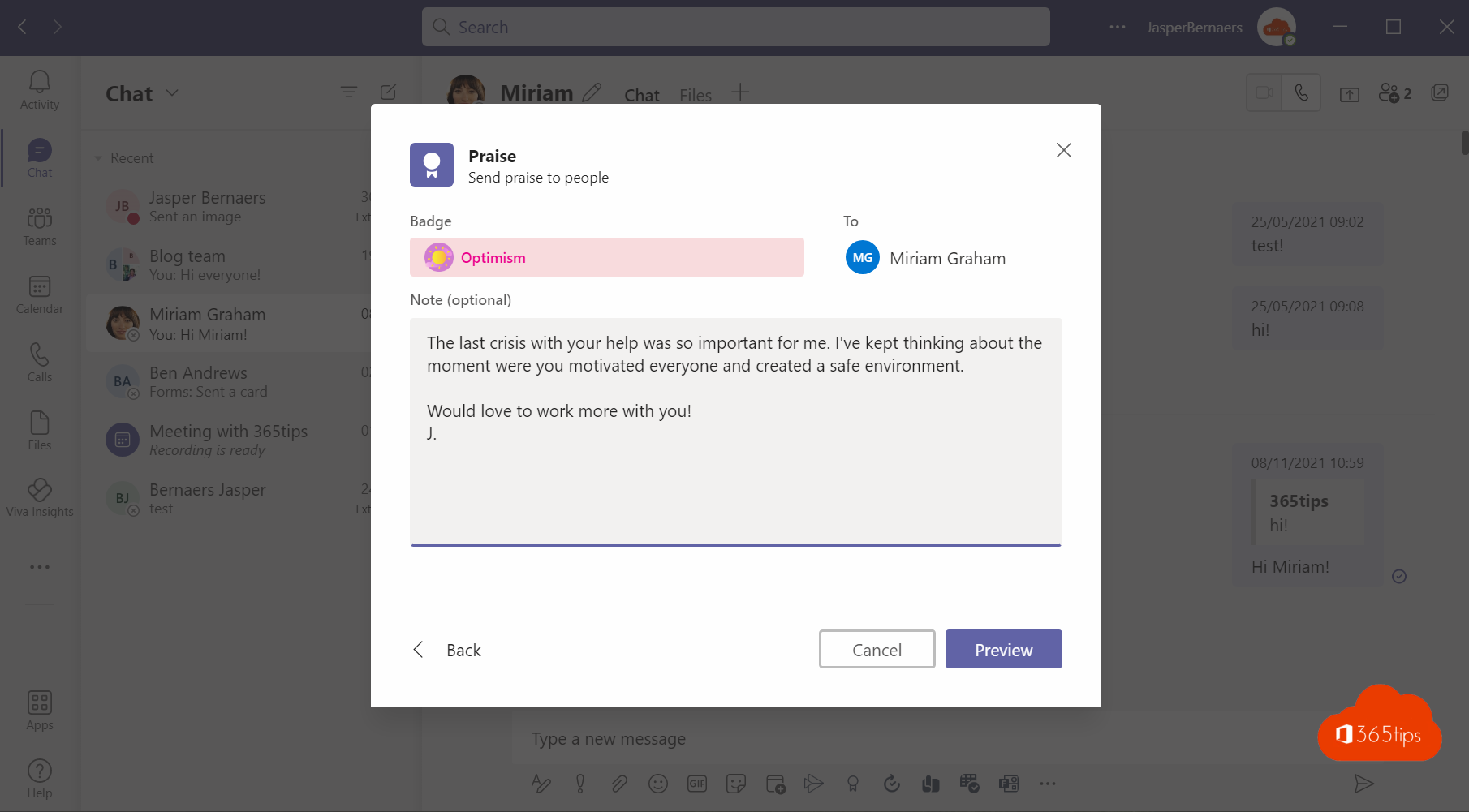
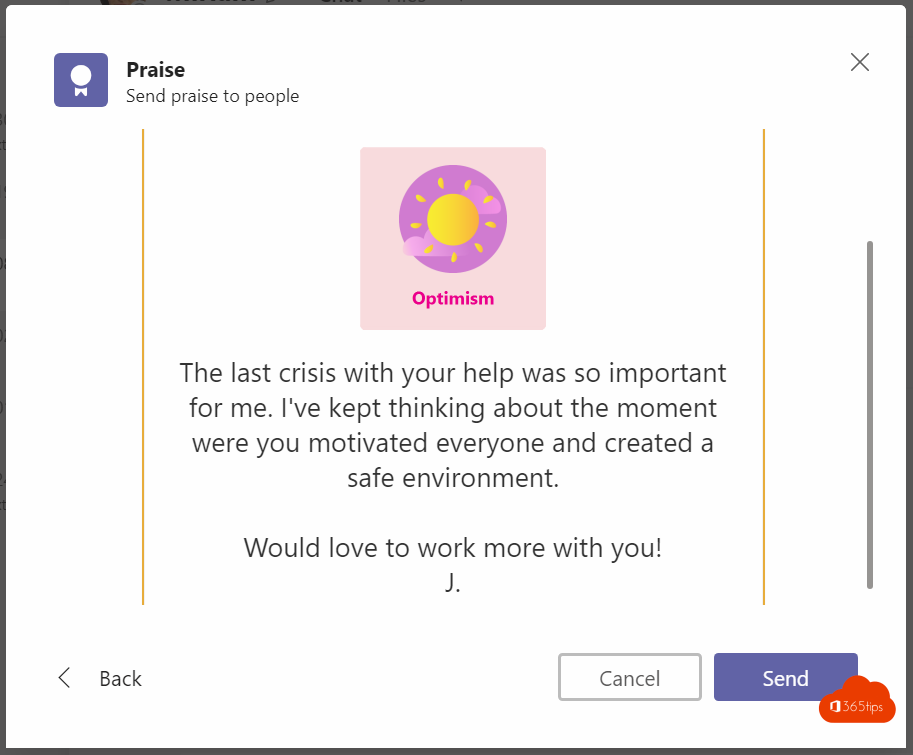
A colleague helped you out, or the team finished a tough project. A compliment goes a long way. With Praise in Teams you send a colorful badge with a personal message.
Send praise in a chat or channel
- Open the chat with your colleague, or a channel.
- In the message box, select + (Actions and apps) and choose Praise. Don't see it? Search for Praise.
- Pick a badge, such as Thank you, Team player or Courage.
- Add the names and a personal message, then select Preview > Send.


Viva Insights
In the Viva Insights app in Teams you find the praise you've sent and received. You can also set a weekly reminder to thank someone. See Viva Insights.

Tip
Praise in a channel is visible to the whole team, so you recognize someone in front of their colleagues too. A personal thank-you works better in a private chat. Also see emoji, GIFs and stickers in Teams.
Read also
Track your personal productivity with Viva Insights (formerly MyAnalytics)
Use emoji, GIFs and stickers in Teams and Outlook
Request and give approvals with the Approvals app in Teams
Nederlandstalige versie: Een collega een compliment geven met Lof (Praise) in Teams