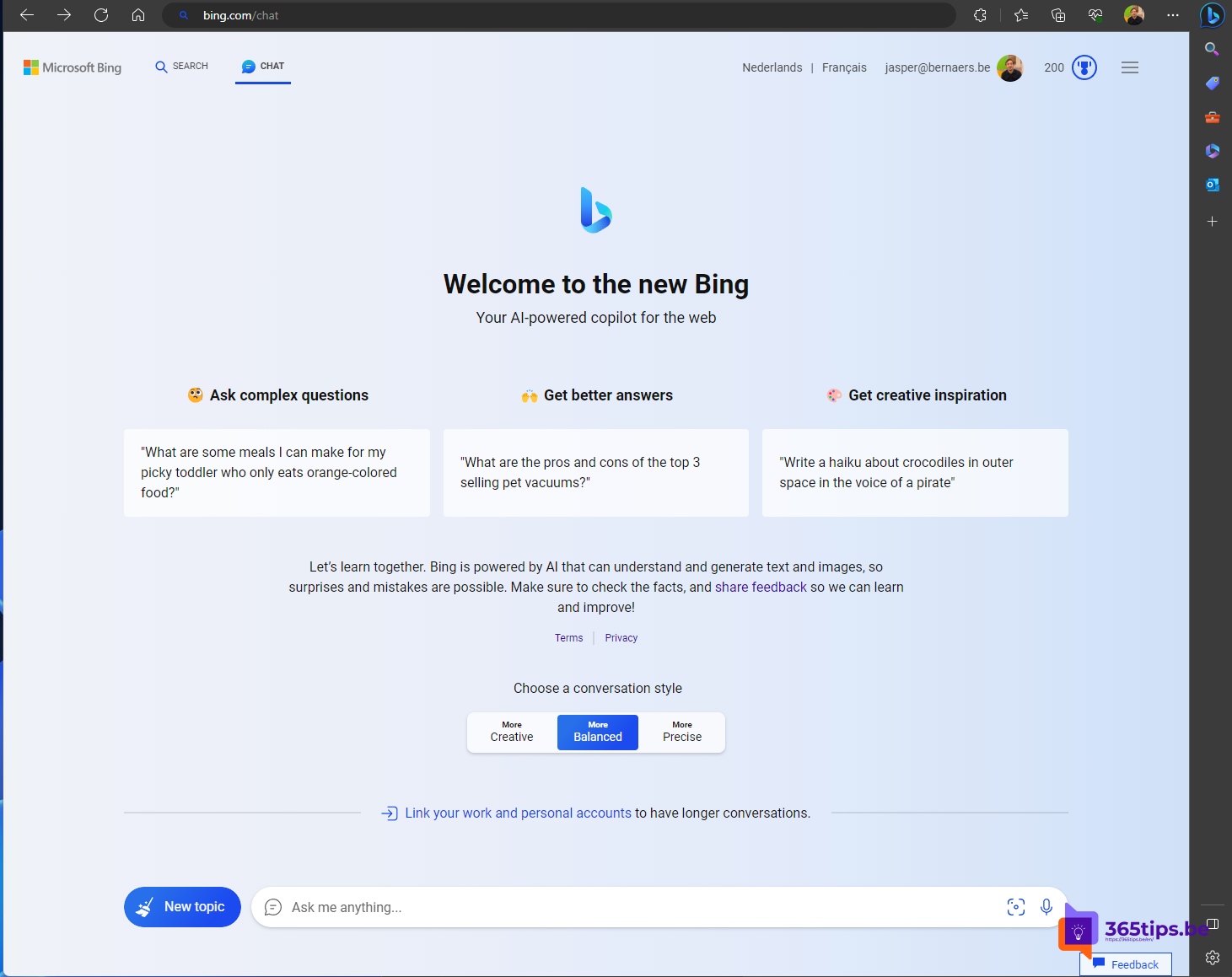
Want to use AI at work without business data ending up in a public chatbot? That's what Microsoft 365 Copilot Chat is for. You sign in with your work account and chat with AI under Microsoft 365's data protection. This service started in 2023 as Bing Chat Enterprise, was renamed "Copilot with commercial data protection" and is now Microsoft 365 Copilot Chat. bing.com/chat is no longer the place to start. Here's how to get going.
What is Microsoft 365 Copilot Chat?
- An AI chat for everyone with a work or school account (Microsoft Entra ID), with no extra license.
- Answers are grounded in the web and in files you add yourself.
- Enterprise data protection: your prompts and responses fall under the same terms as your email and files in Microsoft 365, and aren't used to train the AI models.
- You recognize it by the shield icon in the chat.
With a paid Microsoft 365 Copilot license, Copilot Chat can also search your email, chats, meetings and files.
Get started
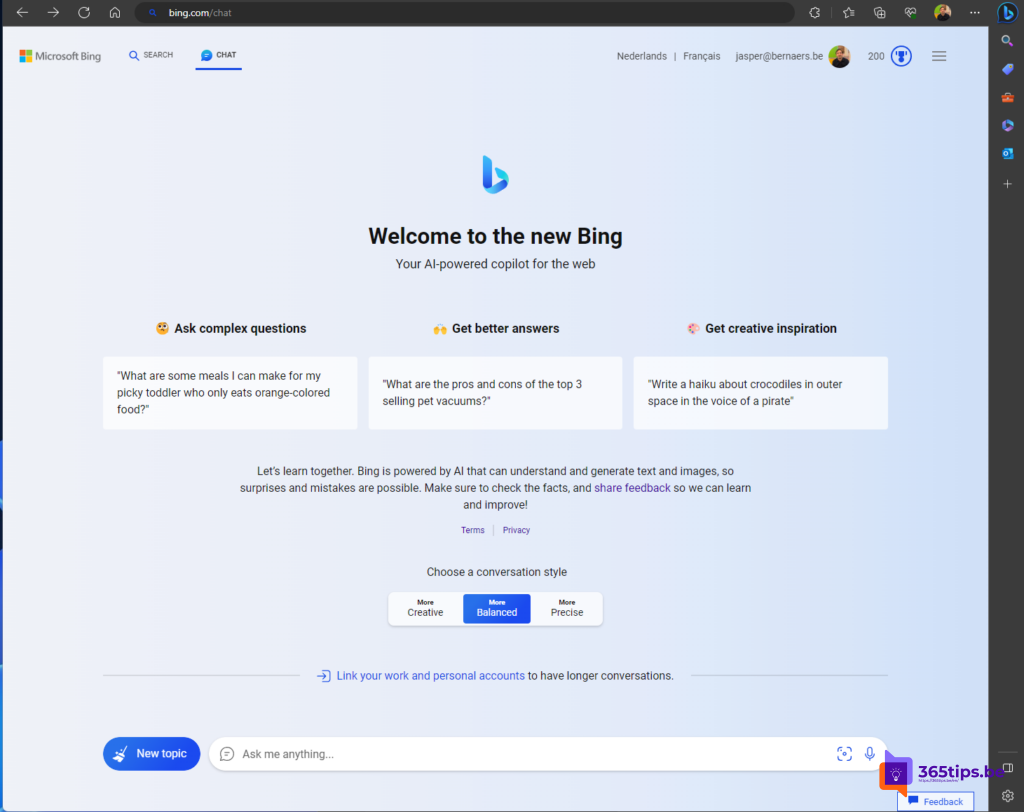
- Go to m365copilot.com or microsoft365.com and choose Copilot. You also find Copilot Chat in the Microsoft 365 Copilot app, in Teams, in Outlook and in the Edge sidebar.
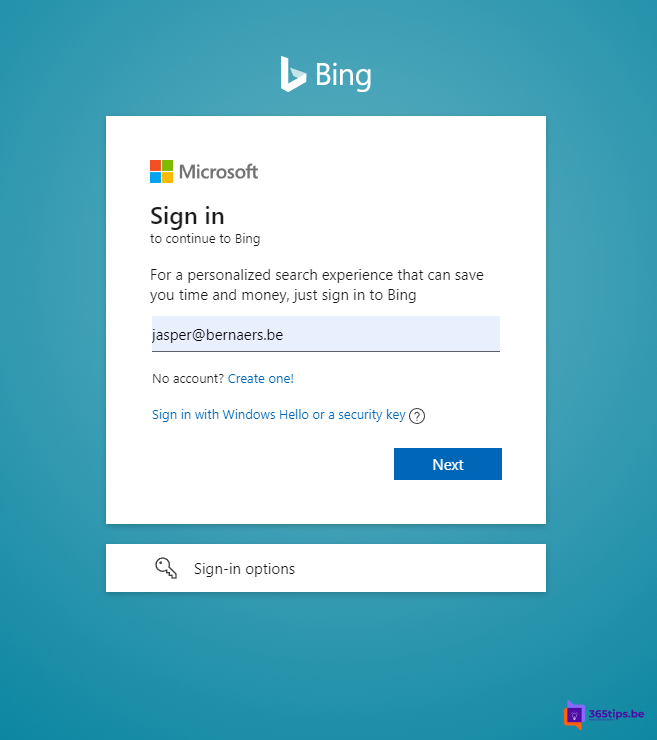
- Sign in with your work account. If you use multifactor authentication, approve the prompt in the Authenticator app.
- Check that you see the shield icon. That means you're signed in with protection.
- Type your question, or add a file with the + icon to have it summarized or analyzed.

Which license do you need?
Copilot Chat is included for users with a business Microsoft 365 or Office 365 plan and an Entra ID account. No separate license is required. Some extras, such as agents that work with company data, may be paid (for example pay-as-you-go). The terms change regularly, so check Microsoft's documentation.
For admins
- You can pin Copilot Chat in the Microsoft 365 app, Teams and Outlook from the Microsoft 365 admin center under the Copilot settings.
- If you don't want employees using public AI tools, make it clear that Copilot Chat with their work account is the safe choice.
- The Copilot settings in the admin center change often, so exact menu names may differ.
Why not just use ChatGPT?
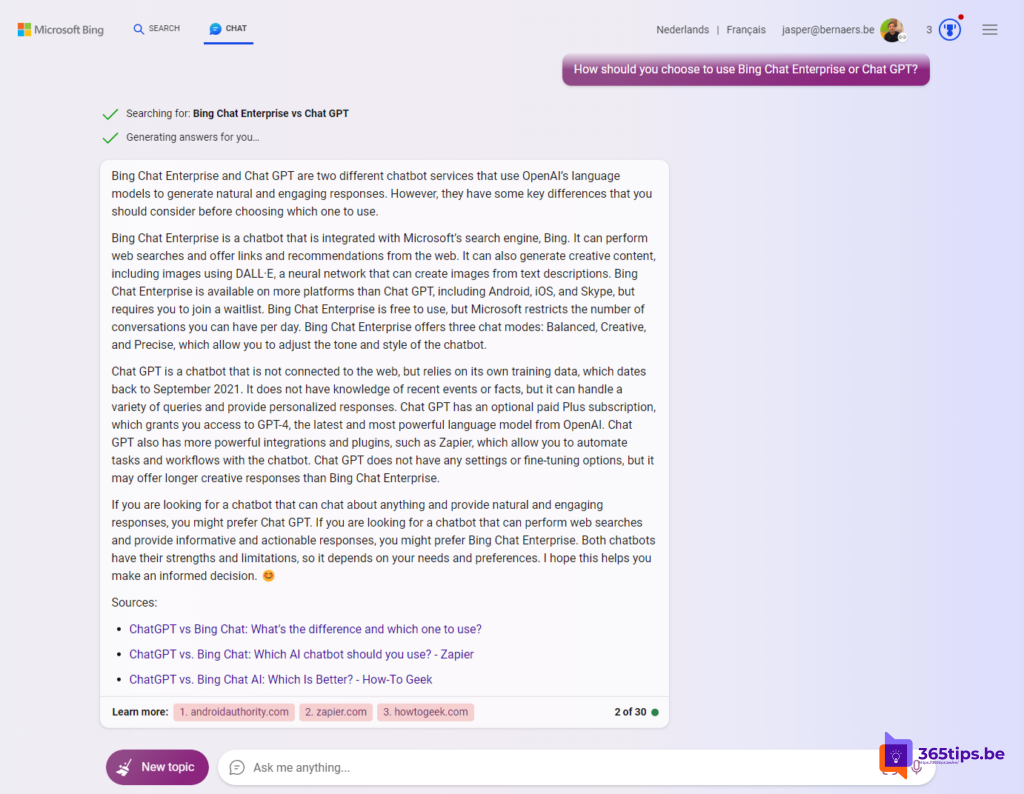
With a free public AI chat you don't always know what happens to your data. Copilot Chat with your work account falls under the agreements your organization already has with Microsoft. Still, don't paste sensitive data into a chat if your organization doesn't allow it.
Also see compare files with Copilot and what generative AI is.
Read also
The Microsoft 365 Copilot license: what you get and how to buy it
Compare two files or PDFs with Microsoft 365 Copilot
What is generative AI and what can you do with it?
Nederlandstalige versie: Aan de slag met Microsoft 365 Copilot Chat (vroeger Bing Chat Enterprise)