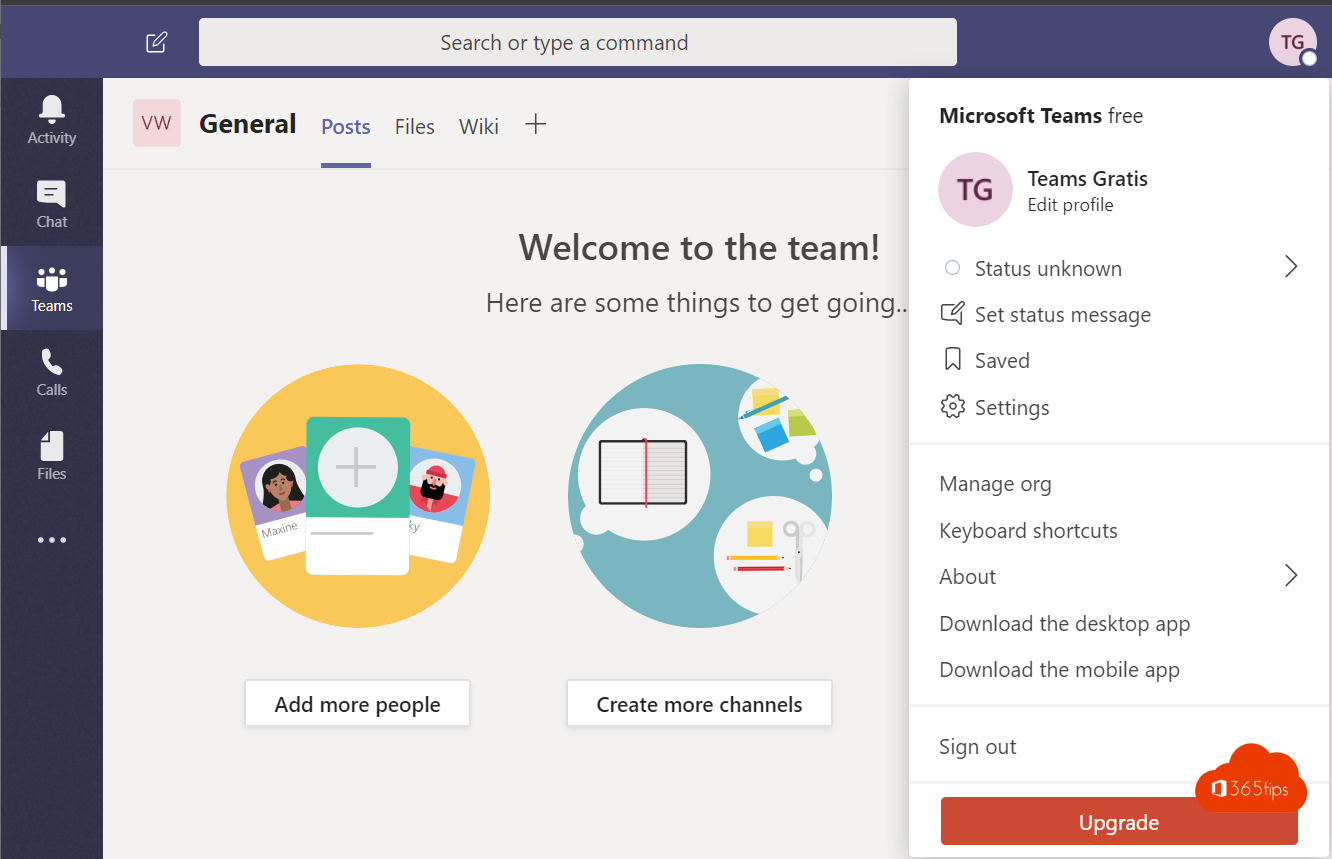
Did you know you can use Microsoft Teams for free? With Microsoft Teams (free) you chat and video call with family, friends, a club or a small group, without a subscription. All you need is a personal Microsoft account.
What do you get for free?
- Unlimited chat with individuals and groups.
- Video calls and group meetings, with a maximum duration and number of participants.
- File sharing, with a limited amount of cloud storage.
- Communities for clubs and groups, with events and announcements.
The old Teams Free (classic) was retired years ago, and Skype has been retired too; Teams (free) is the alternative. Exact limits can change, so check the Teams (free) page. Need longer meetings or more storage? Then Microsoft 365 Personal or Family is an option.
Get started with Teams for free
- Go to microsoft.com/microsoft-teams/free.
- Click Sign up for free or Download Teams.
- Sign in with your Microsoft account (for example an Outlook.com or Hotmail address). Don't have one yet? Create one for free.
- Choose your name and optionally a profile picture.
- Start a chat or a meeting. You can also use the browser at teams.live.com.


Teams for work
For a business, Teams in a Microsoft 365 plan is the better choice, for example Microsoft 365 Business Basic or Business Standard. That gives you management, security, more storage and teams with channels. Have both a work and a personal account? You can switch between them in the Teams app.

Also see create a free Microsoft Teams account and Skype is retired: switch to Teams free.
Read also
How to create a free Microsoft Teams account
Skype has been retired: switch to Microsoft Teams (free)
Create a free Microsoft account or Outlook.com address
Nederlandstalige versie: Hoe kan je Microsoft Teams gratis activeren en gebruiken?