Software that isn't in the Microsoft Store is deployed with Intune as a Win32 app. You wrap the installer in an .intunewin package, configure installation and detection and assign the app to a group. This article walks through it step by step, plus simpler alternatives.
First: is there an easier way?
- Microsoft Store app (new): many programs such as 7-Zip, VLC or Zoom can be picked straight from the Store in Intune, no packaging needed.
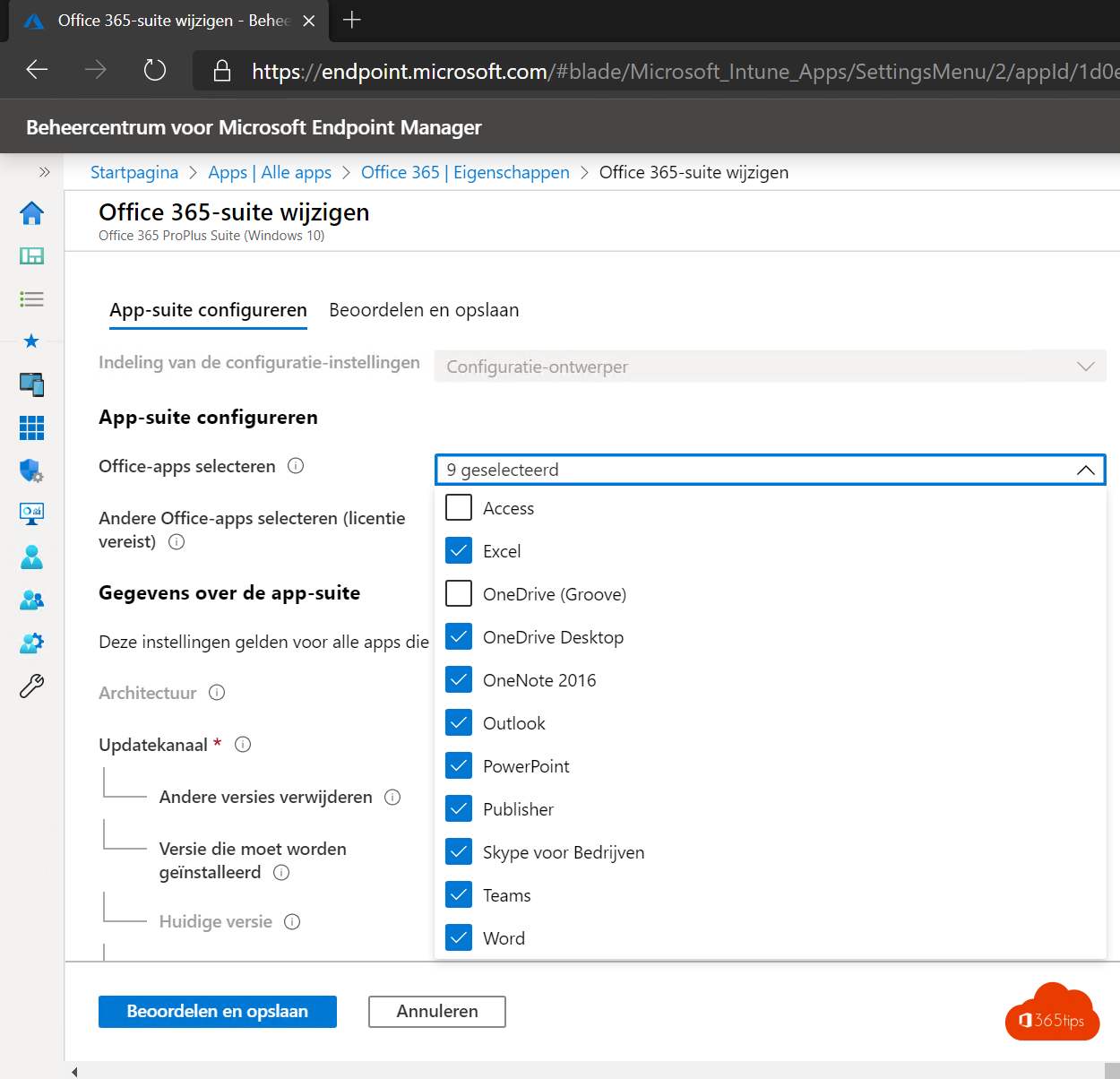
- Microsoft 365 apps and Edge have their own app types. Read deploy Microsoft 365 apps.
- Enterprise App Management (Intune Suite) offers a catalogue of pre-packaged apps with automatic updates.
Step 1: package
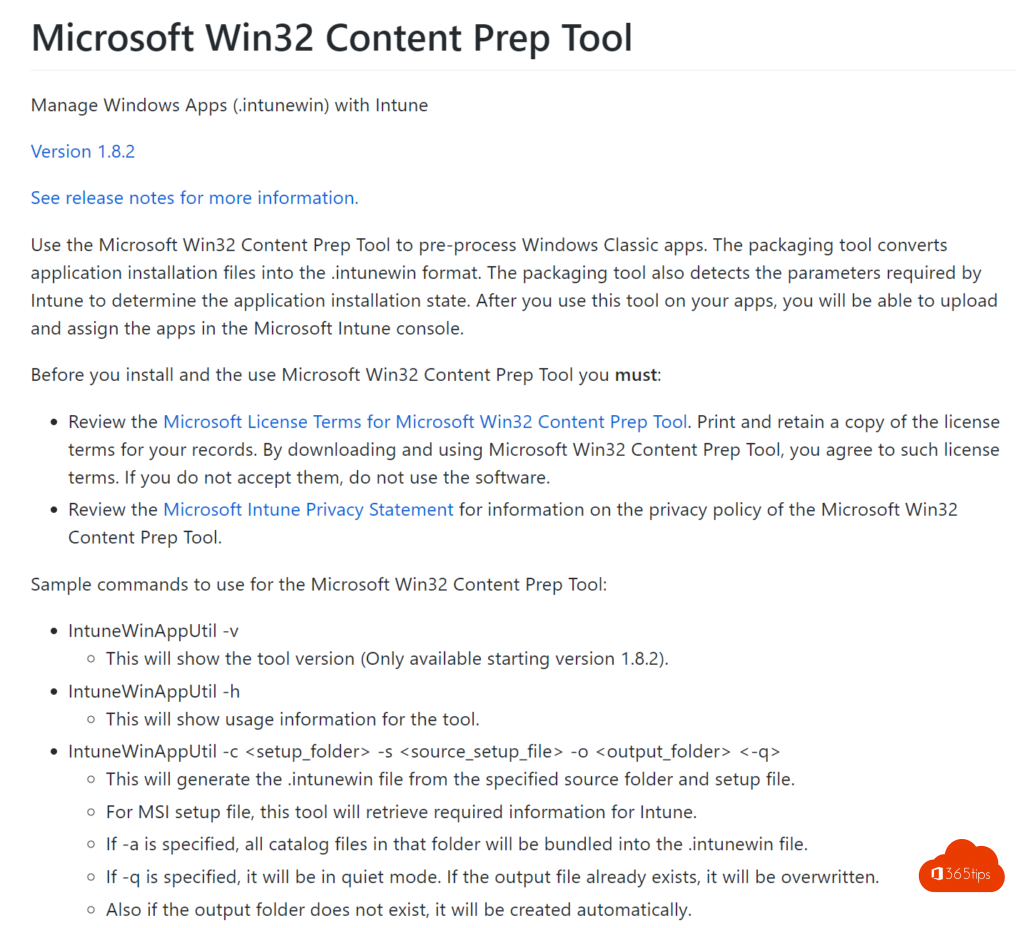
- Download the Microsoft Win32 Content Prep Tool (IntuneWinAppUtil.exe) from GitHub.
- Put the installer (for example setup.msi or setup.exe) in a separate folder.
- Run: IntuneWinAppUtil.exe -c C:\source -s setup.exe -o C:\output
You get a setup.intunewin file.
Step 2: add it in Intune
- Go to intune.microsoft.com > Apps > Windows > Add > Windows app (Win32).
- Upload the .intunewin file and fill in name, publisher and version.
- Enter the install command and uninstall command, such as setup.exe /S or msiexec /i setup.msi /qn.
- Choose whether installation runs as System or User.
- Set requirements, such as 64-bit and a minimum Windows version.
- Create a detection rule: an MSI product code, a file or folder, or a registry key that tells Intune the app is installed.
Step 3: assign
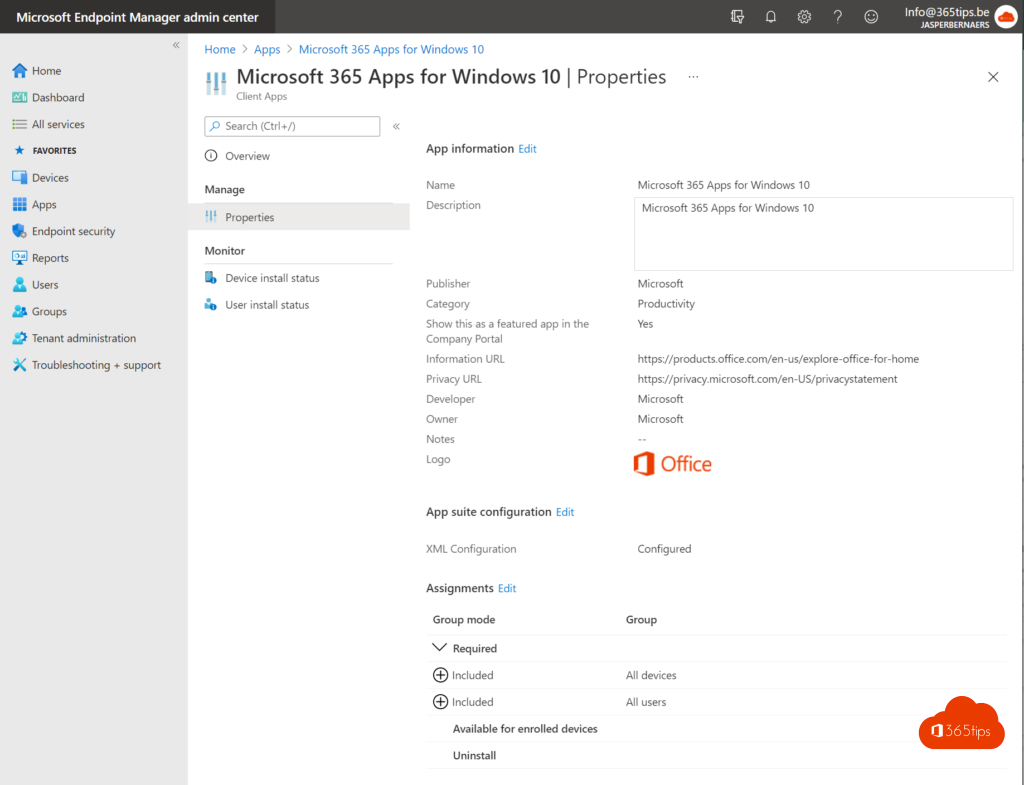
- Required: the app installs automatically.
- Available for enrolled devices: users install it themselves from the Company Portal.
- Uninstall: the app is removed.
Always test with a small group first.
Troubleshooting
Check the install status on the app in Intune. On the device, logs are in C:\ProgramData\Microsoft\IntuneManagementExtension\Logs, especially IntuneManagementExtension.log. For personal installs, see also winget.
Read also
Deploy the Microsoft 365 apps with Microsoft Intune
Install the Intune Company Portal automatically on all computers
Install and update software with winget on Windows
Nederlandstalige versie: Win32-apps verpakken en uitrollen met Microsoft Intune