Want to test new Windows features before they reach everyone? With a Windows Insider update ring in Microsoft Intune you give a small group of testers early access to preview builds. That way you spot problems with apps or settings in time, while the rest of your organization stays on the stable release. Insider builds are released for Windows 11; Windows 10 reached end of support on 14 October 2025.
Which channel do you choose?
| Channel | For whom |
|---|---|
| Release Preview | The best choice for businesses. You see the next version shortly before it becomes generally available. |
| Beta | For IT and enthusiastic testers. New features, fairly stable. |
| Dev | Test devices only. Early features, less stable. |
1. Create a group of testers
- Go to the Microsoft Entra admin center or the Intune admin center > Groups > New group.
- Choose type Security and give the group a clear name, for example Intune-Insider-Testers.
- Add the test users or their devices.

2. Create an Insider update ring
- Go to the Microsoft Intune admin center (intune.microsoft.com).
- Select Devices > Windows updates > the Update rings tab > Create profile.
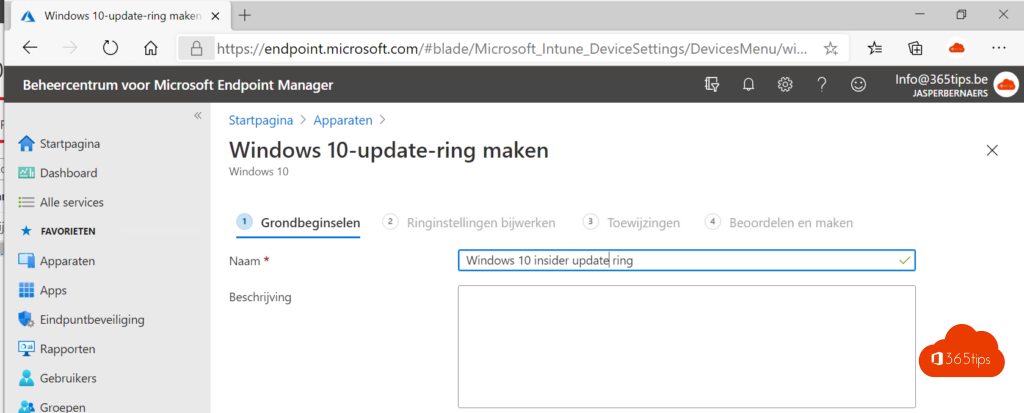
- Name the ring, for example Insider - Release Preview.
- Turn on Enable pre-release builds and choose the channel, for example Release Preview.
- Configure the other settings, such as quality update deferral and deadlines.
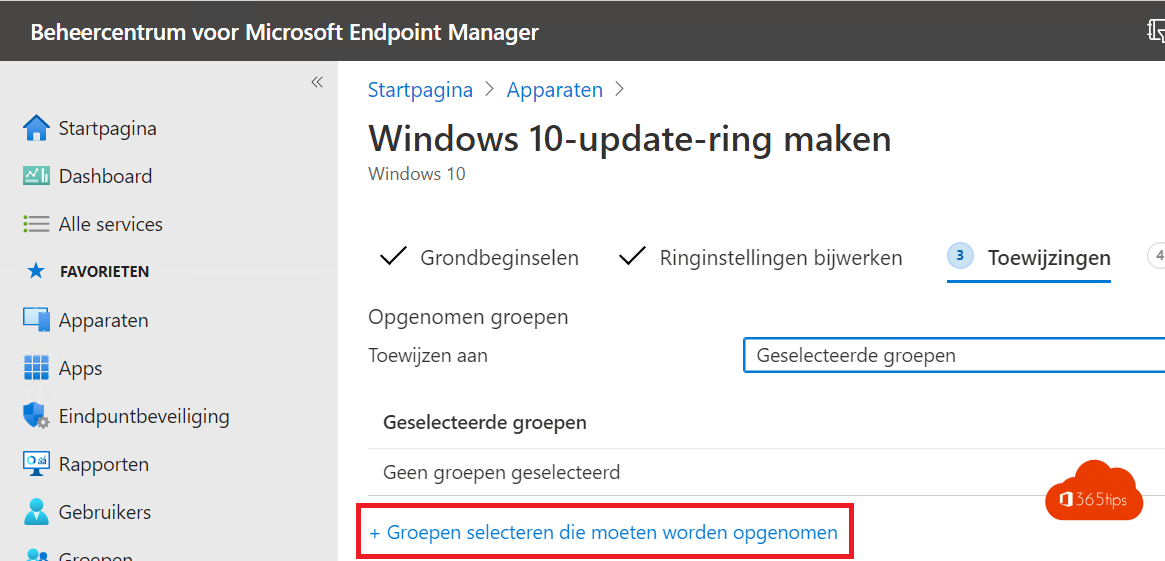
- Assign the profile to your test group and select Create.


3. Exclude testers from the production ring
A device should get only one update ring. Open your regular production ring and add the test group under Excluded groups. Otherwise you get conflicts.

4. Test and give feedback
- Let testers use their daily apps and write down problems.
- Have them give feedback via the Feedback Hub app.
- Your organization can also register for Windows Insider for Business to link feedback to your tenant.
- If a preview build goes wrong, remove the device from the group. Going back to a stable version may require a reinstall, so test on devices that can handle that.
Also see join the Windows Insider Program and manage Windows updates with Intune.
Read also
Join the Windows Insider Program for Windows 11
Keep all Windows PCs up to date with Microsoft Intune
Configure Delivery Optimization in Microsoft Intune: a good starting point
Nederlandstalige versie: Windows Insider-builds testen met een update-ring in Intune