OneDrive for work or school is more than a folder in the cloud. Your files are safe, you work together with colleagues and you can roll everything back when something goes wrong. These are the ten features that help you most as a user.
The ten most useful features
- Files On-Demand. You see all your files in File Explorer, but they only download when you open them. That saves disk space.
- PC folder backup. Desktop, Documents and Pictures sync to OneDrive automatically. See OneDrive folder backup.
- Sharing with a link. Choose whether anyone, only people in your organization or only specific people can use the link, and whether they can edit.
- Co-authoring. Several people work in the same Word, Excel or PowerPoint file at the same time.
- Version history. Restore an older version of a file. Read version history in OneDrive and SharePoint.
- Recycle bin. By default you can bring back deleted files for up to 93 days. See restore deleted files in OneDrive.
- Restore your OneDrive. After ransomware or a big mistake, roll your whole OneDrive back to a point in the last 30 days.
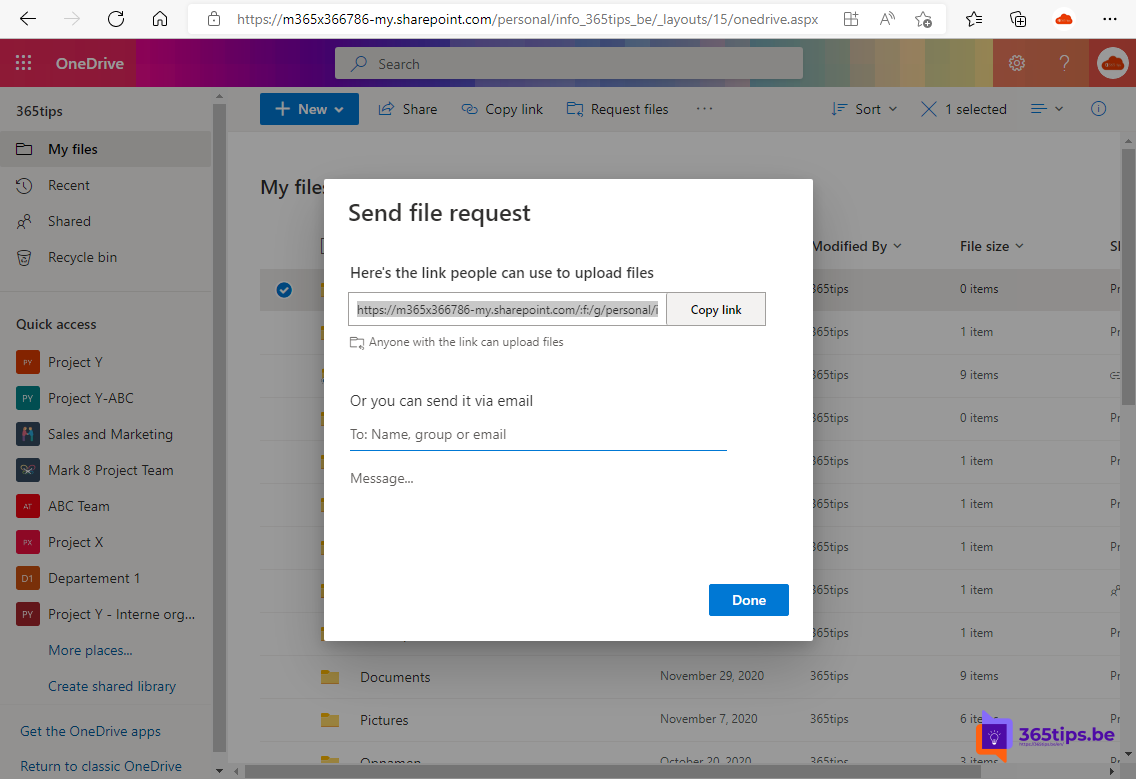
- File request. Let others upload files to a folder without seeing its contents. See file requests in OneDrive.
- Sharing large files. Share files up to 250 GB with a link instead of an attachment. See share large files with OneDrive.
- Scanning with the mobile app. Photograph a document with the OneDrive app; it becomes a PDF in your OneDrive.
How much storage do you have?
Most business Microsoft 365 plans include 1 TB per user by default. You can see your usage in OneDrive on the web under Settings > OneDrive settings > More settings > Storage metrics.
OneDrive or Teams?
Use OneDrive for your own working files and for files you share with a few people. Files that belong to a team or department go in Teams or SharePoint, so they stay when someone leaves. See ways to share files in Microsoft 365.
Read also
Automatically back up your desktop, documents and pictures with OneDrive
Restore an earlier version with version history in OneDrive and SharePoint
Restore deleted OneDrive files up to 93 days after deletion
Nederlandstalige versie: De 10 belangrijkste functies van OneDrive voor werk of school