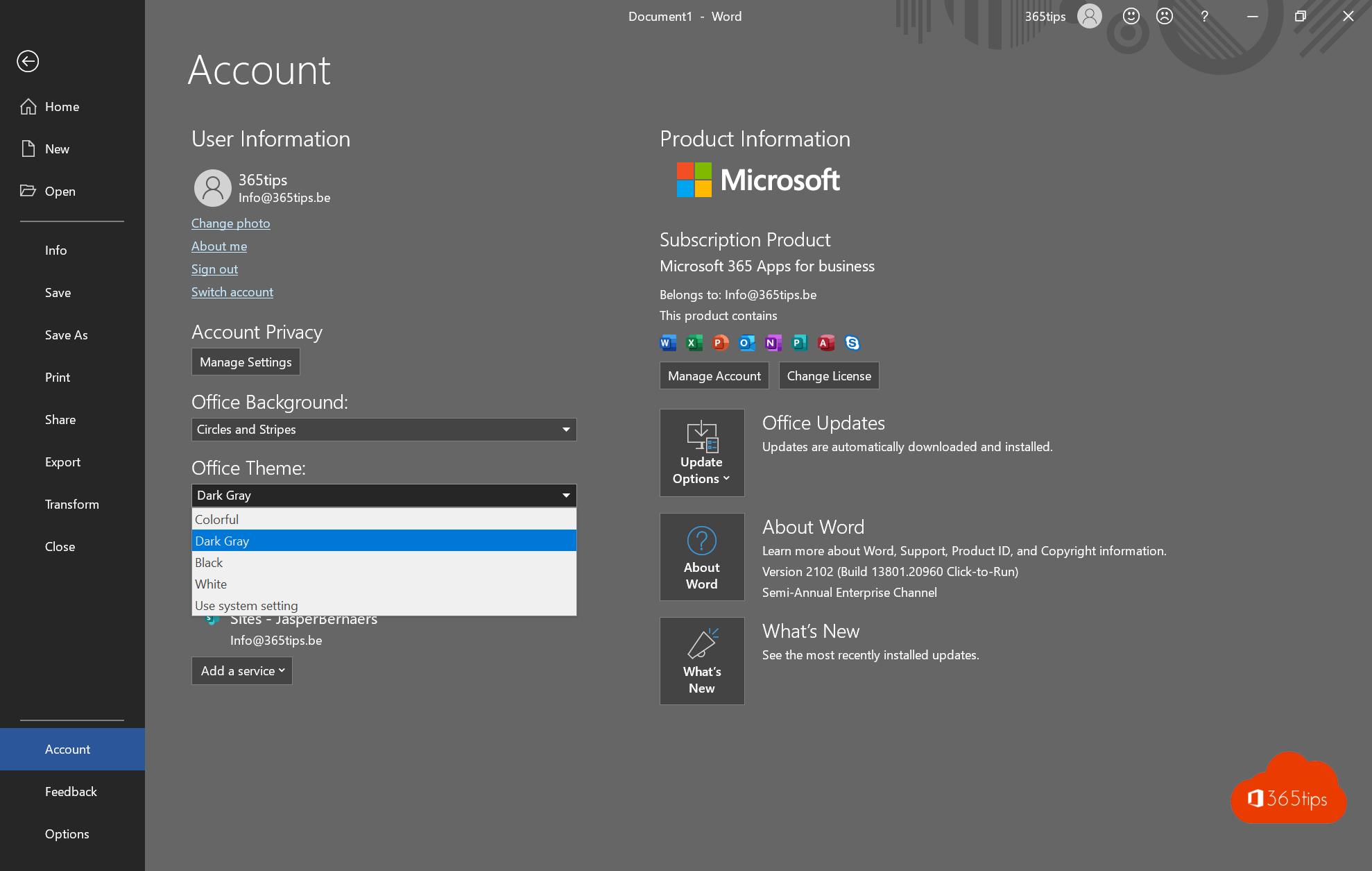
Writing in the evening, or just prefer a dark screen? Word has a dark mode. It makes the menus and the page itself dark, which is easier on your eyes.
Turn on dark mode
- Open Word and go to File > Account.
- Under Office Theme, choose Black. Choose Use system setting to follow Windows.
The theme applies to all Office apps on your computer.
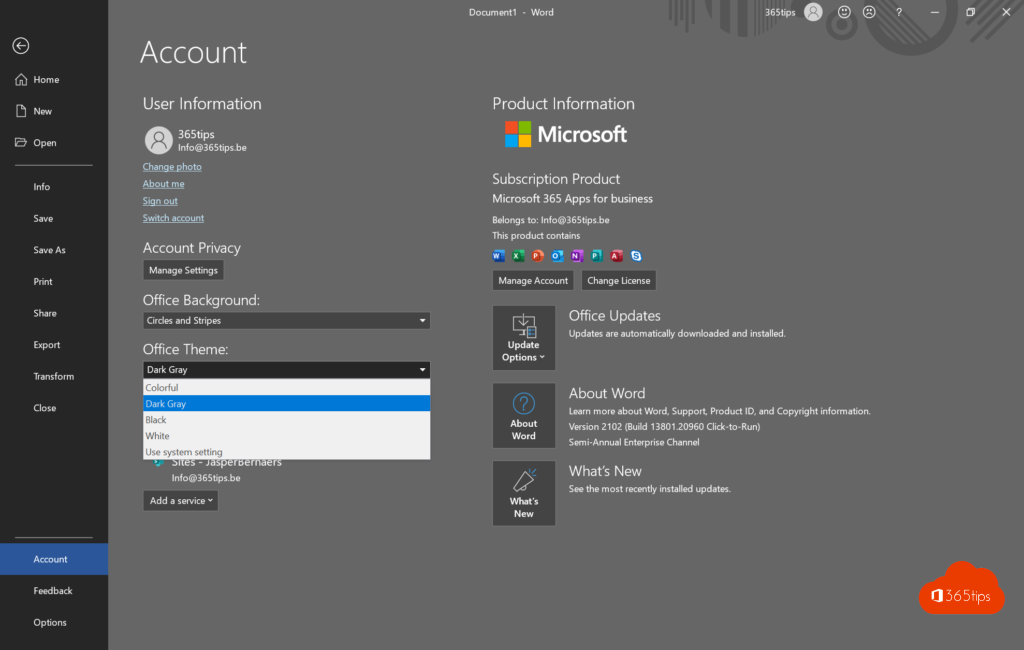
Light or dark page
With the Black theme, the page turns dark too. Want to see how your document looks printed? On the View tab, select Switch Modes to toggle between a dark and a white page. Always want a white page? Turn on the option to never change the page color in File > Options > General.
Good to know
- Dark mode doesn't change your document. Colleagues and printouts still see black text on white.
- On a Mac, Word follows the macOS setting (System Settings > Appearance).
- In Word for the web, use the Dark Mode button on the View tab.
Also see dark mode in Windows 11 and dark mode in Outlook.
Read also
How to turn on dark mode in Windows 11
Turn on dark mode in Outlook on the web, Windows and mobile
Save a Word document as PDF on Windows, Mac and the web
Nederlandstalige versie: Donkere modus aanzetten in Microsoft Word