$ cd ~/365tips/category/teams
Microsoft Teams Guides: Meetings, Chat and Admin
Get more out of Microsoft Teams.
Meetings, chat, channels, recordings, apps and admin settings in the new Teams. Explained step by step, for users and admins.
283Teams articles in English
283in Dutch too
283updated in 2026
0ads or cookies
Featured: Teams
The best Teams guides to start with.
01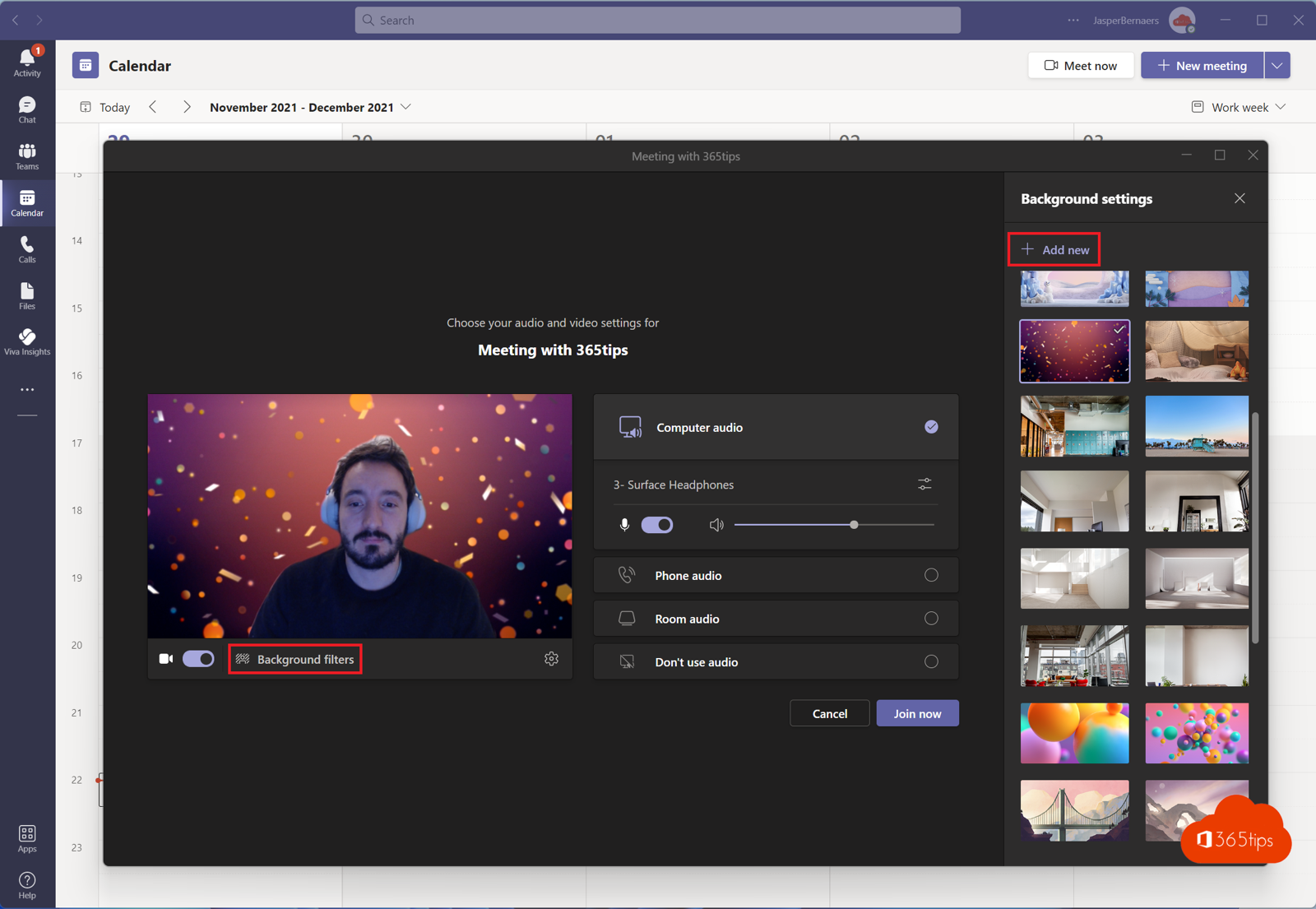 TeamsSet a custom background in Microsoft TeamsUse your own image as a background in Teams, before or during a meeting. Best format, blur and organisation-wide backgrounds…
02
TeamsSet a custom background in Microsoft TeamsUse your own image as a background in Teams, before or during a meeting. Best format, blur and organisation-wide backgrounds…
02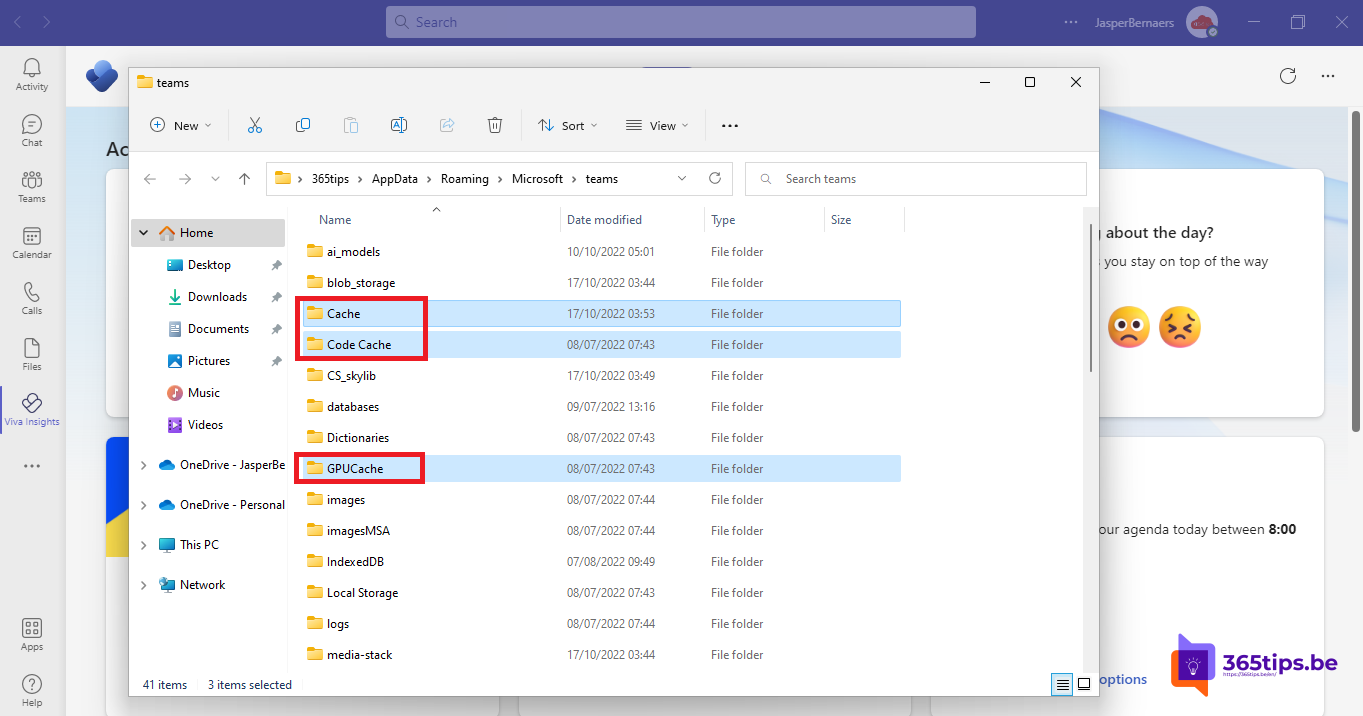 TeamsClear the Microsoft Teams cache on Windows and MacClear the new Teams cache on Windows 11 or Mac to fix slow starts, frozen screens and sign-in problems, without losing chats…
03
TeamsClear the Microsoft Teams cache on Windows and MacClear the new Teams cache on Windows 11 or Mac to fix slow starts, frozen screens and sign-in problems, without losing chats…
03 TeamsDownload and install Microsoft Teams on Windows, Mac and mobileDownload and install the right Teams app for work, school or personal use on Windows, Mac and mobile, or use Teams in the…
04
TeamsDownload and install Microsoft Teams on Windows, Mac and mobileDownload and install the right Teams app for work, school or personal use on Windows, Mac and mobile, or use Teams in the…
04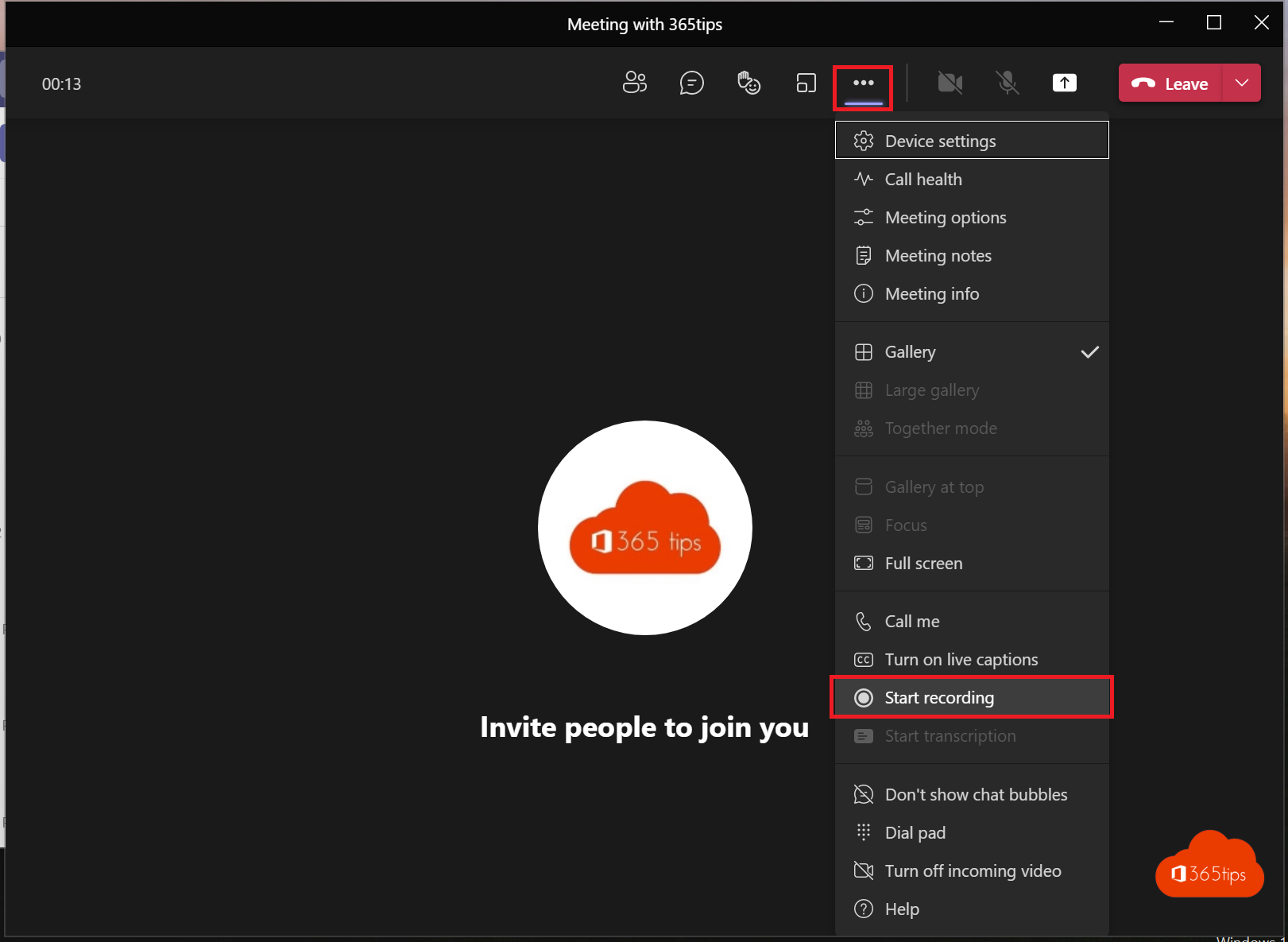 TeamsRecord, find and share a Microsoft Teams meetingRecord a Teams meeting with transcription. Who can record, where the recording is stored in OneDrive or SharePoint, how to…
05
TeamsRecord, find and share a Microsoft Teams meetingRecord a Teams meeting with transcription. Who can record, where the recording is stored in OneDrive or SharePoint, how to…
05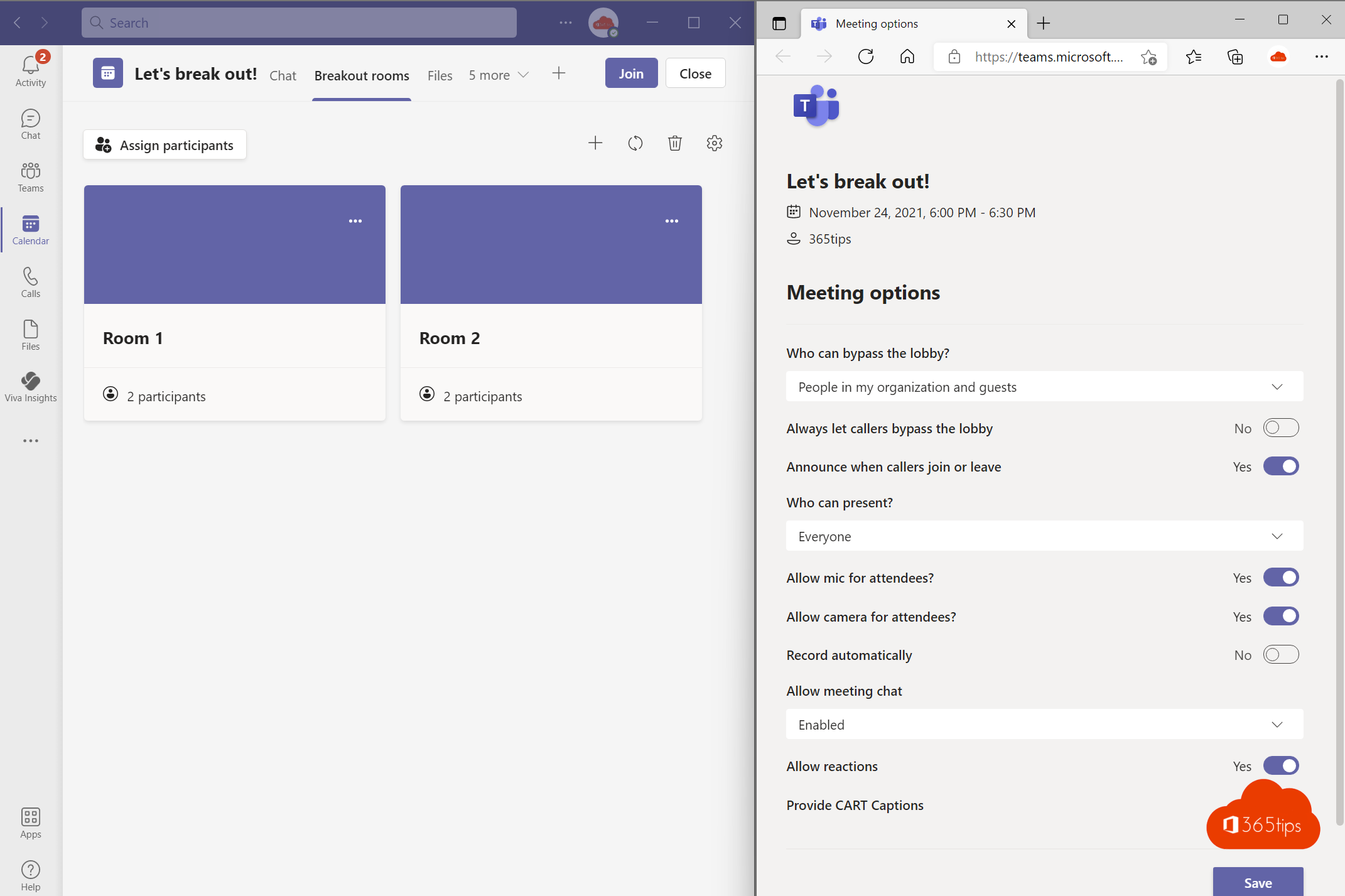 TeamsEverything about breakout rooms in Microsoft TeamsCreate breakout rooms in a Teams meeting, assign attendees, set a timer, use room managers and bring everyone back.
06
TeamsEverything about breakout rooms in Microsoft TeamsCreate breakout rooms in a Teams meeting, assign attendees, set a timer, use room managers and bring everyone back.
06 TeamsThe most useful Microsoft Teams keyboard shortcuts for Windows and MacThe most useful shortcuts for the new Teams app: navigation, chat, mute, camera, raise hand and screen sharing, for Windows…
07
TeamsThe most useful Microsoft Teams keyboard shortcuts for Windows and MacThe most useful shortcuts for the new Teams app: navigation, chat, mute, camera, raise hand and screen sharing, for Windows…
07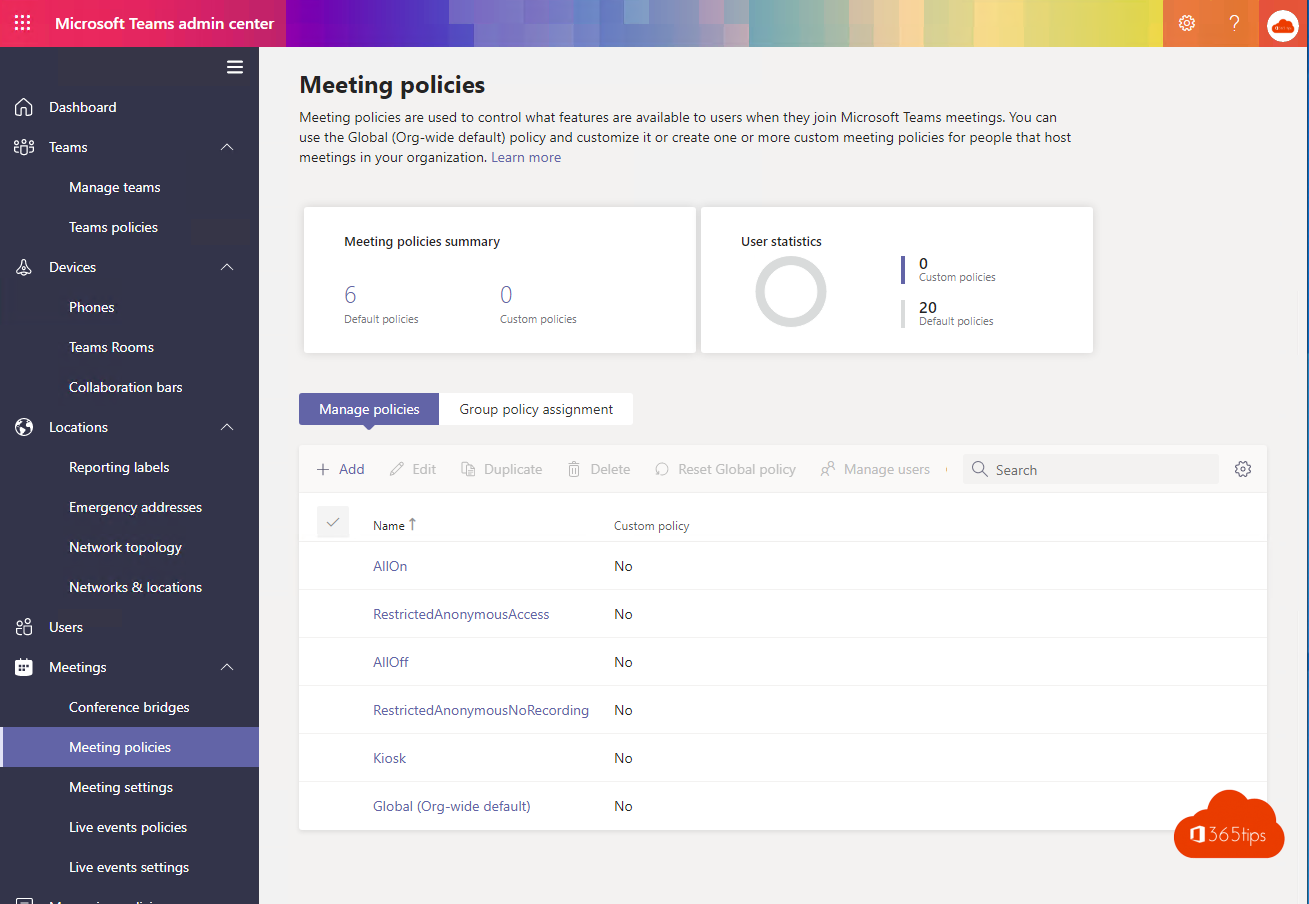 TeamsHow to create a free Microsoft Teams accountCreate a free Microsoft Teams account, see what the free version can do (60 minutes, 100 participants, 5 GB) and which plan…
08
TeamsHow to create a free Microsoft Teams accountCreate a free Microsoft Teams account, see what the free version can do (60 minutes, 100 participants, 5 GB) and which plan…
08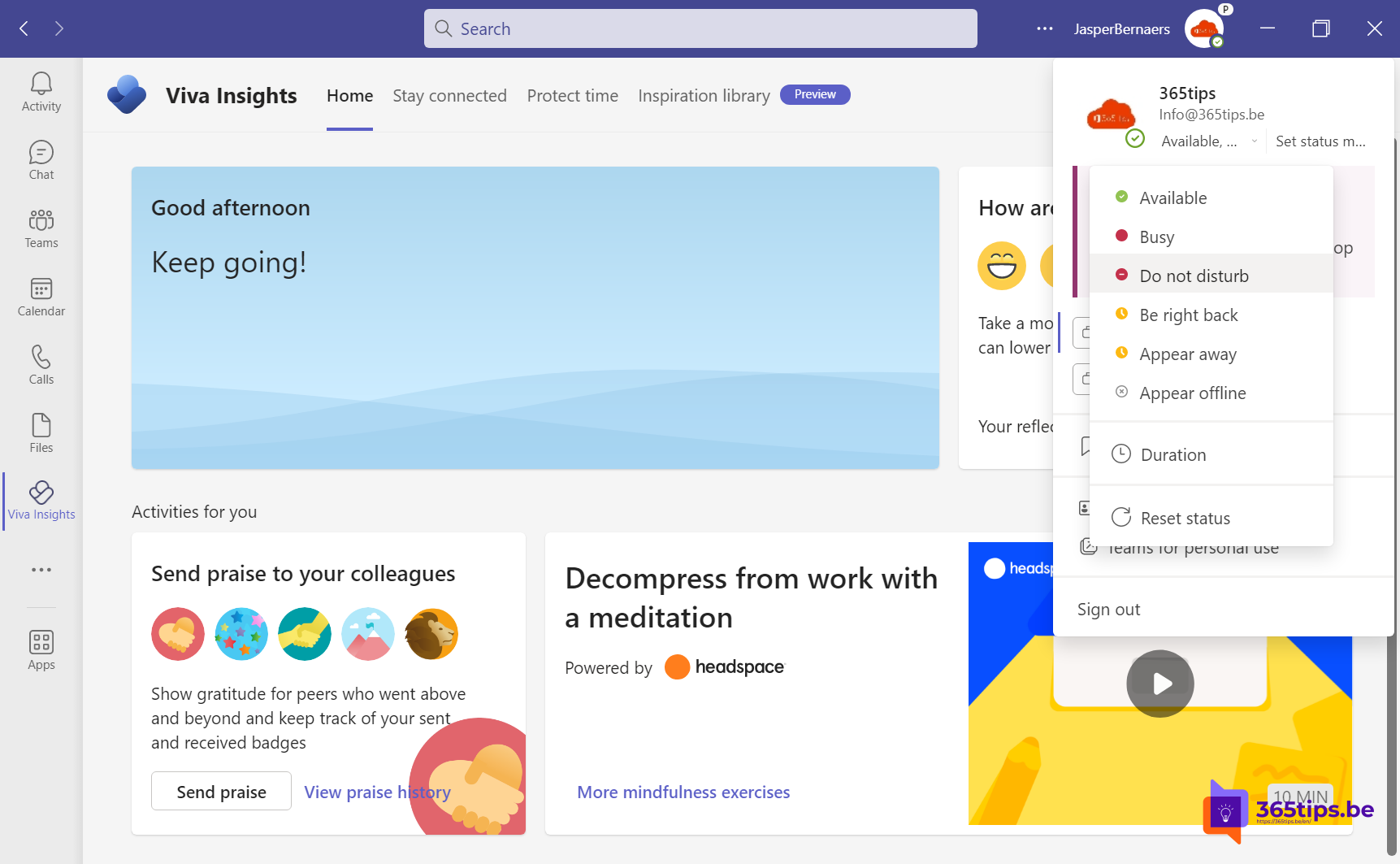 TeamsSet your status in Microsoft Teams: available, busy or do not disturbSet your Teams status to Available, Busy, Do not disturb or Appear away, with a duration, a status message and priority…
09
TeamsSet your status in Microsoft Teams: available, busy or do not disturbSet your Teams status to Available, Busy, Do not disturb or Appear away, with a duration, a status message and priority…
09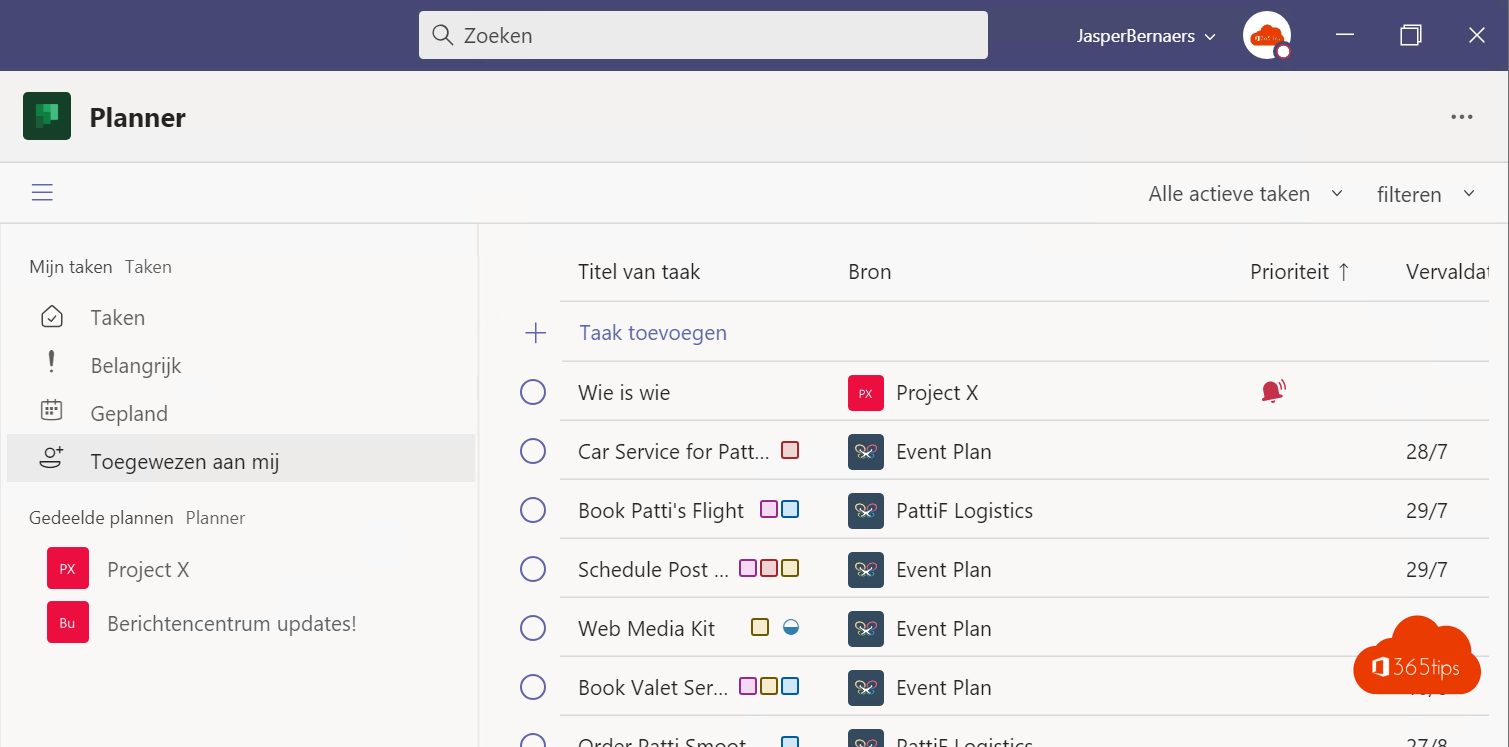 TeamsManage tasks with the Planner app in Microsoft TeamsUse the Planner app in Teams for personal tasks and shared plans, add a plan to a channel and see what premium plans offer.
10
TeamsManage tasks with the Planner app in Microsoft TeamsUse the Planner app in Teams for personal tasks and shared plans, add a plan to a channel and see what premium plans offer.
10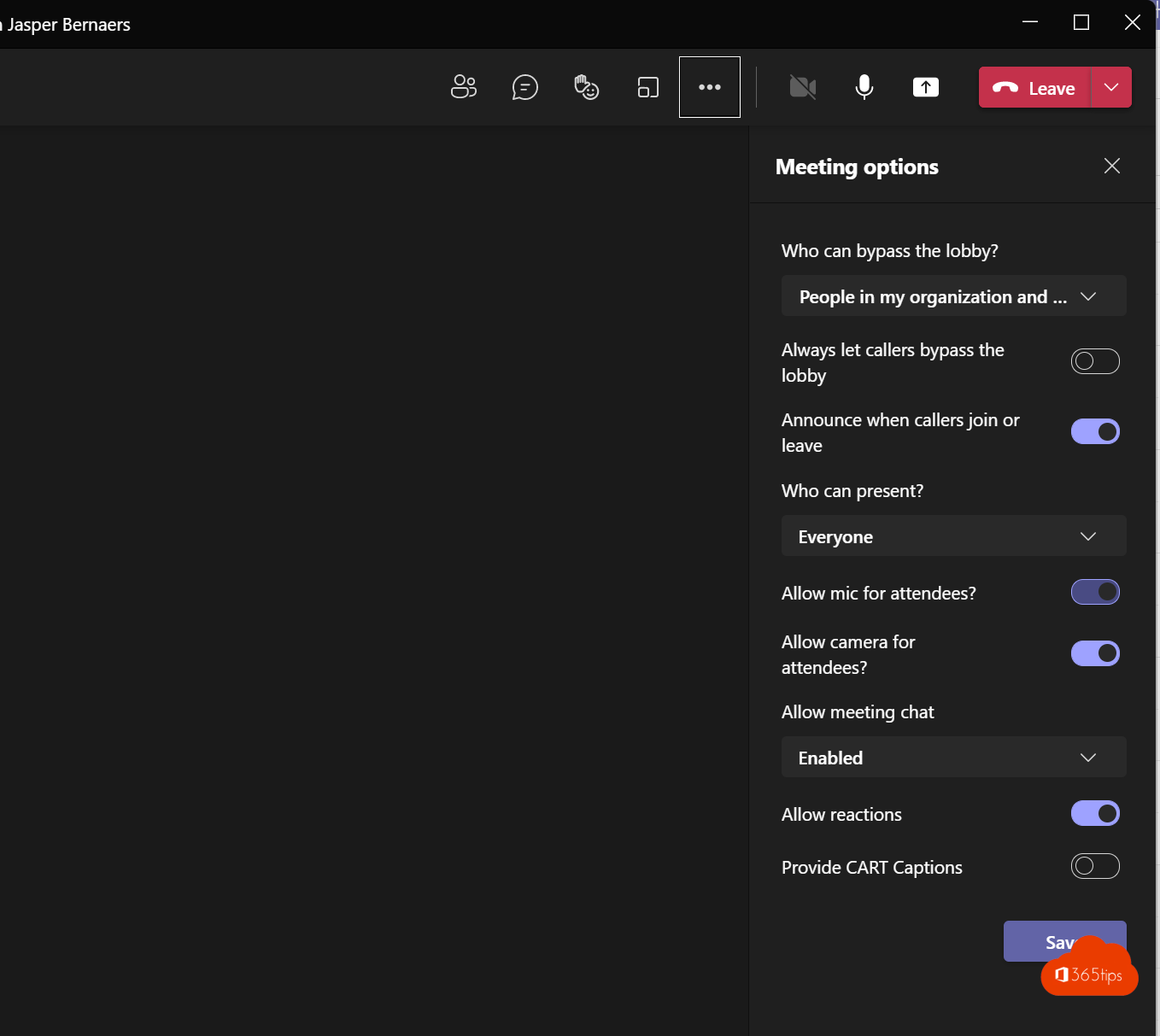 TeamsMute everyone in a Microsoft Teams meetingMute all attendees in a Teams meeting in one click and stop them from unmuting. Meeting options and raised hands explained.
11
TeamsMute everyone in a Microsoft Teams meetingMute all attendees in a Teams meeting in one click and stop them from unmuting. Meeting options and raised hands explained.
11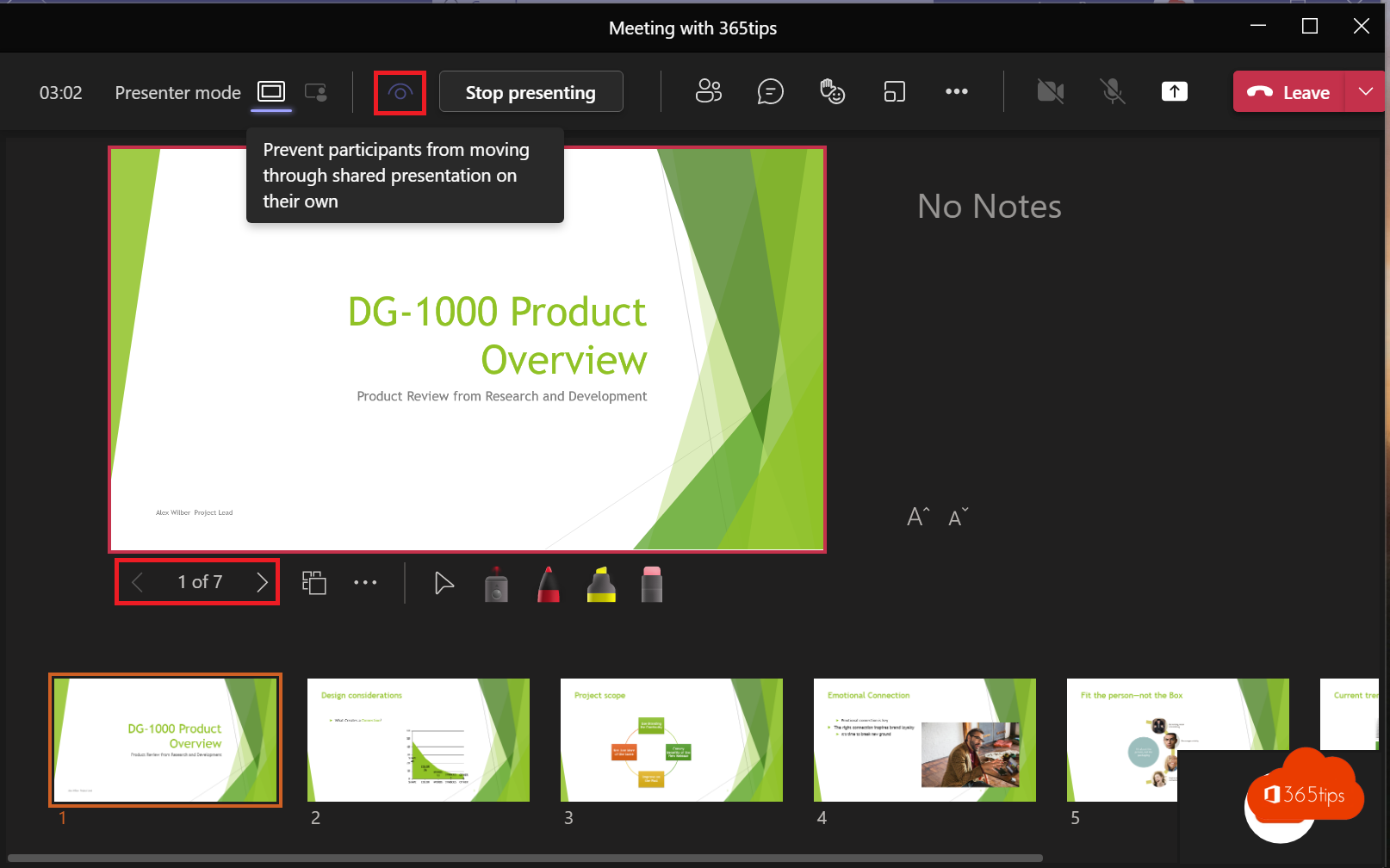 TeamsPresent a PowerPoint in Teams with PowerPoint LiveShare your presentation with PowerPoint Live instead of your screen: with notes, laser pointer, Cameo and less bandwidth.
12
TeamsPresent a PowerPoint in Teams with PowerPoint LiveShare your presentation with PowerPoint Live instead of your screen: with notes, laser pointer, Cameo and less bandwidth.
12 TeamsFree Microsoft Teams backgrounds: travel, nature and officeA selection of free travel, nature and office backgrounds for Microsoft Teams, with steps to set them in the new Teams.
TeamsSet a custom background in Microsoft TeamsUse your own image as a background in Teams, before or during a meeting. Best format, blur and organisation-wide backgrounds…
02TeamsClear the Microsoft Teams cache on Windows and MacClear the new Teams cache on Windows 11 or Mac to fix slow starts, frozen screens and sign-in problems, without losing chats…
03TeamsDownload and install Microsoft Teams on Windows, Mac and mobileDownload and install the right Teams app for work, school or personal use on Windows, Mac and mobile, or use Teams in the…
04TeamsRecord, find and share a Microsoft Teams meetingRecord a Teams meeting with transcription. Who can record, where the recording is stored in OneDrive or SharePoint, how to…
05TeamsEverything about breakout rooms in Microsoft TeamsCreate breakout rooms in a Teams meeting, assign attendees, set a timer, use room managers and bring everyone back.
06TeamsThe most useful Microsoft Teams keyboard shortcuts for Windows and MacThe most useful shortcuts for the new Teams app: navigation, chat, mute, camera, raise hand and screen sharing, for Windows…
07TeamsHow to create a free Microsoft Teams accountCreate a free Microsoft Teams account, see what the free version can do (60 minutes, 100 participants, 5 GB) and which plan…
08TeamsSet your status in Microsoft Teams: available, busy or do not disturbSet your Teams status to Available, Busy, Do not disturb or Appear away, with a duration, a status message and priority…
09TeamsManage tasks with the Planner app in Microsoft TeamsUse the Planner app in Teams for personal tasks and shared plans, add a plan to a channel and see what premium plans offer.
10TeamsMute everyone in a Microsoft Teams meetingMute all attendees in a Teams meeting in one click and stop them from unmuting. Meeting options and raised hands explained.
11TeamsPresent a PowerPoint in Teams with PowerPoint LiveShare your presentation with PowerPoint Live instead of your screen: with notes, laser pointer, Cameo and less bandwidth.
12TeamsFree Microsoft Teams backgrounds: travel, nature and officeA selection of free travel, nature and office backgrounds for Microsoft Teams, with steps to set them in the new Teams.
All Teams articles
Search above or pick another category.- Automatically review guests in Microsoft Teams with access reviewsSecurity · 20 Oct 2026
- Add people to a group chat with an @mentionTeams · 20 Oct 2026
- Request approval for files in SharePoint or TeamsMicrosoft 365 · 20 Oct 2026
- Automatically delete meeting recordings in Microsoft TeamsTeams · 20 Oct 2026
- Your raised hand is lowered automatically after you speak in TeamsTeams · 20 Oct 2026
- Manage Microsoft Teams with PowerShell in Azure Cloud ShellAzure · 20 Oct 2026
- The best birthday backgrounds for Microsoft TeamsTeams · 20 Oct 2026
- Block or allow channel meetings in Microsoft TeamsTeams · 20 Oct 2026
- Restrict downloads of Teams meeting recordingsTeams · 20 Oct 2026
- Set a timer for breakout rooms in TeamsTeams · 20 Oct 2026
- Set up a delegate for calls in Microsoft TeamsTeams · 20 Oct 2026
- Put your camera feed in your slides with Cameo in PowerPoint and TeamsTeams · 20 Oct 2026
- Can't add anyone to a private channel in Teams: the fixTeams · 20 Oct 2026
- Cast content from your phone to a Microsoft Teams RoomTeams · 20 Oct 2026
- Celebrate the holidays with Microsoft TeamsTeams · 20 Oct 2026
- Add and use a channel calendar in Microsoft TeamsTeams · 20 Oct 2026
- Christmas backgrounds for Microsoft TeamsTeams · 20 Oct 2026
- Set up a class in Teams with the OneNote Class NotebookTeams · 20 Oct 2026
- Work on one file with several people at the same timeMicrosoft 365 · 20 Oct 2026
- Turn on the compact chat list in Microsoft TeamsTeams · 20 Oct 2026
- Convert a standard channel to private (or back) in TeamsTeams · 20 Oct 2026
- Create meeting minutes in Teams with Microsoft 365 CopilotTeams · 20 Oct 2026
- Schedule a Teams meeting and share the link in one clickTeams · 20 Oct 2026
- Create, turn in and grade assignments in Microsoft Teams for EducationTeams · 20 Oct 2026
- Set custom notification sounds in Microsoft TeamsTeams · 20 Oct 2026
- Dynamic view in Microsoft Teams meetingsTeams · 20 Oct 2026
- Use emoji, GIFs and stickers in Teams and OutlookTeams · 20 Oct 2026
- Use emoji in Windows 11, Outlook and Microsoft TeamsWindows 11 · 20 Oct 2026
- Create a list from Excel in Microsoft TeamsTeams · 20 Oct 2026
- See flagged emails as tasks in Planner in TeamsTeams · 20 Oct 2026
- Forward emails automatically to a Teams channelTeams · 20 Oct 2026
- Free Microsoft Teams backgrounds: travel, nature and officeTeams · 20 Oct 2026
- View a Microsoft Teams meeting in full screenTeams · 20 Oct 2026
- Use Google Drive or Dropbox in Microsoft TeamsTeams · 20 Oct 2026
- Use green screen in Microsoft TeamsTeams · 20 Oct 2026
- Start a group chat with internal and external contacts in TeamsTeams · 20 Oct 2026
- Check and manage guest access in Microsoft TeamsTeams · 20 Oct 2026
- No more echo in Microsoft Teams thanks to howling detectionTeams · 20 Oct 2026
- Set IKEA backgrounds in Microsoft TeamsTeams · 20 Oct 2026
- Have Teams messages read aloud with Immersive ReaderTeams · 20 Oct 2026
- Install WhatsApp on your Windows PC or Mac (or use Teams?)How-to · 20 Oct 2026
- How to create an instant poll in a Teams meetingTeams · 20 Oct 2026
- Intelligent recap for Microsoft Teams meetingsTeams · 20 Oct 2026
- Invite a distribution list or Microsoft 365 group to a Teams meetingTeams · 20 Oct 2026
- Join a Teams meeting without a Microsoft accountTeams · 20 Oct 2026
- Use Kahoot! in Microsoft Teams: starter guideTeams · 20 Oct 2026
- Learn Microsoft Teams with Kevin Stratvert's YouTube videosTeams · 20 Oct 2026
- Set LEGO backgrounds in Microsoft TeamsTeams · 20 Oct 2026
- Use live reactions in a Microsoft Teams meetingTeams · 20 Oct 2026
- Live Share in Microsoft Teams: collaborate in apps during meetingsTeams · 20 Oct 2026
- Lobby chat in Microsoft Teams: chat before you're admittedTeams · 20 Oct 2026
- Make someone from outside your organization a presenter in TeamsTeams · 20 Oct 2026
- Phone calls with Microsoft Teams: everything you need to knowTeams · 20 Oct 2026
- 5 tips to measure Microsoft 365 adoptionMicrosoft 365 · 20 Oct 2026
- Mention everyone in a group chat with @everyoneTeams · 20 Oct 2026
- Sync Microsoft 365 message center posts with PlannerMicrosoft 365 · 20 Oct 2026
- The most important admin roles in Microsoft 365Security · 20 Oct 2026
- Microsoft 365 for education: set up your school and classMicrosoft 365 · 20 Oct 2026
- A Microsoft 365 migration: create structure and collaborationMicrosoft 365 · 20 Oct 2026
- Microsoft 365 guides: the official learning resourcesMicrosoft 365 · 20 Oct 2026
- Use Microsoft Forms in Teams and PowerPointTeams · 20 Oct 2026
- Use Microsoft Lists in a Teams channelMicrosoft 365 · 20 Oct 2026
- Use Microsoft Teams with Apple CarPlayTeams · 20 Oct 2026
- How is Microsoft Teams built technically?Teams · 20 Oct 2026
- Basic guide to Microsoft Teams for beginnersTeams · 20 Oct 2026
- Happy birthday, Microsoft Teams: a short historyTeams · 20 Oct 2026
- All Microsoft Teams blogs: articles, sources and community blogsTeams · 20 Oct 2026
- Is Microsoft Teams down? How to check service healthTeams · 20 Oct 2026
- Microsoft Teams explained for kids, parents and teachersTeams · 20 Oct 2026
- How to activate and use Microsoft Teams for freeTeams · 20 Oct 2026
- What are the limits and specifications of Microsoft Teams?Teams · 20 Oct 2026
- Microsoft Teams on a Mac with Apple silicon (M1, M2 and newer)Teams · 20 Oct 2026
- View and organize chats and channels together in the new TeamsTeams · 20 Oct 2026
- A project plan to roll out Microsoft Teams successfullyTeams · 20 Oct 2026
- Single sign-on (SSO) for Microsoft Teams with Microsoft Entra IDSecurity · 20 Oct 2026
- The best video tutorials for Microsoft Teams and Microsoft 365Teams · 20 Oct 2026
- Microsoft Teams vs WhatsApp: when to use which appTeams · 20 Oct 2026
- Microsoft Teams vs Zoom: the differences side by sideTeams · 20 Oct 2026
- Get started with Microsoft Viva in Microsoft 365Microsoft 365 · 20 Oct 2026
- Microsoft Whiteboard: tips to sketch and brainstorm togetherTeams · 20 Oct 2026
- The 10 most read 365tips articles of 2021How-to · 20 Oct 2026
- Meetings and calls in a separate window in Microsoft TeamsTeams · 20 Oct 2026
- Turn on multilingual Teams meeting invitationsTeams · 20 Oct 2026
- Play music in Teams with music modeTeams · 20 Oct 2026
- The new Microsoft Teams: what's different?Teams · 20 Oct 2026
- The new Microsoft Teams app: what's different and are you on it?Teams · 20 Oct 2026
- Why the new Teams is faster (and what to do if it's still slow)Teams · 20 Oct 2026
- New Year backgrounds for Microsoft Teams, Zoom and Google MeetTeams · 20 Oct 2026
- Get a notification as soon as a colleague is available in TeamsTeams · 20 Oct 2026
- OBS Studio and Microsoft Teams: how to use the virtual cameraTeams · 20 Oct 2026
- Open a chat in a separate window in Teams, even during meetingsTeams · 20 Oct 2026
- Set organization-wide backgrounds in Microsoft TeamsTeams · 20 Oct 2026
- Share an email from Outlook in Microsoft TeamsTeams · 20 Oct 2026
- Parent connection: reach parents through Microsoft Teams for EducationTeams · 20 Oct 2026
- Set up a photo gallery in Microsoft Teams with Tiles viewTeams · 20 Oct 2026
- Keep track of all your tasks with Planner in TeamsTeams · 20 Oct 2026
- Open apps, chats and tabs in a separate window in TeamsTeams · 20 Oct 2026
- Present a PowerPoint in Teams with PowerPoint LiveTeams · 20 Oct 2026
- Present a PowerPoint deck from the Teams app on your phoneTeams · 20 Oct 2026
- Prevent attendees from browsing your presentation in TeamsTeams · 20 Oct 2026
- Prevent interruptions by muting attendees in TeamsTeams · 20 Oct 2026
- Public, private or org-wide: which type of team should you choose?Teams · 20 Oct 2026
- Create a guest team and make the General channel read-onlyTeams · 20 Oct 2026
- Give the General channel a custom name in Microsoft TeamsTeams · 20 Oct 2026
- Restore a deleted team in Microsoft TeamsTeams · 20 Oct 2026
- Let people know whether you'll attend a meeting in person or onlineTeams · 20 Oct 2026
- Live stream a Teams meeting to YouTube or other platforms with RTMPTeams · 20 Oct 2026
- Save messages in Microsoft Teams and find them again fastTeams · 20 Oct 2026
- Save a message for later in Microsoft TeamsTeams · 20 Oct 2026
- Search Microsoft Teams quickly, without the old commandsTeams · 20 Oct 2026
- Search quickly in Windows 11 and Microsoft TeamsWindows 11 · 20 Oct 2026
- Make Microsoft Teams more secure in four stepsSecurity · 20 Oct 2026
- Give a colleague a compliment with Praise in TeamsTeams · 20 Oct 2026
- Set up Microsoft Teams in an existing organizationTeams · 20 Oct 2026
- Share computer sound in Teams on a MacBook or iMacTeams · 20 Oct 2026
- Share Loop components and files with external users in Teams chatsTeams · 20 Oct 2026
- Share your screen, a window or a whiteboard in TeamsTeams · 20 Oct 2026
- Create and use shared channels in Microsoft TeamsTeams · 20 Oct 2026
- Handle shared mailbox emails in Teams with Power AutomateTeams · 20 Oct 2026
- Get a sharper recording of a Teams meetingTeams · 20 Oct 2026
- Shorten a Teams meeting link: MSTeams.link and alternativesTeams · 20 Oct 2026
- Sign in to Microsoft Teams: a basic guideTeams · 20 Oct 2026
- From Skype for Business to Microsoft Teams: Teams Only modeTeams · 20 Oct 2026
- Make a slow Teams mobile app faster on Android and iPhoneTeams · 20 Oct 2026
- Snapchat filters in Microsoft Teams: Snap Camera no longer existsTeams · 20 Oct 2026
- Snapchat Lenses and Snap Camera in Microsoft Teams: what now?Teams · 20 Oct 2026
- Spatial audio in Microsoft TeamsTeams · 20 Oct 2026
- Present better with Speaker Coach in PowerPoint and TeamsMicrosoft 365 · 20 Oct 2026
- Set up and use the Staff Notebook in Microsoft Teams for EducationTeams · 20 Oct 2026
- Download and set Star Wars backgrounds for Microsoft TeamsTeams · 20 Oct 2026
- Free summer backgrounds for Microsoft Teams: sun, sea and beachTeams · 20 Oct 2026
- Share and sync files across multiple Microsoft 365 organizationsOneDrive · 20 Oct 2026
- Tags in Microsoft Teams: create, use and manageTeams · 20 Oct 2026
- Create and manage team templates in the Teams admin centerTeams · 20 Oct 2026
- A tour of the Microsoft Teams admin centerTeams · 20 Oct 2026
- What replaced Advisor for Teams? How to plan a Teams rolloutTeams · 20 Oct 2026
- Get started with Microsoft Teams on iPhone and iPadTeams · 20 Oct 2026
- Microsoft Teams automatically ends forgotten meetingsTeams · 20 Oct 2026
- Chatting in Microsoft Teams: four scenarios and when to use eachTeams · 20 Oct 2026
- Chat with Teams users outside your organization, including personal accountsTeams · 20 Oct 2026
- Microsoft Teams for education: large gallery, breakout rooms and moreTeams · 20 Oct 2026
- Technical governance for Microsoft Teams: best practicesTeams · 20 Oct 2026
- Ten success factors for setting up Microsoft TeamsTeams · 20 Oct 2026
- Use the Microsoft Teams help menu for trainingTeams · 20 Oct 2026
- From Teams Live Events to town halls: plan a large eventTeams · 20 Oct 2026
- Turn waiting in the lobby on or off in Microsoft TeamsTeams · 20 Oct 2026
- Ten tips for good meeting etiquette in Microsoft TeamsTeams · 20 Oct 2026
- How many people can you see in a Teams meeting? All views explainedTeams · 20 Oct 2026
- 3 tips for efficient Teams meetings as an assistantTeams · 20 Oct 2026
- Meetings in a separate window and Together mode in TeamsTeams · 20 Oct 2026
- Try new Teams features early: preview programs on desktop and mobileTeams · 20 Oct 2026
- The Teams Payments app: what happened and alternativesTeams · 20 Oct 2026
- 20 handy PowerShell scripts to manage Microsoft TeamsTeams · 20 Oct 2026
- Set up Microsoft Teams to manage projectsTeams · 20 Oct 2026
- Enable Public preview in Microsoft Teams for new featuresTeams · 20 Oct 2026
- Teams recordings in OneDrive and SharePoint: where are they?Teams · 20 Oct 2026
- Control who records and who sees recordings, transcripts and AI notes in TeamsTeams · 20 Oct 2026
- Change your ringtone in Microsoft TeamsTeams · 20 Oct 2026
- Use a content camera in Microsoft Teams RoomsTeams · 20 Oct 2026
- Join with a meeting ID and passcode on Teams RoomsTeams · 20 Oct 2026
- Suggested replies and searching within a chat in Microsoft TeamsTeams · 20 Oct 2026
- Teaching with Microsoft Teams: where to find good video tutorialsTeams · 20 Oct 2026
- The most useful Microsoft Teams features in one listTeams · 20 Oct 2026
- The Wiki in Teams channels is retired: what to use nowTeams · 20 Oct 2026
- Microsoft Teams in Windows 11: what changedTeams · 20 Oct 2026
- Test the Microsoft Teams Android app on your PC with BlueStacksTeams · 20 Oct 2026
- The best Thanksgiving backgrounds for Microsoft TeamsTeams · 20 Oct 2026
- Create custom scenes for Together mode in Microsoft TeamsTeams · 20 Oct 2026
- Together mode in Microsoft Teams: one shared virtual spaceTeams · 20 Oct 2026
- How the Microsoft Teams update mechanism worksTeams · 20 Oct 2026
- The 10 most beautiful US cities as Microsoft Teams backgroundsTeams · 20 Oct 2026
- Video calls with Microsoft Teams: how it worksTeams · 20 Oct 2026
- Record and send a short video clip in Microsoft TeamsTeams · 20 Oct 2026
- Use video filters and effects in Microsoft TeamsTeams · 20 Oct 2026
- Official Microsoft Viva backgrounds for TeamsTeams · 20 Oct 2026
- Add Viva Engage, formerly Yammer, to Microsoft TeamsTeams · 20 Oct 2026
- Warner Bros backgrounds for Teams, Zoom and Google MeetTeams · 20 Oct 2026
- What's new in Microsoft Teams? How to keep up with new featuresTeams · 20 Oct 2026
- Five reasons to start with Microsoft Teams, and how to beginTeams · 20 Oct 2026
- Winter backgrounds for Microsoft Teams and your desktopTeams · 20 Oct 2026
- Set your work hours and work location in Outlook and TeamsTeams · 20 Oct 2026
- Five ways to work with external users in TeamsTeams · 20 Oct 2026
- Add multiple users to a team at once in Microsoft TeamsTeams · 19 Oct 2026
- Add a SharePoint page, site or list to Microsoft TeamsTeams · 19 Oct 2026
- Turn on brightness correction and soft focus in Microsoft TeamsTeams · 19 Oct 2026
- Request and give approvals with the Approvals app in TeamsTeams · 19 Oct 2026
- Track attendance with the Microsoft Teams attendance reportTeams · 19 Oct 2026
- Block downloading Microsoft 365 files on unmanaged devicesSecurity · 19 Oct 2026
- Everything about breakout rooms in Microsoft TeamsTeams · 19 Oct 2026
- Use categories and colors in your Teams and Outlook calendarTeams · 19 Oct 2026
- Change your profile photo in Microsoft Teams and Microsoft 365Teams · 19 Oct 2026
- Change the folder where Microsoft Teams downloads filesTeams · 19 Oct 2026
- Change the language of Microsoft TeamsTeams · 19 Oct 2026
- Add a Chat with me in Teams link to your email signatureTeams · 19 Oct 2026
- Clean up Microsoft Teams automatically with expiration policies and archivingTeams · 19 Oct 2026
- Clear the Microsoft Teams cache on Windows and MacTeams · 19 Oct 2026
- The co-organizer role in a Microsoft Teams meetingTeams · 19 Oct 2026
- Create a standard, private or shared channel in Microsoft TeamsTeams · 19 Oct 2026
- Create a task from a chat message in Microsoft TeamsTeams · 19 Oct 2026
- Create and organise a team in Microsoft TeamsTeams · 19 Oct 2026
- Set a custom background in Microsoft TeamsTeams · 19 Oct 2026
- Delete a message or an entire chat in Microsoft TeamsTeams · 19 Oct 2026
- Turn off attendees' cameras in a Microsoft Teams meetingTeams · 19 Oct 2026
- Turn off chat for users in Microsoft TeamsTeams · 19 Oct 2026
- Turn off or limit chat in a Teams meetingTeams · 19 Oct 2026
- Disable guest access for one Microsoft Teams teamTeams · 19 Oct 2026
- Disable Meet now in Teams so students can't start meetingsTeams · 19 Oct 2026
- Set up Data Loss Prevention (DLP) in Microsoft Teams with PurviewSecurity · 19 Oct 2026
- Download and install Microsoft Teams on Windows, Mac and mobileTeams · 19 Oct 2026
- Send an email to a Microsoft Teams channelTeams · 19 Oct 2026
- End a Microsoft Teams meeting for everyone at onceTeams · 19 Oct 2026
- Set up external access in Microsoft TeamsTeams · 19 Oct 2026
- Give folders a colour in Microsoft Teams, SharePoint and OneDriveOneDrive · 19 Oct 2026
- Schedule and host a webinar with Microsoft TeamsTeams · 19 Oct 2026
- Install and use the Microsoft Teams PowerShell moduleTeams · 19 Oct 2026
- Create a team code so colleagues can join your team themselvesTeams · 19 Oct 2026
- Join a Microsoft Teams meeting as an external participantTeams · 19 Oct 2026
- Join a Teams meeting with a meeting ID and passcodeTeams · 19 Oct 2026
- Remove yourself as a guest from another Teams organizationTeams · 19 Oct 2026
- Use live translated captions in Microsoft Teams meetingsTeams · 19 Oct 2026
- Lock a Microsoft Teams meetingTeams · 19 Oct 2026
- Use Loop components in Teams chats, channels and meetingsTeams · 19 Oct 2026
- Mark a message as unread in Microsoft TeamsTeams · 19 Oct 2026
- Meeting roles in Microsoft Teams: organizer, presenter and attendeeTeams · 19 Oct 2026
- The most useful Microsoft Teams keyboard shortcuts for Windows and MacTeams · 19 Oct 2026
- Install and use Microsoft Teams on Ubuntu and LinuxTeams · 19 Oct 2026
- Use Microsoft Whiteboard in Teams channels and meetingsTeams · 19 Oct 2026
- Mirror or unmirror your video in Microsoft TeamsTeams · 19 Oct 2026
- Move or copy files and folders in SharePoint and TeamsOneDrive · 19 Oct 2026
- Use multiple accounts at once in Microsoft TeamsTeams · 19 Oct 2026
- Mute everyone in a Microsoft Teams meetingTeams · 19 Oct 2026
- Mute Microsoft Teams notifications during meetings and set them up smartlyTeams · 19 Oct 2026
- Set up noise suppression and voice isolation in Microsoft TeamsTeams · 19 Oct 2026
- Get started with OneNote in Microsoft 365: guide and tipsMicrosoft 365 · 19 Oct 2026
- Open Word, Excel and PowerPoint from Teams in the desktop app or browserTeams · 19 Oct 2026
- Owners, members and guests in Microsoft Teams: who can do what?Teams · 19 Oct 2026
- Manage tasks with the Planner app in Microsoft TeamsTeams · 19 Oct 2026
- Create polls in Microsoft Teams with Polls and Microsoft FormsTeams · 19 Oct 2026
- Work in multiple windows with Microsoft TeamsTeams · 19 Oct 2026
- Use presenter mode (Standout, Side-by-side, Reporter) in Microsoft TeamsTeams · 19 Oct 2026
- Prevent others from deleting your tasks in Microsoft PlannerMicrosoft 365 · 19 Oct 2026
- Prevent a Teams meeting invite from being forwardedTeams · 19 Oct 2026
- Collect questions with Q&A in Microsoft Teams meetingsTeams · 19 Oct 2026
- Set quiet hours in Microsoft Teams so you're not disturbed in the eveningTeams · 19 Oct 2026
- Raise your hand in a Microsoft Teams meetingTeams · 19 Oct 2026
- Create a read-only folder in Microsoft TeamsTeams · 19 Oct 2026
- Record, find and share a Microsoft Teams meetingTeams · 19 Oct 2026
- Rename a Teams channel together with its SharePoint folderTeams · 19 Oct 2026
- Reply to a specific message in Microsoft TeamsTeams · 19 Oct 2026
- Restrict who can create a team in Microsoft TeamsTeams · 19 Oct 2026
- Schedule a Microsoft Teams meeting in your calendarTeams · 19 Oct 2026
- Set your status in Microsoft Teams: available, busy or do not disturbTeams · 19 Oct 2026
- Share your screen with computer sound in Microsoft TeamsTeams · 19 Oct 2026
- Share files in a Teams chat, channel or via a linkTeams · 19 Oct 2026
- Share an Outlook email to a Teams chat or channelTeams · 19 Oct 2026
- Share a Teams message with people who don't use TeamsTeams · 19 Oct 2026
- Get notified when someone changes a SharePoint or Teams fileMicrosoft 365 · 19 Oct 2026
- Sharing options greyed out in Teams, SharePoint or OneDrive: how to fix itOneDrive · 19 Oct 2026
- Skype has been retired: switch to Microsoft Teams (free)Teams · 19 Oct 2026
- Use Spotlight in Microsoft Teams to feature the speakerTeams · 19 Oct 2026
- Stop Microsoft Teams from starting automatically on Windows and macOSTeams · 19 Oct 2026
- Open Microsoft Teams files in File Explorer with a shortcut or syncOneDrive · 19 Oct 2026
- Stop members deleting channels, tabs and apps in TeamsTeams · 19 Oct 2026
- Give every Outlook meeting a Teams link automaticallyTeams · 19 Oct 2026
- Play a Teams meeting recording fasterTeams · 19 Oct 2026
- Turn live reactions on or off in Microsoft Teams meetingsTeams · 19 Oct 2026
- Turn read receipts on or off in Microsoft TeamsTeams · 19 Oct 2026
- Disable, uninstall or block Microsoft Teams in Windows 11Windows 11 · 19 Oct 2026
- Restore an earlier version with version history in OneDrive and SharePointOneDrive · 19 Oct 2026
- Set up and use Walkie Talkie in Microsoft TeamsTeams · 19 Oct 2026
- Use a watermark in Microsoft Teams meetingsTeams · 19 Oct 2026
- Share files in Microsoft 365 and Teams: all the optionsMicrosoft 365 · 19 Oct 2026
- Who can bypass the lobby in Microsoft Teams: every option explainedTeams · 19 Oct 2026
- How to add external guests in Microsoft TeamsTeams · 16 Oct 2026
- How to record and transcribe a Teams meeting automatically from the startTeams · 16 Oct 2026
- How to chat with yourself in Microsoft TeamsTeams · 16 Oct 2026
- How to create a distribution list in Microsoft 365 and use it in TeamsExchange · 16 Oct 2026
- How to create a free Microsoft Teams accountTeams · 16 Oct 2026
- How to restore deleted files in Microsoft Teams and SharePointTeams · 16 Oct 2026
- How to schedule a chat message in Microsoft TeamsTeams · 16 Oct 2026
- How to set out of office and a status message in Microsoft TeamsTeams · 16 Oct 2026
- How to change the expiration date of a Microsoft Teams recordingTeams · 16 Oct 2026
- Black screen when sharing your screen in Microsoft Teams: causes and fixesTeams · 16 Oct 2026