$ cd ~/365tips/category/onedrive
OneDrive for Business: Sync, Share and Restore Files
Your files, always in sync.
Sync, share, restore and back up files with OneDrive for work or school, on Windows, Mac and mobile.
29OneDrive articles in English
29in Dutch too
29updated in 2026
0ads or cookies
Featured: OneDrive
The best OneDrive guides to start with.
01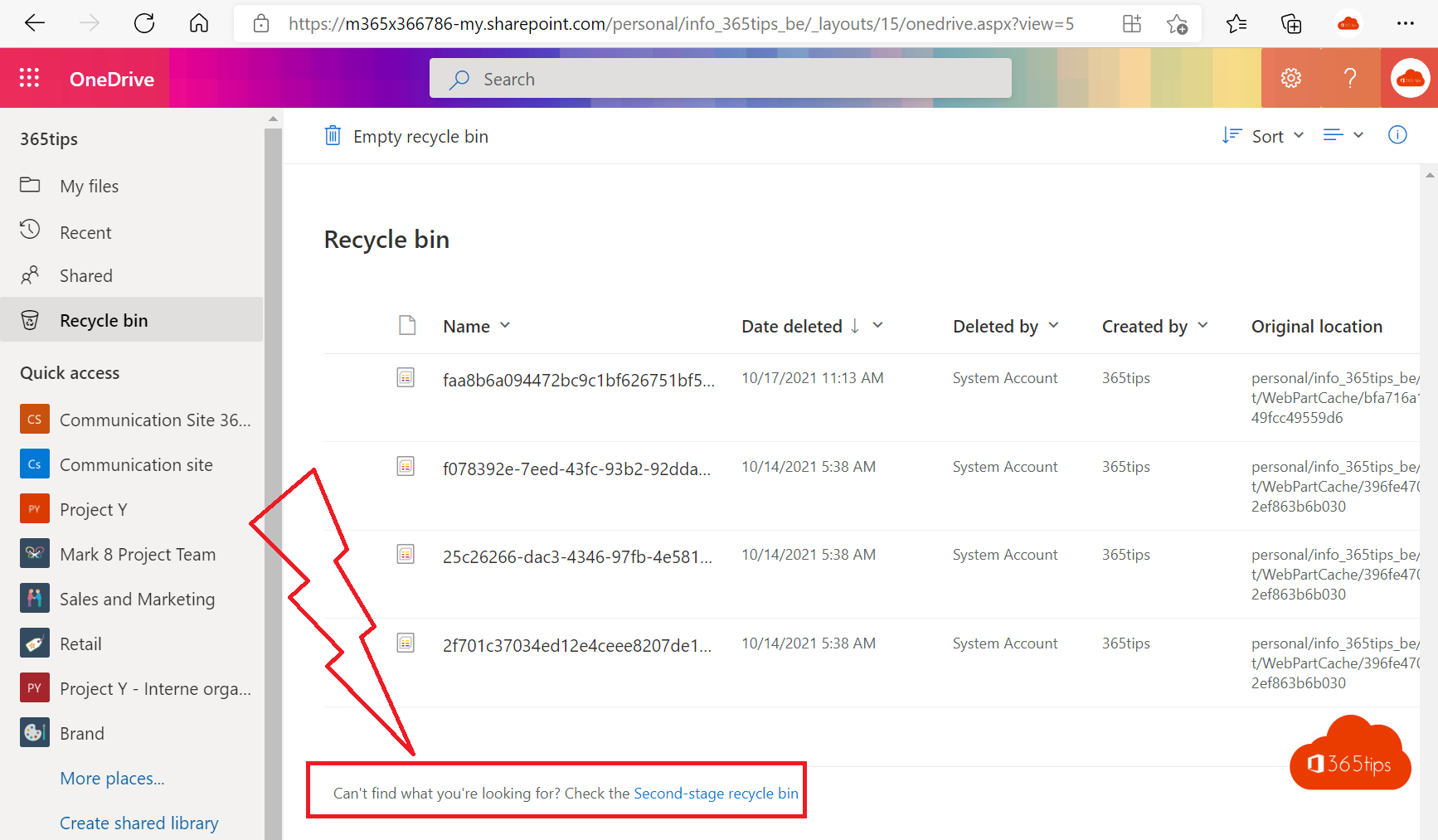 OneDriveRestore deleted OneDrive files up to 93 days after deletionGet deleted files back from the OneDrive recycle bin or second-stage recycle bin, or restore your whole OneDrive to an…
02
OneDriveRestore deleted OneDrive files up to 93 days after deletionGet deleted files back from the OneDrive recycle bin or second-stage recycle bin, or restore your whole OneDrive to an…
02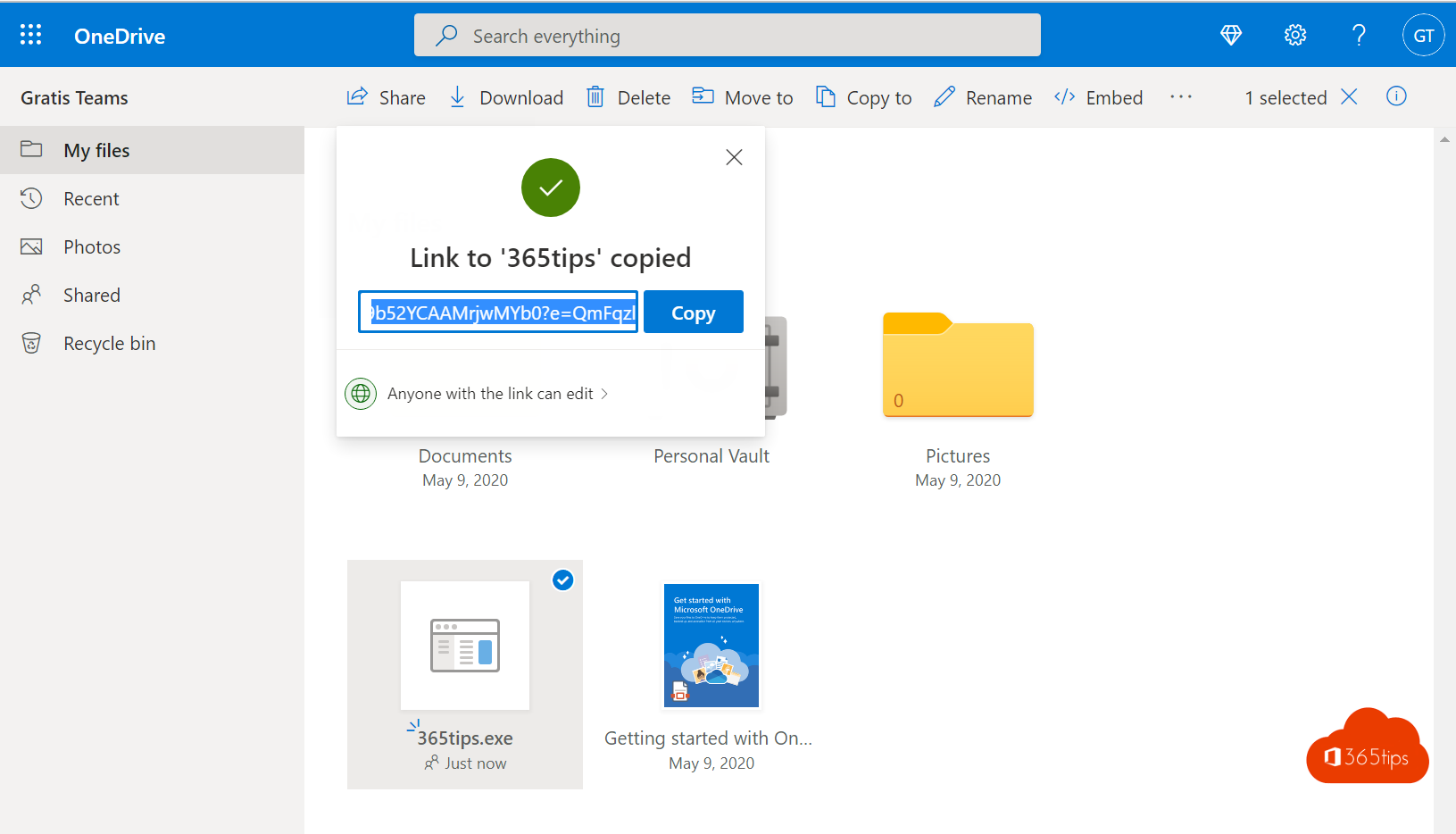 OneDriveShare and send large files securely with OneDriveShare files up to 250 GB securely with OneDrive. Choose who gets access and set an expiration date, password or download…
03
OneDriveShare and send large files securely with OneDriveShare files up to 250 GB securely with OneDrive. Choose who gets access and set an expiration date, password or download…
03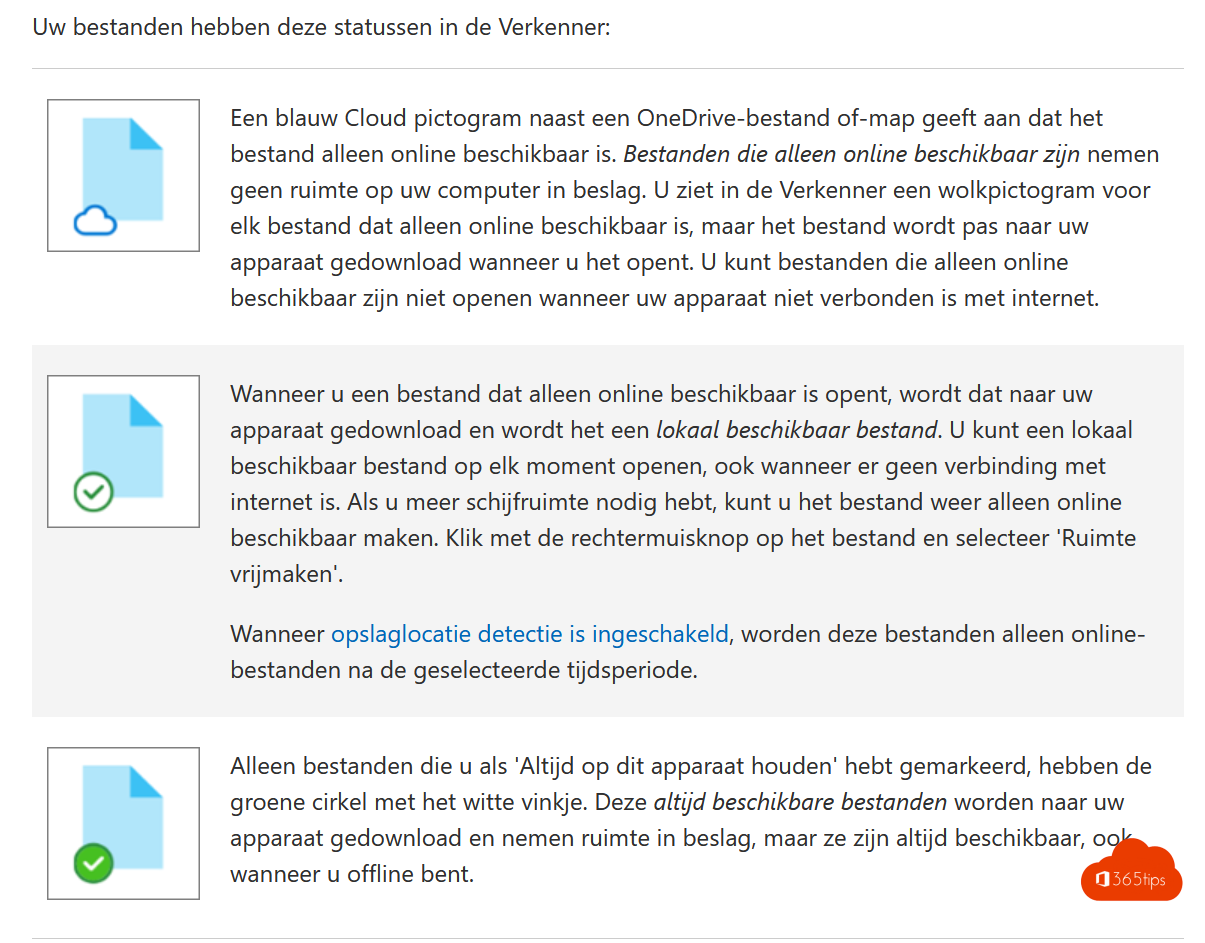 OneDriveTen reasons to use OneDrive for work or schoolAccess anywhere, backup, version history, safe sharing, co-authoring and more: ten reasons to use OneDrive.
04
OneDriveTen reasons to use OneDrive for work or schoolAccess anywhere, backup, version history, safe sharing, co-authoring and more: ten reasons to use OneDrive.
04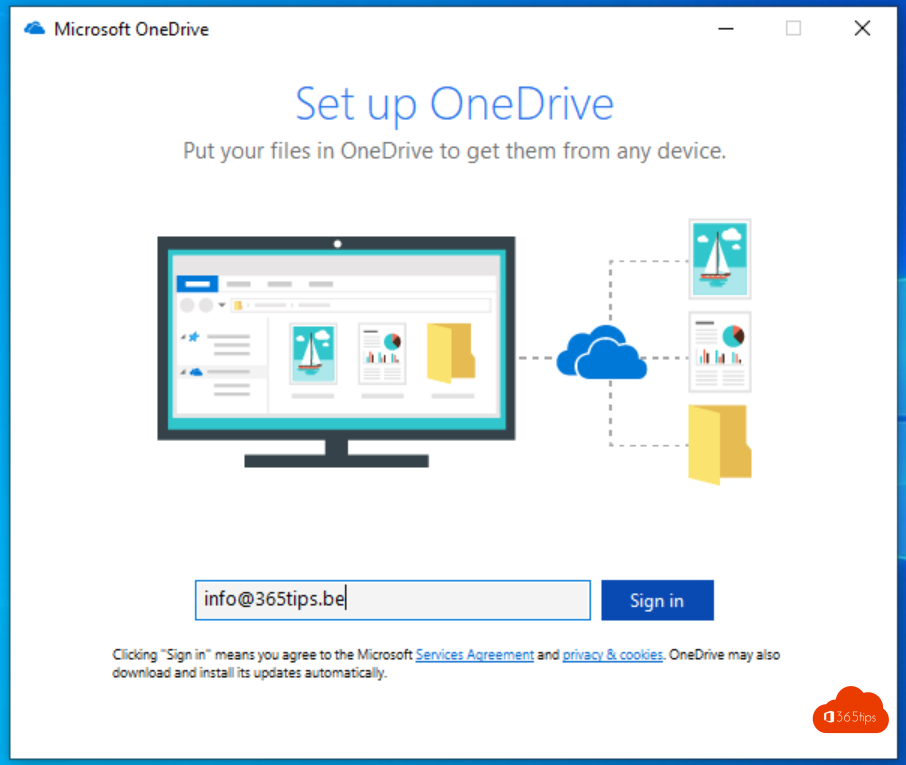 OneDriveQuick start: sign in and get started with OneDrive for work or schoolSign in to OneDrive, sync your files to your computer and learn what the icons in File Explorer mean.
05
OneDriveQuick start: sign in and get started with OneDrive for work or schoolSign in to OneDrive, sync your files to your computer and learn what the icons in File Explorer mean.
05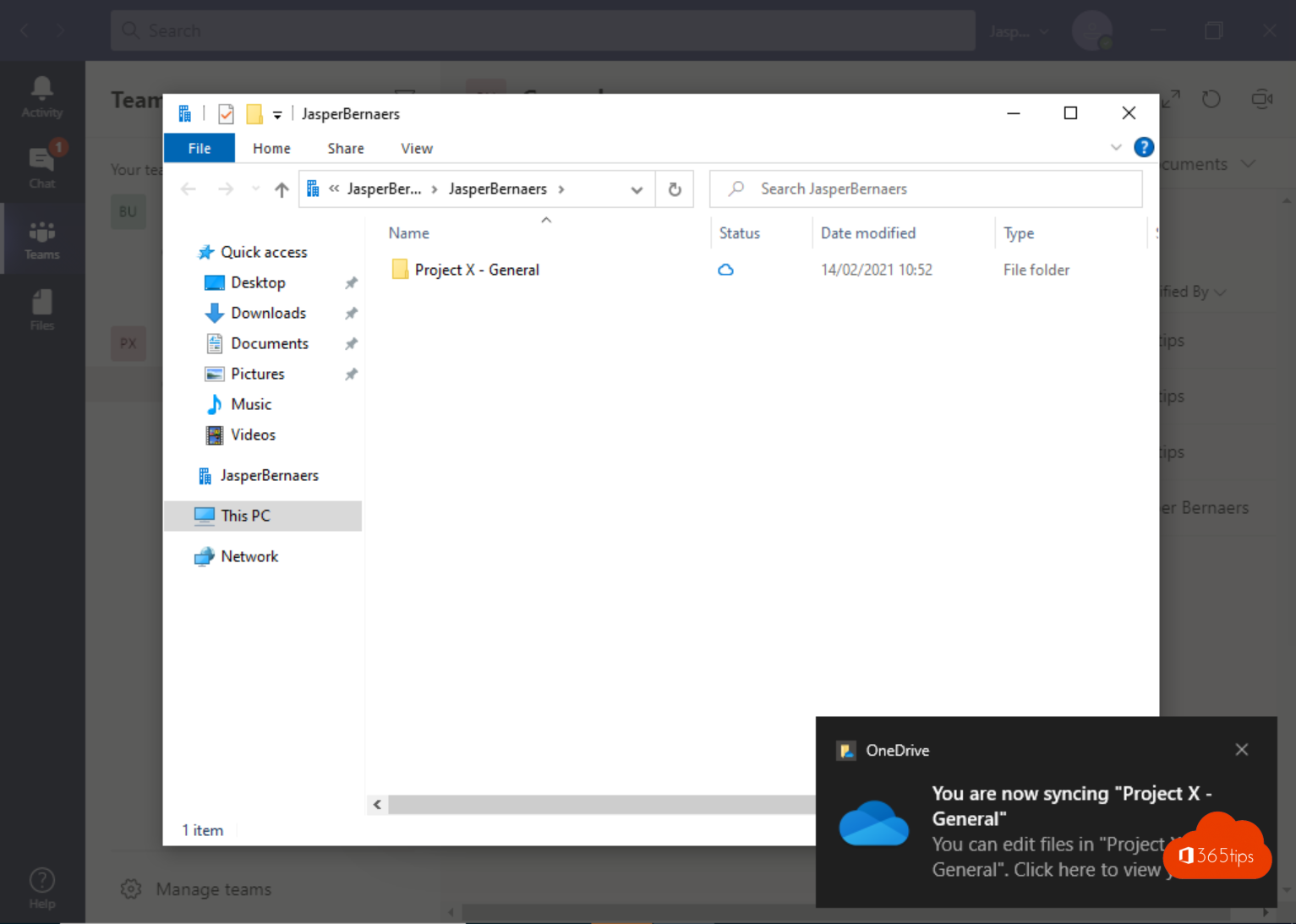 OneDriveShare and sync files across multiple Microsoft 365 organizationsSync two work accounts in OneDrive, sync libraries as a guest and share files with another organization.
06
OneDriveShare and sync files across multiple Microsoft 365 organizationsSync two work accounts in OneDrive, sync libraries as a guest and share files with another organization.
06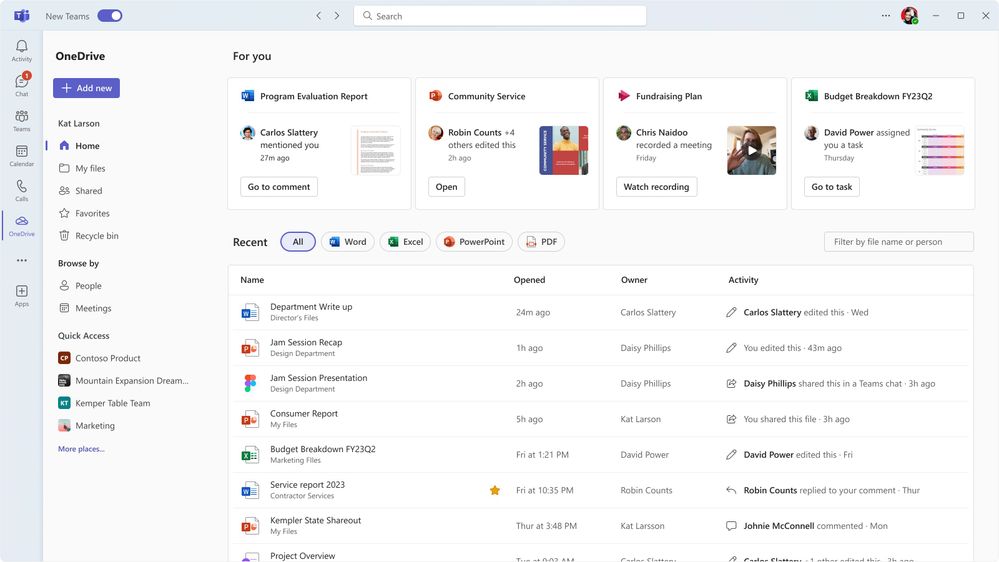 OneDriveThe redesigned OneDrive in Microsoft 365: Home, Shared, People and CopilotExplore the OneDrive views on the web: Home, My files, Shared, People and Meetings, plus Copilot in OneDrive.
07
OneDriveThe redesigned OneDrive in Microsoft 365: Home, Shared, People and CopilotExplore the OneDrive views on the web: Home, My files, Shared, People and Meetings, plus Copilot in OneDrive.
07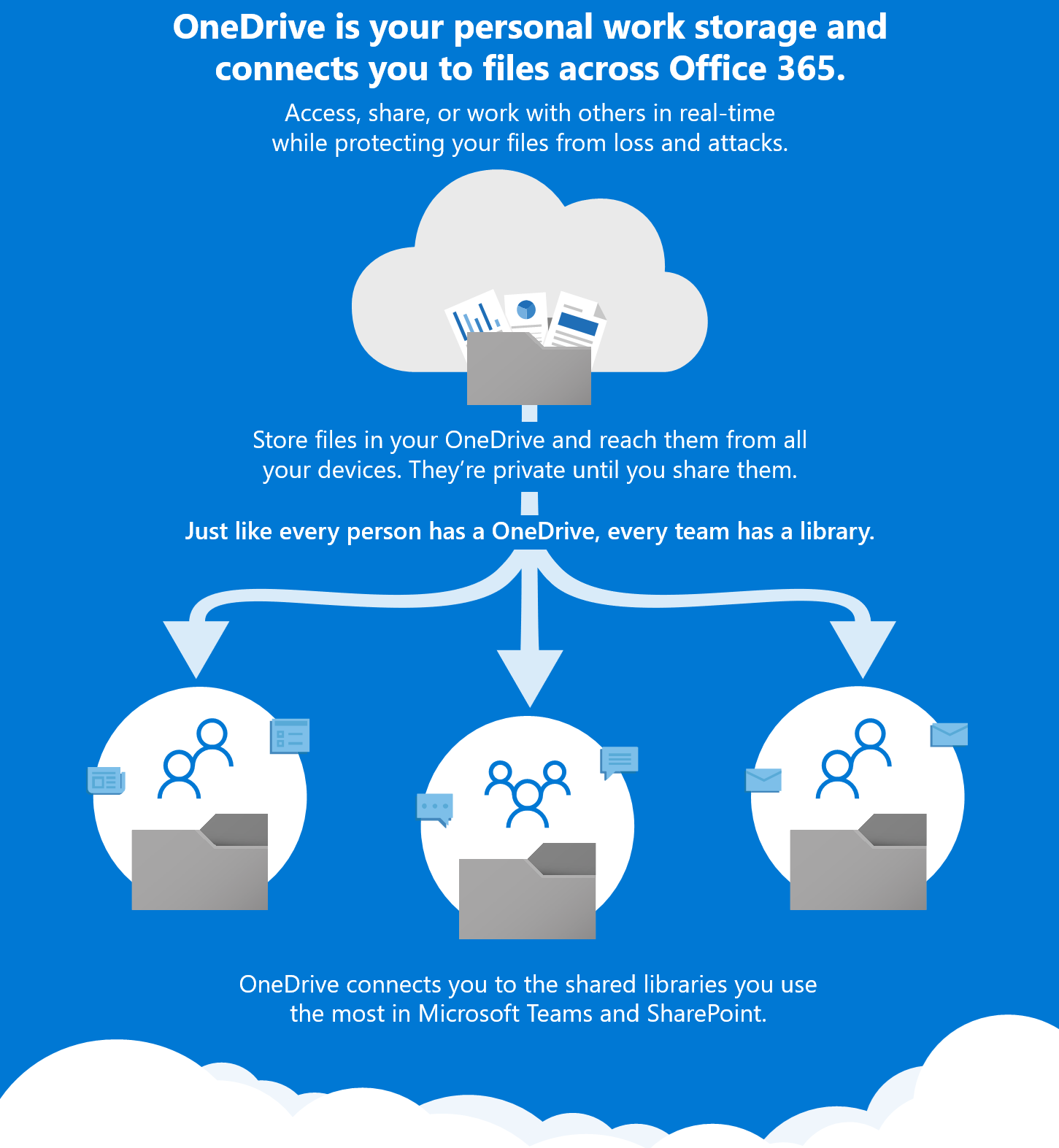 Microsoft 365A Microsoft 365 migration: create structure and collaborationWhere do files belong in OneDrive, Teams and SharePoint? A step-by-step plan for a Microsoft 365 migration with clear…
08
Microsoft 365A Microsoft 365 migration: create structure and collaborationWhere do files belong in OneDrive, Teams and SharePoint? A step-by-step plan for a Microsoft 365 migration with clear…
08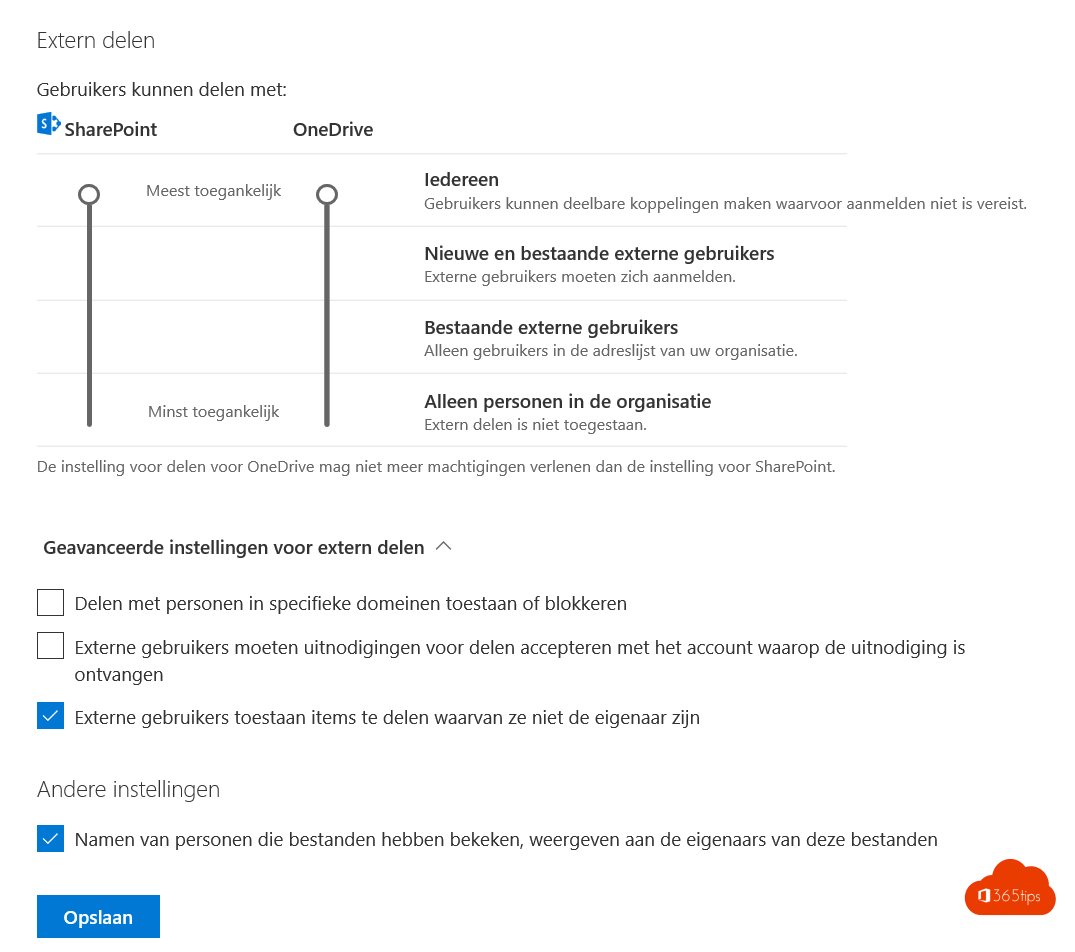 OneDriveSet up good governance for OneDrive for workStorage, sharing, sync and what happens when someone leaves: the governance settings for OneDrive.
09
OneDriveSet up good governance for OneDrive for workStorage, sharing, sync and what happens when someone leaves: the governance settings for OneDrive.
09 Microsoft 365Use Word, Excel, PowerPoint and OneNote for free in your browserUse Word, Excel, PowerPoint and OneNote for free in your browser with a Microsoft account, with 5 GB of OneDrive storage.
10
Microsoft 365Use Word, Excel, PowerPoint and OneNote for free in your browserUse Word, Excel, PowerPoint and OneNote for free in your browser with a Microsoft account, with 5 GB of OneDrive storage.
10 TeamsTeams recordings in OneDrive and SharePoint: where are they?Teams recordings live in OneDrive or SharePoint, no longer in Stream. Learn where to find them, how to share them and what…
11
TeamsTeams recordings in OneDrive and SharePoint: where are they?Teams recordings live in OneDrive or SharePoint, no longer in Stream. Learn where to find them, how to share them and what…
11 OneDriveOneDrive features for better collaborationFavorites, the same share dialog everywhere, co-authoring, files up to 250 GB and sync health reports for admins in OneDrive.
12
OneDriveOneDrive features for better collaborationFavorites, the same share dialog everywhere, co-authoring, files up to 250 GB and sync health reports for admins in OneDrive.
12 OneDriveMove your OneNote notebooks to OneDriveMove local OneNote notebooks to OneDrive for a backup and access on all your devices, and switch to the OneNote desktop app.
OneDriveRestore deleted OneDrive files up to 93 days after deletionGet deleted files back from the OneDrive recycle bin or second-stage recycle bin, or restore your whole OneDrive to an…
02OneDriveShare and send large files securely with OneDriveShare files up to 250 GB securely with OneDrive. Choose who gets access and set an expiration date, password or download…
03OneDriveTen reasons to use OneDrive for work or schoolAccess anywhere, backup, version history, safe sharing, co-authoring and more: ten reasons to use OneDrive.
04OneDriveQuick start: sign in and get started with OneDrive for work or schoolSign in to OneDrive, sync your files to your computer and learn what the icons in File Explorer mean.
05OneDriveShare and sync files across multiple Microsoft 365 organizationsSync two work accounts in OneDrive, sync libraries as a guest and share files with another organization.
06OneDriveThe redesigned OneDrive in Microsoft 365: Home, Shared, People and CopilotExplore the OneDrive views on the web: Home, My files, Shared, People and Meetings, plus Copilot in OneDrive.
07Microsoft 365A Microsoft 365 migration: create structure and collaborationWhere do files belong in OneDrive, Teams and SharePoint? A step-by-step plan for a Microsoft 365 migration with clear…
08OneDriveSet up good governance for OneDrive for workStorage, sharing, sync and what happens when someone leaves: the governance settings for OneDrive.
09Microsoft 365Use Word, Excel, PowerPoint and OneNote for free in your browserUse Word, Excel, PowerPoint and OneNote for free in your browser with a Microsoft account, with 5 GB of OneDrive storage.
10TeamsTeams recordings in OneDrive and SharePoint: where are they?Teams recordings live in OneDrive or SharePoint, no longer in Stream. Learn where to find them, how to share them and what…
11OneDriveOneDrive features for better collaborationFavorites, the same share dialog everywhere, co-authoring, files up to 250 GB and sync health reports for admins in OneDrive.
12OneDriveMove your OneNote notebooks to OneDriveMove local OneNote notebooks to OneDrive for a backup and access on all your devices, and switch to the OneNote desktop app.
All OneDrive articles
Search above or pick another category.- Add your work account to your own Windows computerWindows 11 · 20 Oct 2026
- Use Word, Excel, PowerPoint and OneNote for free in your browserMicrosoft 365 · 20 Oct 2026
- Quick start: sign in and get started with OneDrive for work or schoolOneDrive · 20 Oct 2026
- A Microsoft 365 migration: create structure and collaborationMicrosoft 365 · 20 Oct 2026
- Migrate personal files and network drives to OneDriveOneDrive · 20 Oct 2026
- Move your OneNote notebooks to OneDriveOneDrive · 20 Oct 2026
- Set up good governance for OneDrive for workOneDrive · 20 Oct 2026
- OneDrive features for better collaborationOneDrive · 20 Oct 2026
- The redesigned OneDrive in Microsoft 365: Home, Shared, People and CopilotOneDrive · 20 Oct 2026
- Ten reasons to use OneDrive for work or schoolOneDrive · 20 Oct 2026
- Share and sync files across multiple Microsoft 365 organizationsOneDrive · 20 Oct 2026
- Teams recordings in OneDrive and SharePoint: where are they?Teams · 20 Oct 2026
- Block specific file types from OneDrive syncOneDrive · 19 Oct 2026
- Receive files with a file request in OneDriveOneDrive · 19 Oct 2026
- Give folders a colour in Microsoft Teams, SharePoint and OneDriveOneDrive · 19 Oct 2026
- Move or copy files and folders in SharePoint and TeamsOneDrive · 19 Oct 2026
- Automatically back up your desktop, documents and pictures with OneDriveOneDrive · 19 Oct 2026
- The 10 most useful features of OneDrive for work or schoolOneDrive · 19 Oct 2026
- Get started with OneNote in Microsoft 365: guide and tipsMicrosoft 365 · 19 Oct 2026
- Restore deleted OneDrive files up to 93 days after deletionOneDrive · 19 Oct 2026
- Save email attachments to OneDrive automaticallyOneDrive · 19 Oct 2026
- Share and send large files securely with OneDriveOneDrive · 19 Oct 2026
- Share a Word document in review mode with Can reviewMicrosoft 365 · 19 Oct 2026
- Sharing options greyed out in Teams, SharePoint or OneDrive: how to fix itOneDrive · 19 Oct 2026
- Open Microsoft Teams files in File Explorer with a shortcut or syncOneDrive · 19 Oct 2026
- Restore an earlier version with version history in OneDrive and SharePointOneDrive · 19 Oct 2026
- Share files in Microsoft 365 and Teams: all the optionsMicrosoft 365 · 19 Oct 2026
- How to change the OneDrive storage of a single userOneDrive · 16 Oct 2026
- How to change the expiration date of a Microsoft Teams recordingTeams · 16 Oct 2026