Free online screensavers — classics, memes, ambient loops and pranks
Free browser screensavers — desktop classics rebuilt, internet-meme tributes, calm ambient loops and a few pranks. No signup, no install, all fullscreen in your browser.
🖥️ Desktop classics, rebuilt
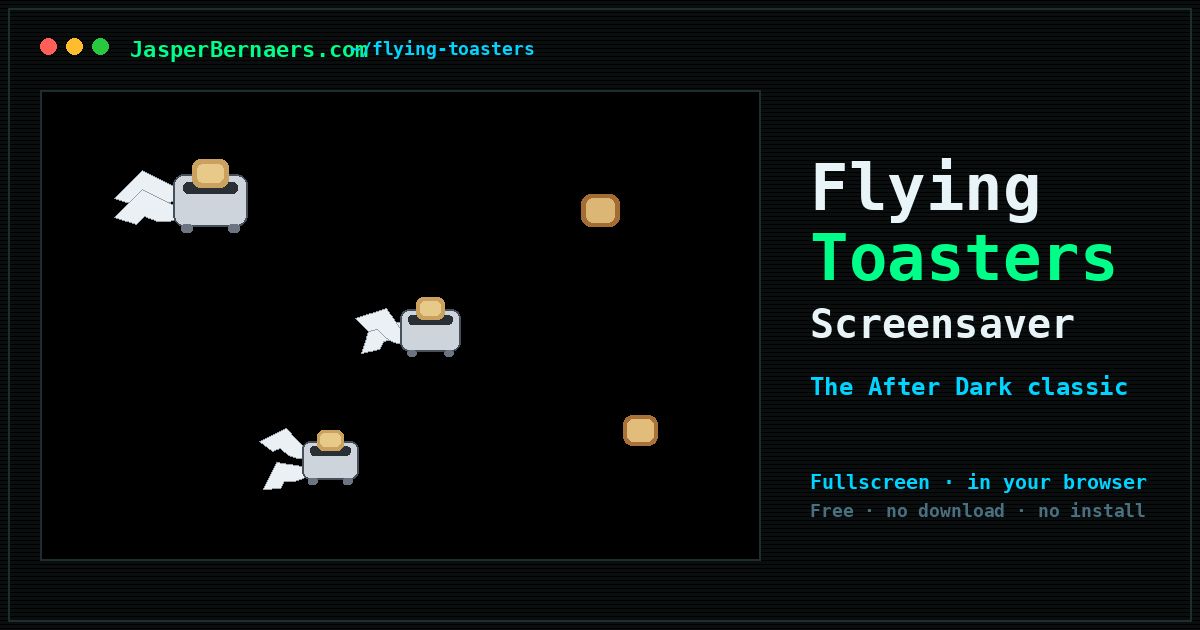
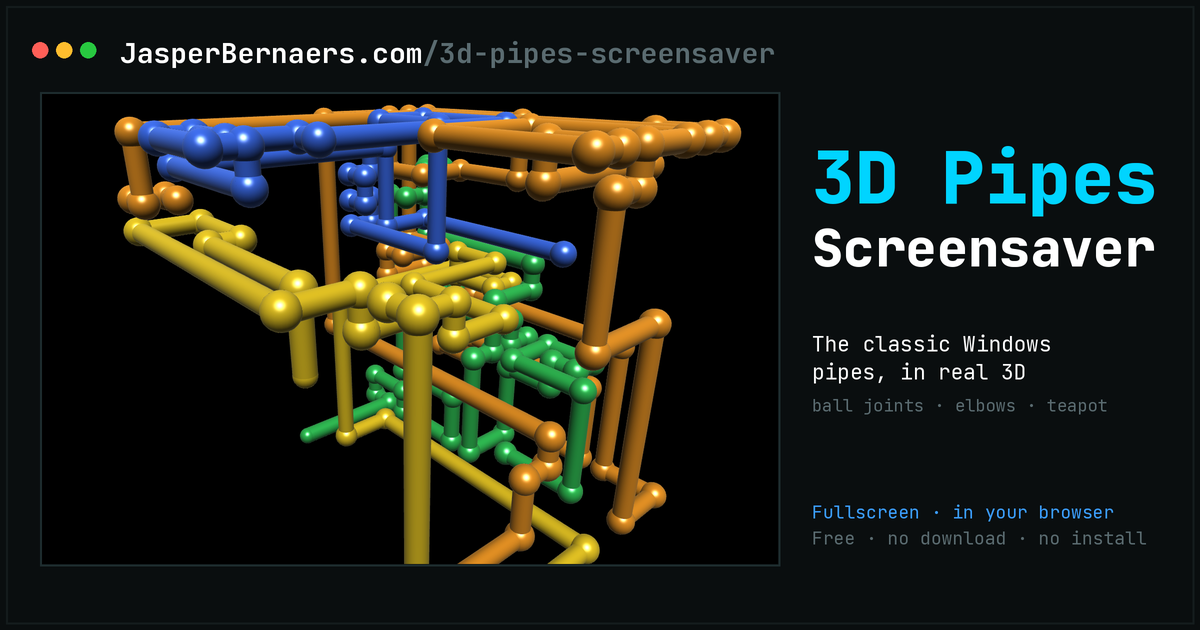
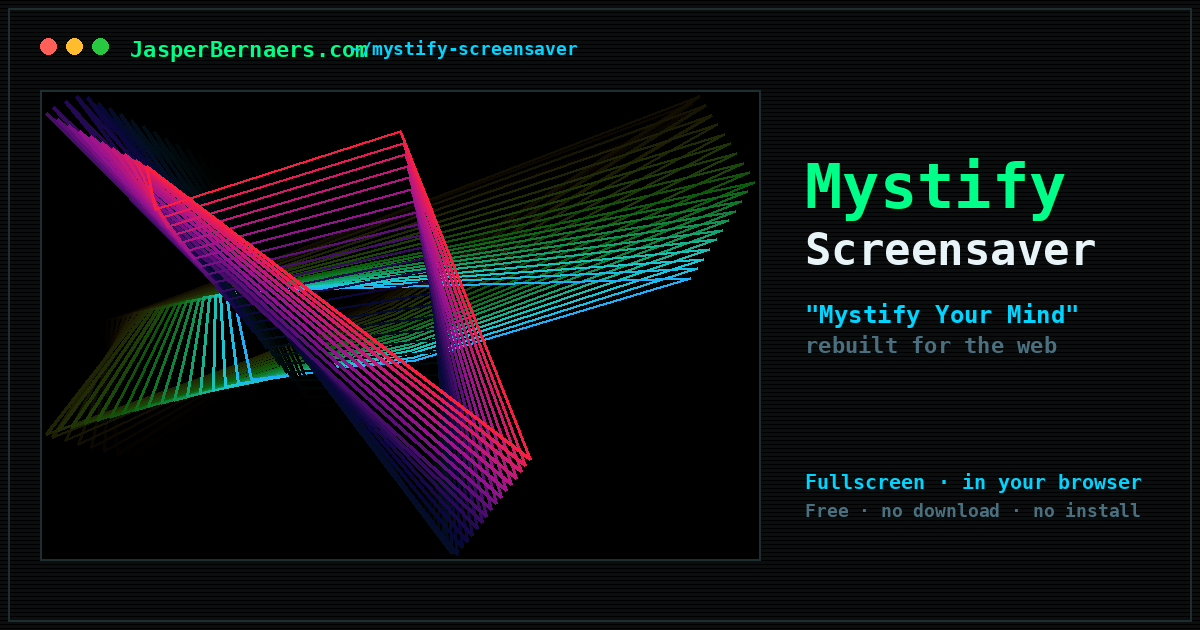
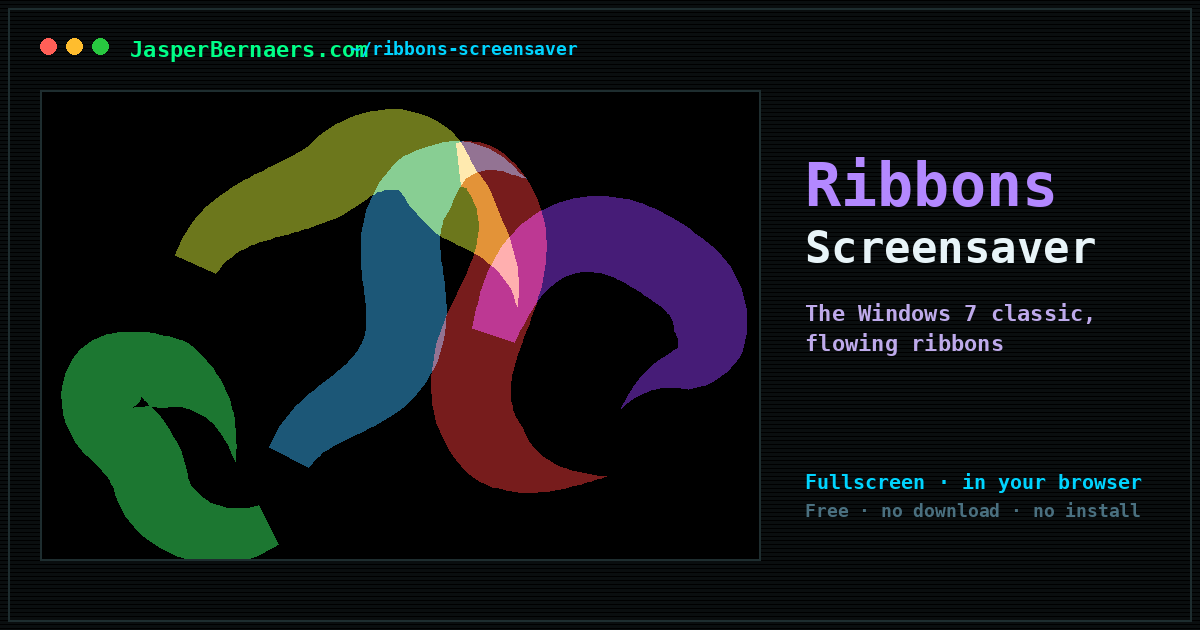
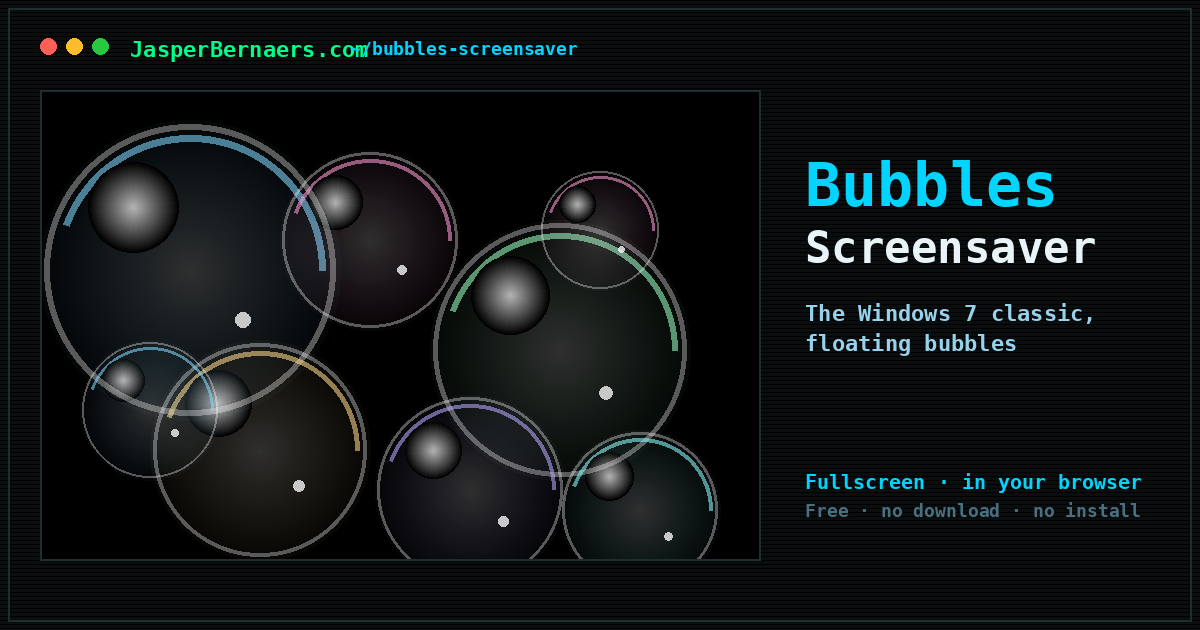
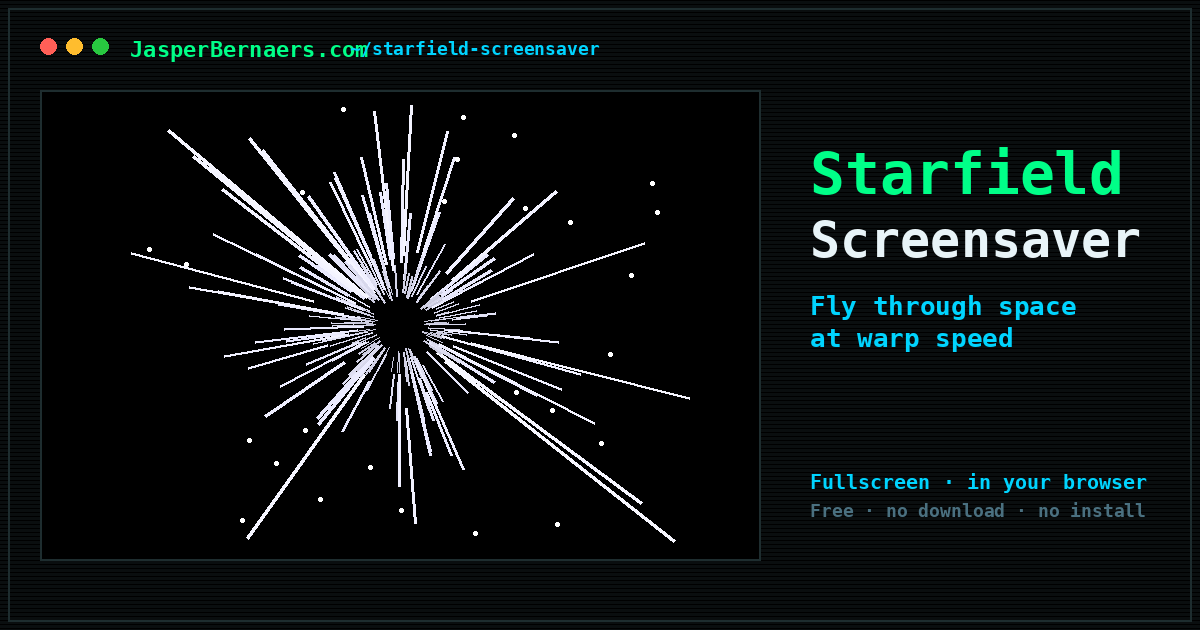
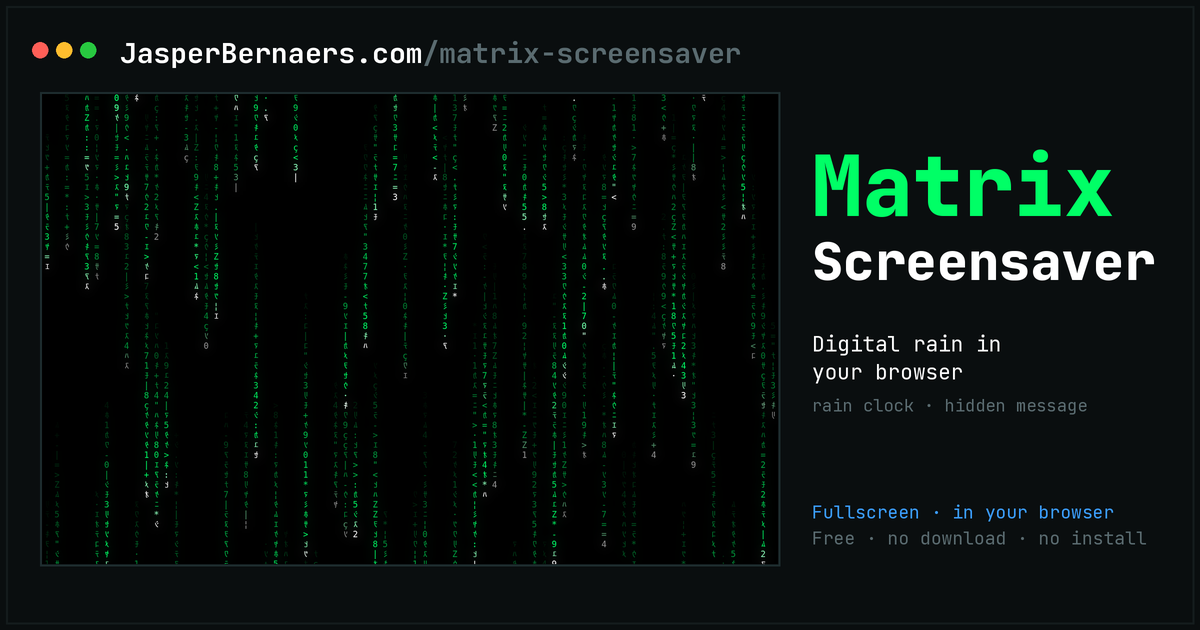
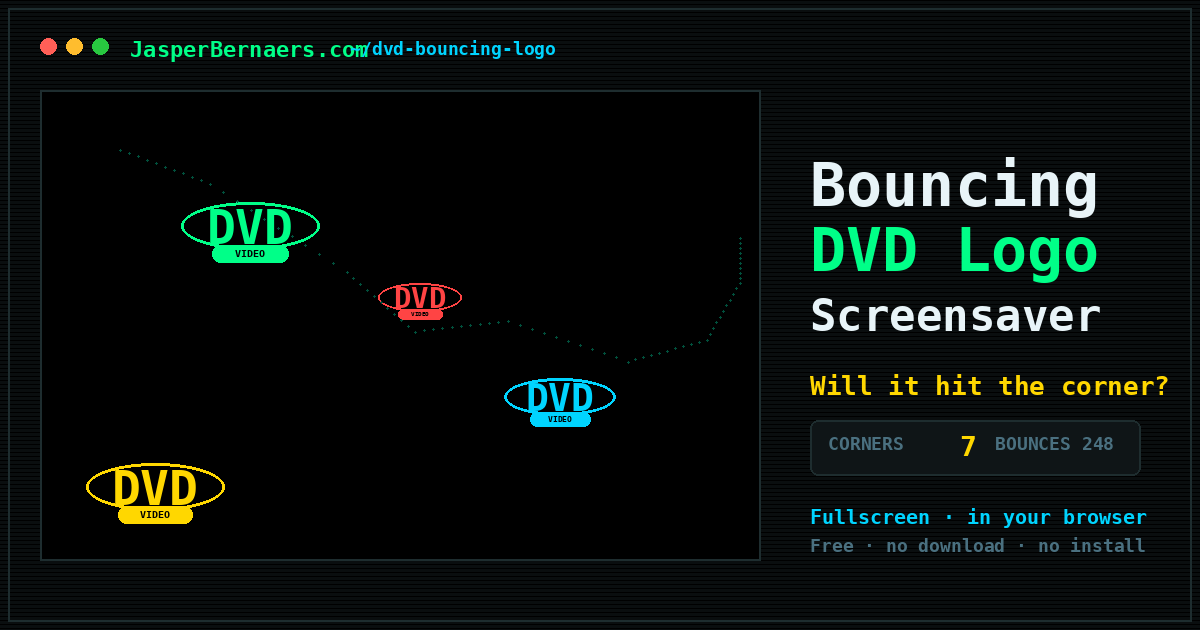
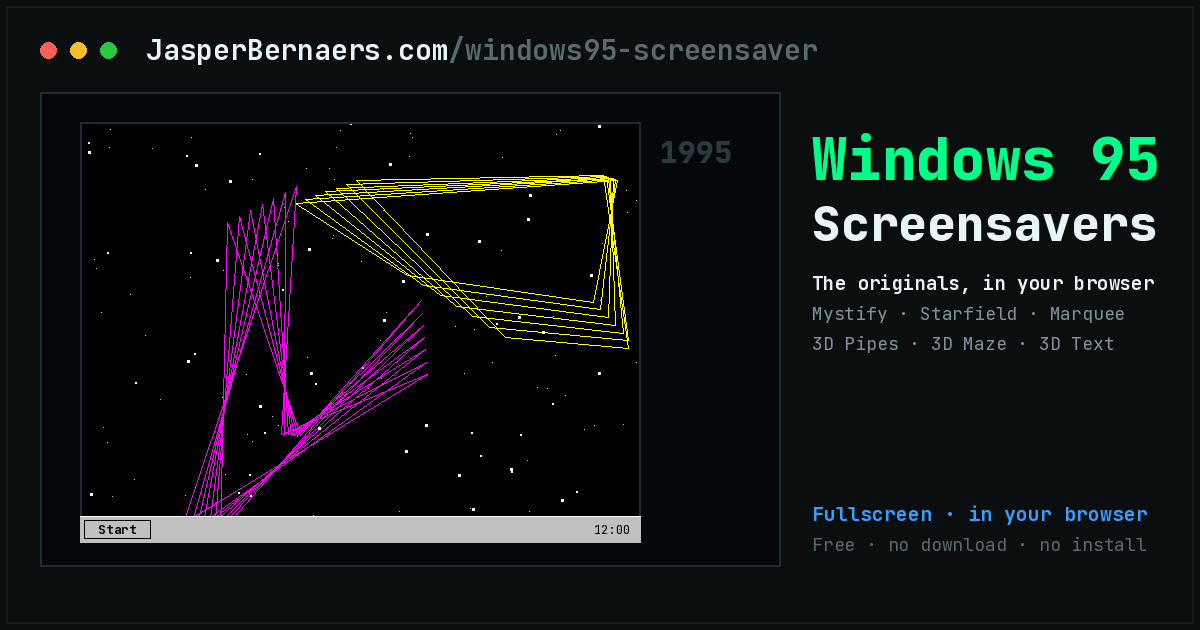
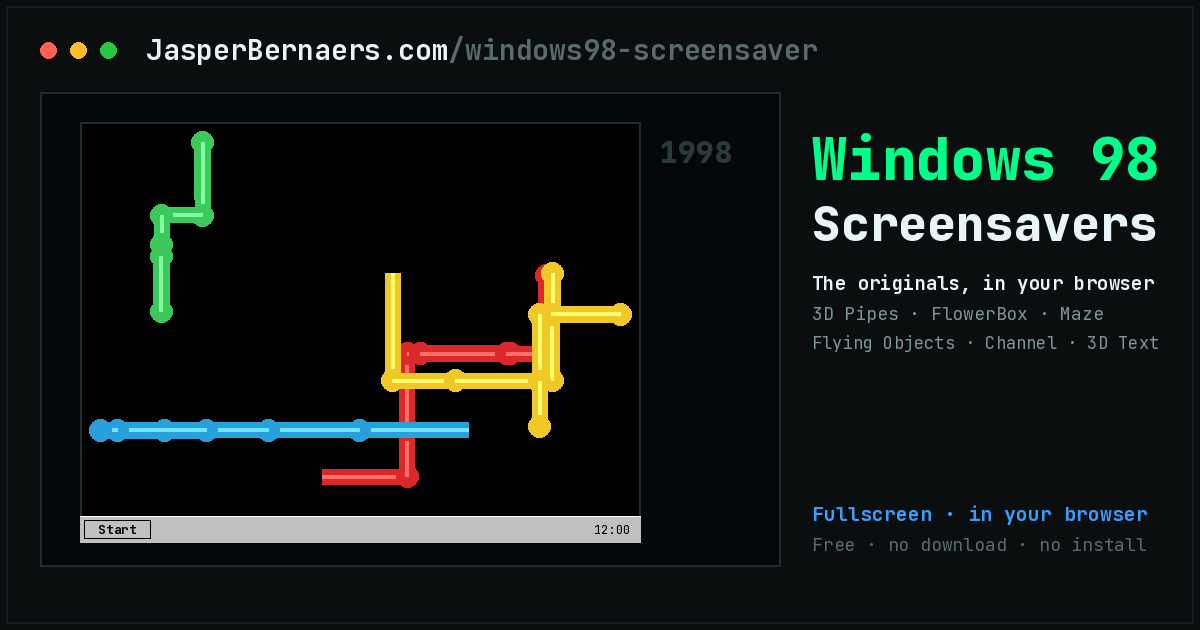
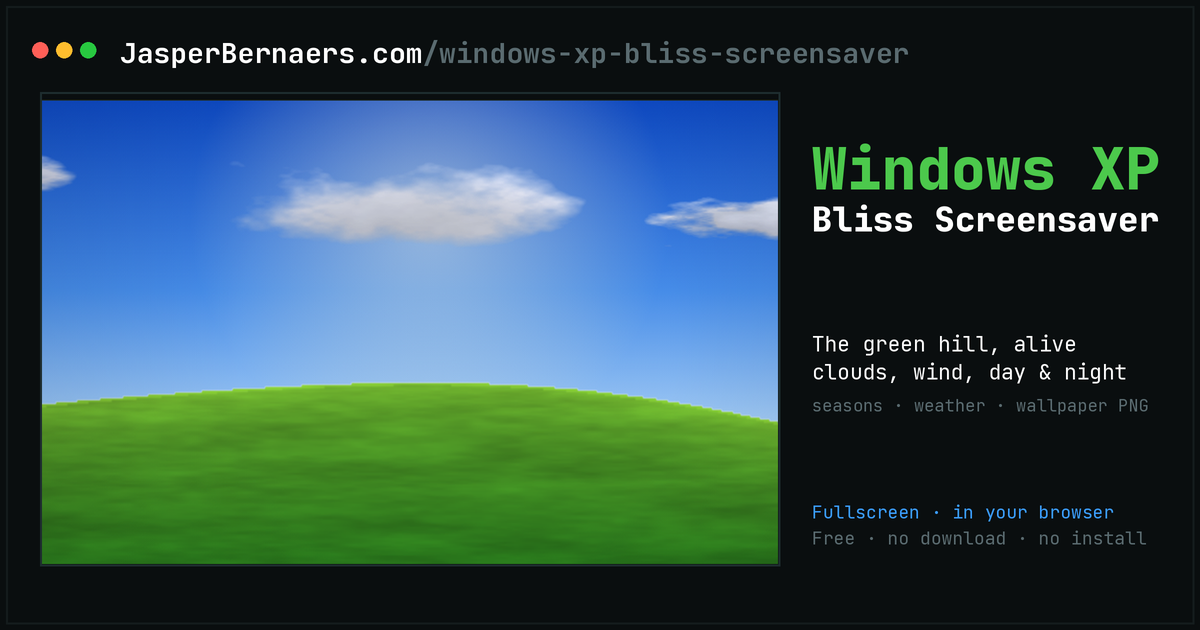
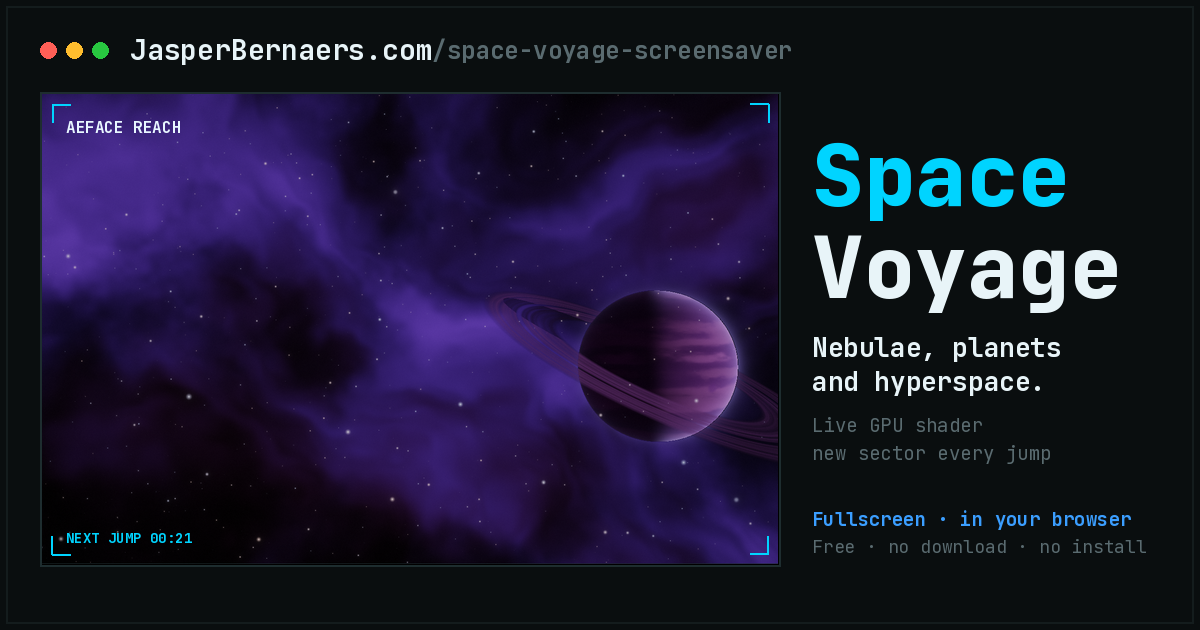
The screensavers that came with the computer. Same idea, same hypnotic loop, running in a browser tab instead of a CRT you had to walk away from.
😻 Internet meme tributes
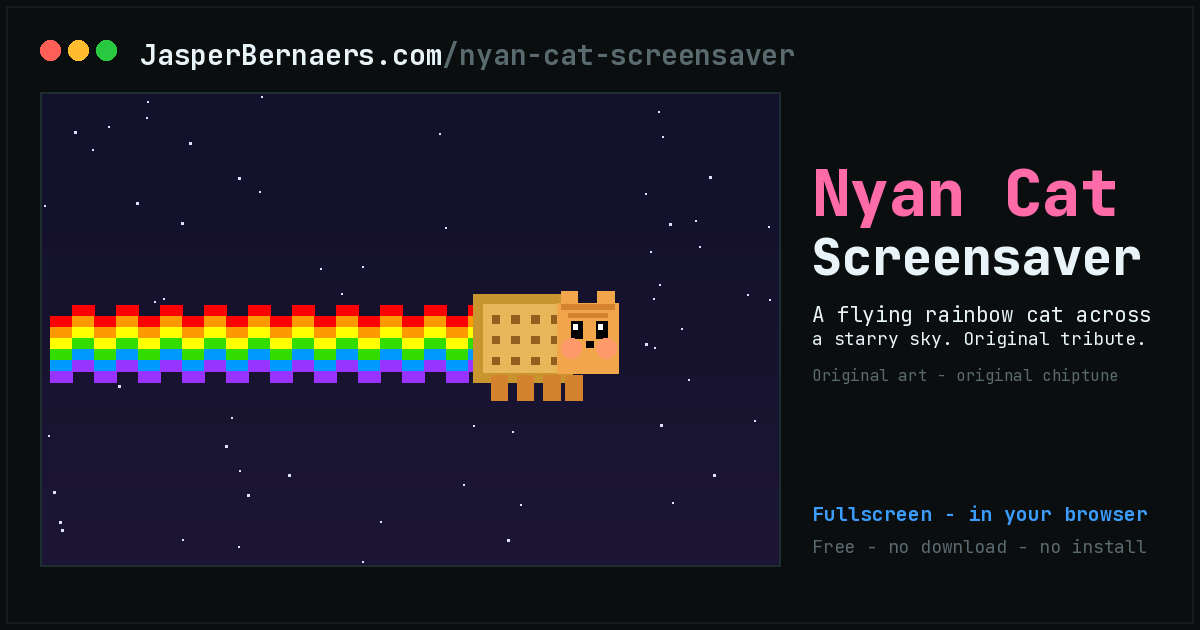
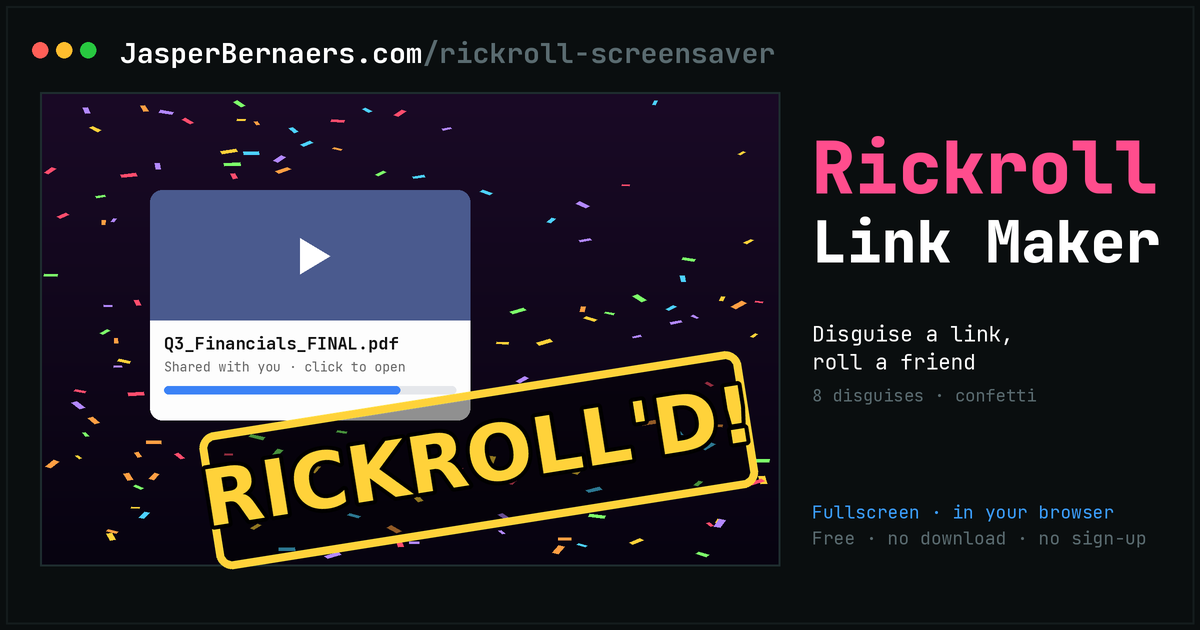
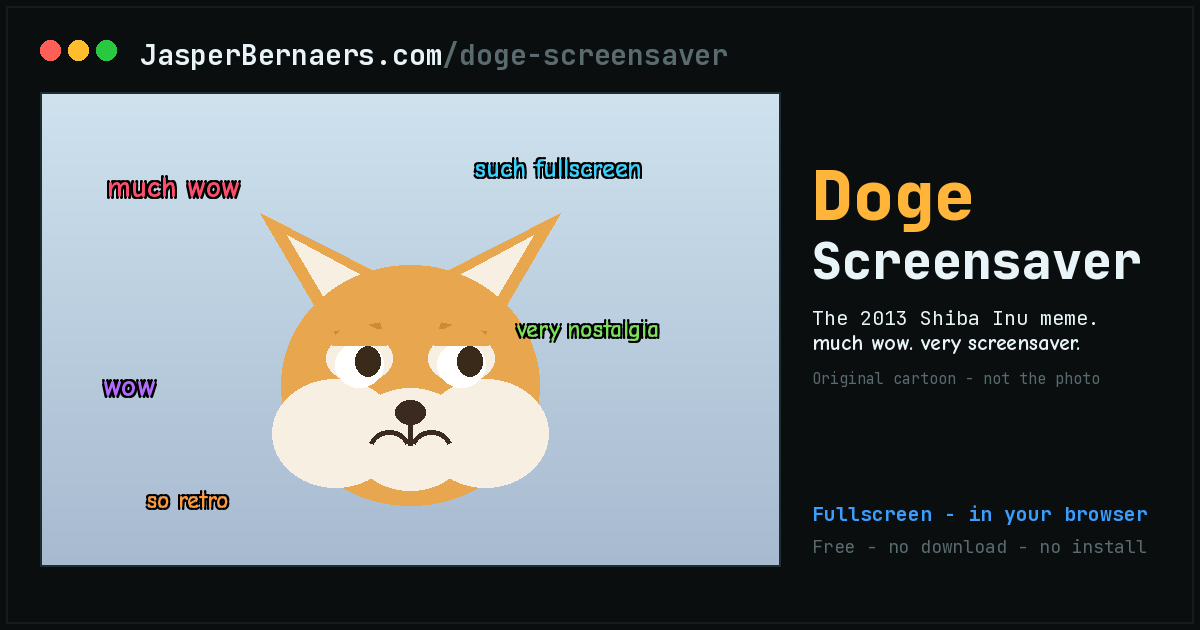
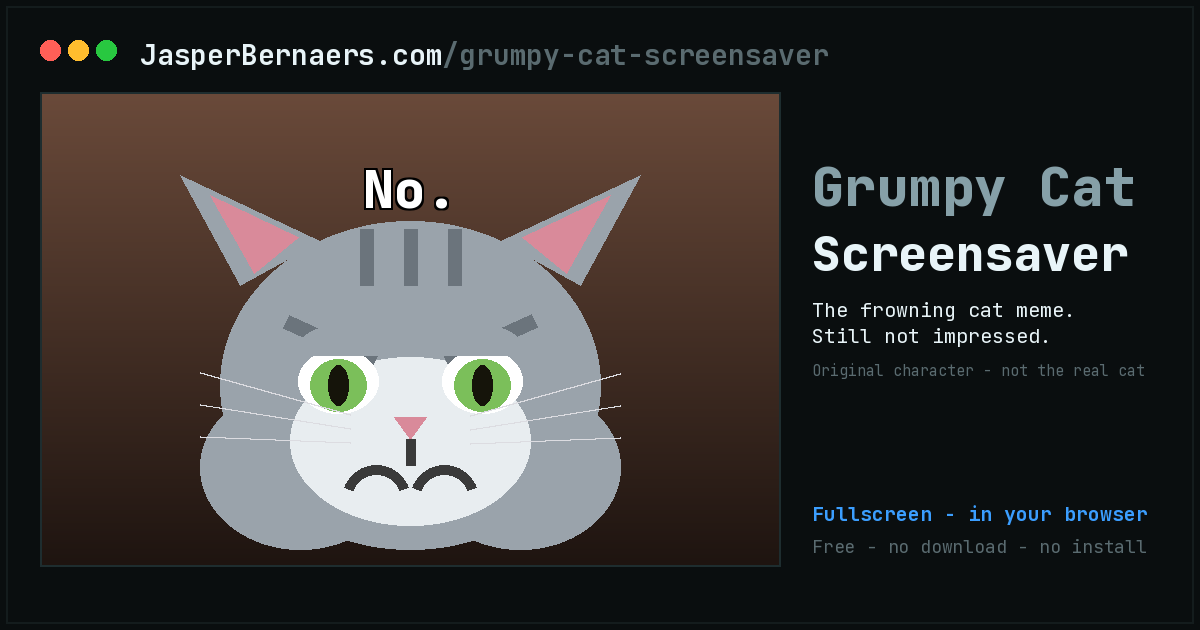
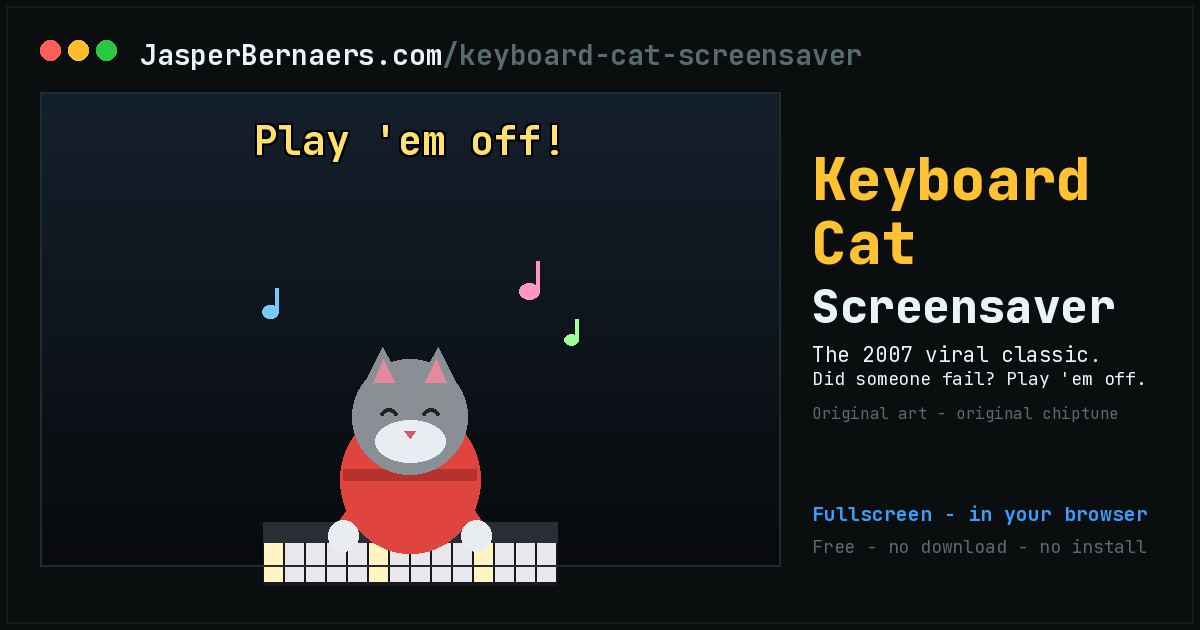
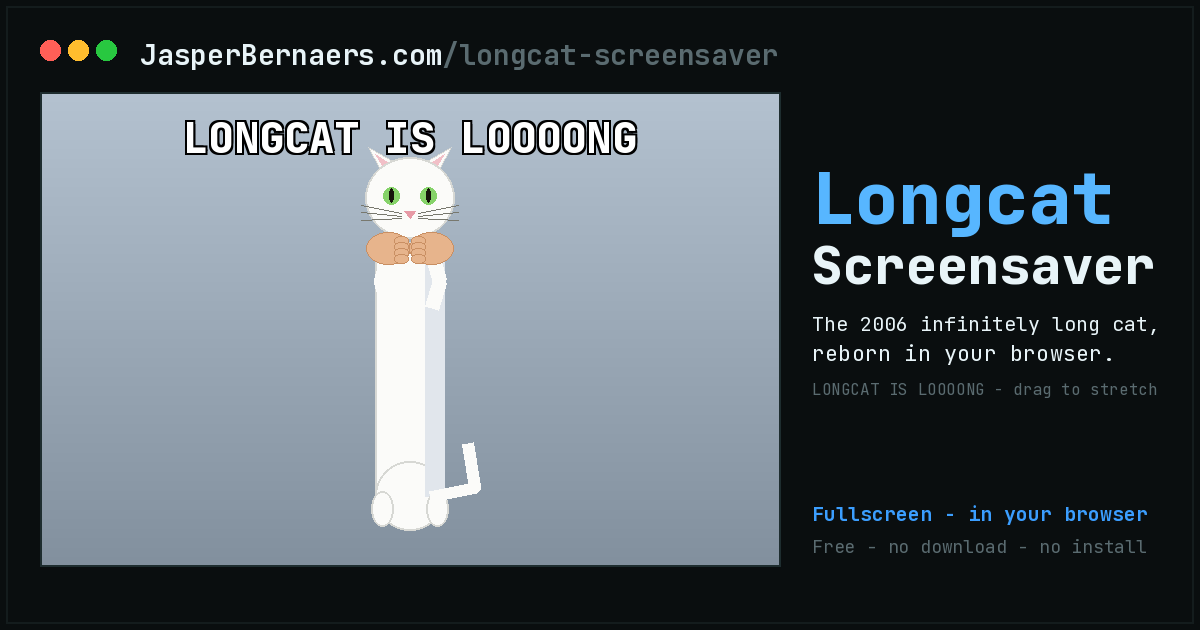
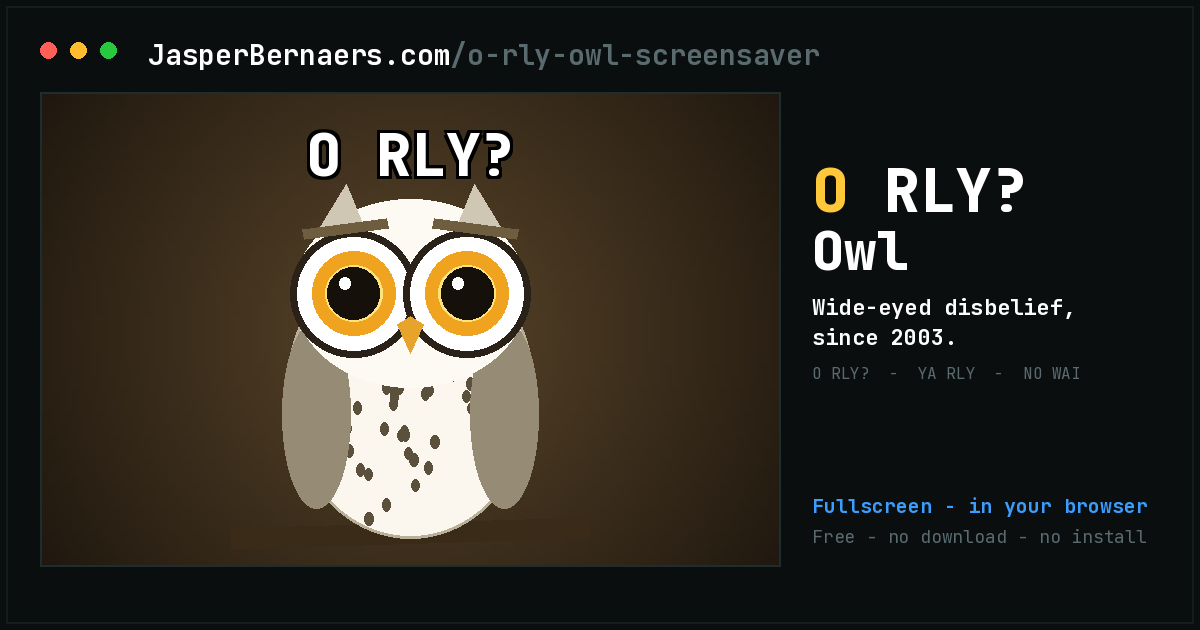
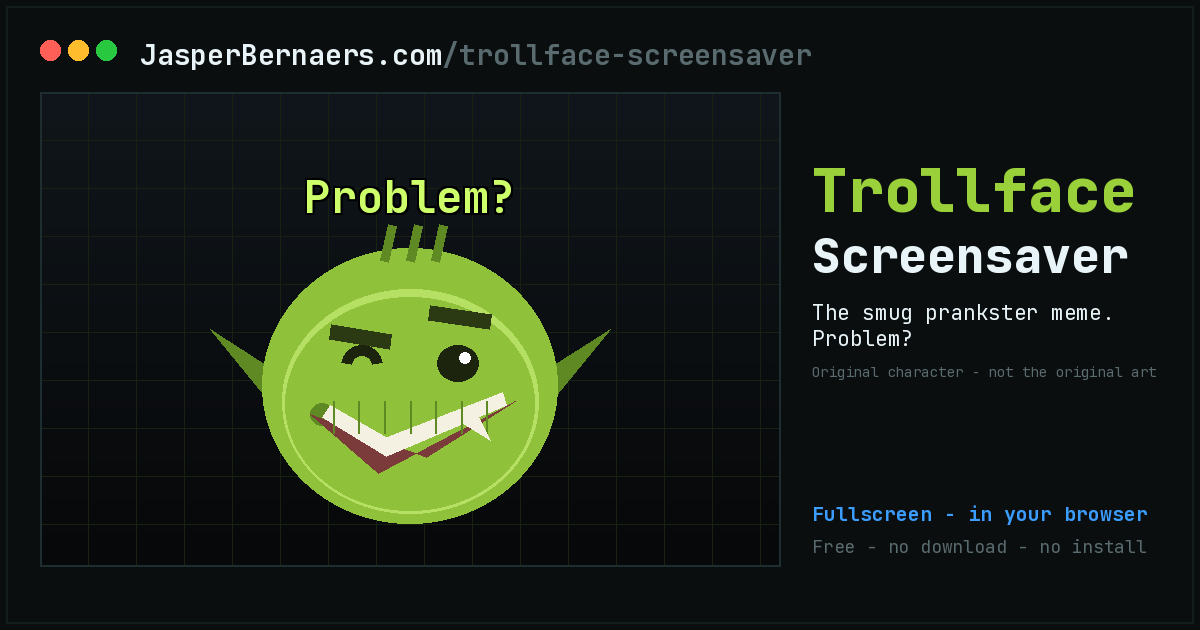
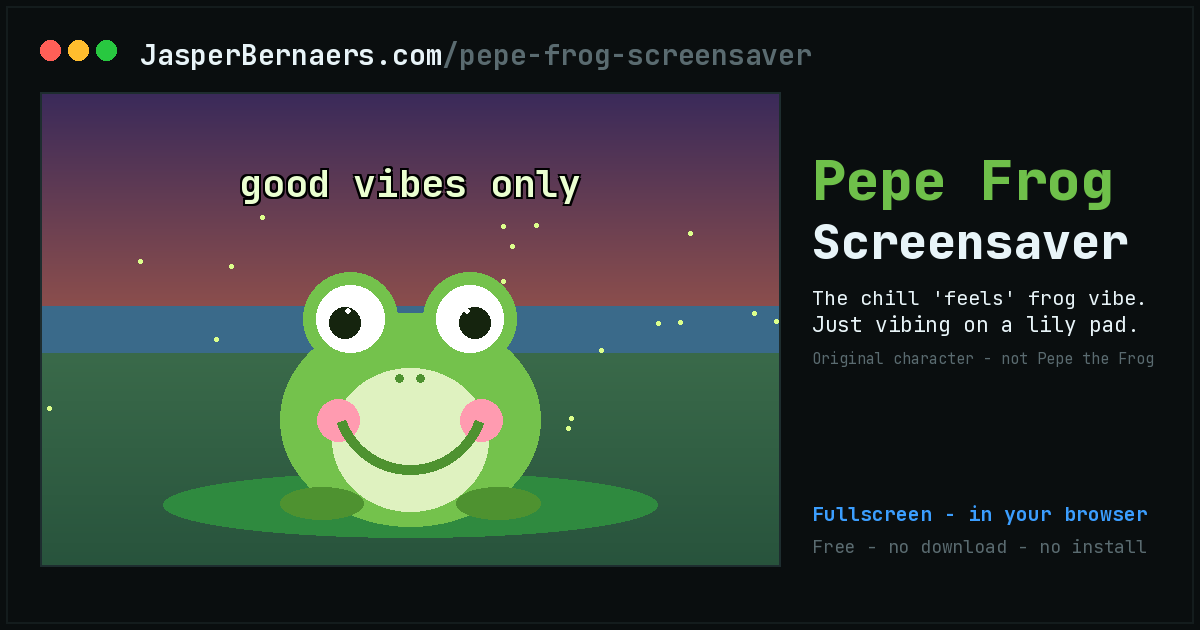
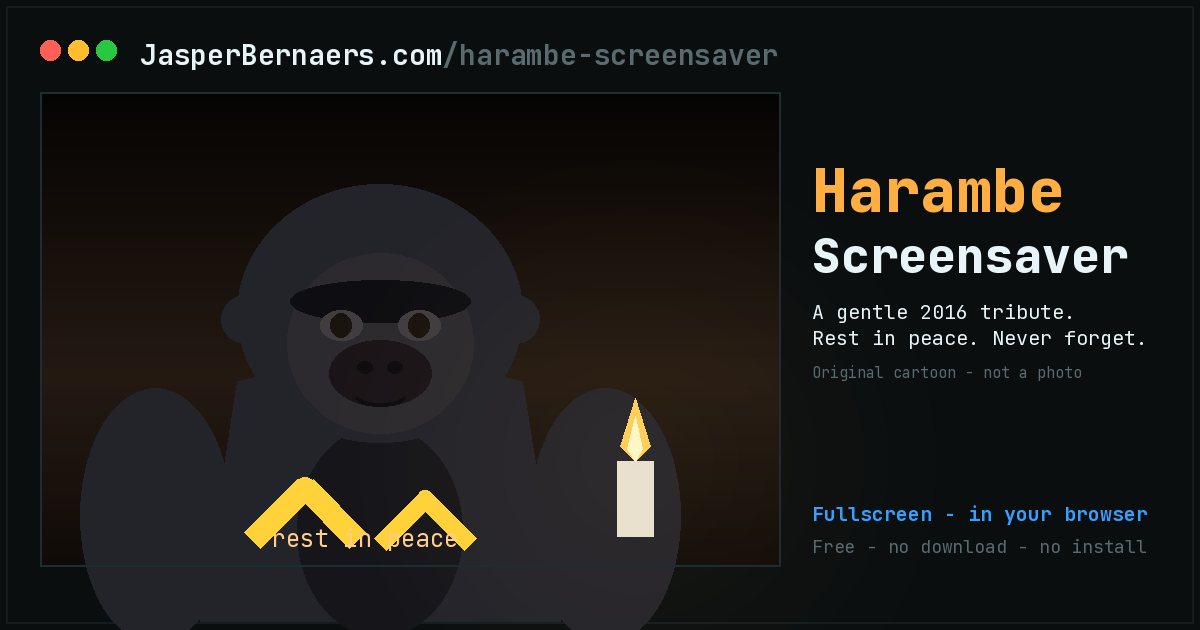
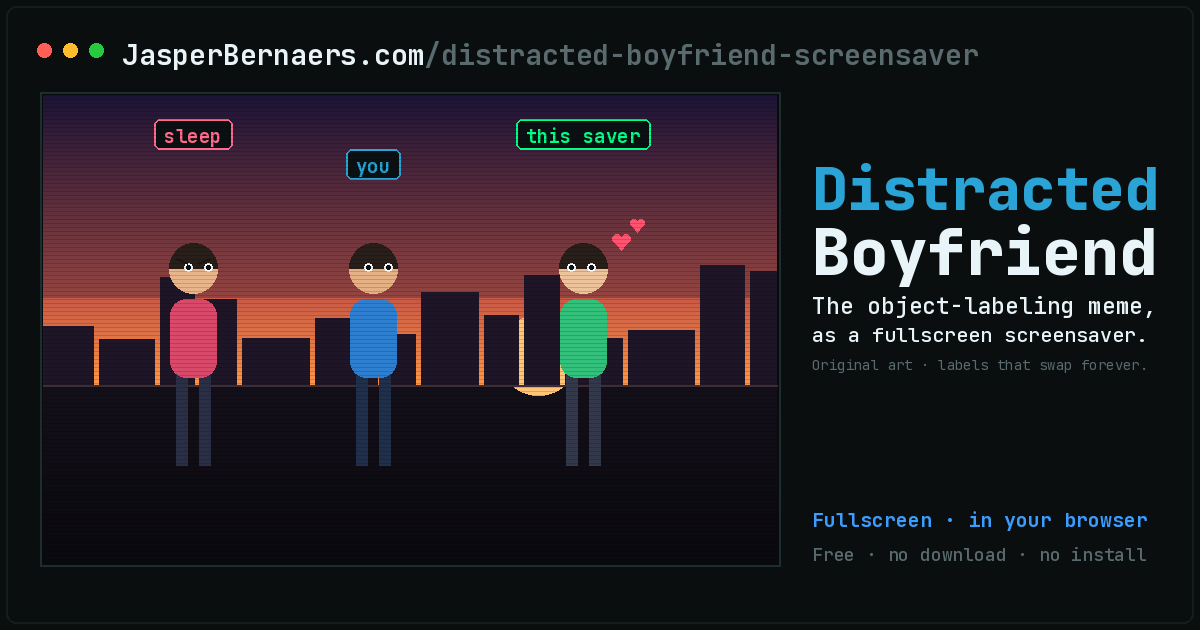
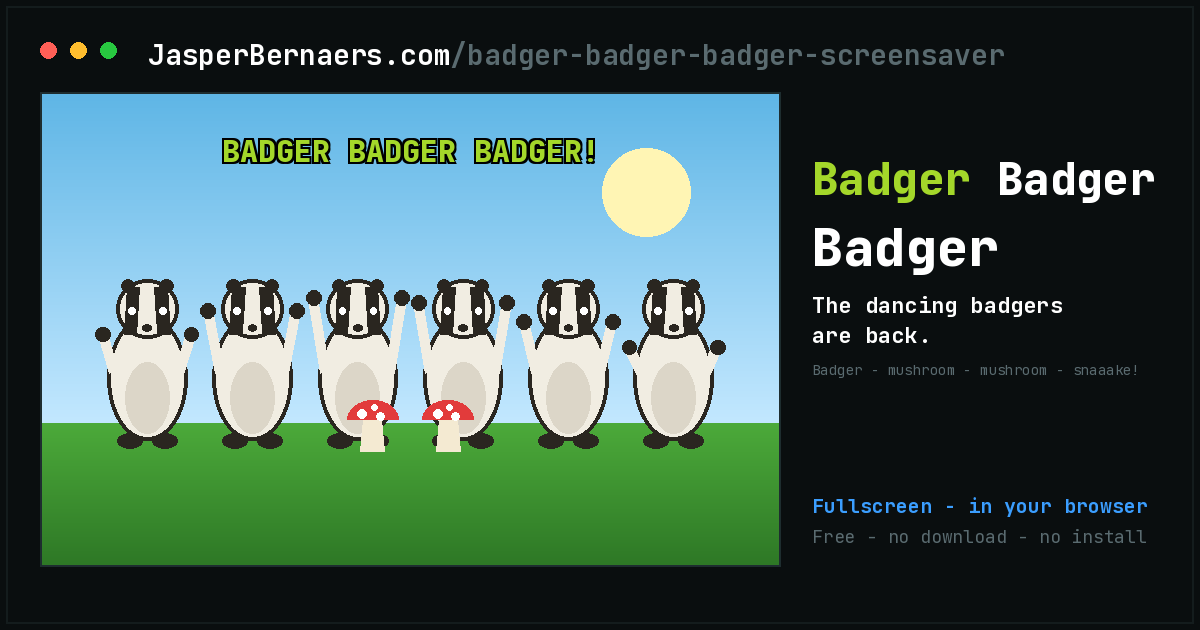
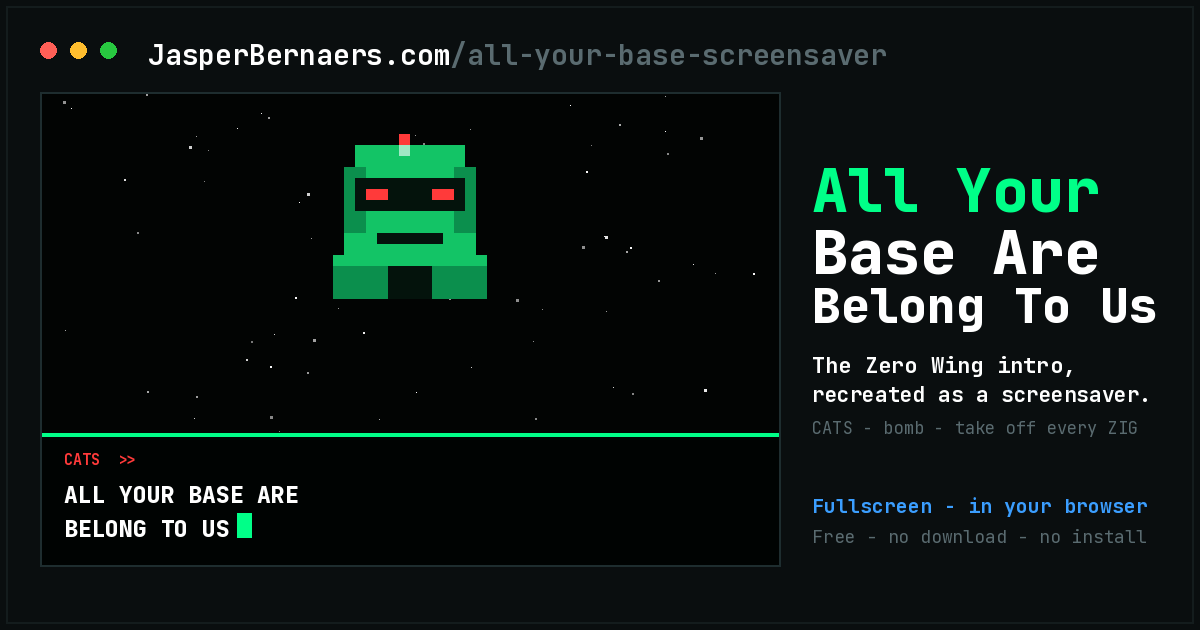
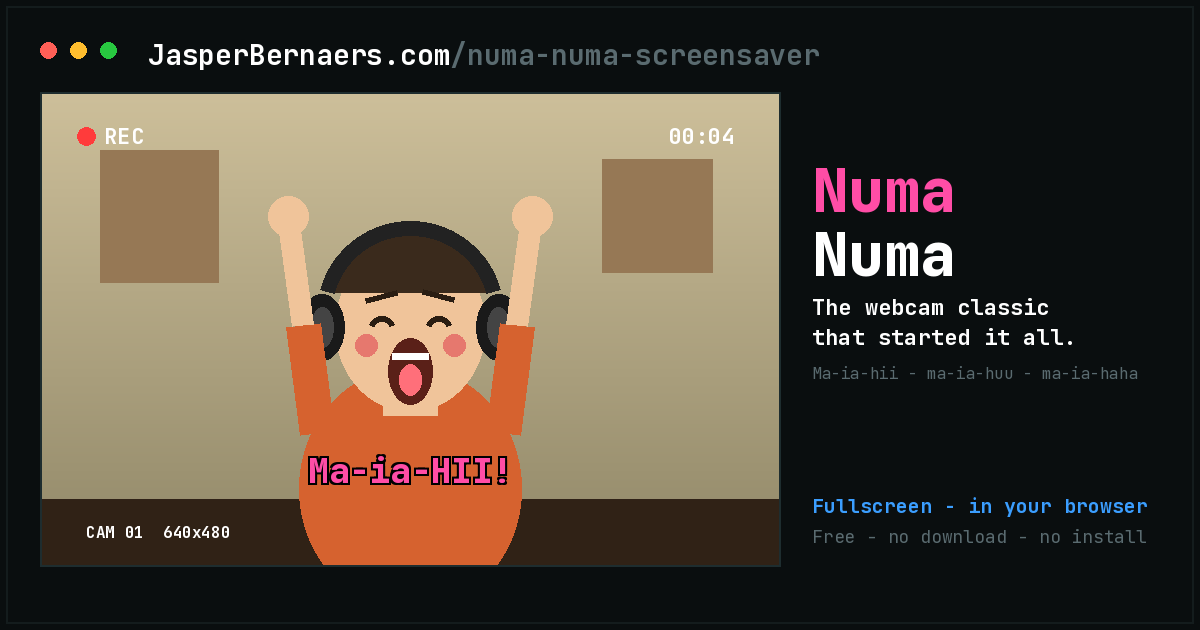
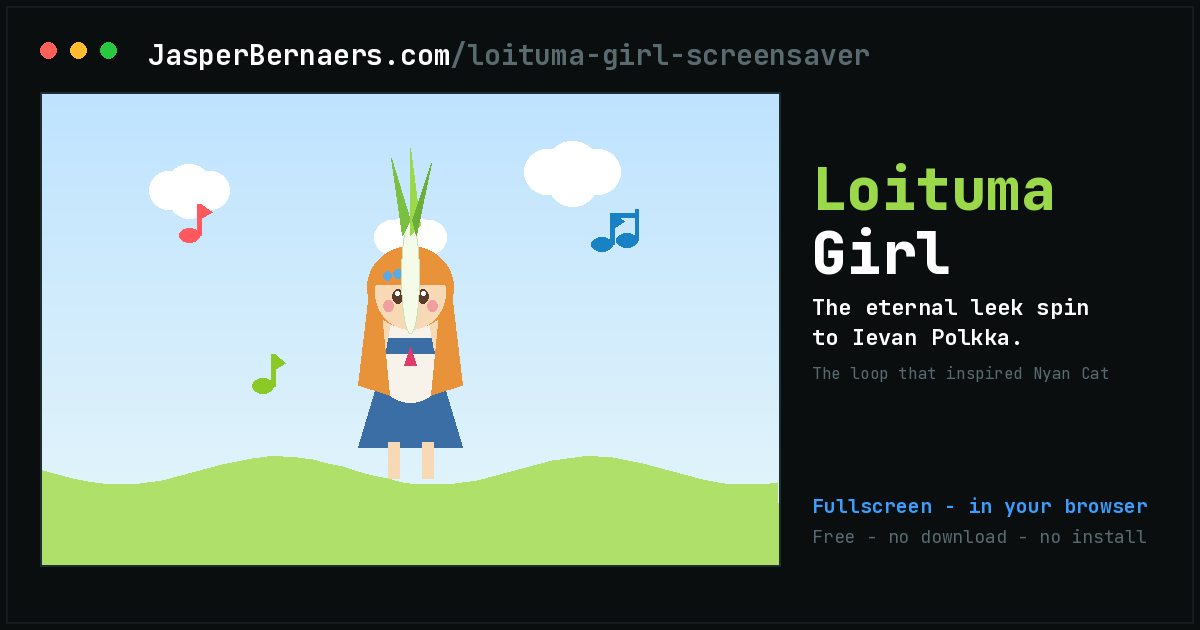
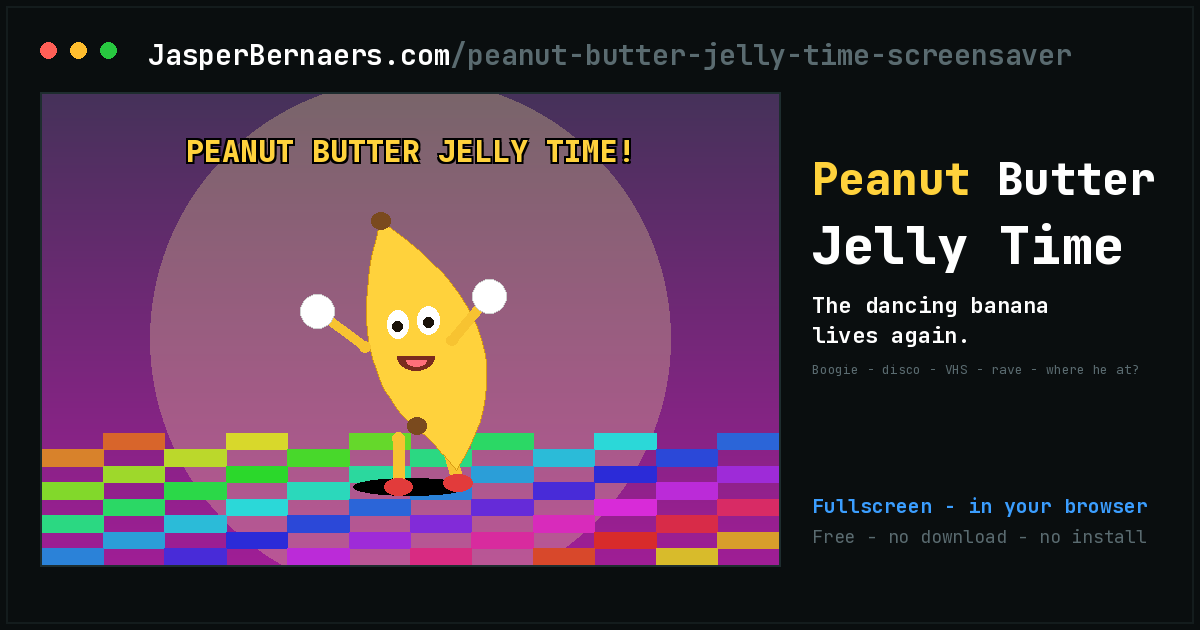
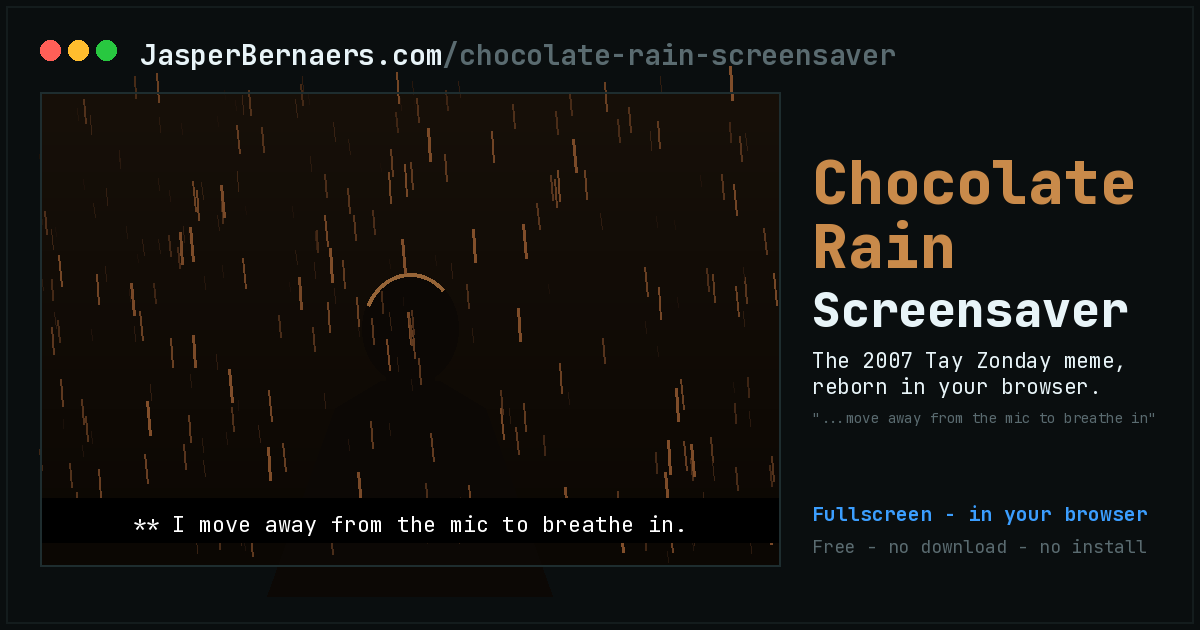
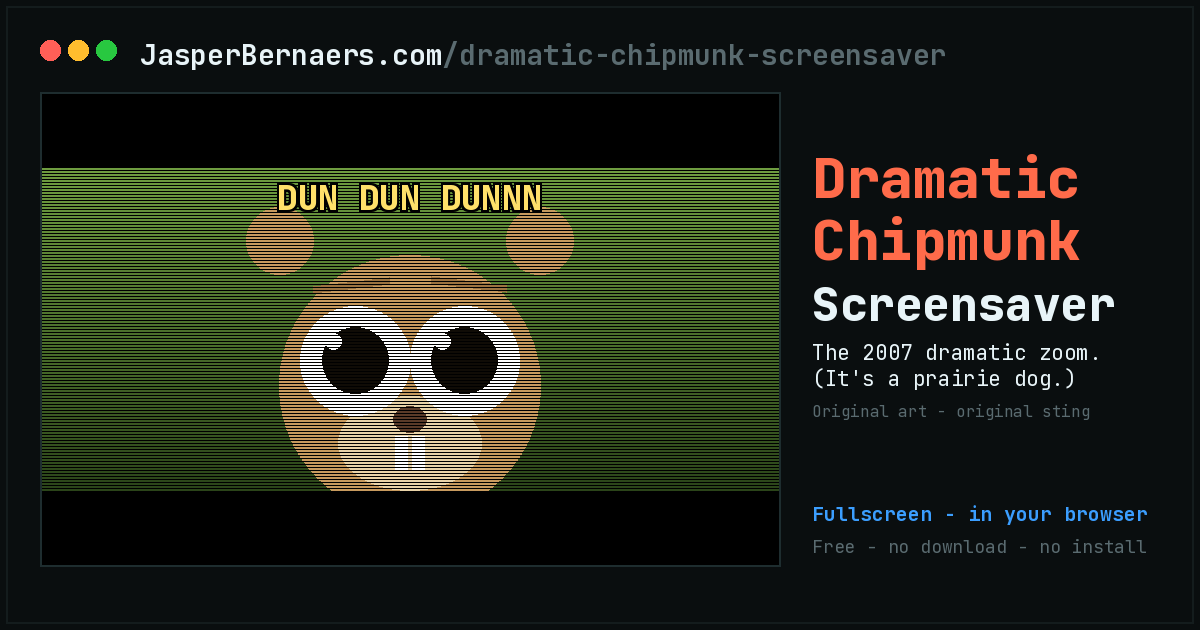
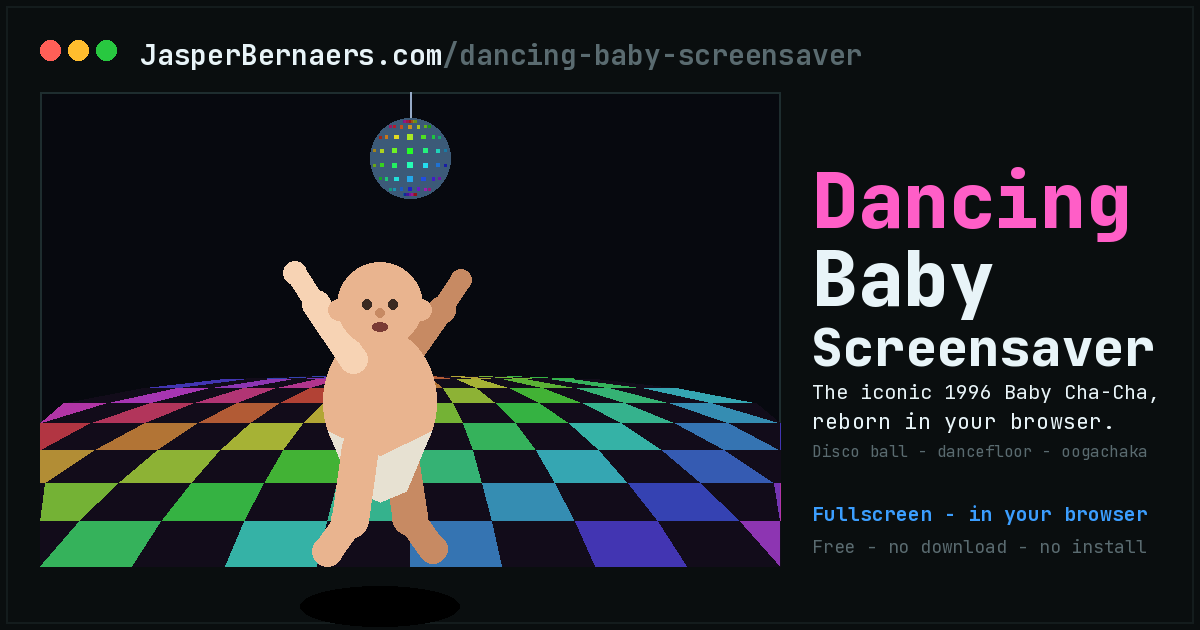
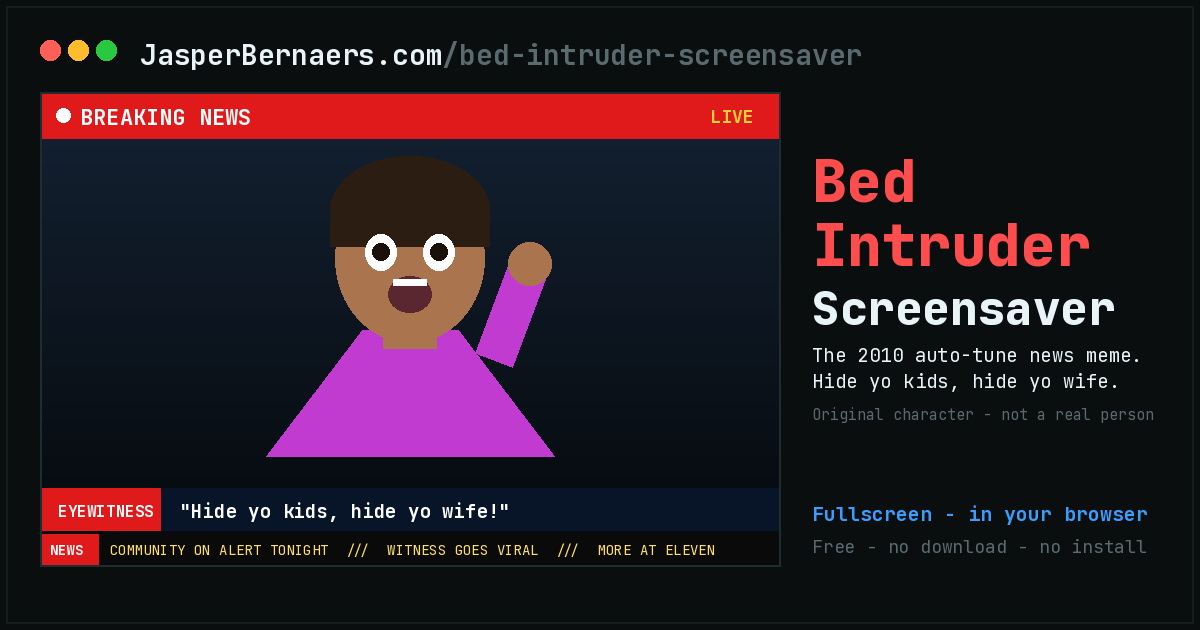
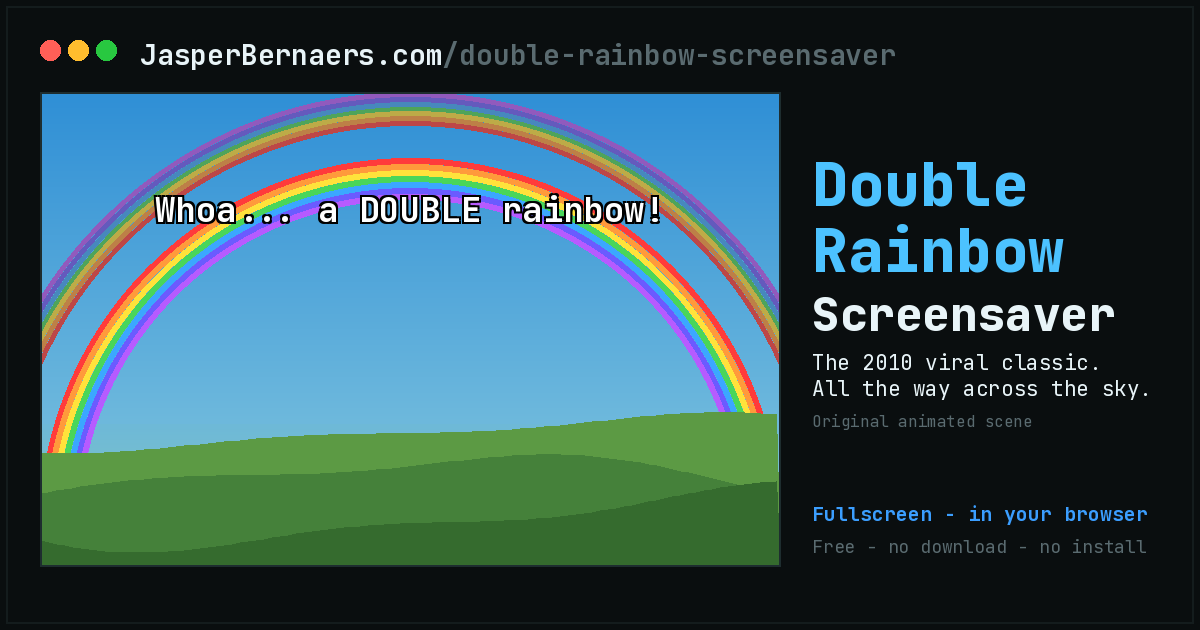
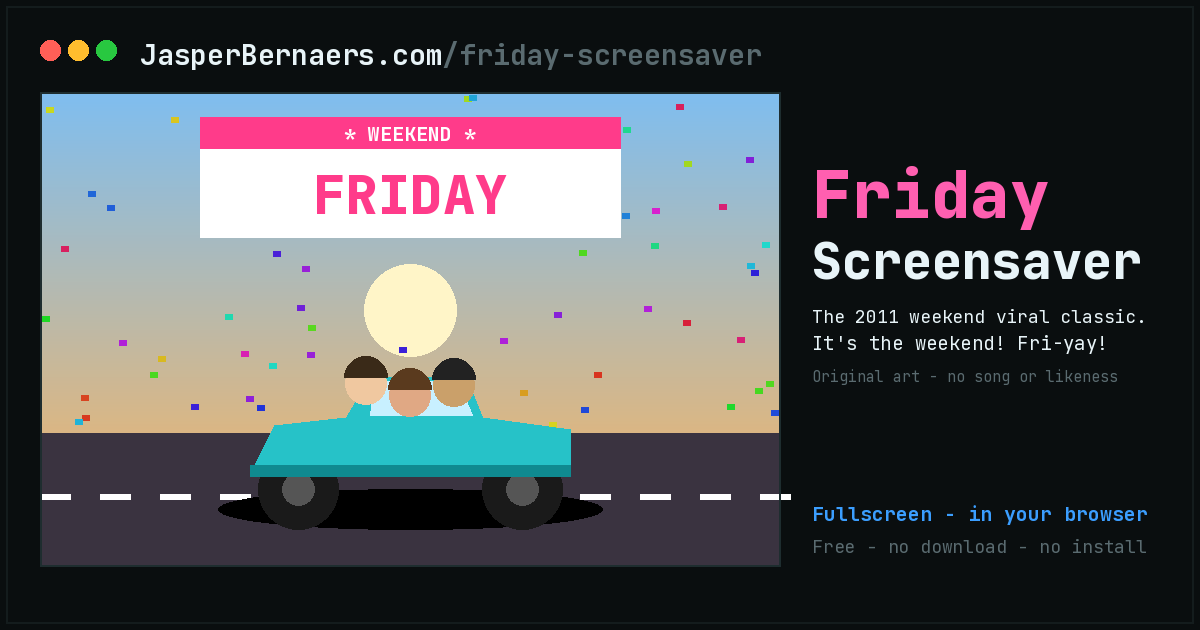
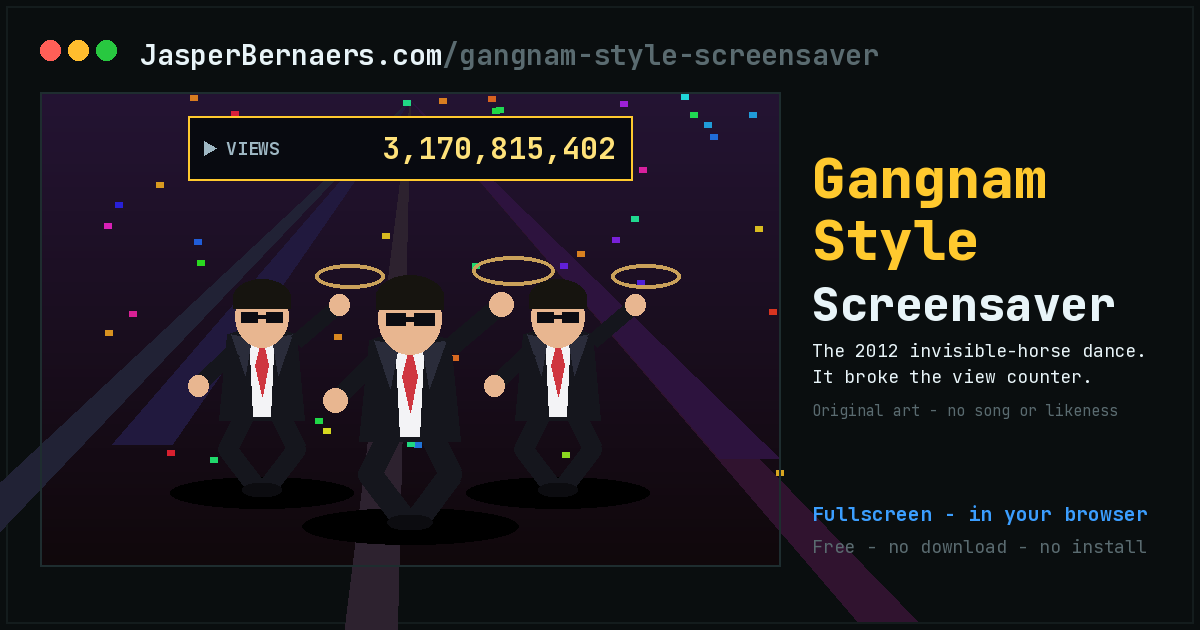
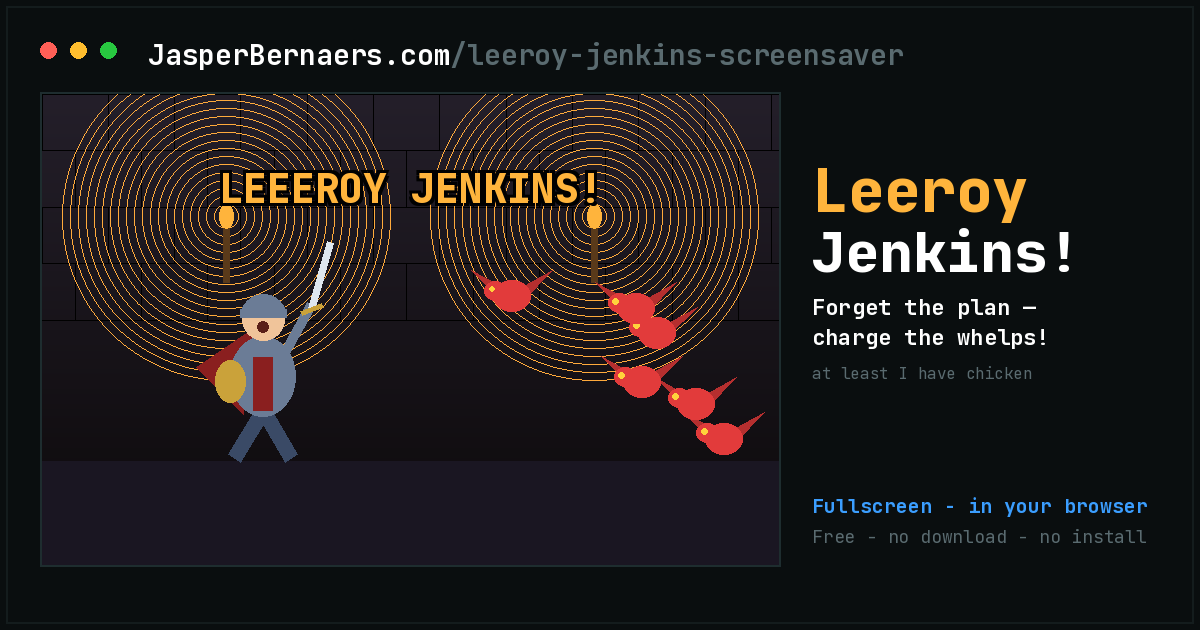
Two decades of internet history, each one rebuilt as a fullscreen loop with original artwork rather than the copied image you have seen a thousand times.

🌕 Calm and ambient
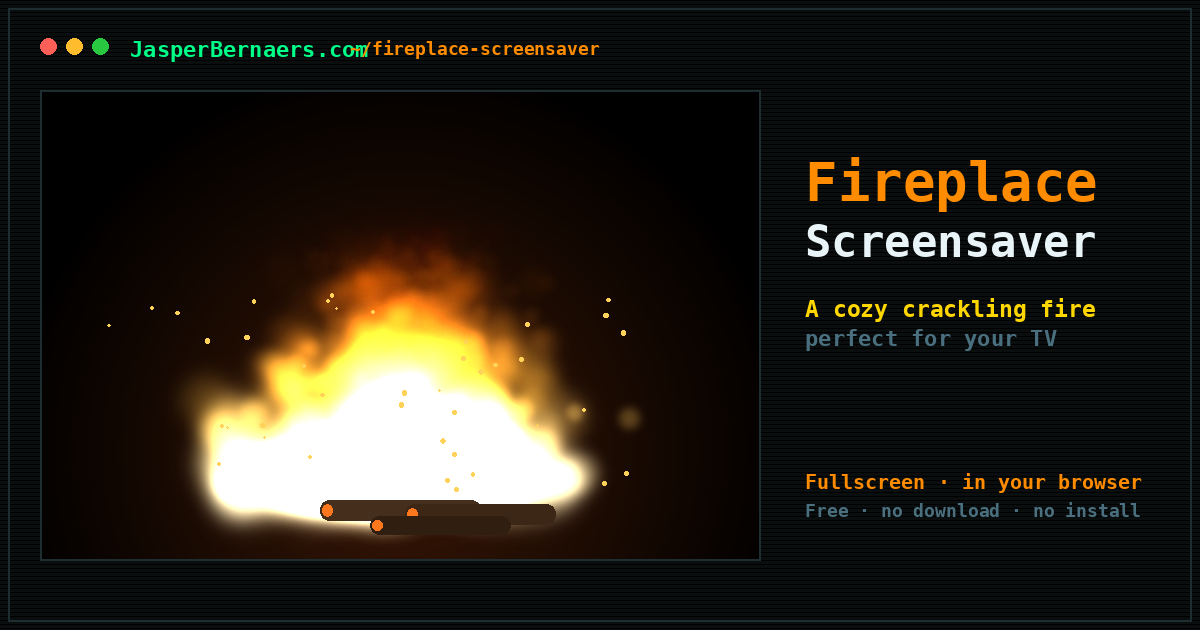
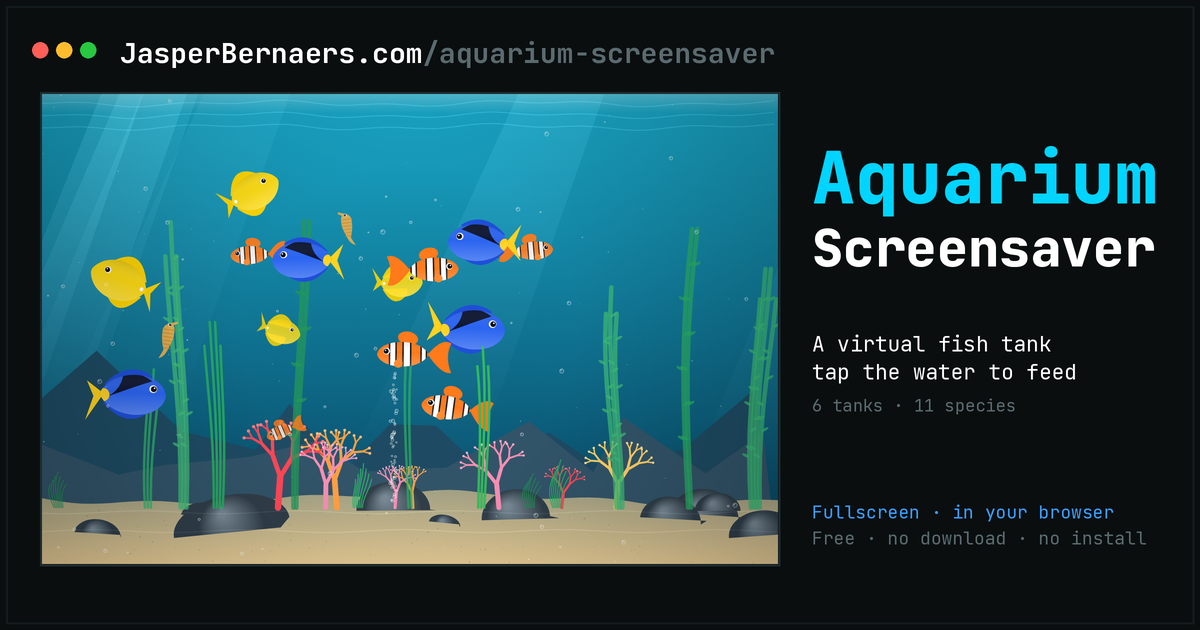
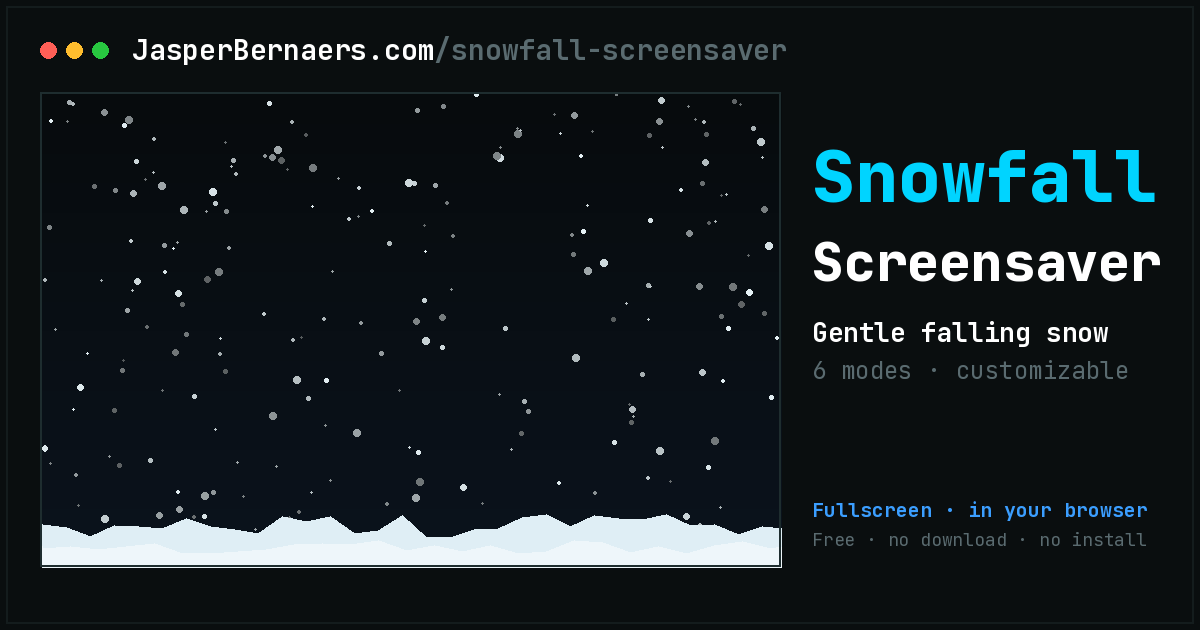
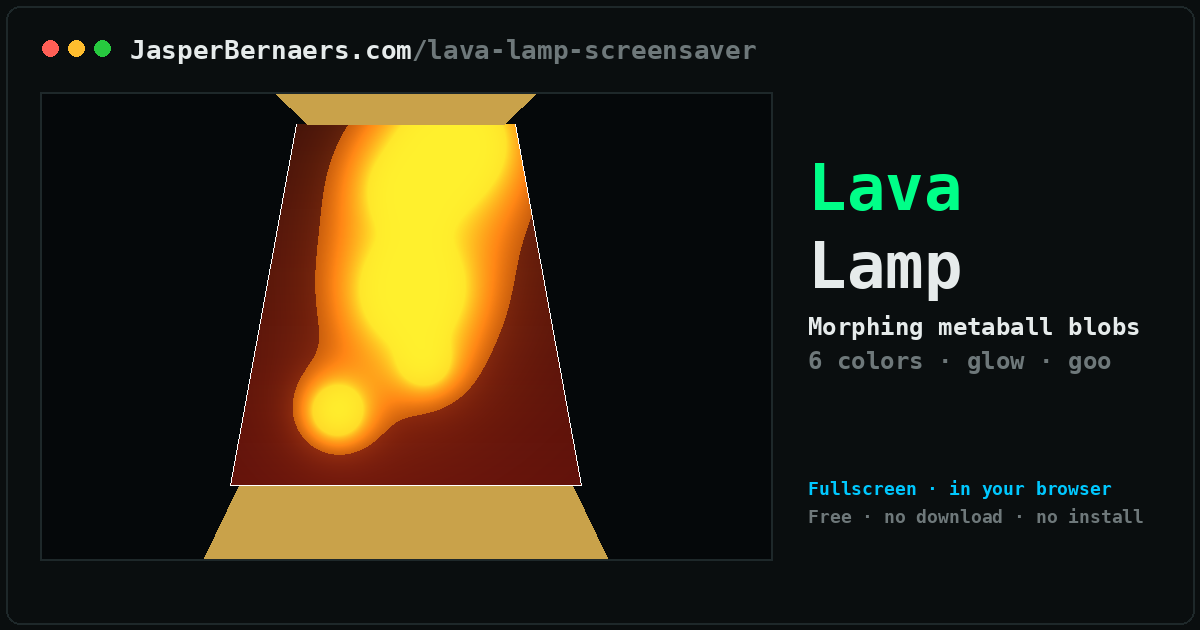
Made for a television, a spare monitor or the corner of a room. Nothing happens, pleasantly, for as long as you leave it running.
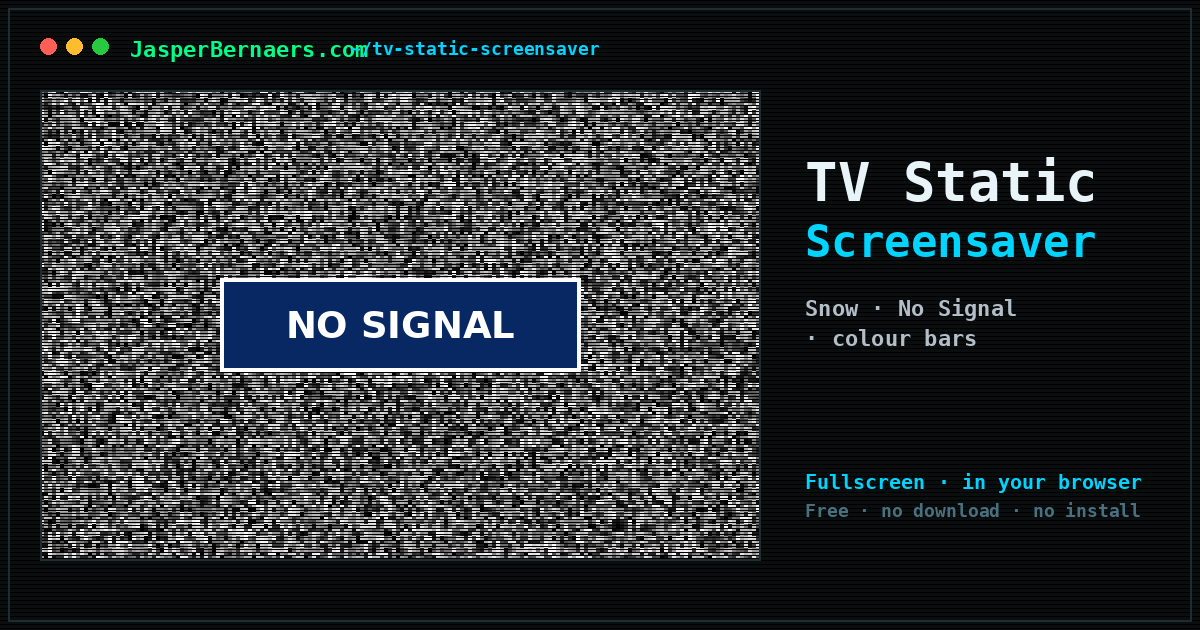
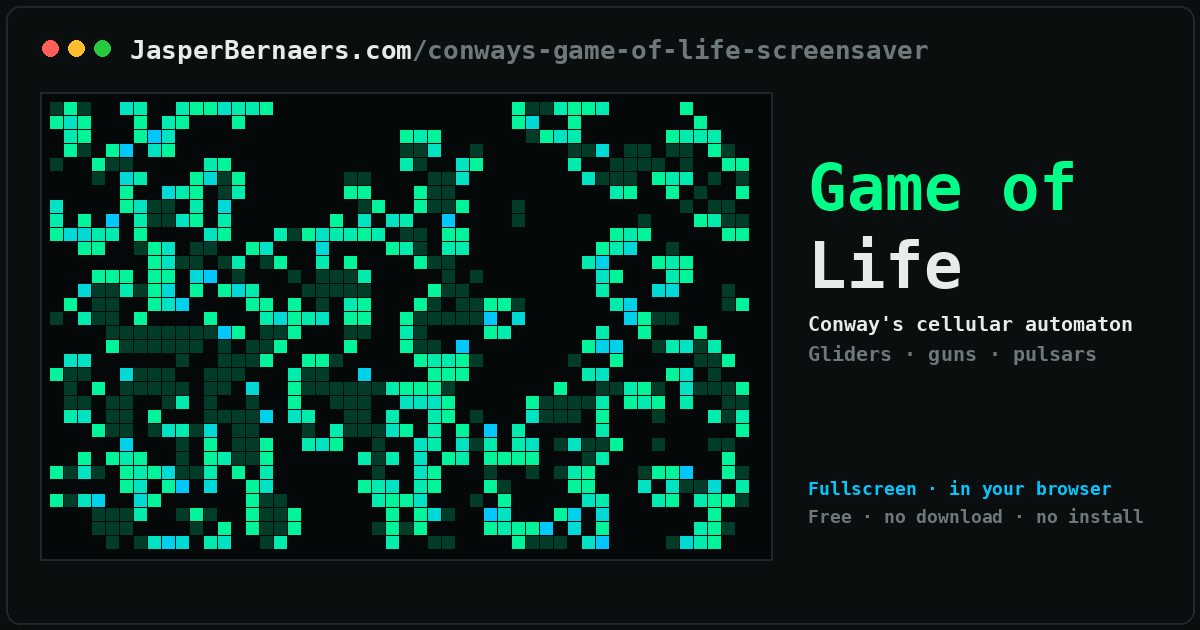
🖼️ Clocks and your own photos
The two that show something of yours rather than something of mine — the time, or your pictures. Both stay entirely on your device.
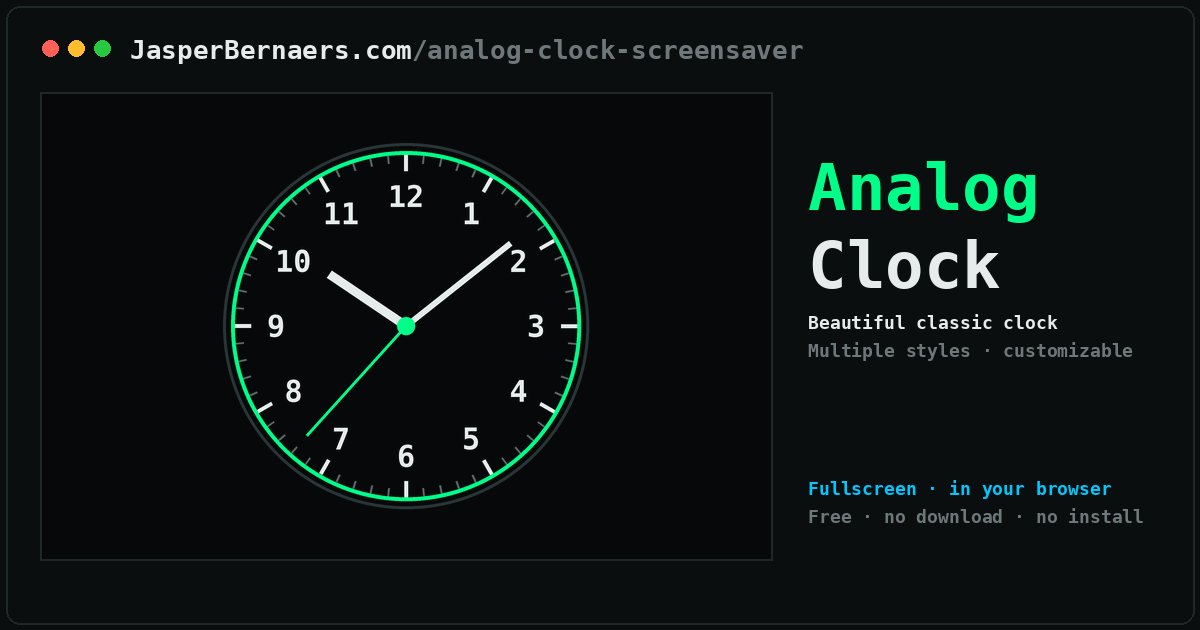
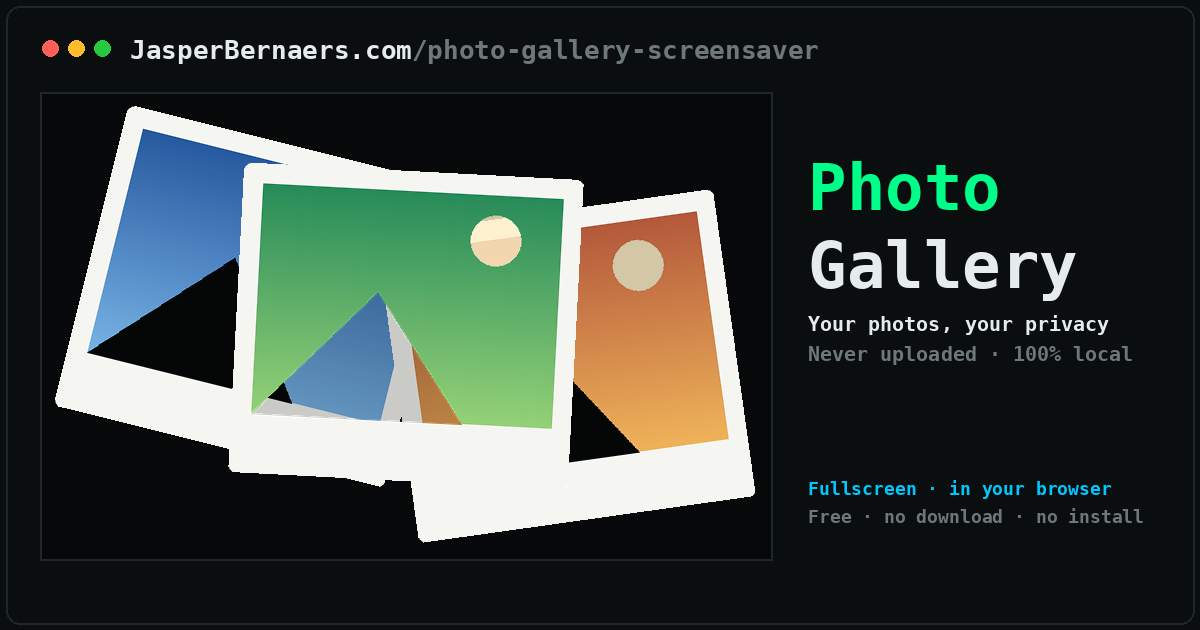
🎭 Pranks and one-offs
Fake screens convincing enough to make someone walk over and check, plus two that exist because something happened that week.
# Why a screensaver, in 2026?
Screensavers stopped being necessary around the time CRTs stopped being common. Phosphor burn-in was the original problem: leave a static image on a cathode-ray tube for long enough and it etched itself into the glass. Modern LCDs do not burn in the same way, so the technical reason evaporated and the screensaver quietly became decoration.
Which turned out to be the interesting part. Nobody needs Flying Toasters, and people still want them. A screensaver is the rare piece of software with no job to do, and that freedom is why the good ones are remembered thirty years later while the productivity suites of the same era are not.
# What is actually on this page
49 screensavers, all running in a browser tab. They fall into five groups. The desktop classics are faithful rebuilds of the ones that shipped with Windows and After Dark. The meme tributes are twenty-five pieces of internet history, each drawn from scratch rather than copied. Calm and ambient is the set built for a television or a spare monitor. Clocks and photos show something of yours instead of something of mine. And the pranks are convincing fake system screens.
None of them install anything, none of them need an account, and none of them upload a byte. That is not a privacy promise so much as an architectural fact: they are static pages with no server to send anything to.
# Getting one onto a screen that matters
The usual setup is a second monitor, a TV in a corner, or a machine on a shop counter. Open the screensaver,
press F11 for fullscreen, and set the computer's own sleep timer to Never so the display
does not power down underneath it. On a Mac that is System Settings, Lock Screen; on Windows it is Power &
battery, Screen and sleep.
For anything unattended and long-running, prefer the ambient loops over the meme ones. A fireplace is pleasant for six hours. A dancing banana is pleasant for rather less.
> Missing a screensaver? Ask for it.
Most of these exist because someone — often me — wanted a small thing and could not find a version of it that was free, private and worked immediately. If the tool you need is not on this page, tell me what it should do. Concrete requests get built far more often than vague ones, and quite a few of the apps above started as one sentence from a stranger.
No tracker, no roadmap board, no vote counting — it is one person reading messages. I answer most of them, I cannot promise to build any particular one, and everything that does get built lands here free with no account, like the rest. Bug reports and “this is wrong” corrections are just as welcome as new ideas; several of the tools above were fixed by someone taking two minutes to say what broke.