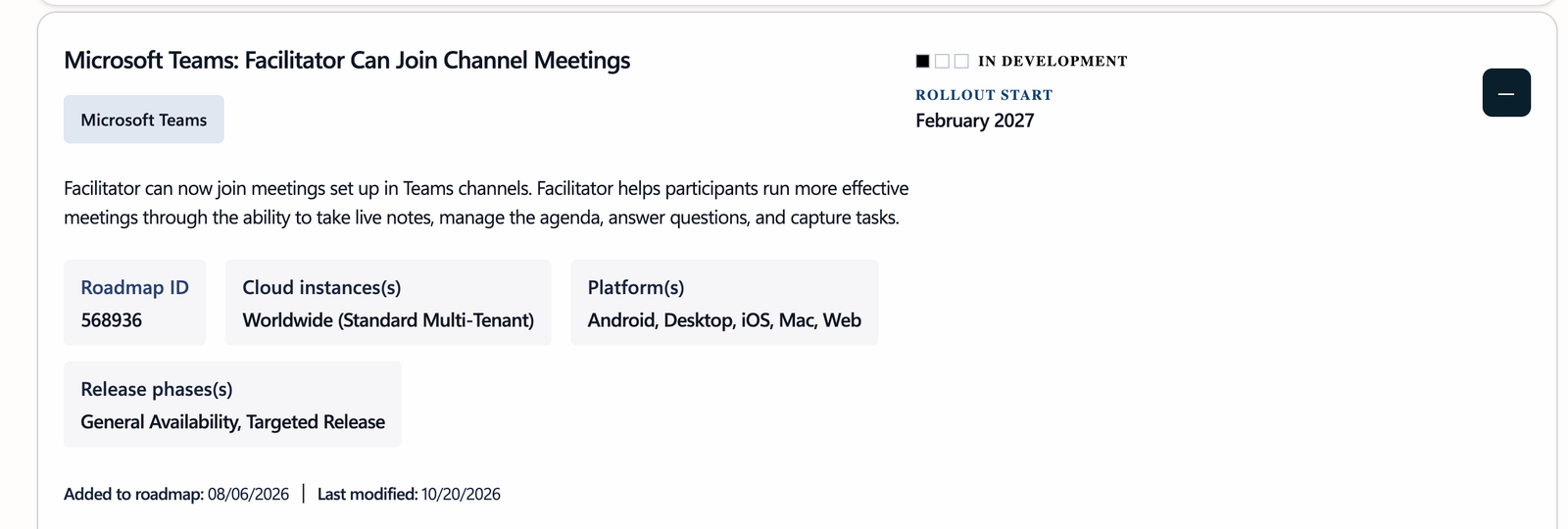
A meeting without someone taking notes is a bit like a football match without a scoreboard: afterwards nobody remembers exactly who promised what. In scheduled Teams meetings, Facilitator has been stepping in as a digital note-taker for a while. Only in channel meetings that seat stayed empty. That is about to change.
What is Facilitator?
Facilitator is the Microsoft 365 Copilot AI agent that sits in on your meeting and handles the practical work, so you can focus on the conversation. In practice:
- Live notes: during the meeting, notes appear in a shared Loop document that everyone can follow and add to.
- Agenda management: Facilitator keeps track of the agenda, shows where you are and helps you stay on time.
- Answering questions: participants can ask Facilitator a question in the chat, for example "what did we just decide about the budget?".
- Capturing tasks: action items are recorded with an owner, so they don't get lost after the meeting.
The difference with an intelligent recap afterwards is that Facilitator works during the meeting. Prefer minutes afterwards? You can still create meeting minutes with Copilot.
What is changing?
Today Facilitator works in scheduled meetings, but not in meetings set up in a channel. With this update you can turn on Facilitator in a channel meeting too. It works just the way you already know it, only now also where many teams hold their weekly sync.
Why is this useful?
Channel meetings are often the recurring moments: the project team's weekly sync, the IT stand-up, the monthly sales meeting. That is exactly where follow-up tends to slip. Because the meeting is tied to the channel, everyone in the team can find the notes and tasks afterwards, including people who weren't there. A note-taker that never forgets and is never off sick: I won't say no to that.
How to turn on Facilitator
- Start or open the meeting in Teams on desktop or web. You need to be the organizer or a presenter.
- Select More actions (•••) and choose Turn on Facilitator. You can also set it up when scheduling, under the options for Copilot and other AI.
- Choose the spoken language of the meeting. Facilitator supports one spoken language per meeting.
- Run your meeting and follow the notes live in the Loop pane.
Which license do you need?
To start Facilitator you need a Microsoft 365 Copilot license. Other participants can see and follow the notes, even without a license.
For admins
- Facilitator is an app in the Teams admin center (Teams apps > Manage apps). You can allow or block the app, and use an app permission policy to decide who can use it.
- Loop experiences must be turned on, because the notes are a Loop file. In the meeting policy this is the
IsCollabMeetingNotesFluidEnabledsetting. - The notes are stored as a .loop file in the Meetings folder in the OneDrive of the person who started Facilitator, so your existing retention and sensitivity label policies still apply.
- Don't want channel meetings in your organization? Read how to block or allow channel meetings.
What can you do today?
- Try Facilitator in your regular scheduled meetings, so your team is used to it by February.
- Agree on who can record and who sees the notes. I wrote about that before: control who sees recordings, transcripts and AI notes.
- In the meantime, use a Loop component as a shared agenda in your channel meeting, so the routine is already there.
In short: from 2027 your channel meetings get a permanent note-taker too. I'm keeping an eye on the roadmap and will update this article as soon as the rollout starts.
Nederlandstalige versie: Facilitator kan straks mee in kanaalvergaderingen in Teams