Free Online Music Tools — Make, Play, Practise and Listen in Your Browser
Free music tools that run right in your browser — make beats and chord loops, play an instrument with your keyboard or webcam, tune up, practise and listen. No signup, no install, nothing uploaded.
🎧 Make something
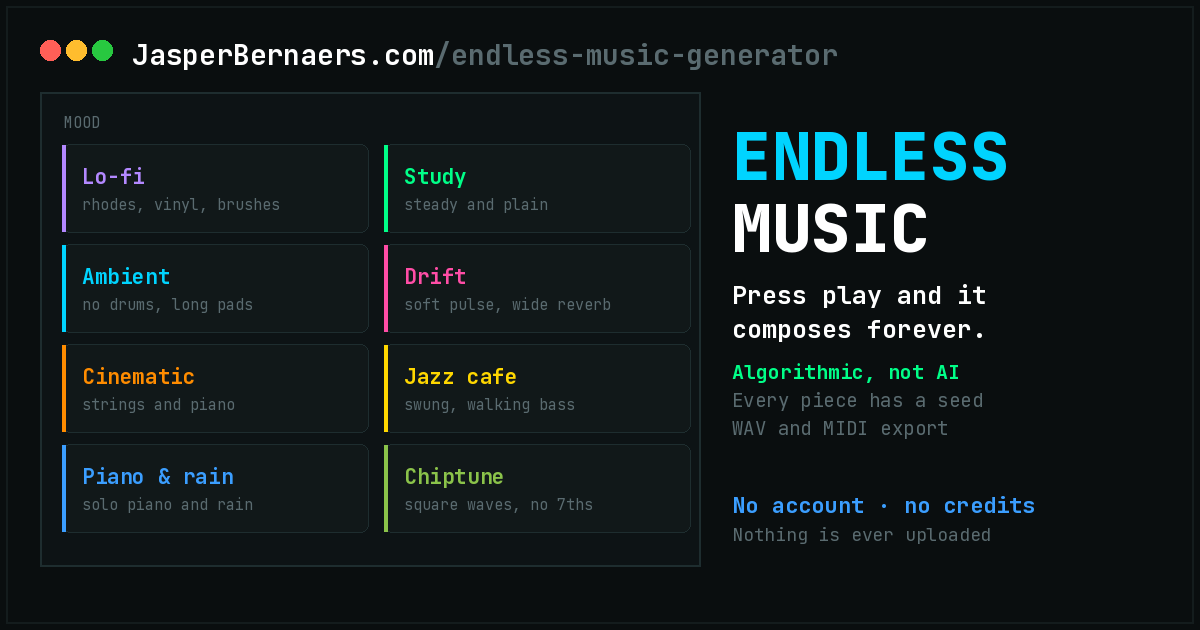
Start from nothing and end up with a loop, a progression or a finished bar of music. These are the ones with a transport, a grid and an export button.
🎹 Play an instrument
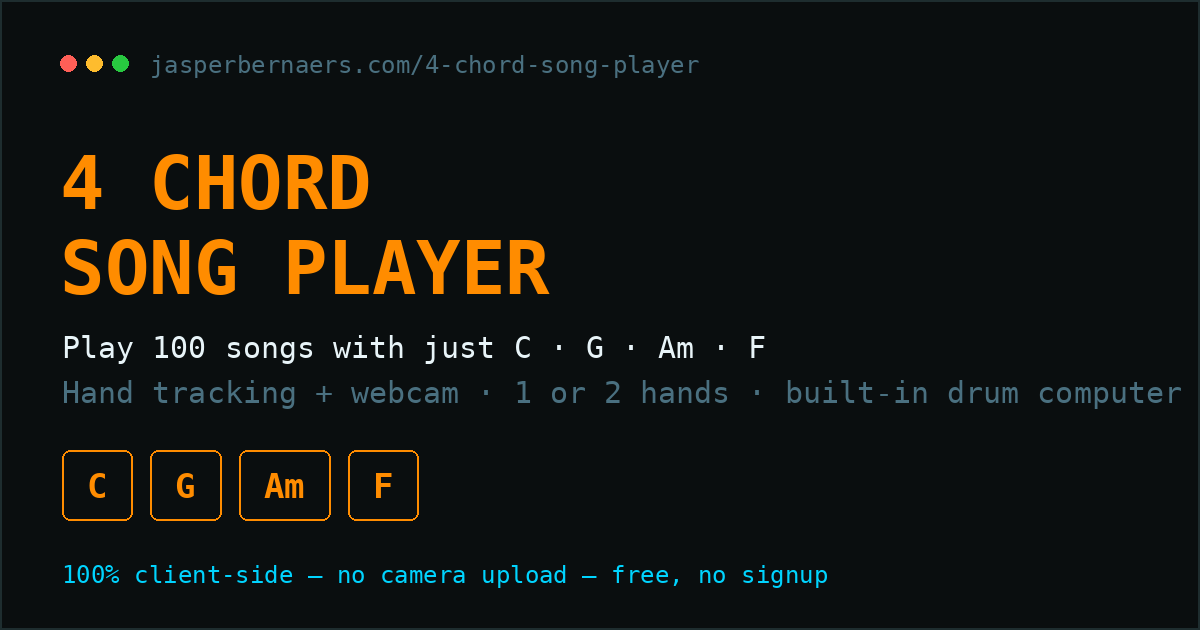
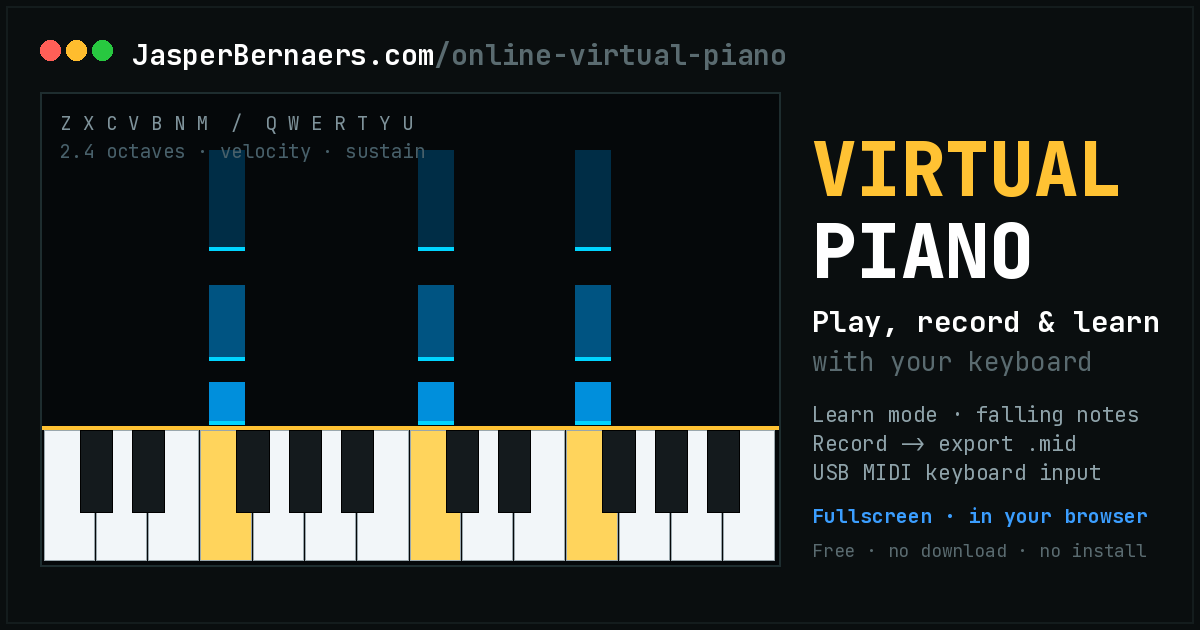
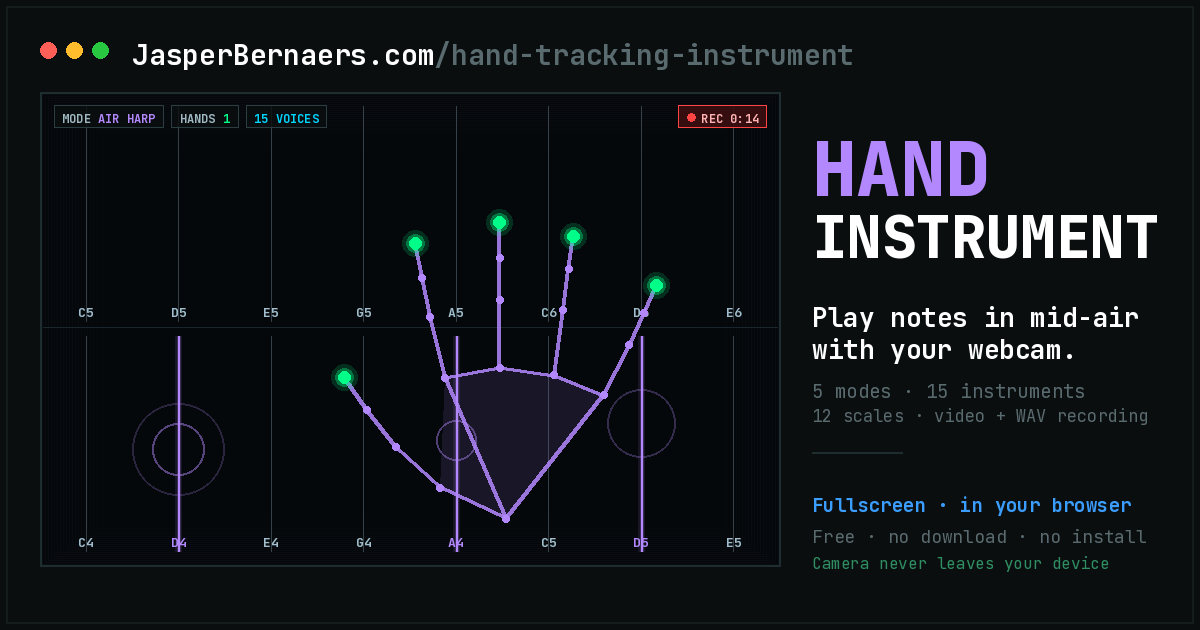
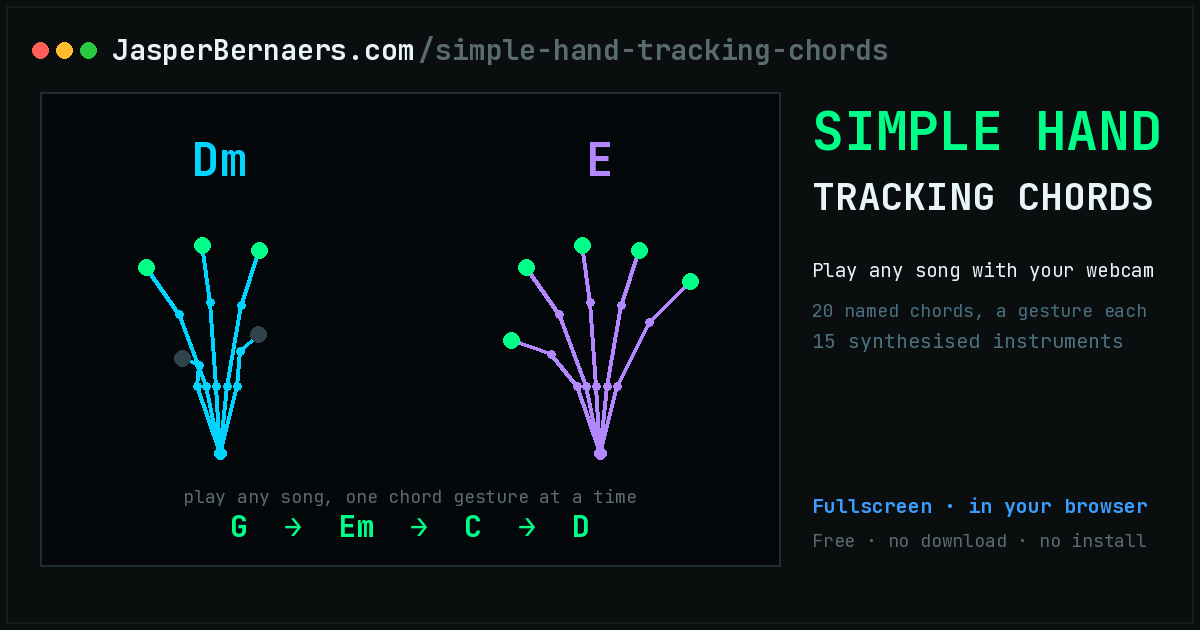
No sequencer, no grid — just something that makes a sound when you do something. Two of these need nothing but a keyboard, three need a webcam.
⏱ Tune up and practise
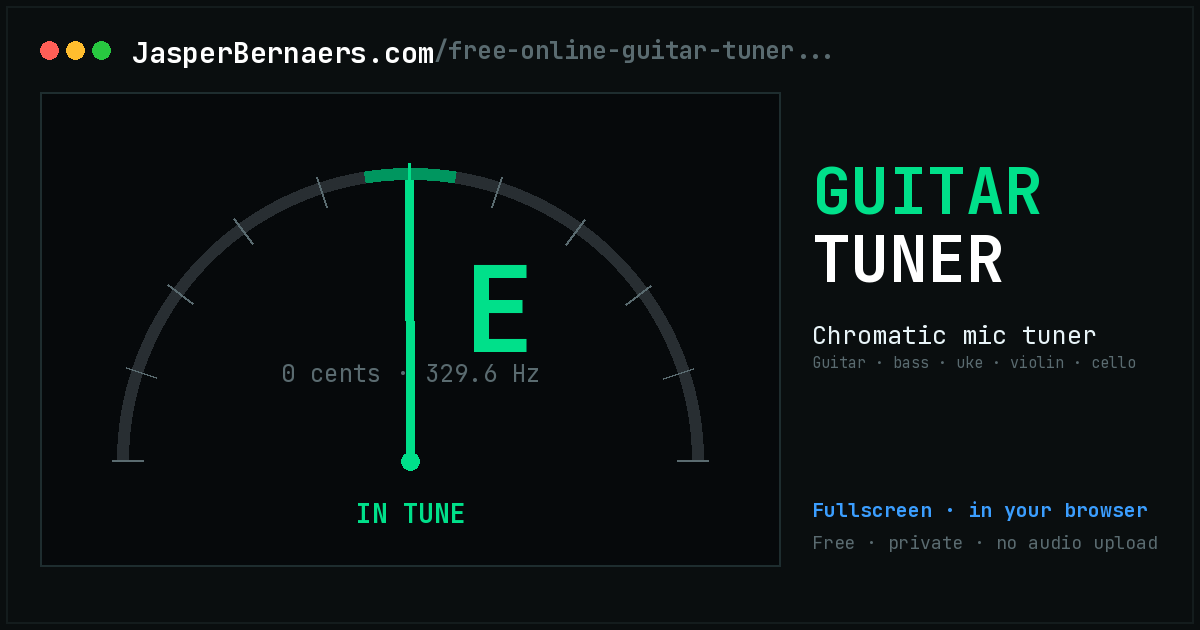
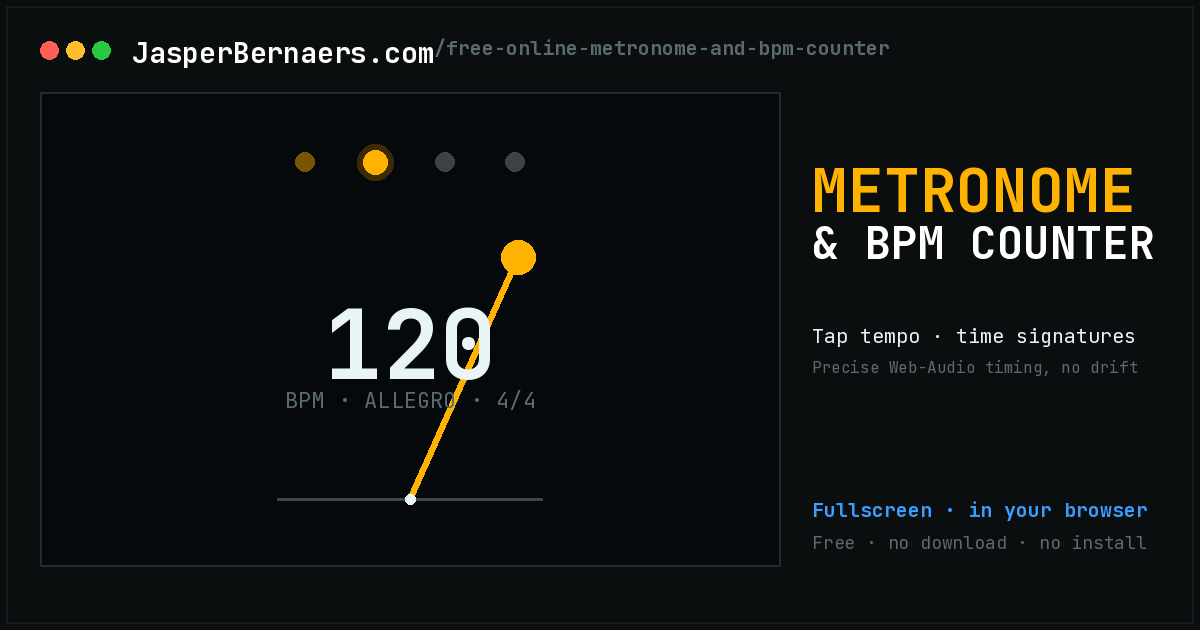
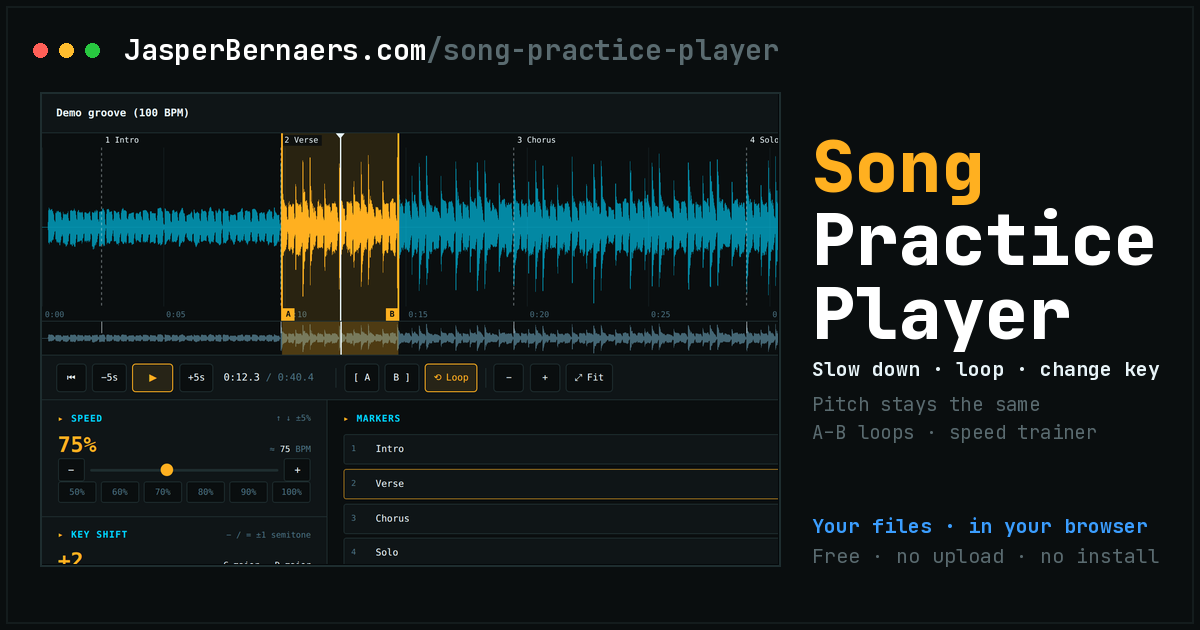
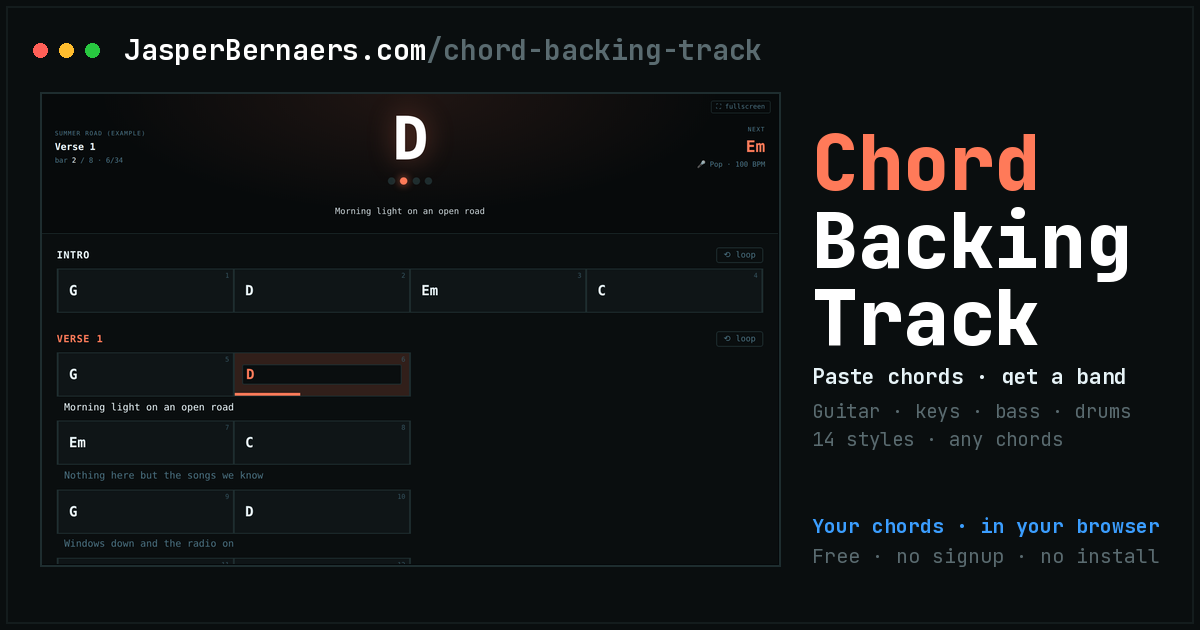
The unglamorous half of playing music. The tuner and the metronome are the ones you open every single session; the practice player and the backing track maker are where you actually learn the song.
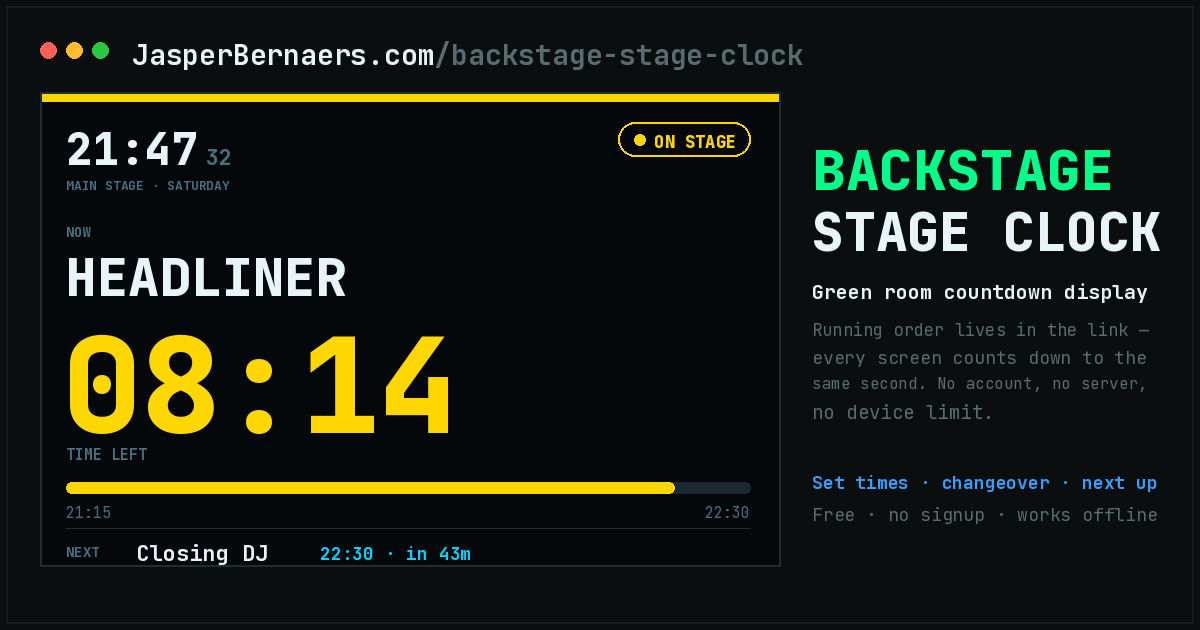
🔊 Listen
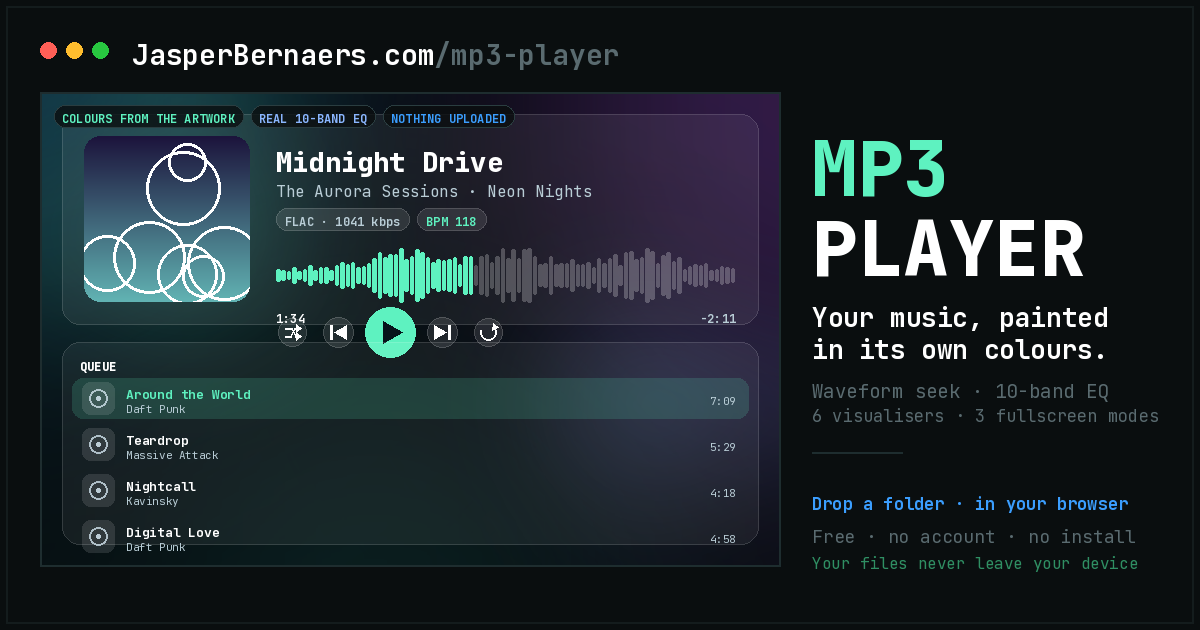
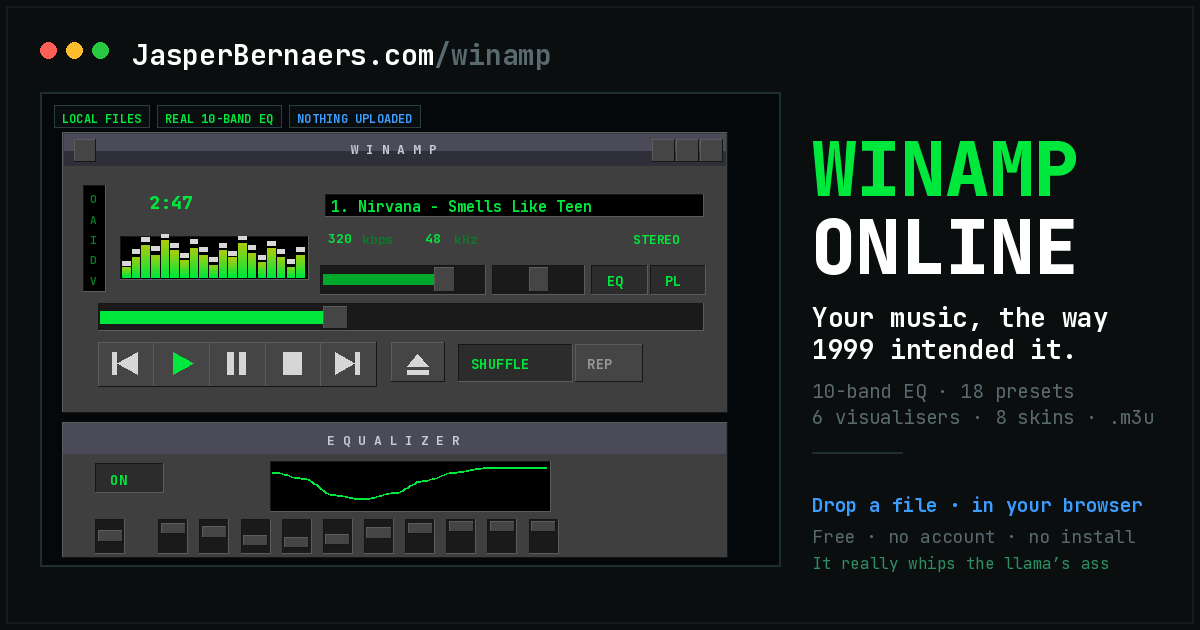
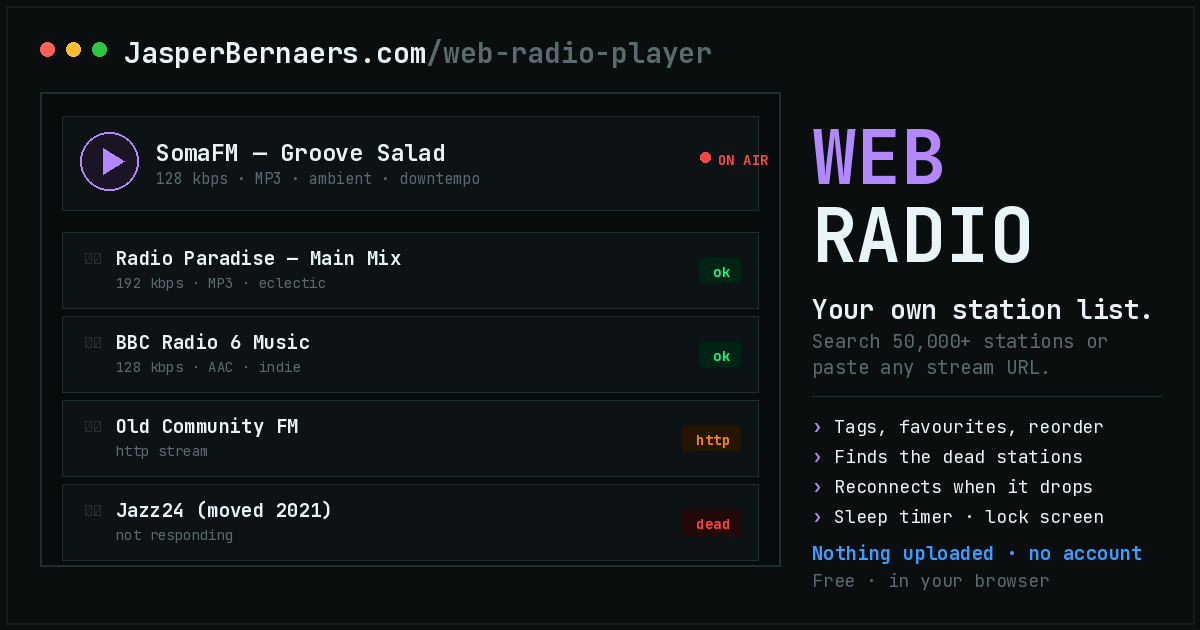
Players for music you already have or can stream. None of them upload anything: your files are opened locally and stay on your machine.
📊 Measure and inspect
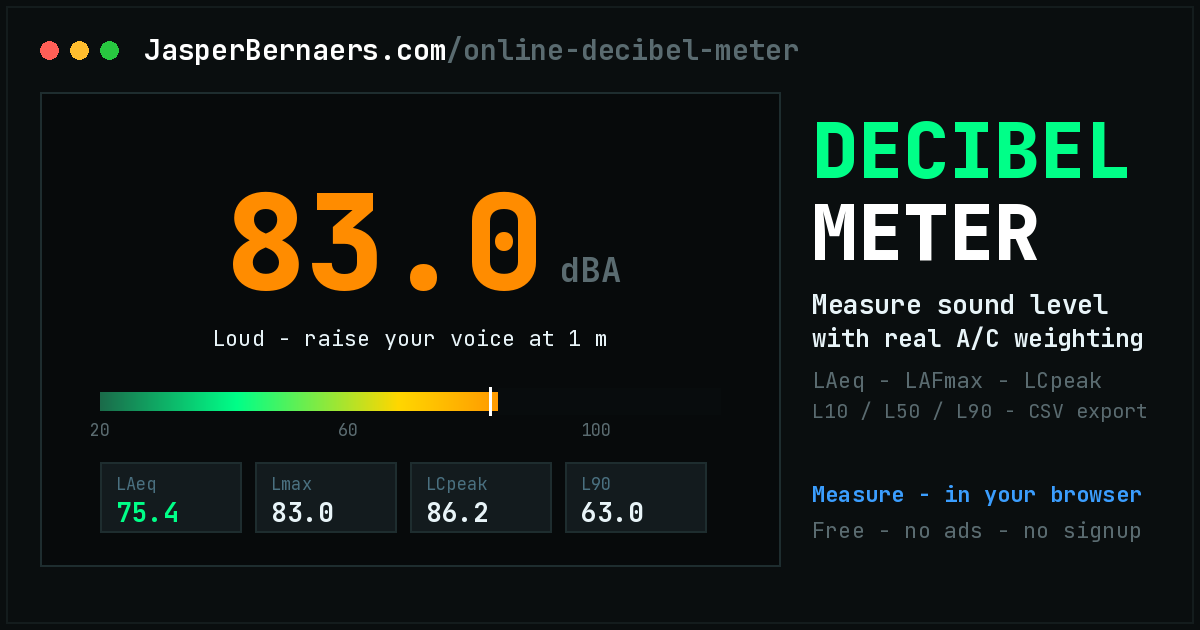
For when the question is not “how does it sound” but “how loud is it, exactly”.
Every one of them runs entirely inside your browser tab — no account, no install, no plugin, no server — and your files and microphone never leave the machine, because these pages have no back end at all.
# Why all of this runs in a browser tab
Every tool on this page is a single HTML file. There is no installer, no account, no plugin, no runtime to keep updated, and no server doing the work. You open a URL and the thing is running. That is not a limitation being worked around — it is the reason these exist in the form they do.
The enabling technology is Web Audio, which has been in every browser for over a decade and is genuinely good. It gives you oscillators, filters, delay lines, convolution, compression and a sample-accurate clock, all in JavaScript. A kick drum here is not an MP3 of a kick drum; it is a sine wave whose pitch drops sharply, synthesised at the moment you hear it. A snare is filtered noise plus a tuned body. A hi-hat on the 909 kit is six square waves through a bandpass, which is roughly how the hardware did it. That is why a drum machine can be one file with nothing to download, and why it works on a plane.
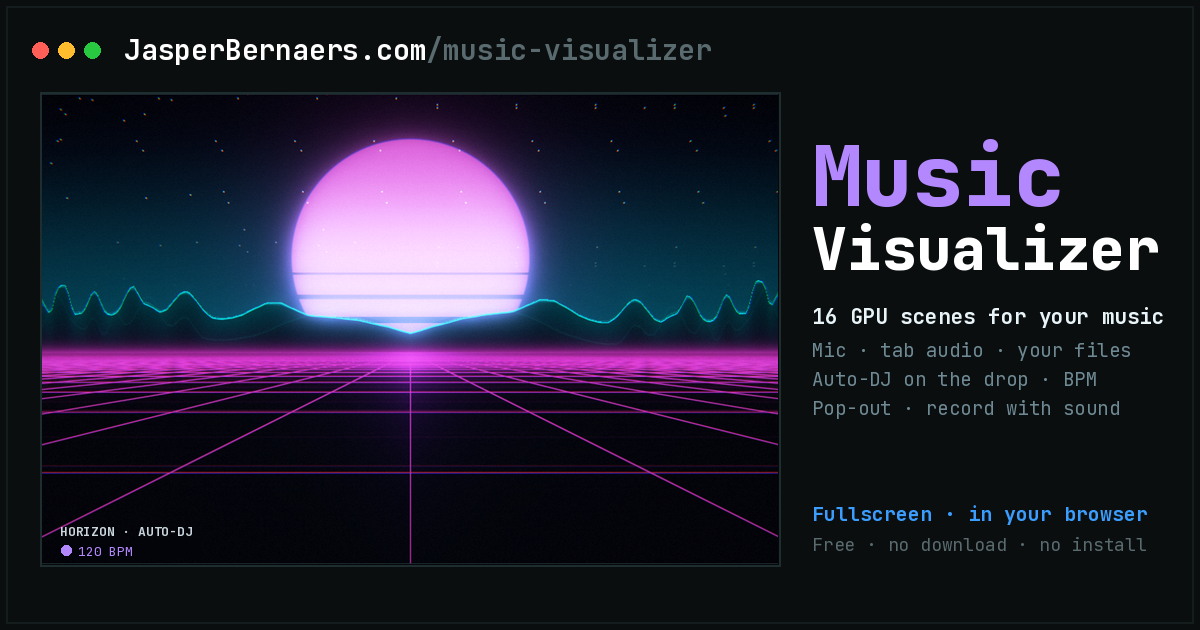
The same applies to the parts that read rather than write. The tuner does pitch detection with an autocorrelation algorithm on your microphone stream. The decibel meter implements real IEC 61672 A- and C-weighting curves. The visualiser runs an FFT. None of it is sent anywhere, because there is nowhere to send it: these pages have no back end at all.
What “nothing is uploaded” actually means
It is worth being precise, because every site says this. When you open a file in the MP3 player, the browser hands the page a local file handle; the audio is decoded on your machine and the bytes never leave it. When the tuner listens, the microphone stream goes into an analyser node in the same tab. When you export a WAV, it is rendered locally and saved by your own browser's download mechanism.
The only network requests these pages make after loading are the web font and a privacy-first analytics ping that counts a page view and nothing else. There is no account system to leak, no database to breach and no file storage to misconfigure, because none of those things exist.
# Where to start, depending on what you want
Almost everyone arriving here wants one of five things, so:
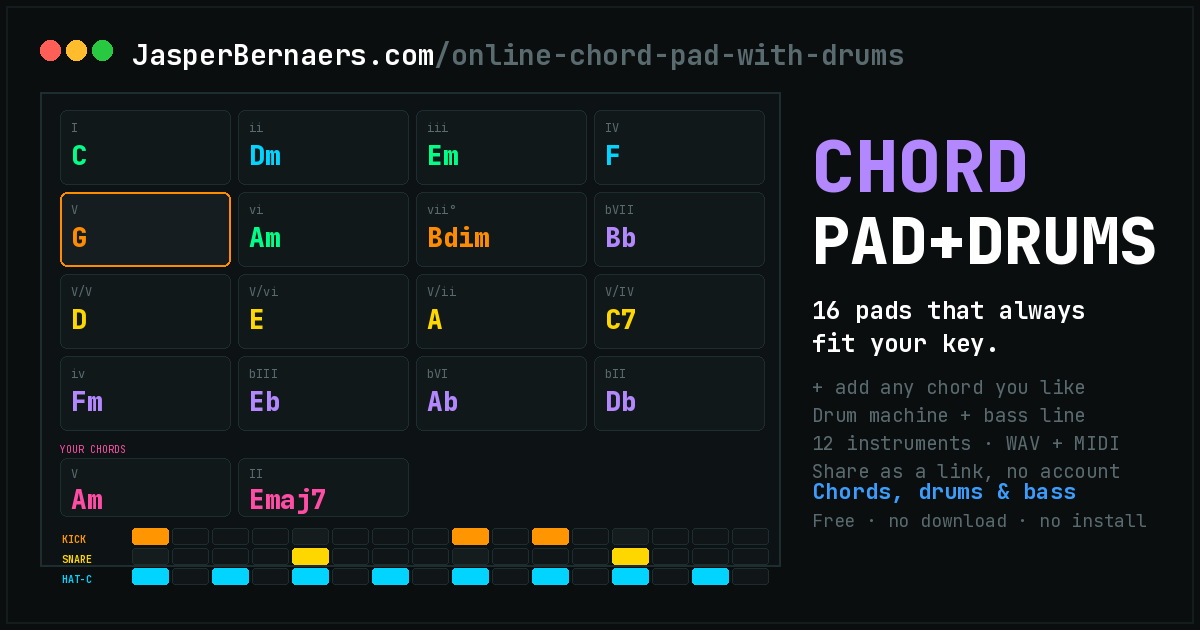
- “I want to hear a chord progression and play over it.” Chord Pad with Drums. Pick a key, hit pads, add a beat. It is the shortest path from nothing to a loop you can practise against.
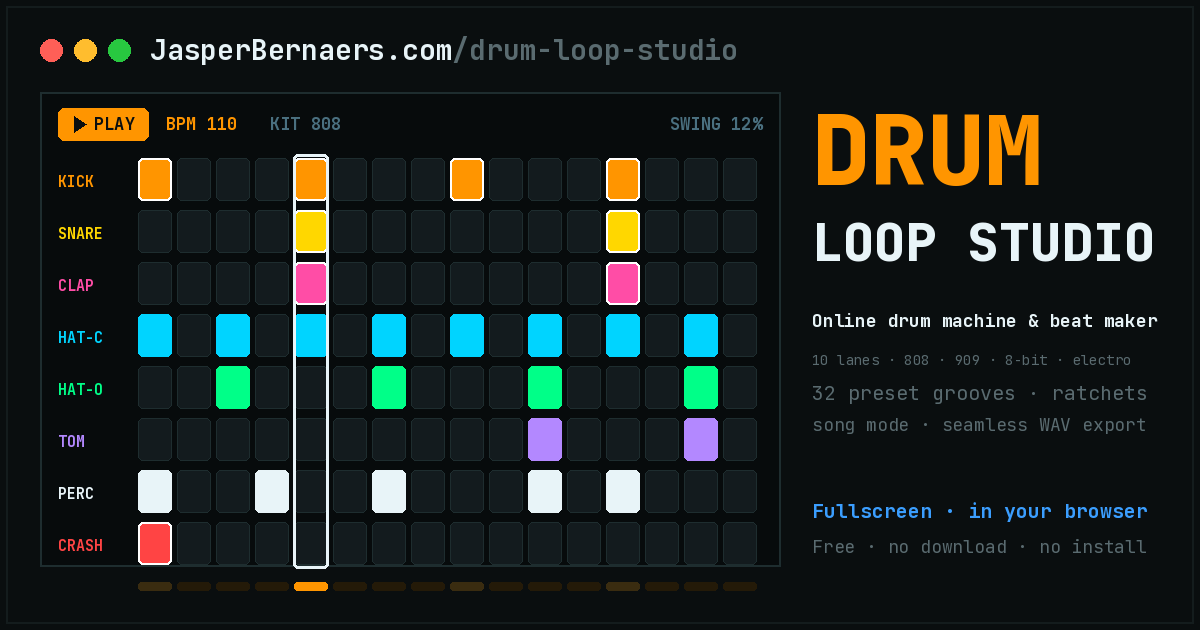
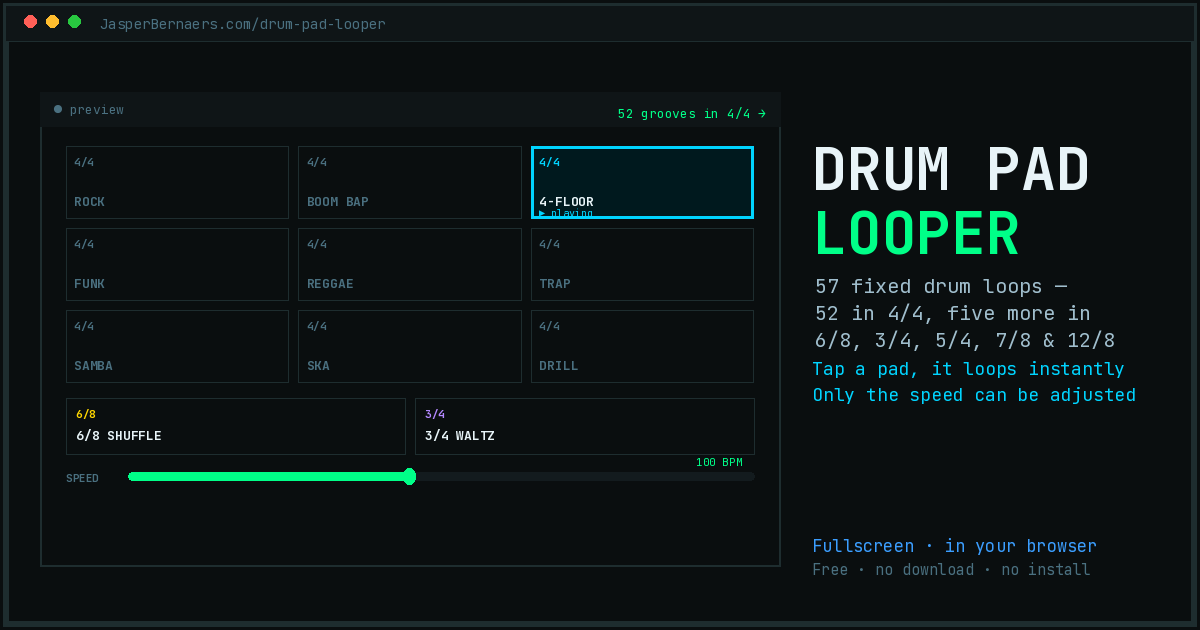
- “I just need a beat.” Drum Pad Looper if you want zero decisions, or Drum Loop Studio if you want to build the pattern yourself.
- “I need to tune and get a click going.” Tuner and Metronome. Two tabs, done.
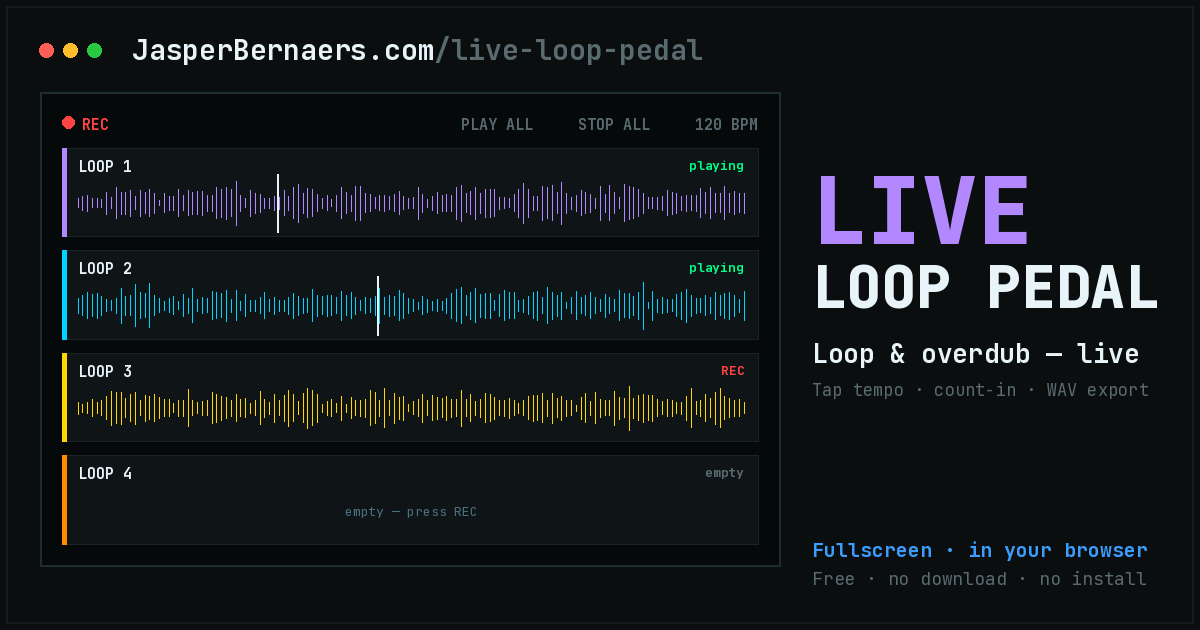
- “I want to record an idea before I forget it.” Live Loop Pedal to capture and layer it, then Audio Editor to tidy it up and export.
- “I want to listen to what I already have.” MP3 Player for your own files, Web Radio Player for streams.
# A whole session without leaving the browser
The tools were built one at a time rather than as a suite, but they chain surprisingly well. A realistic forty minutes looks like this:
Nothing installed, nothing uploaded, and a file on your disk at the end. The chord pad's MIDI export is the escape hatch if you want to continue somewhere serious: it carries the notes rather than the sound, so you can drop it into a DAW and play it back with real instruments.
# What these are good at, and what they are not
An honest comparison, because a browser tab is not a studio and pretending otherwise wastes your time.
| These tools | A desktop DAW | |
|---|---|---|
| Time to first sound | A few seconds | Install, licence, project setup |
| Cost | Nothing, with no tier above it | Free to several hundred |
| Sketching an idea | Excellent — that is the design goal | Heavier than the idea deserves |
| Practising against a loop | Excellent | Overkill |
| Multitrack arrangement | No — four tracks in the loop pedal is the ceiling | Yes, unlimited |
| Plugins, VST, sample libraries | None. Everything is synthesised | The whole ecosystem |
| Latency when playing live | Browser-dependent, usually 10–40 ms | Low with a proper interface |
| Your files | Never leave the machine | Never leave the machine |
The honest summary: use these to find the idea, and something bigger to finish it — or do not finish it at all, if the point was practice. Most sessions never need the bigger thing.
On phones
All of these work on a phone, and the pad-based ones are genuinely good on a touchscreen. Two caveats that are the browser's rather than the page's: iOS will not produce any sound until you have tapped the page once, which is why the first tap on a play button sometimes feels like it did nothing; and anything using the microphone needs you to grant permission each session on some browsers.
# Why there are so many of them
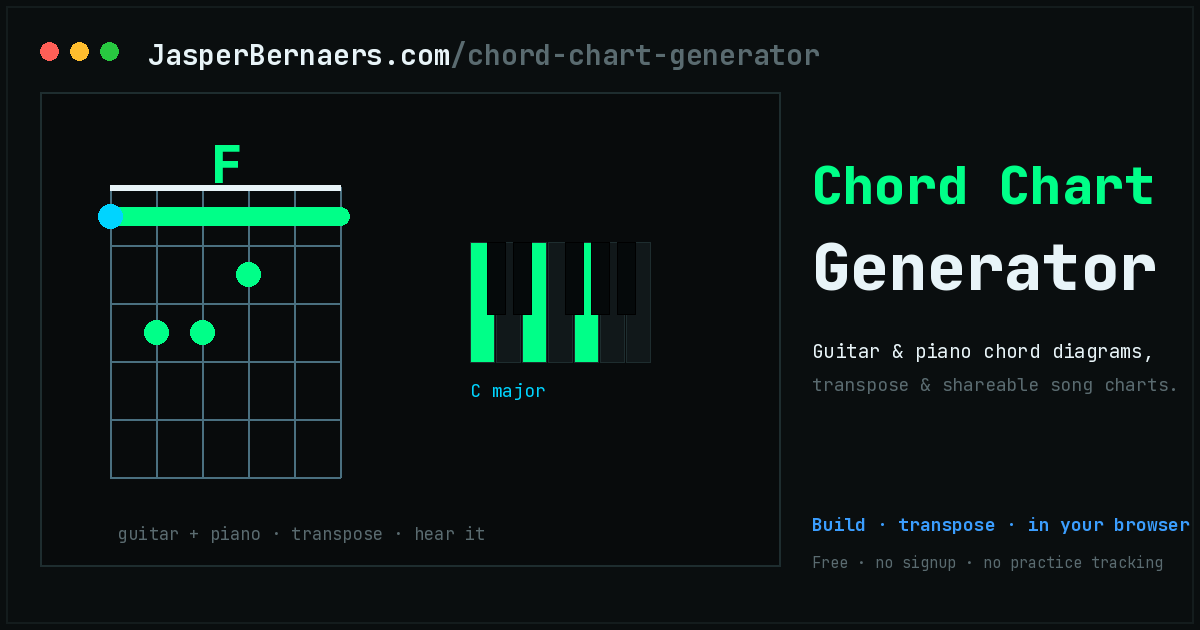
Because they were built to answer specific, narrow questions, and a tool that answers one question well is more useful than a suite that answers ten adequately. There is a drum machine and a drum pad looper because “let me program a pattern” and “just give me a beat” are different moods. There is a chord pad and a chord chart generator because playing a chord and writing it down are different jobs. Several started as something Jasper needed on a particular evening and then turned out to be useful to other people.
If the one you need is not here, that is the most useful thing you could tell me — which is what the next section is for.
> Missing a tool? Ask for it.
Most of these exist because someone — often me — wanted a small thing and could not find a version of it that was free, private and worked immediately. If the tool you need is not on this page, tell me what it should do. Concrete requests get built far more often than vague ones, and quite a few of the apps above started as one sentence from a stranger.
No tracker, no roadmap board, no vote counting — it is one person reading messages. I answer most of them, I cannot promise to build any particular one, and everything that does get built lands here free with no account, like the rest. Bug reports and “this is wrong” corrections are just as welcome as new ideas; several of the tools above were fixed by someone taking two minutes to say what broke.
Free online music tools, explained
These music tools all run in your browser: instruments, drum machines, a tuner, a looper and players, with nothing to install and nothing uploaded. Below: which tool to open first, how they work together, privacy, phones and tablets, and using what you make.
Do I need to install anything?
No. Every tool is a web page. No app store, no extension, no plugin, no runtime. Open the link and it works.
There is deliberately no PWA or “add to home screen” wrapper either — a bookmark does the same job without the install prompt.
Is my audio or are my files uploaded anywhere?
No, and not as a policy — as an architecture. These pages have no back end. Files you open are decoded locally, microphone input goes into an analyser in the same tab, and exports are rendered on your machine and saved by your own browser.
The only requests a page makes after loading are the web font and a privacy-first analytics ping that counts the page view and nothing else.
Do they work offline?
Once a page has loaded, yes — the audio work is all local, so the tab keeps working if you lose connection. What it will not do is load from scratch offline, because there is no service worker caching the page.
The exceptions are the ones that need the network by definition: Web Radio Player streams from stations, and anything fetching a directory listing.
Can I use what I make in my own music, commercially?
Yes. The sounds are synthesised here rather than licensed from a sample library, chord progressions are not copyrightable, and the WAV and MIDI files you export are yours. Use them in a track, a video, a game, a lesson or an advert.
Which one should I open first?
If you play an instrument: the tuner and the metronome are the two you will keep coming back to.
If you want to make something: the Chord Pad with Drums gets you from nothing to a looping arrangement fastest, and exports MIDI when you outgrow it.
If you are here out of curiosity: the 4 Chord Song Player, which plays a hundred famous songs from four chords using your webcam.
Why is there both a drum machine and a drum pad looper?
Because they answer different questions. Drum Loop Studio is a real step sequencer — you build the pattern, choose the kit, set probability and ratchets. Drum Pad Looper has forty-seven finished loops and one adjustable control, the speed.
If you want to program a beat, the first. If you want a beat in two seconds so you can get on with playing, the second. The Chord Pad has a third, simpler drum machine built in, because a progression without a beat under it is hard to practise against.
Can I move work between the tools?
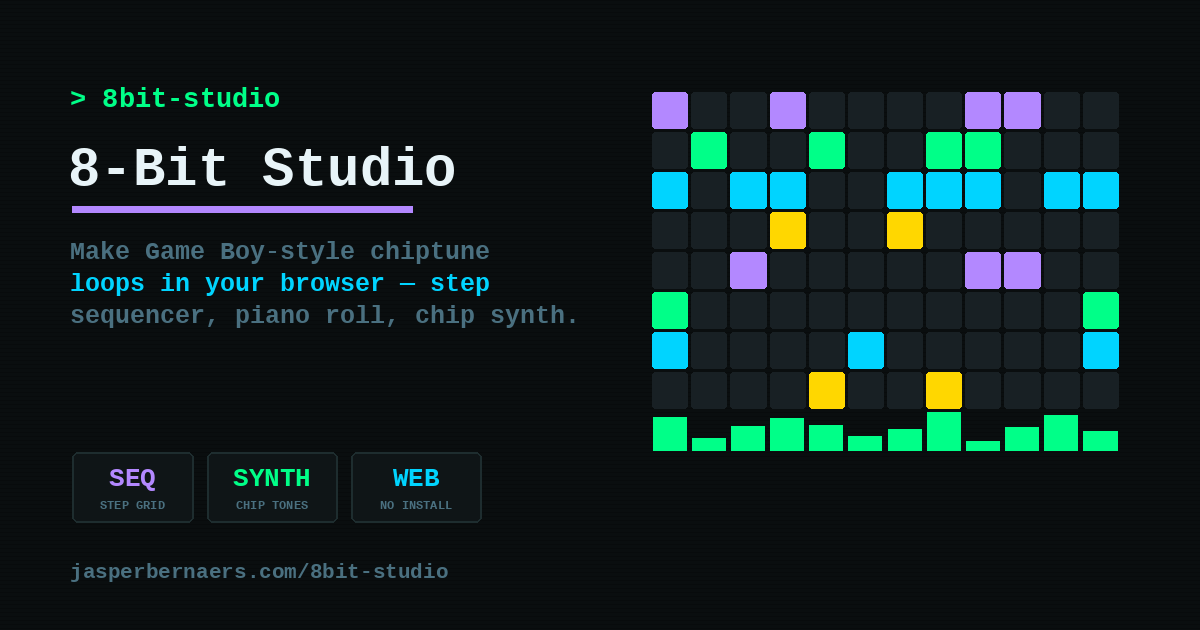
Partly, and improving. The Chord Pad exports MIDI and WAV; Drum Loop Studio and 8-Bit Studio export seamless WAV loops; the Loop Pedal exports WAV. Those files open in the Audio Editor, or in any DAW.
What does not exist is a shared project format across all of them — each tool saves its own state in its own way, typically in a share link or your browser's local storage. If that is something you need, it is a good thing to request below.
Will they work on my phone or tablet?
Yes. The pad-based tools are particularly good on a touchscreen, and several have a fullscreen mode aimed at exactly that.
Two browser quirks, not page bugs: iOS produces no sound until you have tapped the page once, so the first tap on a play button can feel like it did nothing; and microphone permission may need granting each session.
How do I request a new tool or report something broken?
Post at @Jasper_be on X, or email contact@jasperbernaers.com. The buttons above open either one with a draft already written.
The useful shape for a request is: the job you are trying to do, what you use today and what is wrong with it, and any hard limits (no uploads, must work on an iPad, must run offline). Bug reports are just as welcome — several of these were fixed because someone spent two minutes describing what broke.
Who makes these?
Jasper Bernaers, a cloud and AI consultant in Belgium, in evenings and weekends. There is no company and no team. The full catalogue runs well past the music ones, and about me has the rest of the story.