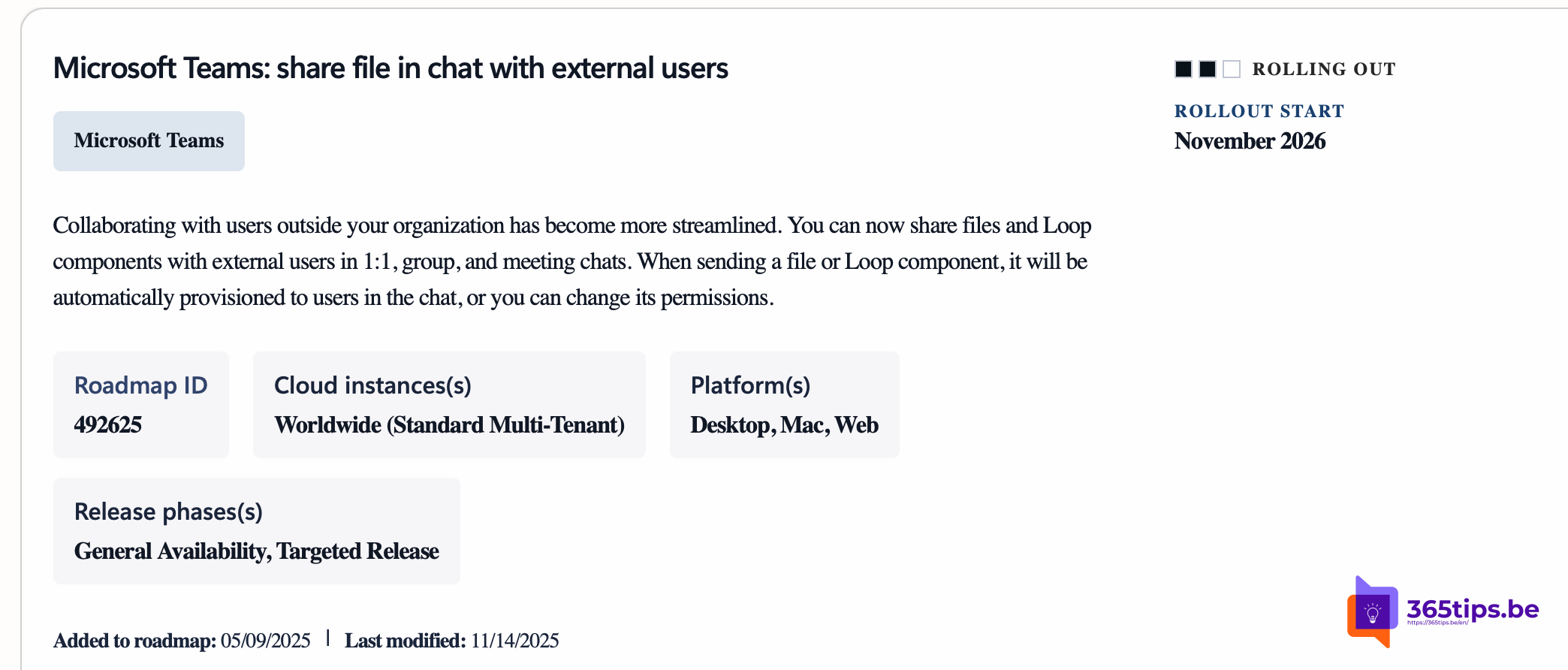
Collaborating with people outside your own organization sometimes felt like working with the handbrake on in Teams. Previously, you often had to fall back on email or shared channels to smoothly share files or interactive elements.
From November 2026 onwards, this process will be significantly more streamlined. Microsoft is rolling out the ability to share files and Loop components directly with external users in 1:1 chats, group conversations and meeting chats.
What exactly is changing?
Until now, sharing a Loop component (such as a live action list or a table) was often limited to internal colleagues. Soon this will work just as smoothly with guests or external partners:
- Automatic access: When you drag a file or Loop component into the chat, Teams arranges the necessary permissions in the background so external participants can access it immediately.
- Flexible permissions: You remain in control. Don’t want everyone to be able to edit? You can manually adjust the permissions before pressing send, just as you’re used to with OneDrive files.
- Available everywhere: Whether you’re in a simple private conversation or in the chat of a large online meeting, the barrier between ‘internal’ and ‘external’ disappears.
Why is this a game changer?
The support for Loop components in particular is a major step forward. Imagine filling in an agenda live together or updating a task list during a meeting with an external supplier. No more back-and-forth emailing of Word documents, but one live version where everyone can contribute input directly.
365tips tip: Do check your governance settings in the SharePoint/OneDrive admin center. The ability to share with external users must be permitted at tenant level for the specific chat environment.
When can you expect this?
The rollout is planned for November 2026. Keep an eye on your Teams updates, as this feature will be automatically activated for users once the rollout reaches your organization.