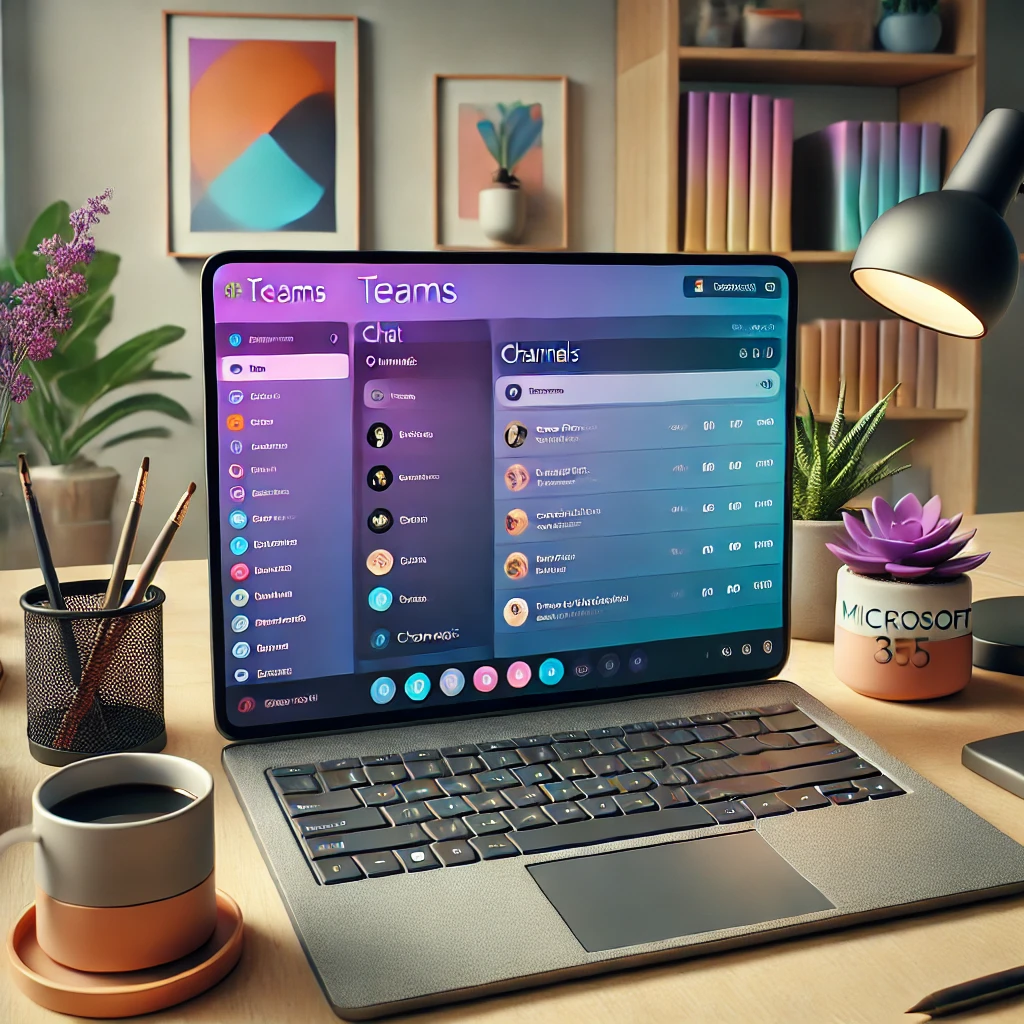
Hey 365Tips readers! Have you heard the news? Microsoft Teams has received a brand-new update that makes collaboration and communication even easier. With the introduction of the improved Chat and Channels experience, Microsoft Teams continues to improve itself to keep everyone effortlessly up to date. Curious about what’s changed? Read on and let us know what you think!
What has changed in Microsoft Teams?
1. Improved navigation
With the new layout, it’s become easier to quickly access chat, channels and other features. The interface has been made cleaner and more organized. This means you spend less time searching and have more time to collaborate effectively.
Do you find the new layout easier to work with? Let us know below!
2. Quick access to relevant information
Teams has adjusted the way messages and notifications are displayed, so you can more quickly access the most important updates and information. Channels now have a more visual appearance and you can better see at a glance where new messages and important discussions are taking place.
Do you use Teams primarily for work, or also for personal projects? Share your experience with us!
3. Optimized chat experience
Chats have also received a refresh. It’s easier to manage private and group conversations, and you can now seamlessly switch between chatting and meetings. You can also more easily find where you left off in a conversation.
Are you more of a ‘chatter’ or a ‘meeting person’ on Teams? Let us know in the comments!
4. Personalization options
Extra options have been added to customize Teams to your own preferences. From colors and themes to notifications – you can now set more things the way you like. This gives you the ability to create a unique workspace experience that better fits your personal.
What would you like to customize further in Teams? Share your suggestions!
Why this update matters to you!
With this update, Microsoft Teams aims to respond to the needs of its users: a user-friendly, personalized workspace that is intuitive for both newcomers and experienced users. We all work in different ways, and the great thing about this update is that the platform responds even more to individual work preferences.
Want to know more about the new features? Test them out and share your opinion with us! Is there a feature you absolutely can’t miss, or are you looking for a specific improvement? Let us know below and let’s discover the new possibilities together.