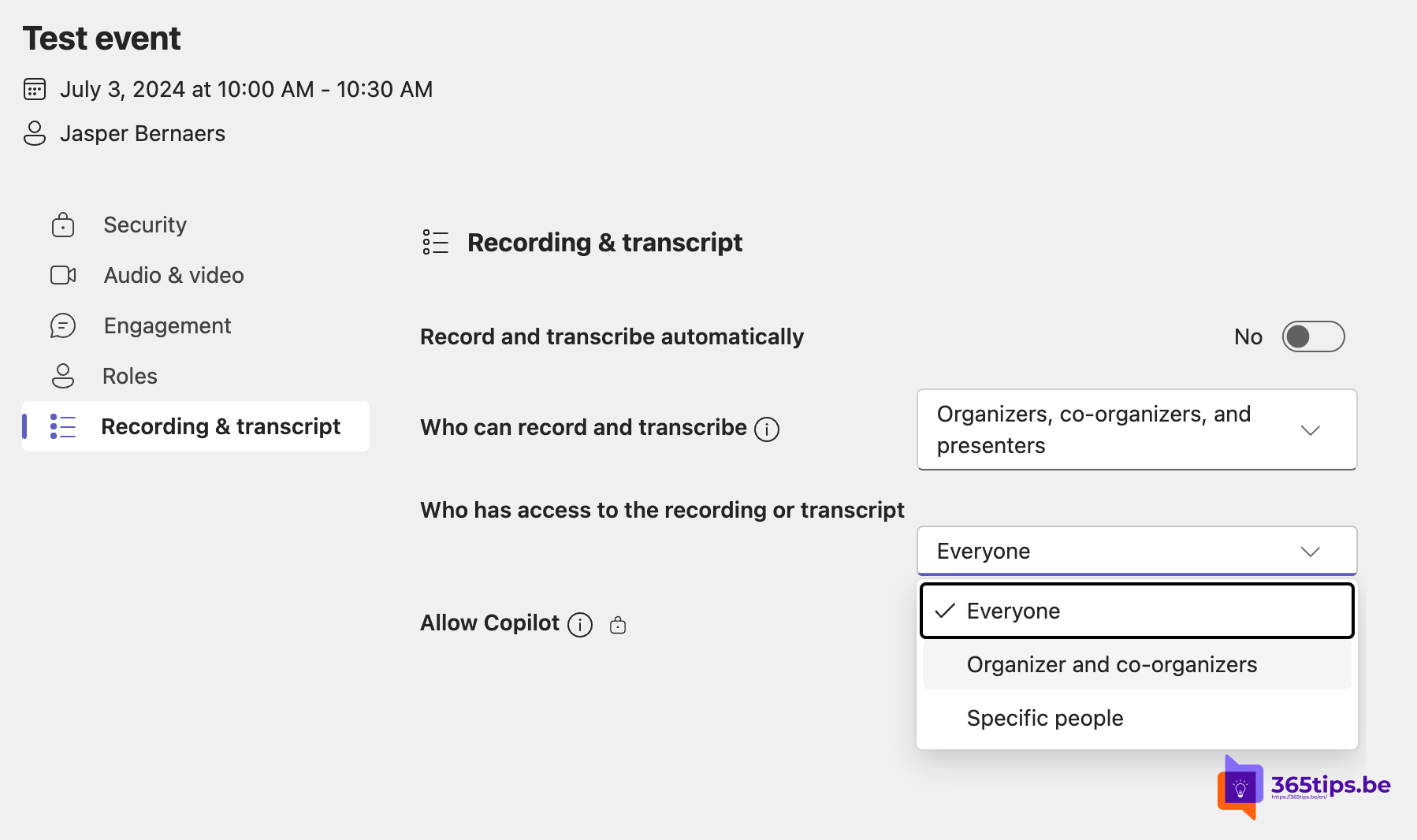
In many long meetings, participants often only need to be present for specific parts to present something or to listen. These meetings may contain sensitive topics, such as HR and budget discussions in the first hour and general topics such as product overviews in the second hour. Previously, there was a risk that recordings, transcripts, AI summaries or Copilot would expose participants to sensitive information outside their own time slot.
Access Control for Recordings and Transcripts in Microsoft Teams:
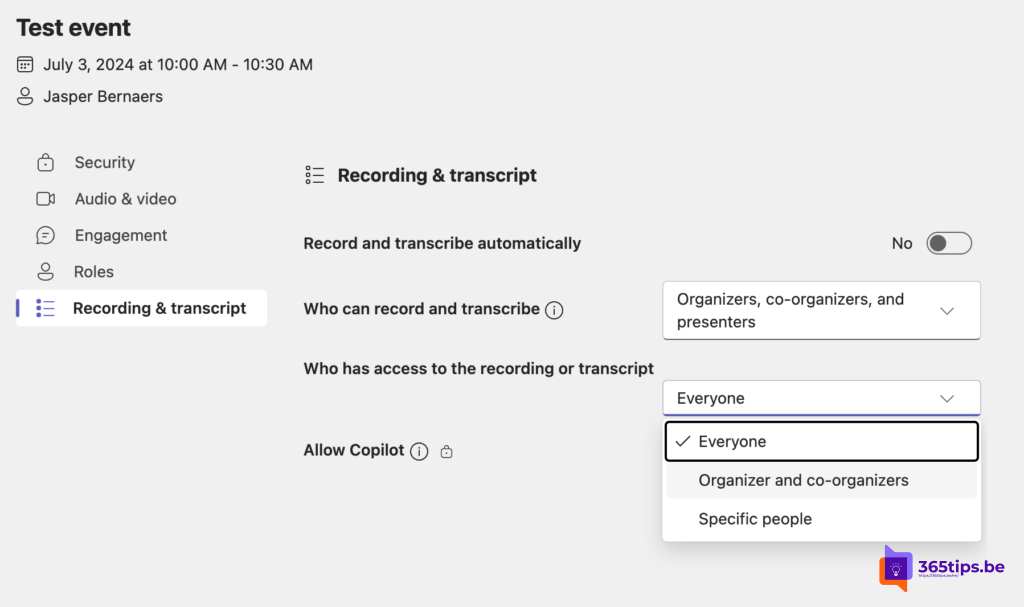
- During and After the Meeting: Organizers can now determine who has access to recordings, transcripts, AI notes in Intelligent Recap and Copilot. This ensures that sensitive information remains private and is only accessible to the people who really need it.
- Restricted Access: Organizers can set it so that only certain participants can view recordings and transcripts. This keeps sensitive information confidential.
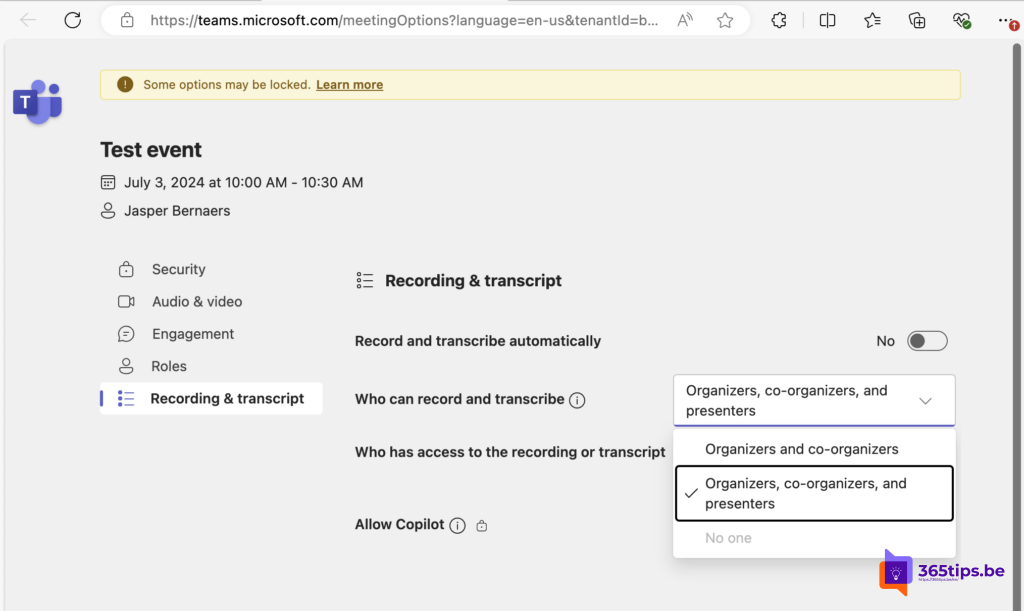
Recording and Transcript Permissions in Microsoft Teams
- Start Control: Organizers can now determine who may start the recording or transcript. They can also set this to “Nobody,” so that no recordings or transcripts are made when confidentiality is required.
- Fully Confidential Meetings: For highly confidential meetings, organizers can ensure that no recordings or transcripts are made or saved.
Availability:
- Copilot License Users: These features are now available to all users with a Copilot license.
- Teams Premium Users: The access control feature will also soon become available to users with a Teams Premium license.
With these new features, we aim to improve the privacy and security of meetings. This way, sensitive information stays within the right circle and confidential data is protected.
More about Copilot
▸Nieuwe Functies in Microsoft Teams: Beheer van Opnames, Transcripties en AIIn veel lange vergaderingen hoeven deelnemers vaak alleen voor specifieke delen aanwezig te zijn om iets te…
▸New in Microsoft 365: Automatically Generate PowerPoint Presentations from a PDF with Microsoft CopilotWe have great news for all Microsoft 365 users! It is now possible to automatically generate PowerPoint…
▸Nieuw bij Microsoft 365: Automatisch PowerPoint Presentaties Genereren vanuit een PDF met Microsoft CopilotWe hebben geweldig nieuws voor alle gebruikers van Microsoft 365! Vanaf nu is het mogelijk om automatisch…
▸How to Use Copilot in Outlook Classic on Windows 11Outlook Classic is a powerful tool for managing emails, calendars and more. With the introduction of Copilot…